

- Monthly visits
- 6,734
- 2026-09
- Monthly growth +57.8%
Surfsky - Managed cloud browsers for automation on protected sites
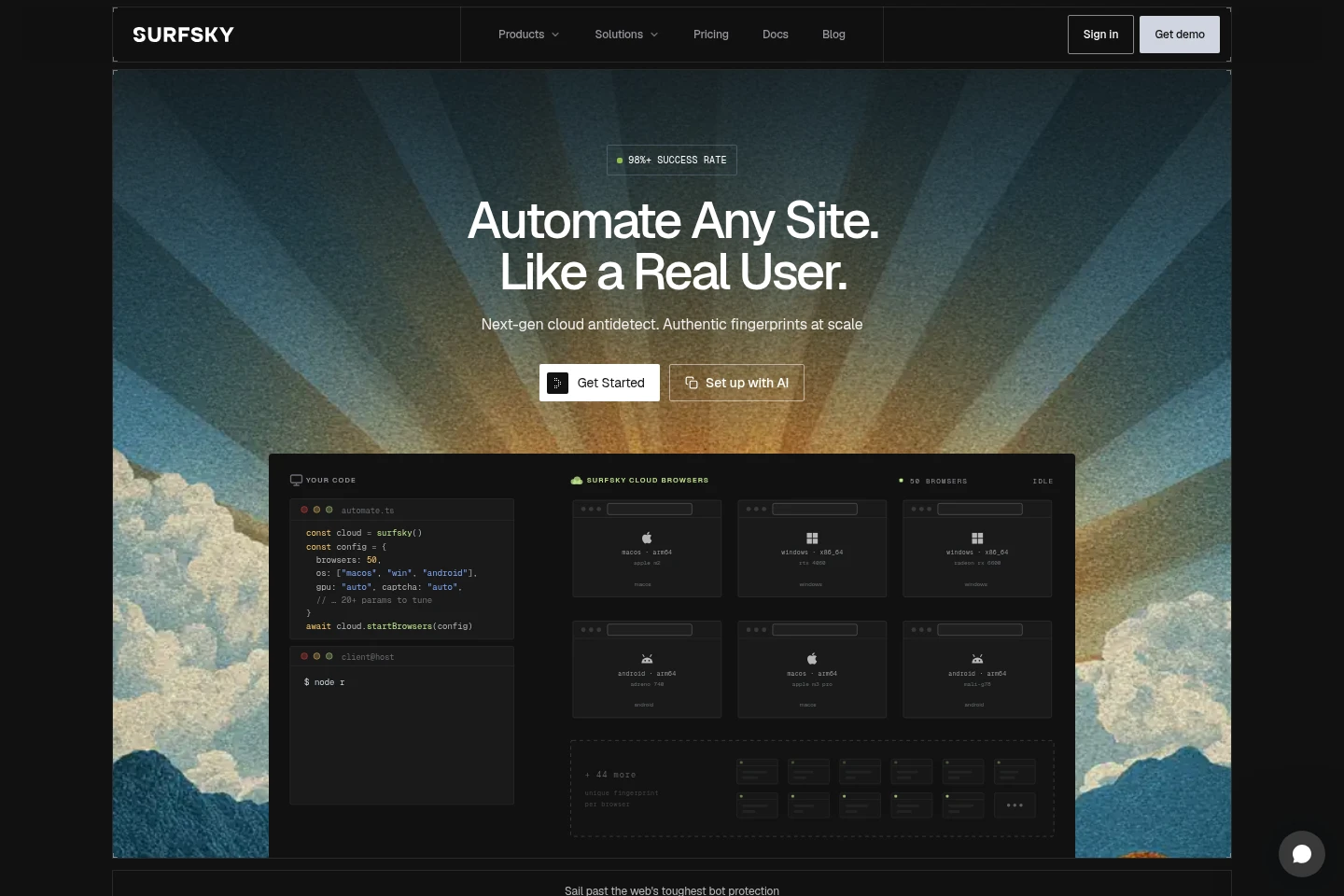
Surfsky provides managed cloud Chrome browsers for web scraping and browser automation. Connect through CDP-compatible tools such as Playwright, Puppeteer, Selenium, and chromedp. Browsers run with device fingerprints, proxy options, CAPTCHA solving, human emulation, and isolated sessions. Plans include pay-as-you-go and monthly subscriptions, with usage credit applied to browser time or premium proxy traffic.
- AI Agents
- Browser Automation
- Web Scraping
- E-commerce
- cloud browser automation
- web scraping browser
- anti-detect browser
Capabilities
Managed cloud browsers
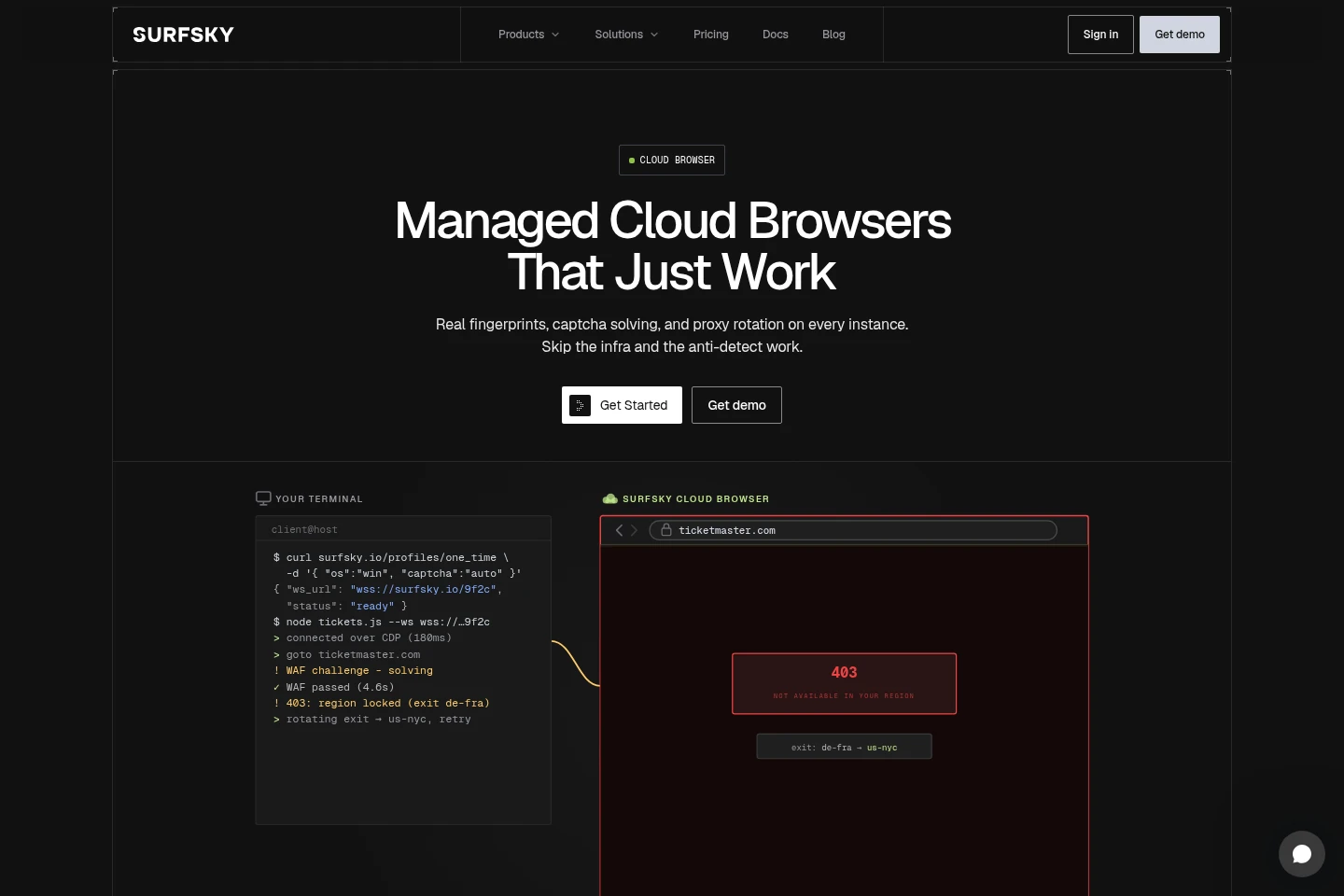
Surfsky runs isolated Chrome browsers in the cloud and returns a CDP WebSocket connection. Connect using compatible browser automation frameworks, with sessions running in parallel.
Device fingerprinting
Browsers use correlated device fingerprint parameters intended to match real devices. Fingerprint settings cover signals such as Canvas, WebGL, audio, fonts, screen, and WebRTC.
CAPTCHA solving
The service detects and solves supported CAPTCHA challenges within a browser session. CAPTCHA solving is included across the listed plans, with solves metered as usage.
Proxy connectivity
Sessions can use Surfsky residential and mobile proxies or customer-supplied proxies. Paid plans include specified shared traffic, while premium proxy traffic is charged per gigabyte.
Human interaction emulation
The browser can synthesize mouse, keyboard, and scroll actions through CDP. The service describes these actions as based on recorded human input data.
Pricing
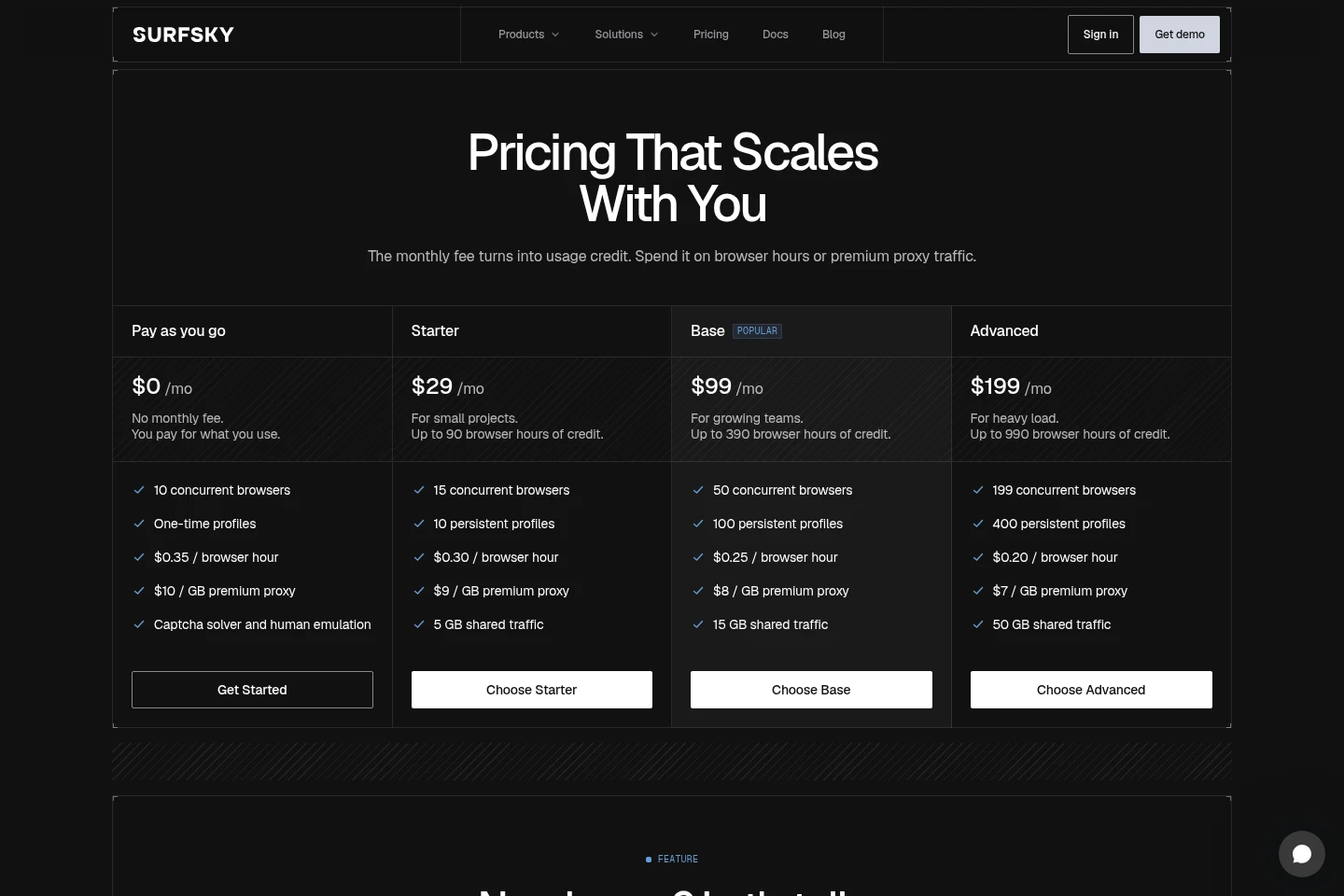
Surfsky offers a no-monthly-fee pay-as-you-go option and monthly subscriptions. Compare browser concurrency, persistent profiles, included shared proxy traffic, usage-credit amounts, and per-hour rates when choosing.
| Plan | Price | Included features and limits |
|---|---|---|
| Pay as you go | $0 per month; pay for usage |
|
| Starter | $29 per month |
|
| Base | $99 per month |
|
| Advanced | $199 per month |
|
| Custom | From $399 per month |
|
Monthly-plan credit renews with each billing renewal and may be used for browser hours or premium proxy traffic. Browser hours are billed by the minute, rounded up. The pricing page does not state an annual-payment option.
Use cases
Scrape websites with bot protection
When a scraping workflow encounters protected or JavaScript-rendered pages, connect an existing automation script to Surfsky browsers. Persistent profiles, parallel sessions, and proxy options can be used to collect page content.
Monitor prices across online stores
When product prices or availability need checking across locations, run browser sessions against selected stores. Surfsky's e-commerce workflow describes repeated checks using residential proxies and persistent profiles.
Submit applications through job sites
When an application process requires interacting with job boards or ATS forms, use browser automation to fill forms and upload resumes or documents. Surfsky lists LinkedIn, Indeed, Greenhouse, and other services as examples.
Give AI agents access to websites
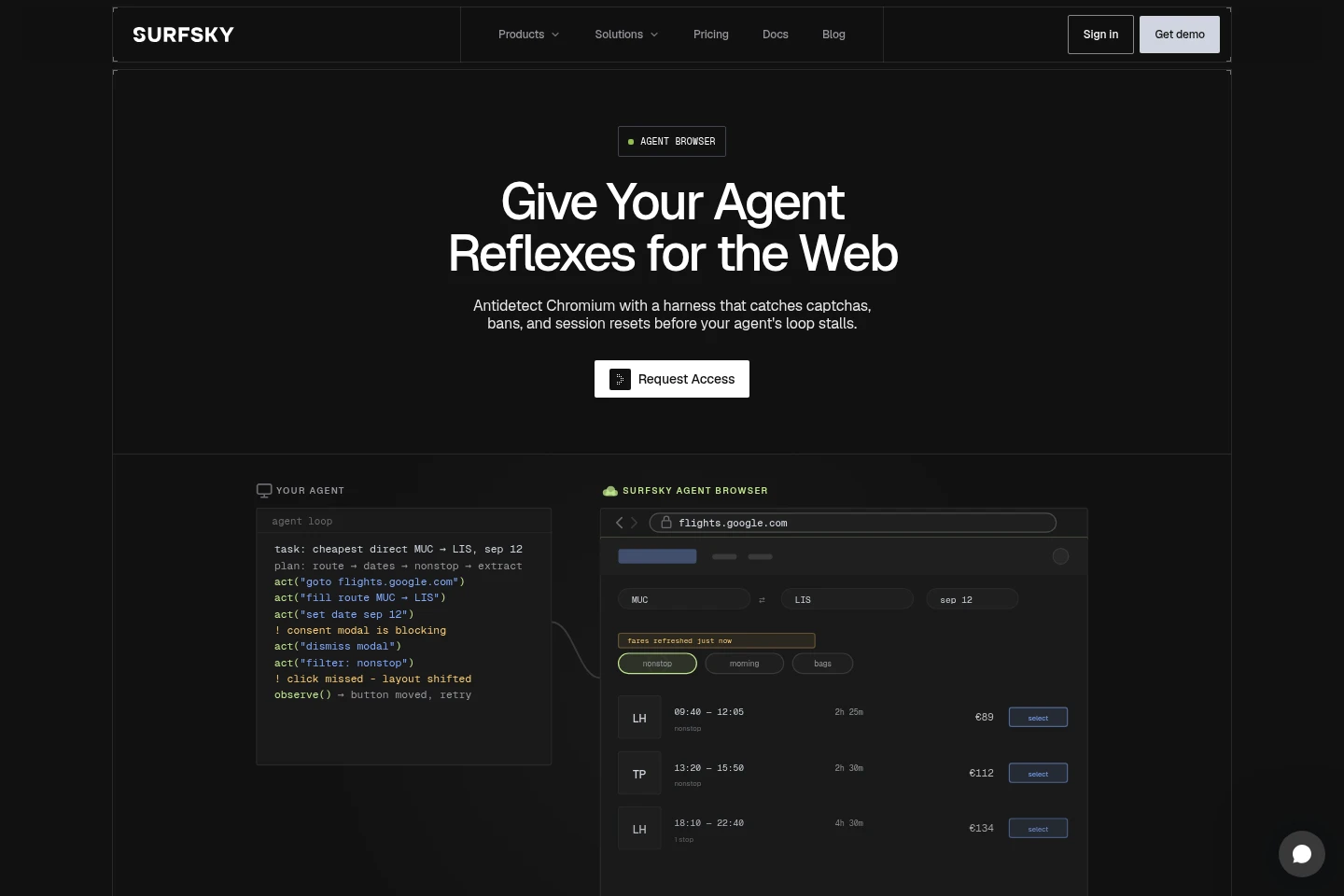
When an AI agent must navigate a website, connect it through supported CDP frameworks and agent tools. Sessions can handle CAPTCHA challenges, retain browser state, and provide structured or page-based outputs.
Limitations
Monthly-plan fees become usage credit for browser hours or premium proxy traffic, rather than an unrestricted flat allowance.
Browser time is billed by the minute, rounded up, at the applicable plan rate; a session ends when closed or timed out.
Shared proxy traffic is limited to the monthly amount listed for each paid plan; additional premium residential or mobile traffic costs $7 to $10 per GB depending on plan.
Custom capacity and Reserved capacity require contacting Surfsky for sizing; Reserved capacity starts at $0.03 per browser hour.
Who it is for
Web scraping engineers running scripts against protected websites
E-commerce teams monitoring product prices and availability across stores
Developers building AI agents that need browser access to websites
FAQ
What does the monthly fee buy?
The monthly fee is added to the account as usage credit. It can be spent on browser hours or premium proxy traffic at the plan's rates, and new credit arrives with each renewal.
How is browser time billed?
Browser time is billed by the minute, rounded up, at the plan's hourly rate. A session runs until it is closed or times out, with no stated maximum session duration.
Are proxies included in the price?
Paid plans include monthly shared traffic: 5 GB on Starter, 15 GB on Base, and 50 GB on Advanced. Premium residential and mobile traffic costs $7 to $10 per GB depending on plan and is deducted from the same credit; customers can also bring their own proxies.
Is CAPTCHA solving included?
Yes. CAPTCHA solving is included on every plan, including Pay as you go. Solves run inside the session and are metered as usage.
When does Reserved capacity make sense?
Reserved capacity is intended for browsers running continuously. It provides a dedicated fleet from $0.03 per browser hour and supports up to 1,200 or more persistent profiles; contact Surfsky to size the capacity.
Comments