

- Monthly visits
- 0
- 2026-09
- Monthly growth -100%
Study Path Agent - Generate structured learning paths with AI
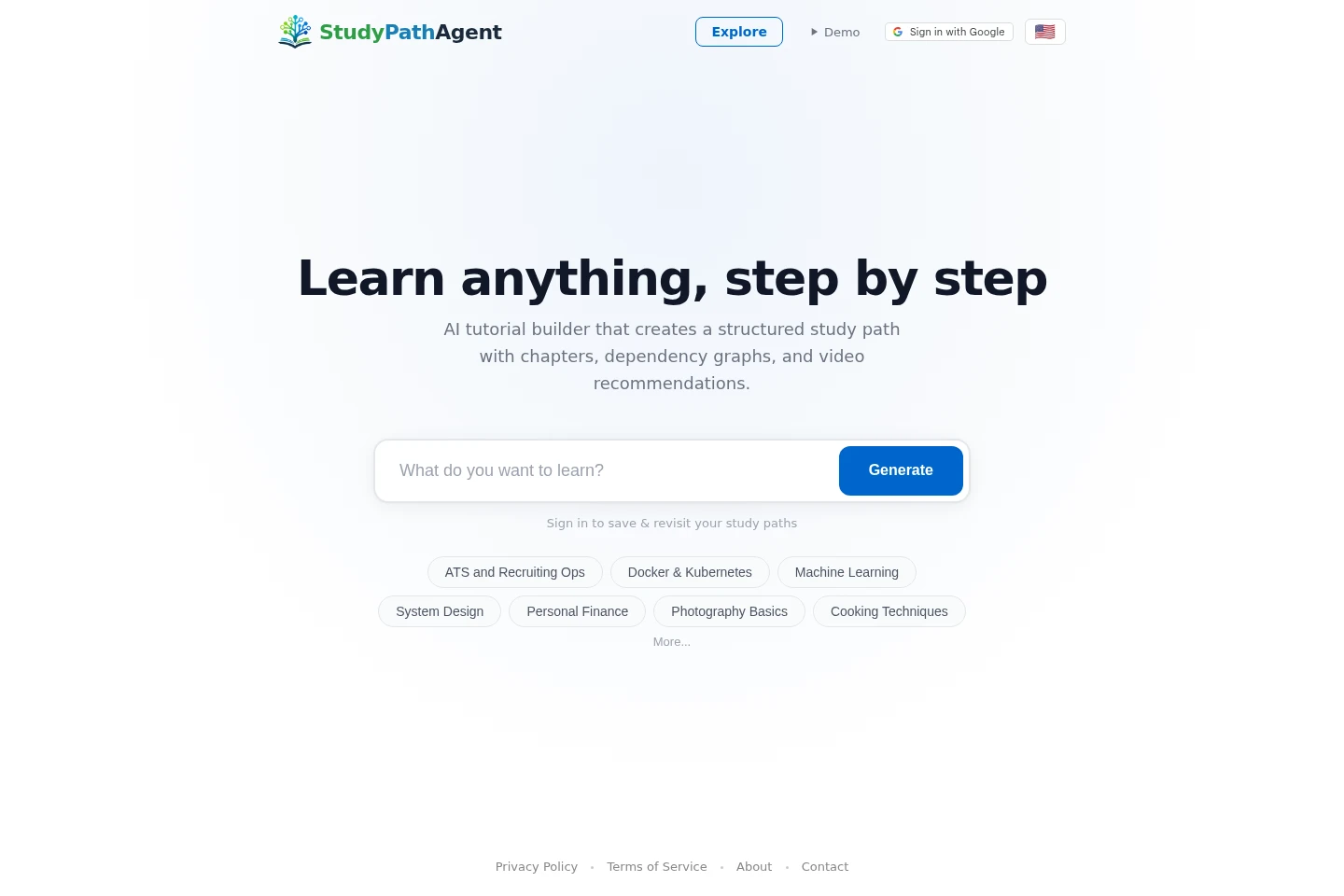
Study Path Agent generates structured study paths for topics you want to learn. Each path can include chapters, a graph showing topic dependencies, and YouTube recommendations. You can explore example paths, generate a path, and sign in to save and revisit your study paths. The interface is available in eight listed languages.
- AI Education
- Lesson Planners
- Diagram Generators
- Homework Helpers
- AI study path generator
- learning path builder
- study plan graph
Capabilities
AI learning path generation
Generates a structured study path for a topic and presents it as a learning plan. The user enters a topic and selects Generate; the resulting path can include chapters.
Study plan dependency graph
Displays a graph of dependencies between topics in a study plan. It helps show how the topics relate; the homepage presents the graph as part of the generated study-path experience.
YouTube recommendations
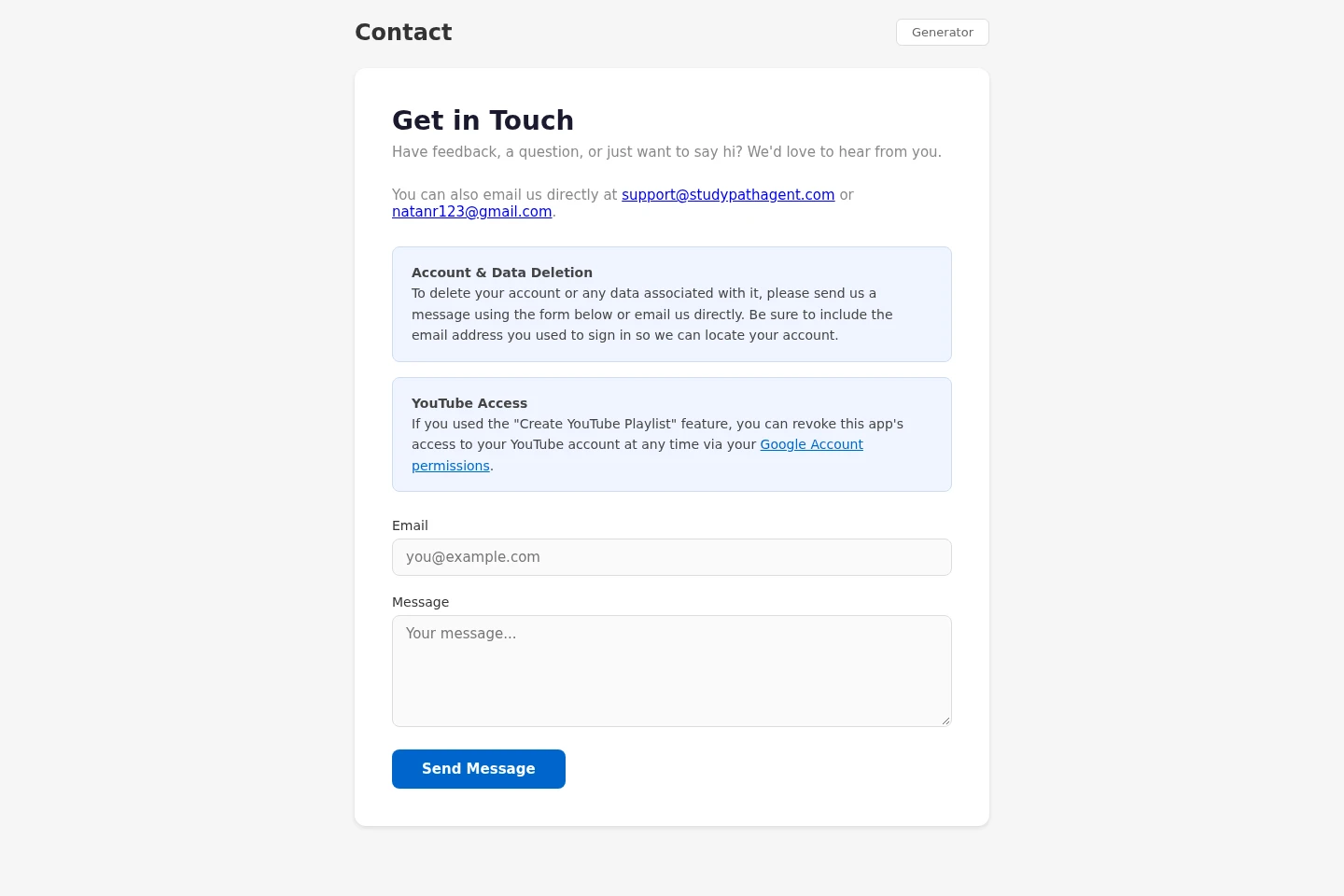
Provides YouTube recommendations alongside a learning path. The homepage also refers to a Create YouTube Playlist feature; users can revoke the app's access to their YouTube account through Google Account permissions.
Pricing
Pricing and billing details are not stated on the supplied pages, so plan prices, quotas, and payment conditions cannot be compared.
Use cases
Create a study plan for a topic
When you want to learn a topic step by step, enter it and select Generate to create a structured study path. The resulting plan can include chapters and a dependency graph that shows relationships among topics.
Find videos related to a learning path
When you want video recommendations as part of studying a topic, use the learning path's YouTube recommendations. The homepage also names a Create YouTube Playlist feature, and account access can be revoked through Google Account permissions.
Save and revisit study paths
When you want to return to a generated study path later, sign in to save and revisit your paths. The homepage specifically offers Google sign-in and notes that signing in is needed to save and revisit paths.
Limitations
Saving and revisiting study paths requires signing in; the homepage offers Google sign-in.
Who it is for
Self-directed learners who want a structured plan for studying a topic
Learners who want YouTube recommendations alongside a study path
FAQ
What does Study Path Agent generate?
It generates a structured study path for a topic. A path can include chapters, a dependency graph, and YouTube recommendations.
Do I need to sign in to save a study path?
Yes. The homepage says to sign in to save and revisit study paths and offers Google sign-in.
How can I revoke YouTube account access?
Revoke the app's access through Google Account permissions. The contact page gives this option to users who used the Create YouTube Playlist feature.
Comments