
- Monthly visits
- 10,129
- 2026-09
- Monthly growth -0.7%
SrefHunt - Find and share Midjourney prompts and SREF codes
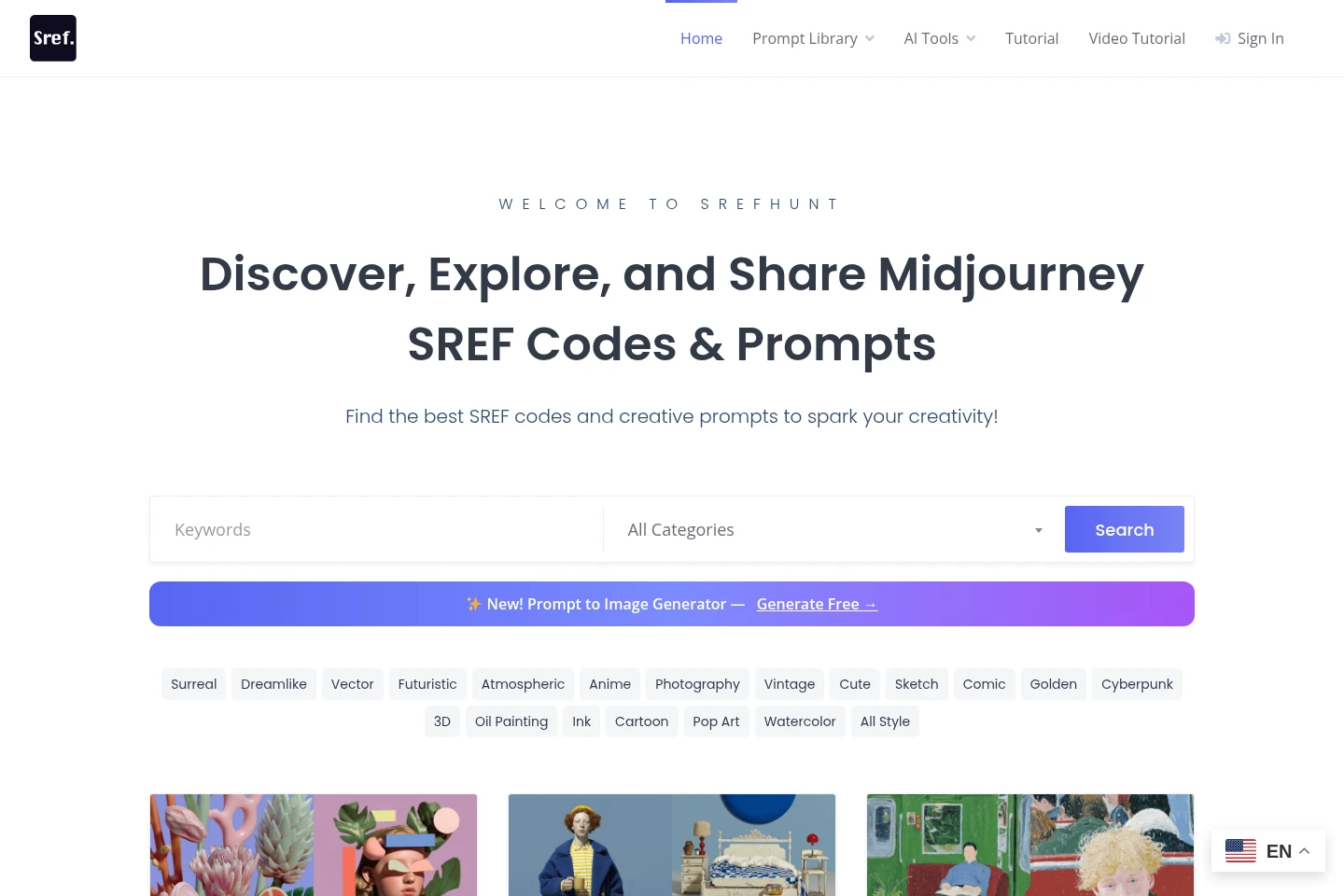
SrefHunt is a browsable library and community for Midjourney style reference codes and AI image prompts. Users can search categorized listings, explore styles, save SREF codes into personal collections, and submit their own codes. The site also provides a free image-to-prompt tool that analyzes an uploaded image and returns a text prompt.
- AI Productivity
- Prompt Generators
- Prompt Management
- Midjourney SREF codes
- AI image prompt library
- image to prompt generator
Capabilities
Searchable prompt library
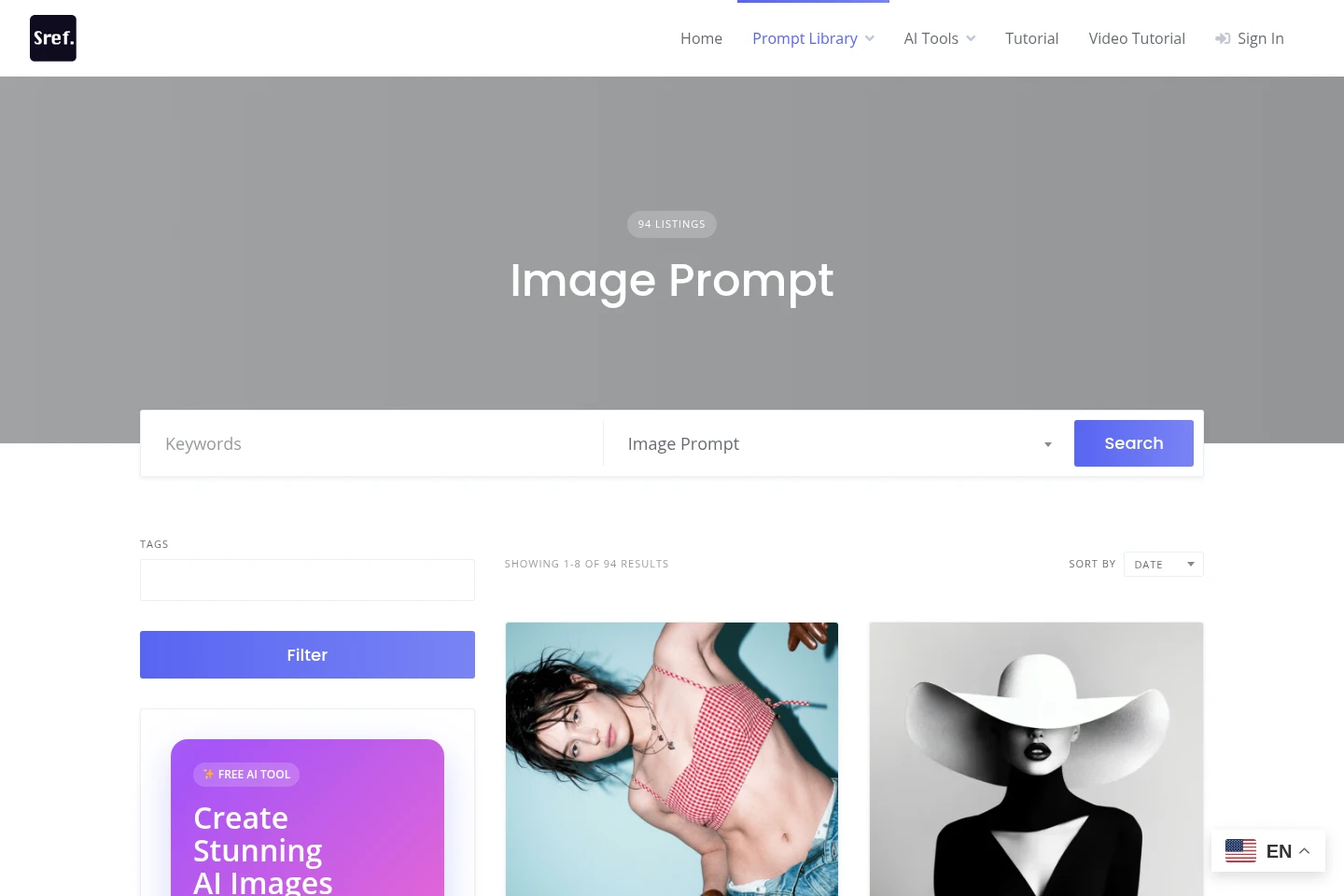
Browse and search categorized AI image prompts and SREF code listings. Listings include creative examples and style tags, with categories for Midjourney Prompt, Nano Banana Prompt, and SREF Code.
Personal SREF collections
Save favorite SREF codes and organize them into personal collections. The library also lets members submit SREF codes to share with the community.
Image-to-prompt generation
Upload an image and receive a text prompt describing visible content. The tool analyzes images such as photos, drawings, and designs; the site says clearer images can produce more accurate prompts.
Pricing
The Image to Prompt tool is described as free to use, with no sign-up or hidden charges. The supplied pages do not present paid plans or subscription billing to compare.
Use cases
Find image prompt and style inspiration
When planning an AI-generated image, search or browse categorized prompts, styles, and SREF code listings. Use the examples and tags to discover a prompt or style reference to explore.
Save and share SREF codes
When collecting Midjourney style references, save favorite SREF codes into personal collections and submit codes to share with other community members.
Turn an image into a text prompt
When starting from an existing photo, drawing, or design, upload it to the Image to Prompt tool. It analyzes visible content and returns a detailed text description that can be used as a creative prompt.
Limitations
The image-to-prompt tool accepts image uploads and returns a description of visible content; the page does not specify supported file formats or upload-size limits.
Who it is for
Midjourney users looking for style reference codes and image prompt examples
AI image creators who want to browse categorized prompt examples or convert images into text prompts
Community members who want to save, organize, or submit Midjourney SREF codes
FAQ
Is the Image to Prompt tool free to use?
Yes. The Image to Prompt page describes the tool as free, with no sign-up or hidden charges; upload an image to receive a text prompt.
How does Image to Prompt create a prompt?
It uses AI models to analyze visible content in an uploaded image and generate a detailed text description. The page says the result is returned within seconds.
What kinds of images can I upload?
The page says photos, drawings, and designs are accepted, including landscapes, portraits, objects, and abstract images. It notes that clearer images can produce more accurate prompts.
Can I save or share SREF codes?
Yes. SrefHunt says users can save favorite SREF codes into personal collections and submit their own codes to share with the community.
What can I do with a generated prompt?
The page suggests using generated prompts for writing inspiration, content creation, artwork, or brainstorming. It provides a text description based on what is visible in the uploaded image.
Comments