

- Monthly visits
- 529
- 2026-09
Skills - Discover, share, and install reusable AI agent skills
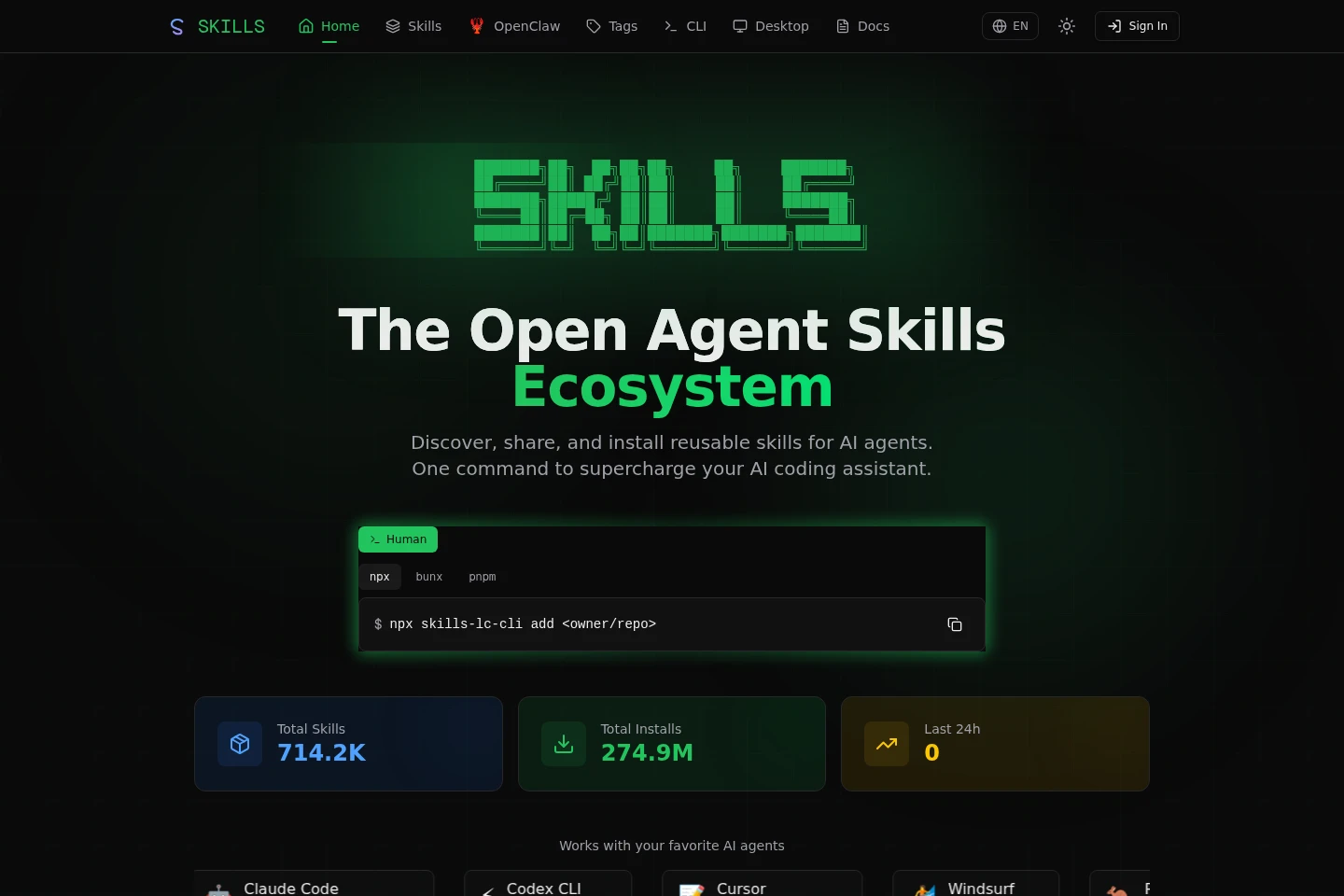
Skills is an online catalog and toolkit for reusable instruction sets that extend AI coding agents. Browse and filter skills on the website, then install them with the CLI or Skills Desktop. The CLI also searches repositories and manages installed skills, while Desktop imports, scans, and manages skills locally.
- AI Coding
- Coding Assistants
- Security Scanners
- AI agent skills catalog
- coding agent skill installer
- Skills CLI
Capabilities
Browse the skills catalog
The website displays a searchable catalog of reusable skills and leaderboard listings. Visitors can browse categories such as trending and recently added skills, open skill listings, and follow links to skills and their repositories.
Install and manage skills with CLI
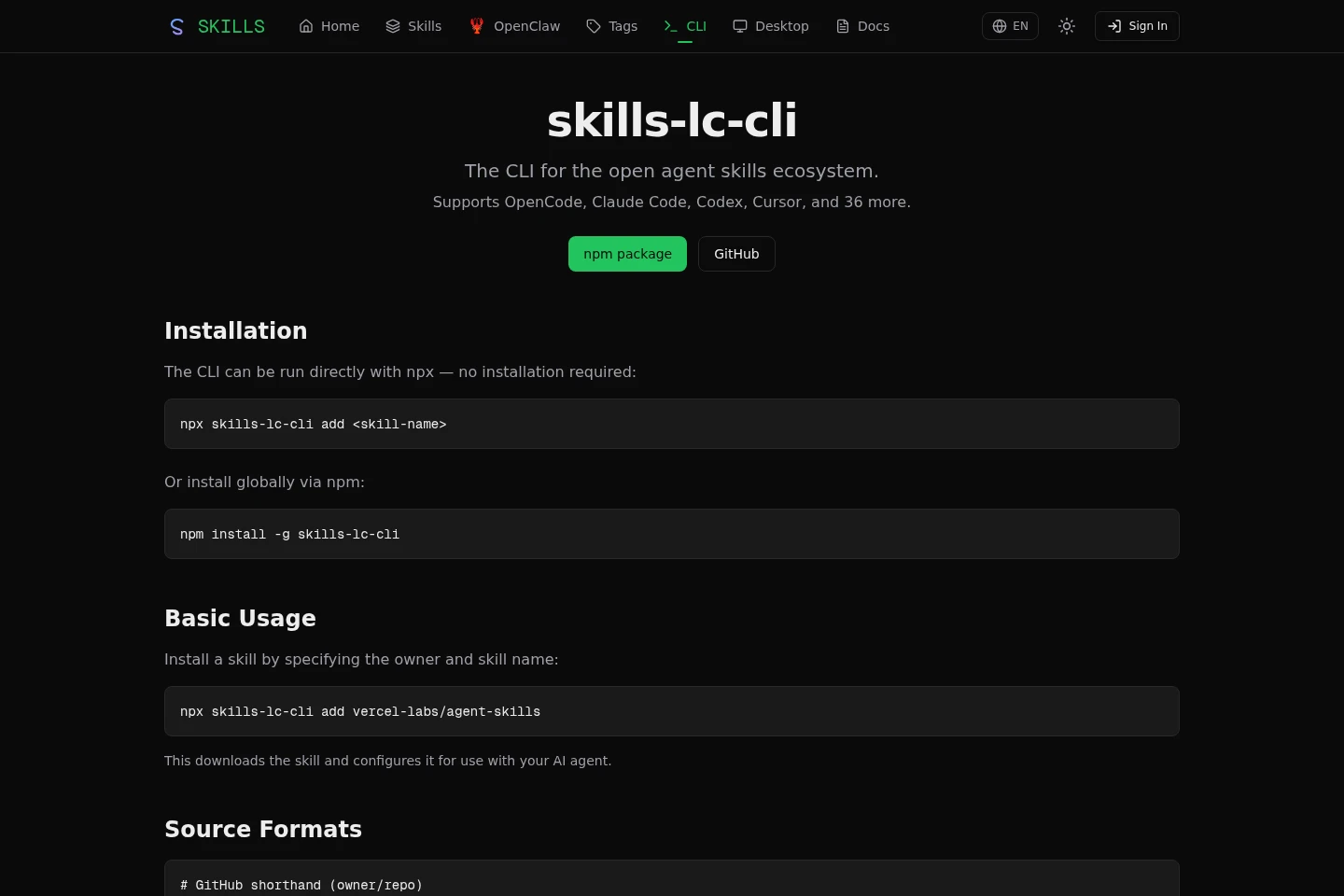
The CLI installs, lists, searches, updates, and removes skills for supported AI agents. It accepts repository shorthand, Git URLs, repository paths, or local paths, and can target project or global locations and selected agents.
Manage skills in Desktop
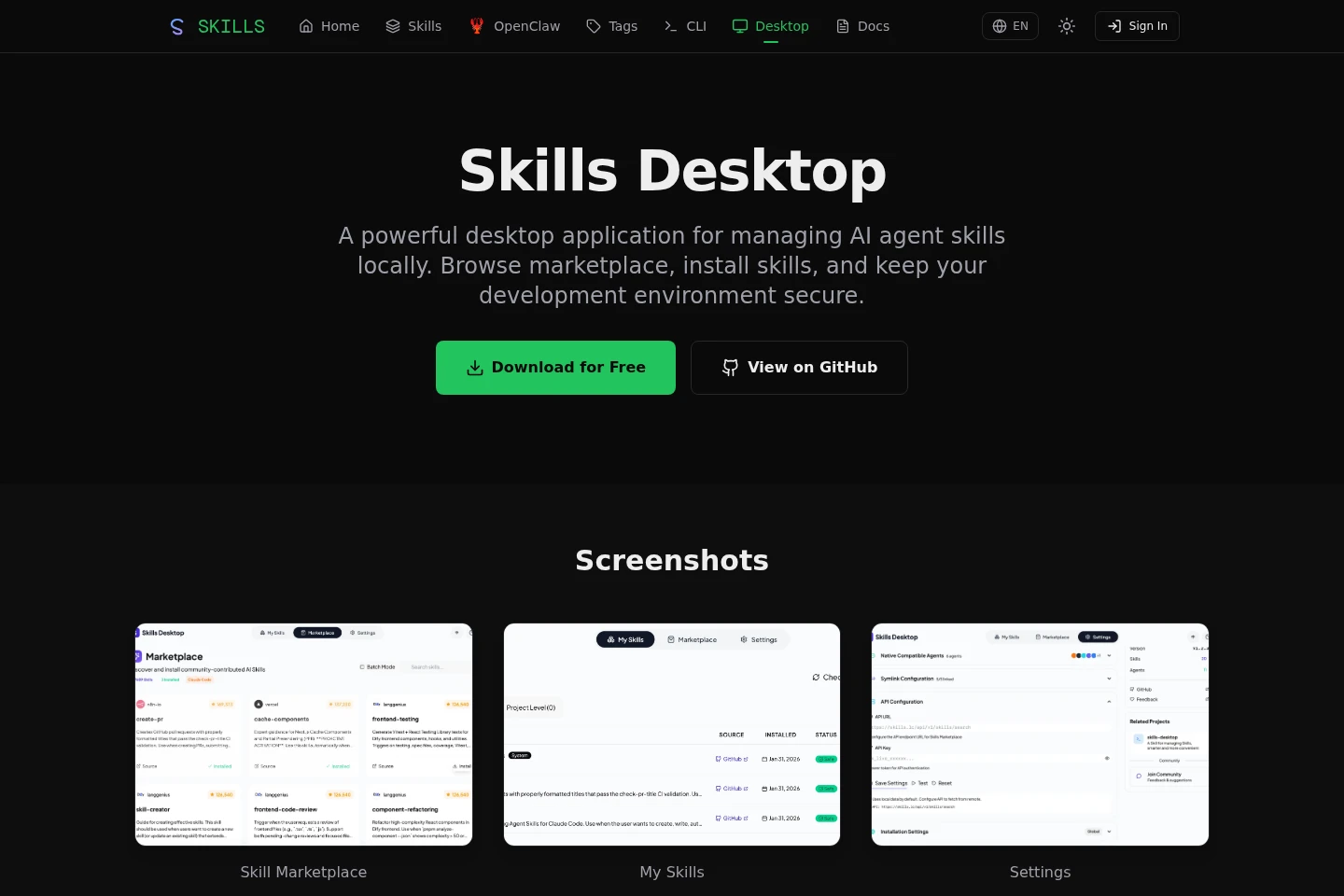
Skills Desktop browses, searches, filters, imports, installs, and scans skills on a local computer. It imports from GitHub repositories or local folders, flags suspicious code patterns, and provides security scoring and recommendations.
Pricing
The supplied pages list no paid plans or plan-based billing. Skills is described as free to use for personal and commercial projects; compare the CLI and Desktop workflows to choose how to manage skills.
Use cases
Find a reusable skill for an agent
When looking for a skill to extend an AI agent, browse the website catalog or use the CLI's interactive or keyword search. Catalog listings and repository search help locate skills to inspect before installing.
Install and update agent skills
When adding reusable instructions to an AI agent, use the CLI to install from a repository or local path and choose agents and project or global scope. List, check, update, or remove installed skills with its management commands.
Review locally managed skills
When managing skills on a desktop computer, use Skills Desktop to import or browse skills, inspect installed skill details, and scan for security risks. The app flags suspicious code patterns and gives security scores and recommendations.
Limitations
Skills Desktop's stated cross-platform support covers Windows and macOS; other desktop operating systems are not listed on its page.
The website FAQ describes skill submissions as SKILL.md files in a GitHub repository submitted through the platform.
Who it is for
AI coding-agent users who need reusable task instructions
Skill authors who want to submit and share SKILL.md files
Developers managing agent skills across projects and local environments
FAQ
How can I submit a skill to the platform?
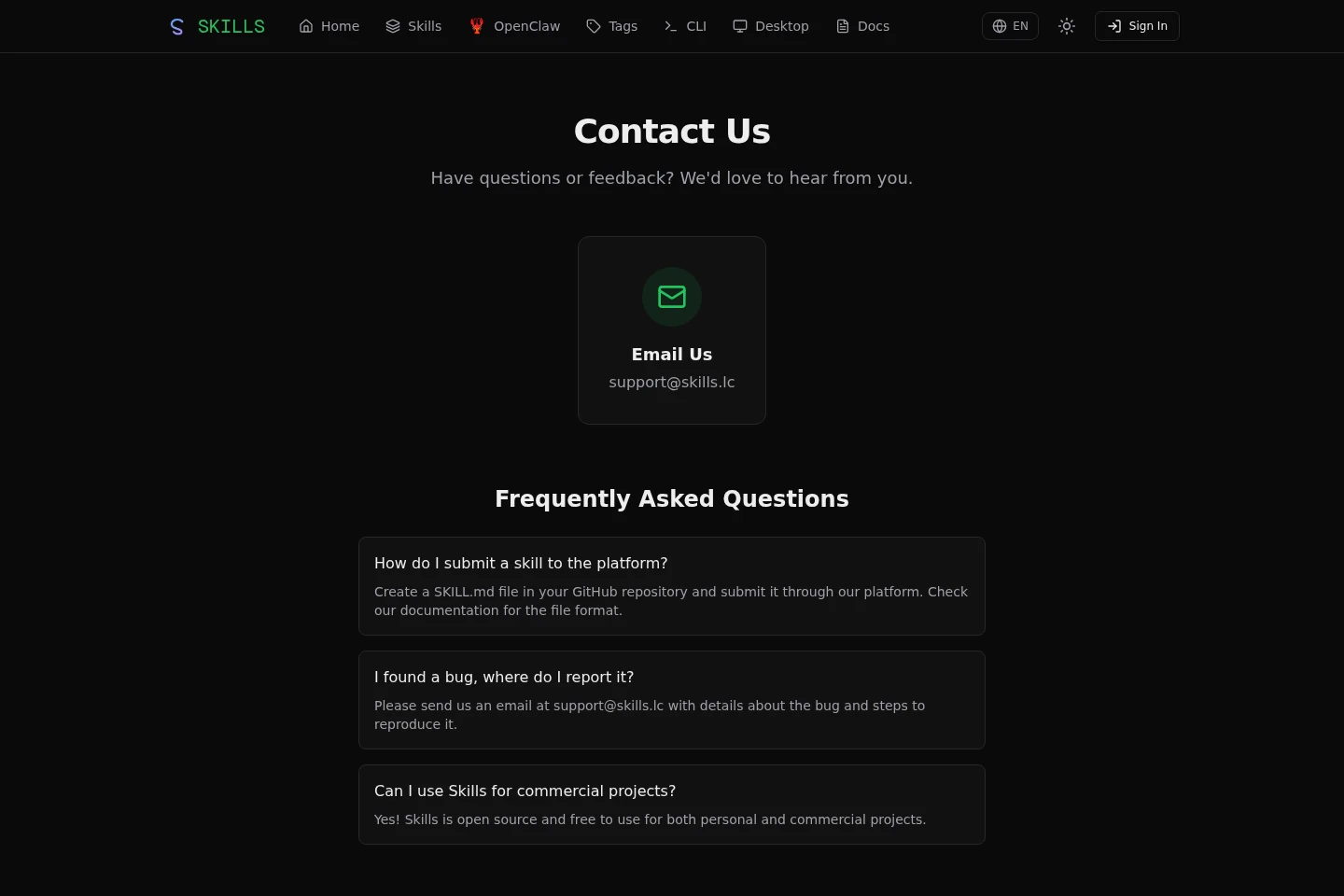
Create a SKILL.md file in a GitHub repository and submit it through the platform. The contact page recommends checking the documentation for the required file format.
Where should I report a bug?
Email [email protected] with details about the bug and steps to reproduce it.
Can I use Skills for commercial projects?
Yes. The contact page says Skills is open source and free to use for personal and commercial projects.
Which agents work with the CLI?
The CLI page names OpenCode, Claude Code, Codex, Cursor, and 36 more. Its examples also show selecting agents for installation.
Comments