

- Monthly visits
- 2,983
- 2026-09
- Monthly growth +440.4%
SkillCopilotAI - Real-time AI guidance for live job interviews
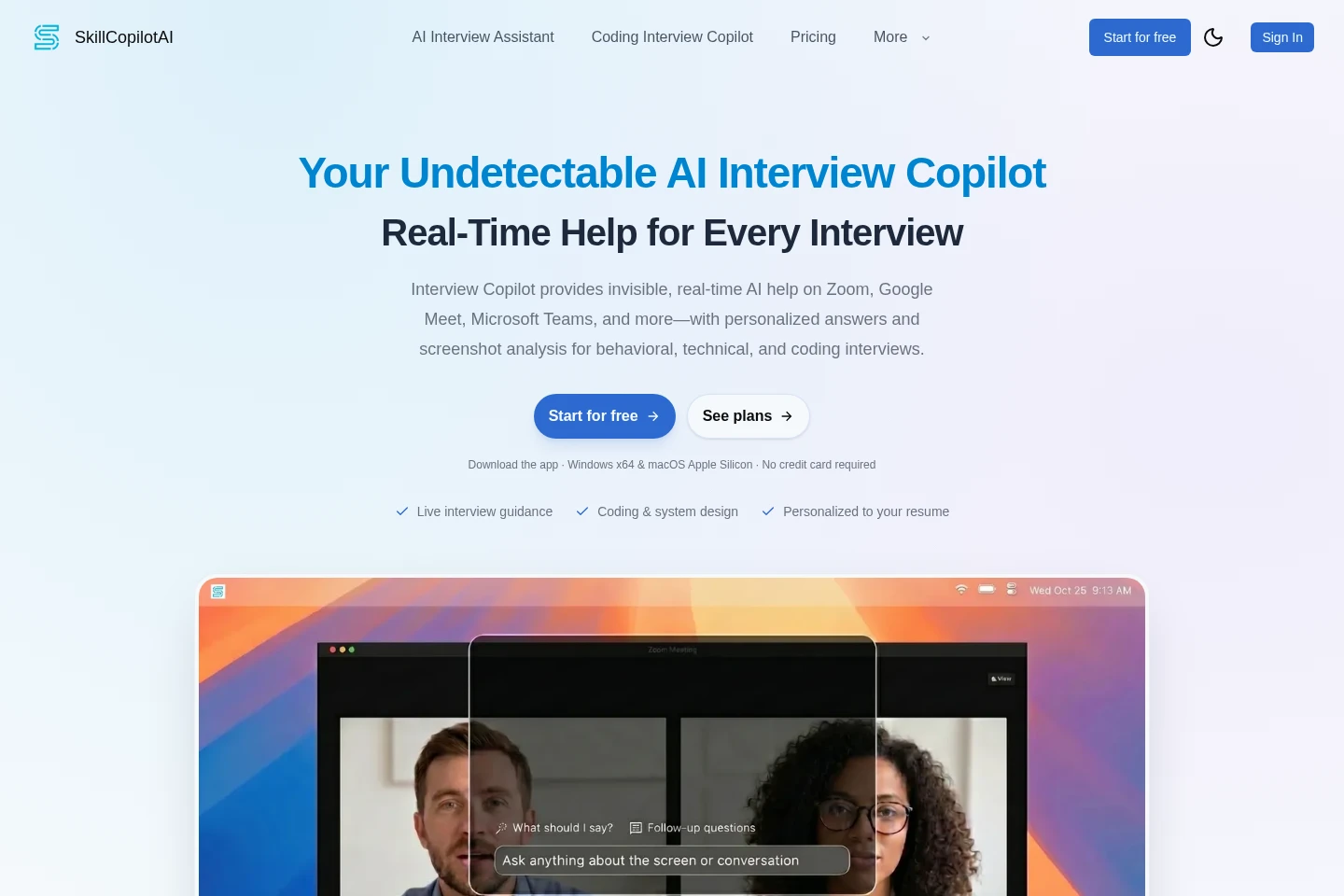
SkillCopilotAI is a desktop interview assistant that listens to live interview questions and uses your resume, target role, company, and interview context to suggest answer outlines. It supports behavioral, technical, coding, and system-design interviews, including screenshot analysis and a mobile-browser companion for viewing answers and sending questions.
- AI Career
- Interview Copilots
- Coding Assistants
- AI interview assistant
- real-time interview copilot
- coding interview help
Capabilities
Live answer guidance
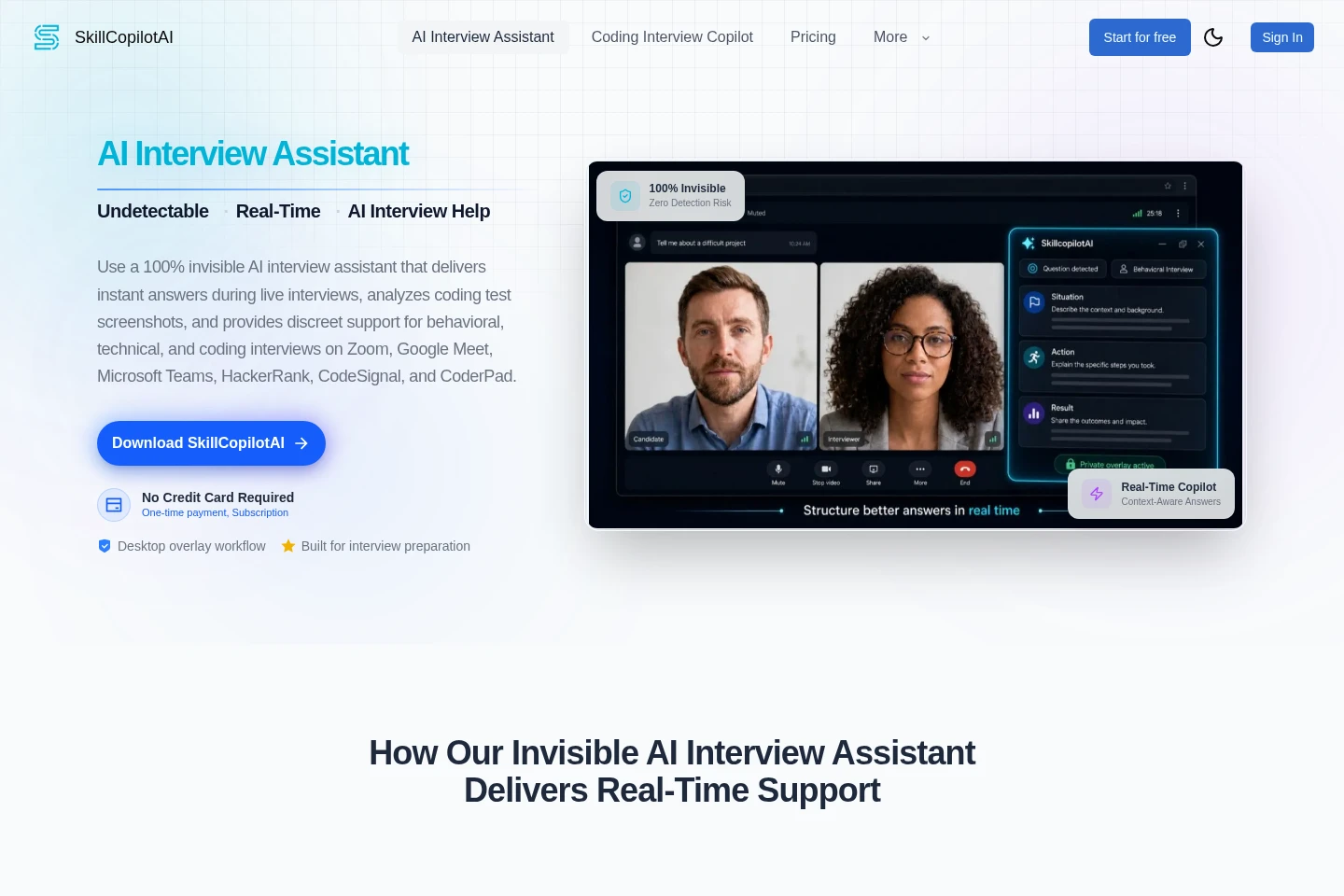
Captures live interview questions and produces concise answer outlines in a desktop overlay. It can use your resume, target role, company, and interview context to personalize guidance during supported workflows.
Coding interview assistance
Provides AI help for coding interview questions, including debugging, algorithms, implementation details, and explaining an approach. The desktop assistant is presented for supported coding platforms such as HackerRank, CodeSignal, and CoderPad.
Screenshot analysis
Analyzes desktop screenshots to provide interview or coding-test guidance. Screenshots can be requested from the mobile companion only after remote screenshots are allowed in the desktop app, and captures follow desktop settings.
Mobile session mirror
Displays live AI answers and lets you send questions to the current AI model from a phone browser. It shares the desktop session and can request desktop screenshots when the desktop app permits them.
Pricing
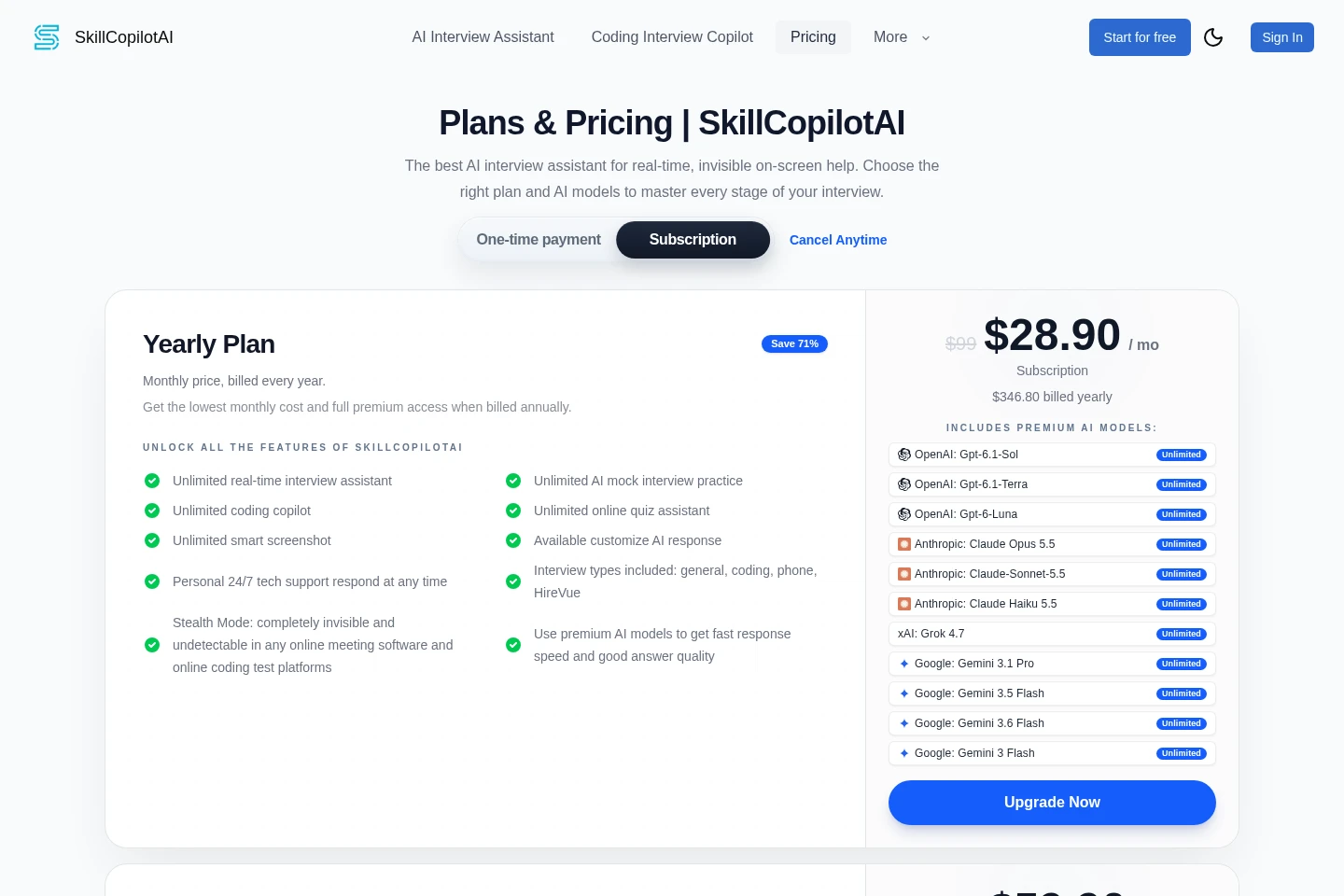
Paid subscriptions are billed monthly, quarterly, or yearly, and the Free Trial is a one-time $0.00 offer. Compare billing period, AI model access, and trial duration when choosing; the annual and quarterly prices are billed for their full stated periods.
| Plan | Price | Included features and limits |
|---|---|---|
| Yearly Plan | $28.90/mo; $346.80 billed yearly |
|
| Quarterly Plan | $59.90/mo; $179.70 billed every 3 months |
|
| Monthly Plan | $89.90 billed monthly |
|
| Free Trial | $0.00 one-time payment |
|
First-time Quarterly Plan and Yearly Plan buyers can request a full refund within 3 days by email. Monthly Plan purchases are non-refundable. The Free Trial requires downloading the app and signing in to authorize access.
Use cases
Shape answers during a live interview
When a live behavioral or technical interview question needs a structured response, the assistant captures the question and connects it with resume, role, company, and interview context. It returns an outline in the desktop overlay for the candidate to use.
Get guidance during a coding interview
When a coding interview involves an algorithm, debugging, or implementation question, the desktop assistant provides AI guidance and can analyze screenshots. It is described for supported platforms including HackerRank, CodeSignal, and CoderPad.
Follow interview guidance on a phone
When the desktop session is running, a candidate can open its mobile-browser companion to view new answers or send a question to the current AI model. Remote desktop screenshots are available only when allowed in the desktop app.
Limitations
The mobile companion requires an active desktop session and runs in a mobile browser; the pages do not describe a separately installable mobile app.
Remote screenshots from the phone are available only after remote screenshots are allowed in the desktop app, and captures follow the desktop settings.
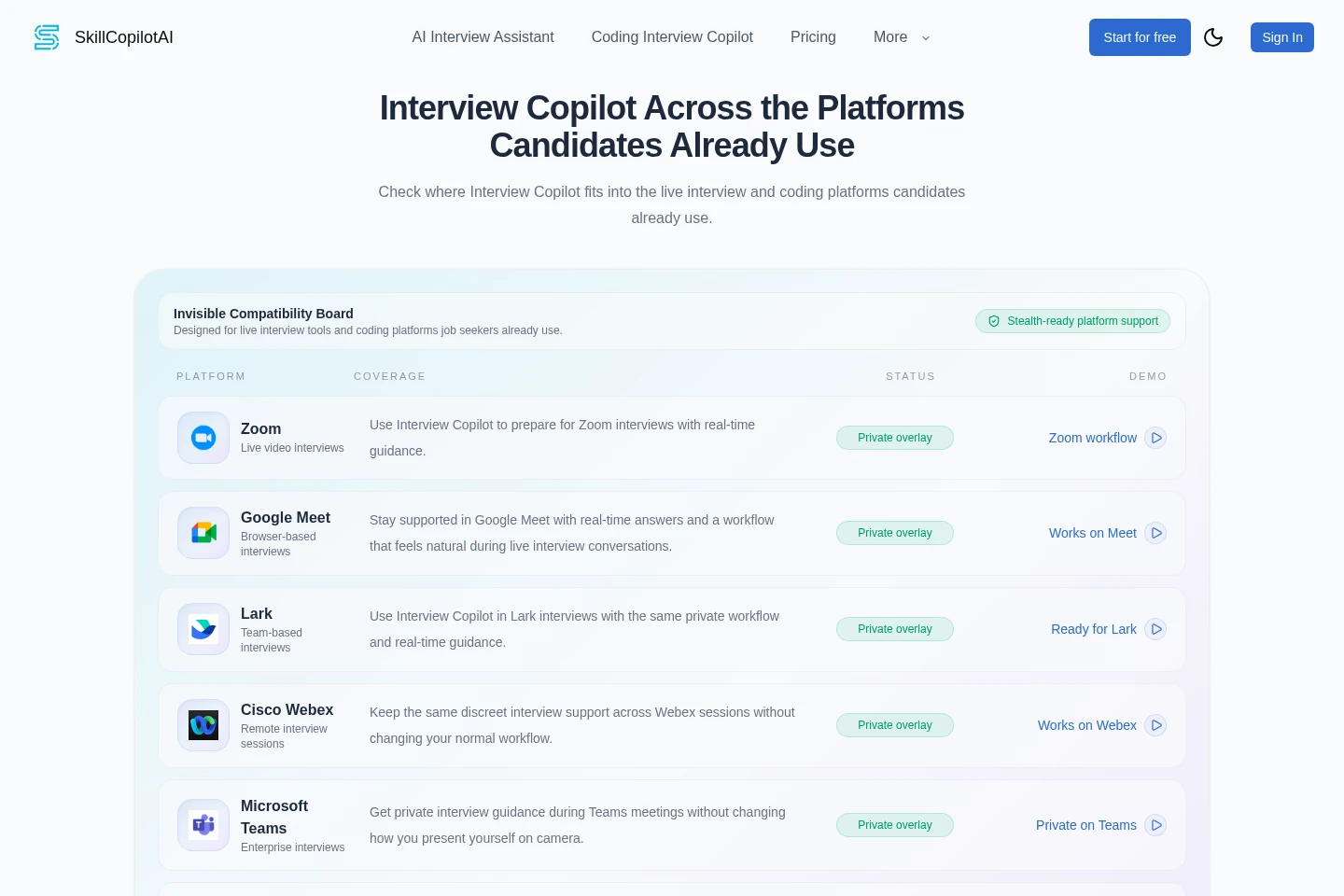
The described discreet overlay and platform compatibility apply to supported screen-sharing workflows and named interview or coding platforms, not every possible platform.
Who it is for
Job seekers preparing for behavioral, technical, and coding interviews
Candidates who want AI guidance during live coding assessments
FAQ
How long does the Free Trial last?
The Free Trial lasts 30 minutes. Its listed features include interview assistance, mock interviews, coding assistance, online quiz assistance, smart screenshots, and an interview report, each with trial limits shown as 30 minutes in the comparison table.
How does the money-back guarantee work?
First-time buyers of Quarterly Plan and Yearly Plan can request a full refund within 3 days by email. Monthly Plan purchases are non-refundable.
Which platforms is SkillCopilotAI designed to work with?
It is designed for major interview platforms such as Zoom, Google Meet, and Microsoft Teams, as well as coding platforms including HackerRank, CodeSignal, and CoderPad. The pages qualify this support as applying to supported workflows.
How is interview data handled?
The pricing FAQ says data is processed locally and that interview audio or video is not stored or transmitted. This statement concerns interview audio and video; the pages do not specify handling for every other data type.
Why might the desktop app download be blocked?
Some corporate networks or antivirus tools may block downloads. The support guidance suggests trying another network or temporarily allowing the download in security settings.
Comments