Monthly visits
14,199
2026-10
Monthly growth +849.1%

SimplyUtils - Free browser tools for text, files, data, and everyday tasks

SimplyUtils offers free browser-based utilities for text, developer tasks, files, security, calculations, and more, with no signup required. Tools include text conversion and counting, JSON formatting, image resizing and compression, PDF operations, password generation, and AI writing tasks. Processing varies by tool: some work locally in the browser, while connected features may send input to SimplyUtils or service providers.

Visit WebsiteUpdate this product

0Views

Capabilities

Text utilities

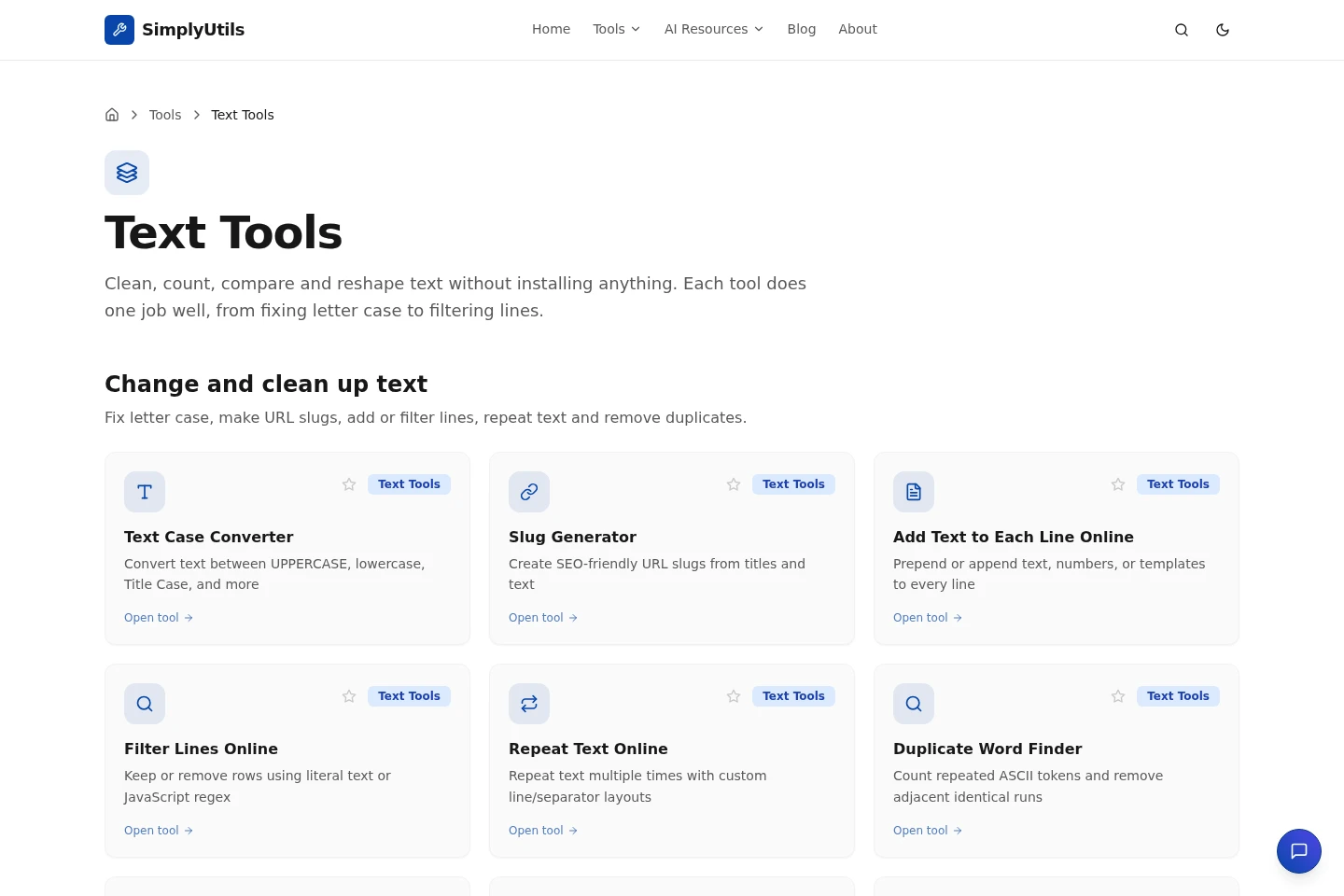
Text tools transform, count, compare, and clean up text, producing converted text, counts, or comparisons. Users paste or type text and choose operations such as case conversion, line filtering, word counting, or readability scoring.

File and PDF tools

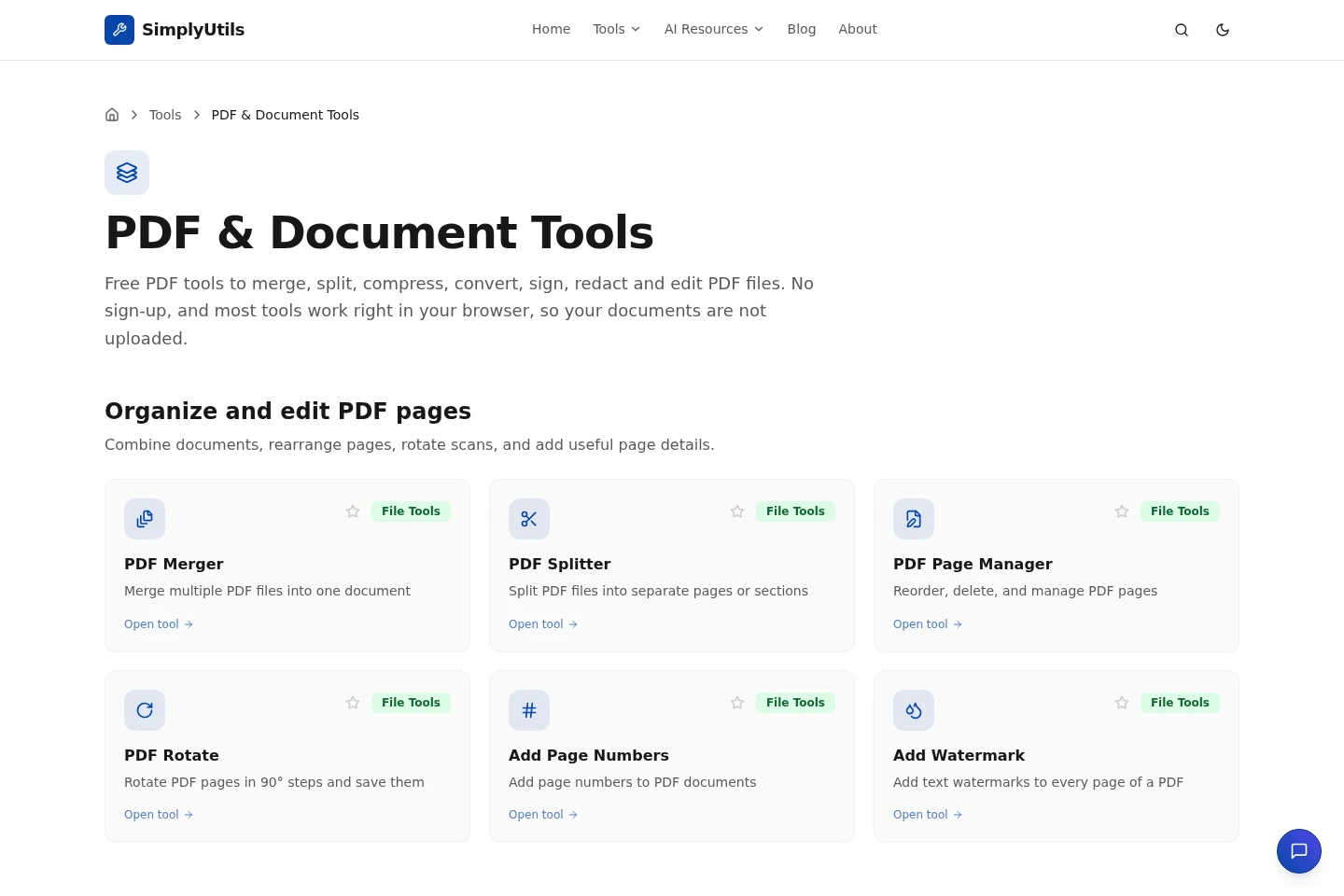
File utilities convert, compress, organize, and edit supported files, producing downloadable outputs. Users provide files or images and choose tasks such as merging PDFs, resizing images, or converting between document formats; processing depends on the tool.

Developer utilities

Developer tools format, inspect, and convert data, producing readable or transformed output. Users can enter JSON or other supported data and select operations such as formatting, encoding, or token counting; some examples run locally in the browser.

AI writing tools

AI writing tools can paraphrase, summarize, check grammar, or draft content, producing revised text. Users provide text or a brief; the site states that text goes to its AI service, so users should check the individual tool's processing disclosure.


PricingFree

The supplied pages describe SimplyUtils tools as free to use without signup. No paid plans, quotas, or billing periods are listed, so there are no documented plan differences to compare.

Use cases

Prepare and check text for a specific task

When text needs cleanup, counting, comparison, or a readability estimate, choose the matching text utility and paste or type the content. The tool applies the selected operation and returns transformed text or measurements for review.

Convert or organize files for sharing

When documents or images need a different format, arrangement, or file size, select a relevant file or PDF tool and provide the required inputs. The tool creates an output such as a merged PDF, converted document, or resized image; processing location and limits vary by tool.

Format and inspect data for development

When structured data needs to be easier to read or converted, open a developer utility such as the JSON Formatter and enter the data. The selected tool returns formatted or transformed output, with some operations running locally and others potentially using connected services.

Limitations

  • Processing is tool-specific: some operations run locally, while connected features may send input to SimplyUtils servers or service providers.

  • The site advises users to review each tool's processing disclosure and privacy policy before submitting sensitive information.

SimplyUtils alternatives

TextTools.site

Free browser-based text and developer utilities

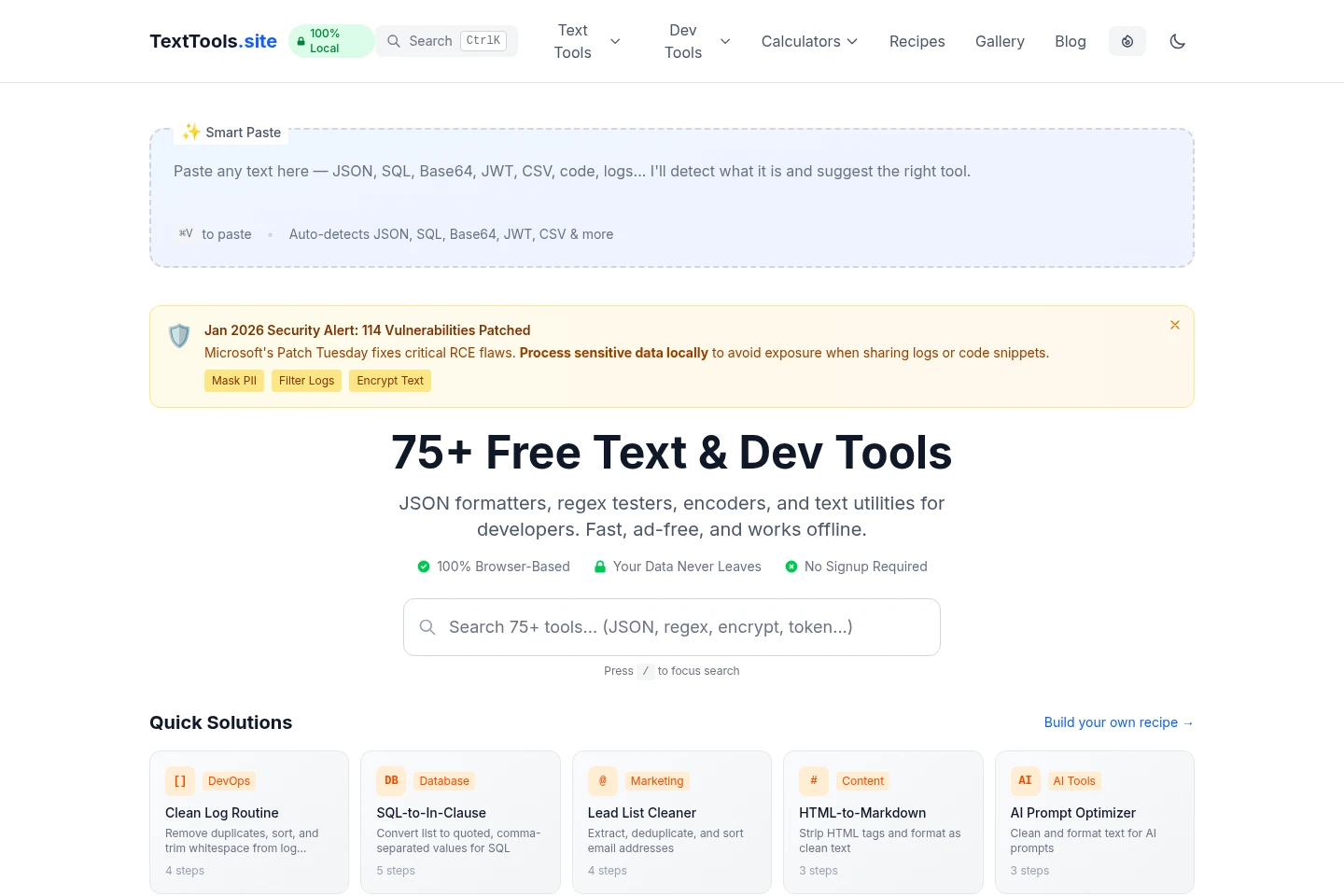
TextTools.site provides more than 75 free text and developer tools, including counters, converters, JSON formatters, regex testers, and encoders. Users can run individual tools or chain them into shareable recipes without an account. Processing is browser-based, and the site says data stays on the user's device.

  • Free
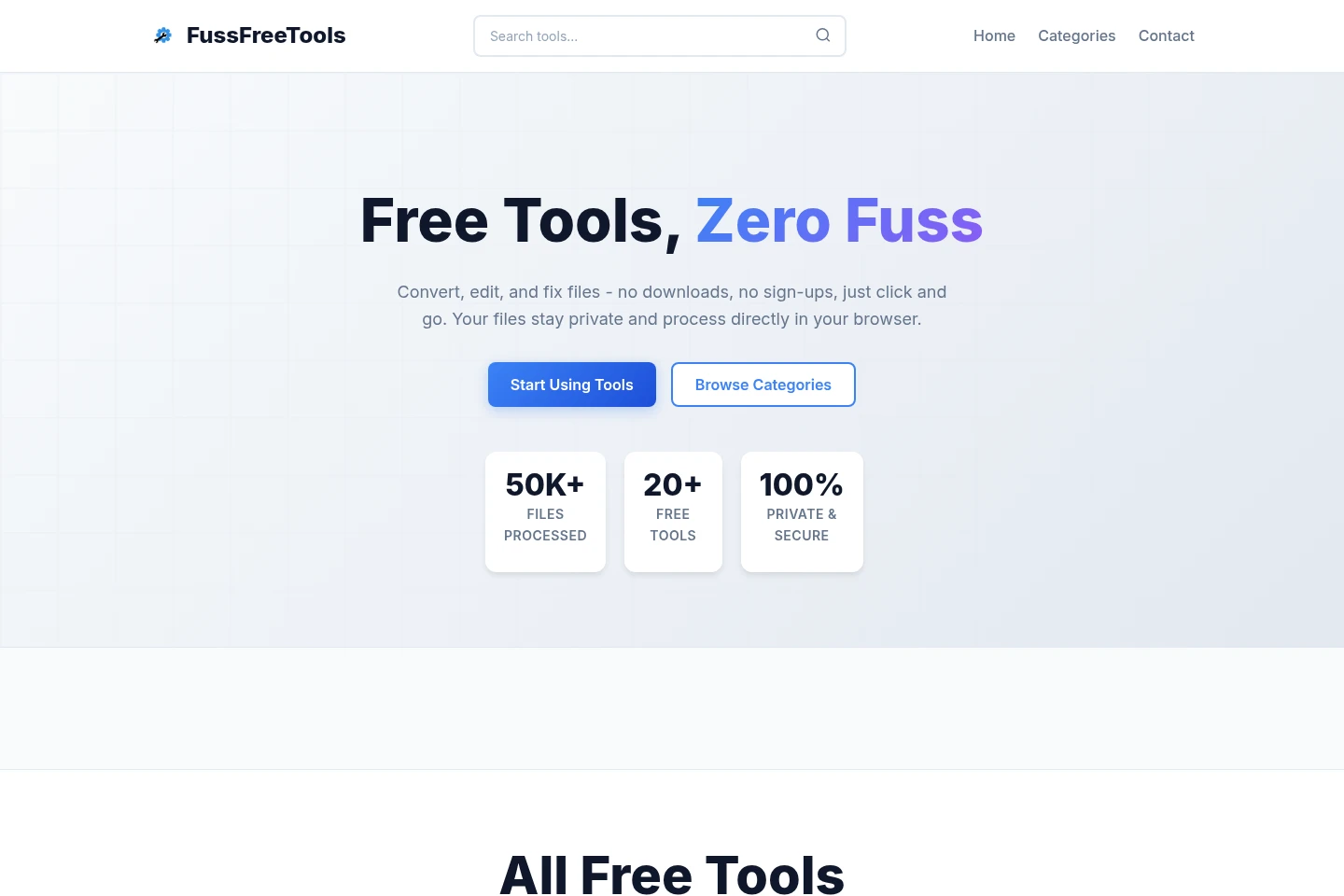
  1. FussFreeTools

    Free browser tools for files, text, images, and everyday tasks

    Free
  2. Smart Super Tools

    Free browser tools for everyday tasks and developer workflows

    Free · Free; 2,000 requests/month
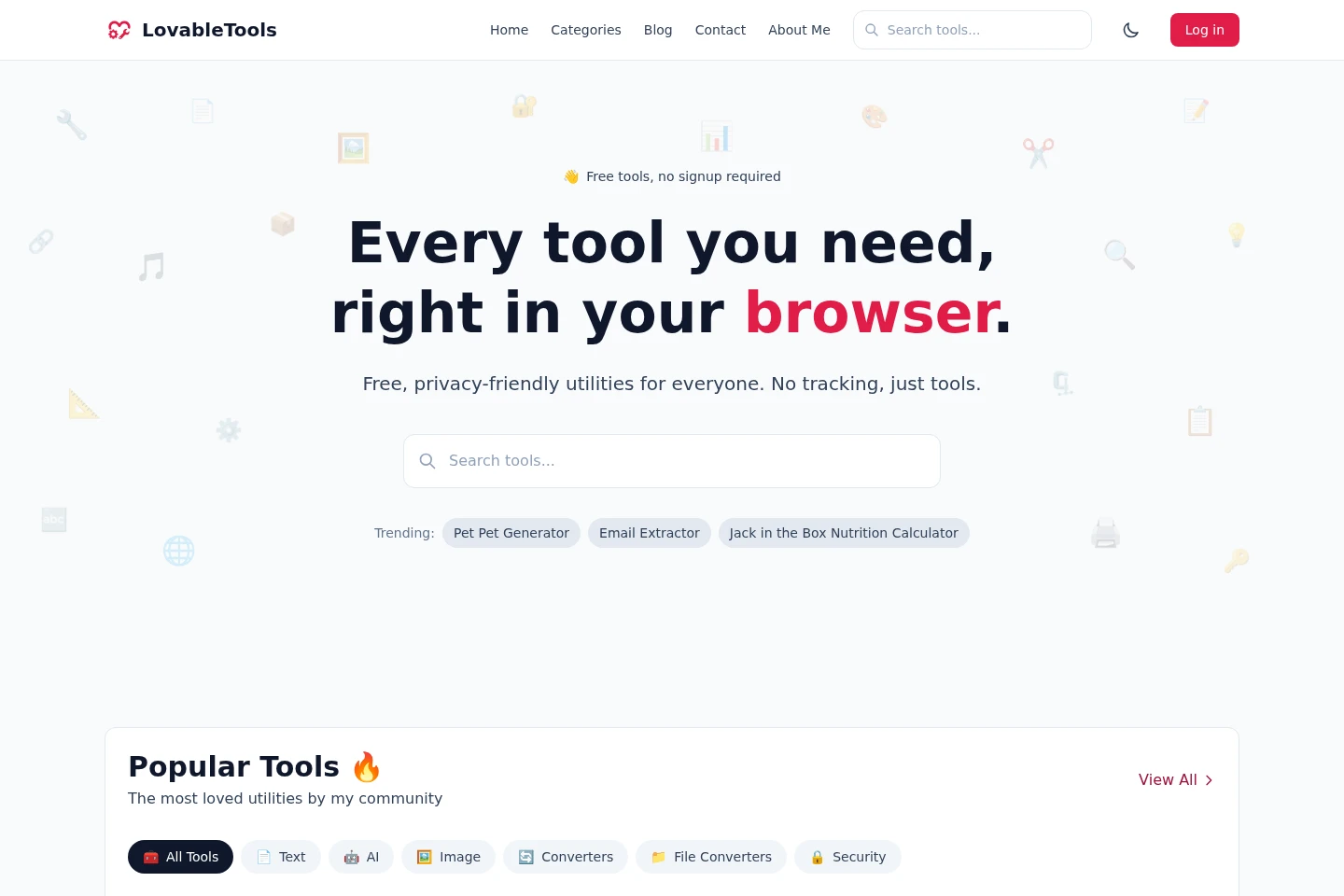
  3. LovableTools

    Free browser-based utilities for text, images, security, and more

    Free
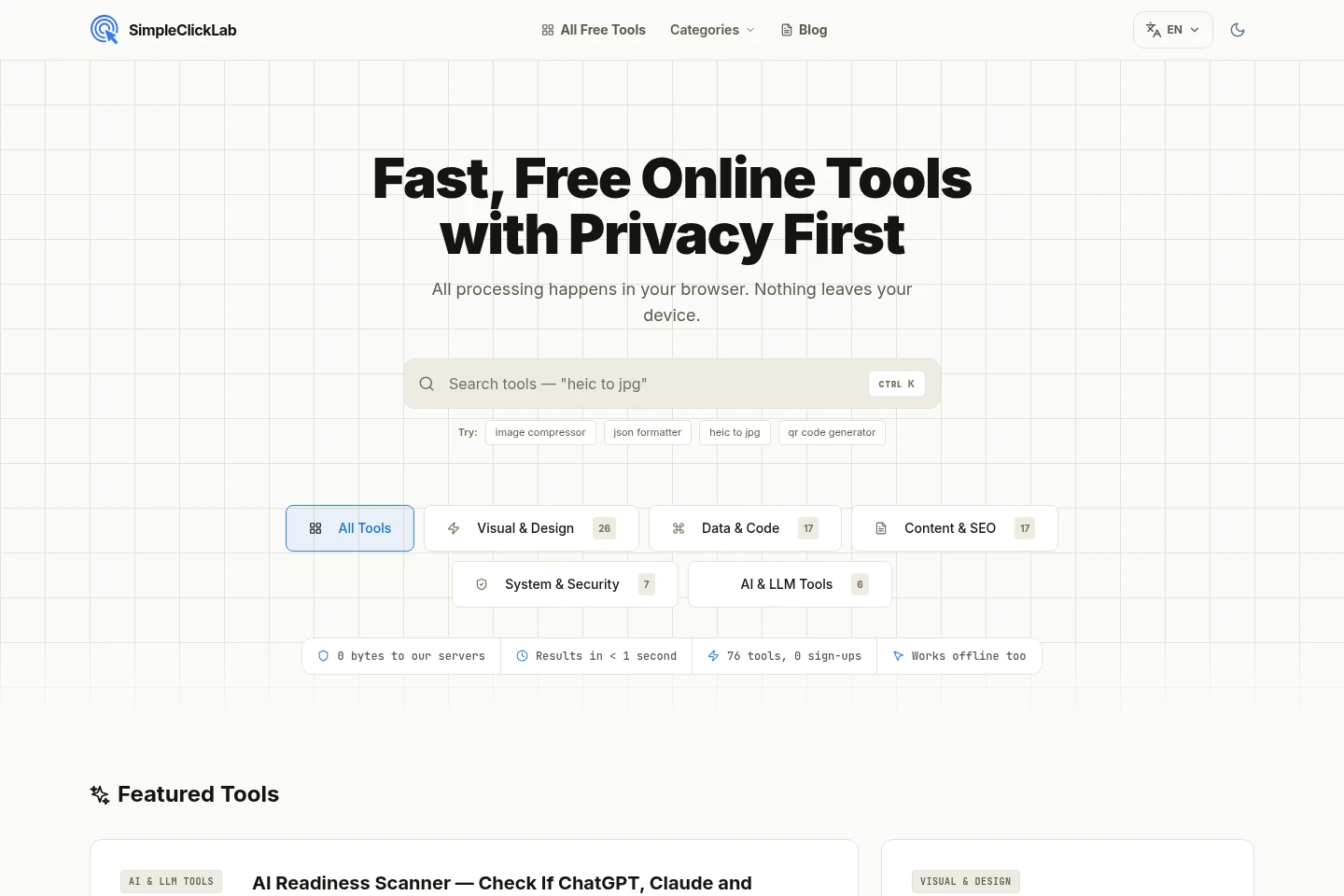
  4. SimpleClickLab

    Free browser tools that keep processing on your device

    Free · Free
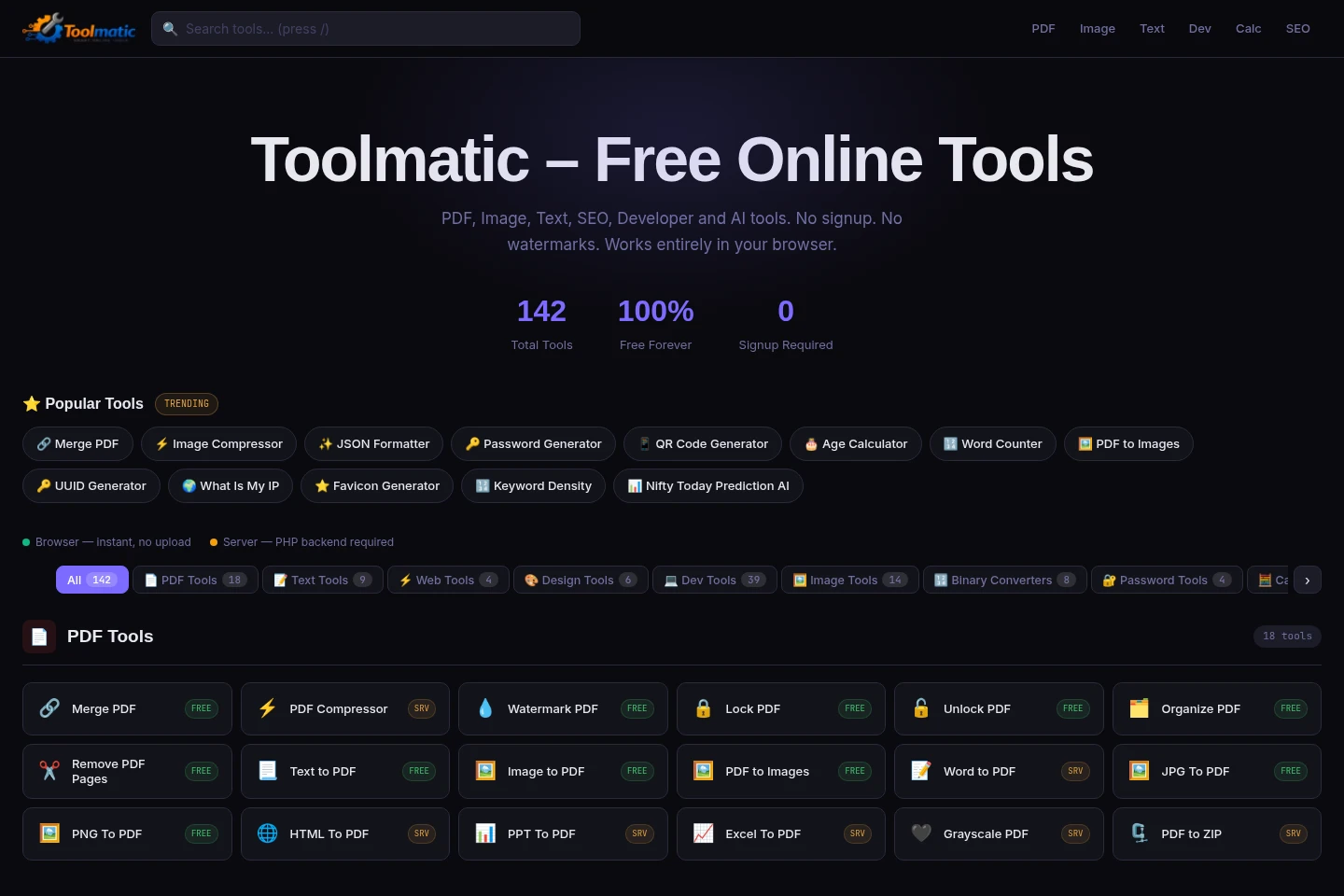
  5. Toolmatic

    Free browser-based tools for everyday file, text, and developer tasks

    Free

Who it is for

  • Writers and editors who need quick text checks and transformations

  • Developers and data users who need browser-based formatting and conversion utilities

  • People handling documents or images who need occasional file operations without installing software

FAQ

Do SimplyUtils tools require an account?

No account is required for the browser-based tools described on the site. The homepage says users can open and use them without signup or installing software.

Does every tool process files locally?

No. The processing location depends on the feature: many tools run locally, but connected AI, document-conversion, and website-retrieval features may send input to SimplyUtils servers or service providers.

Are SimplyUtils tools free?

The supplied pages describe the tools and collections as free, including AI tools. They do not provide an itemized pricing plan or explain any broader payment terms.

Comments

Please sign in to leave a comment.
No comments yet. Be the first to share your thoughts!