
Monthly visits
0
2026-10

ShowMyPhoto - AI event photo sharing with selfie search and QR galleries

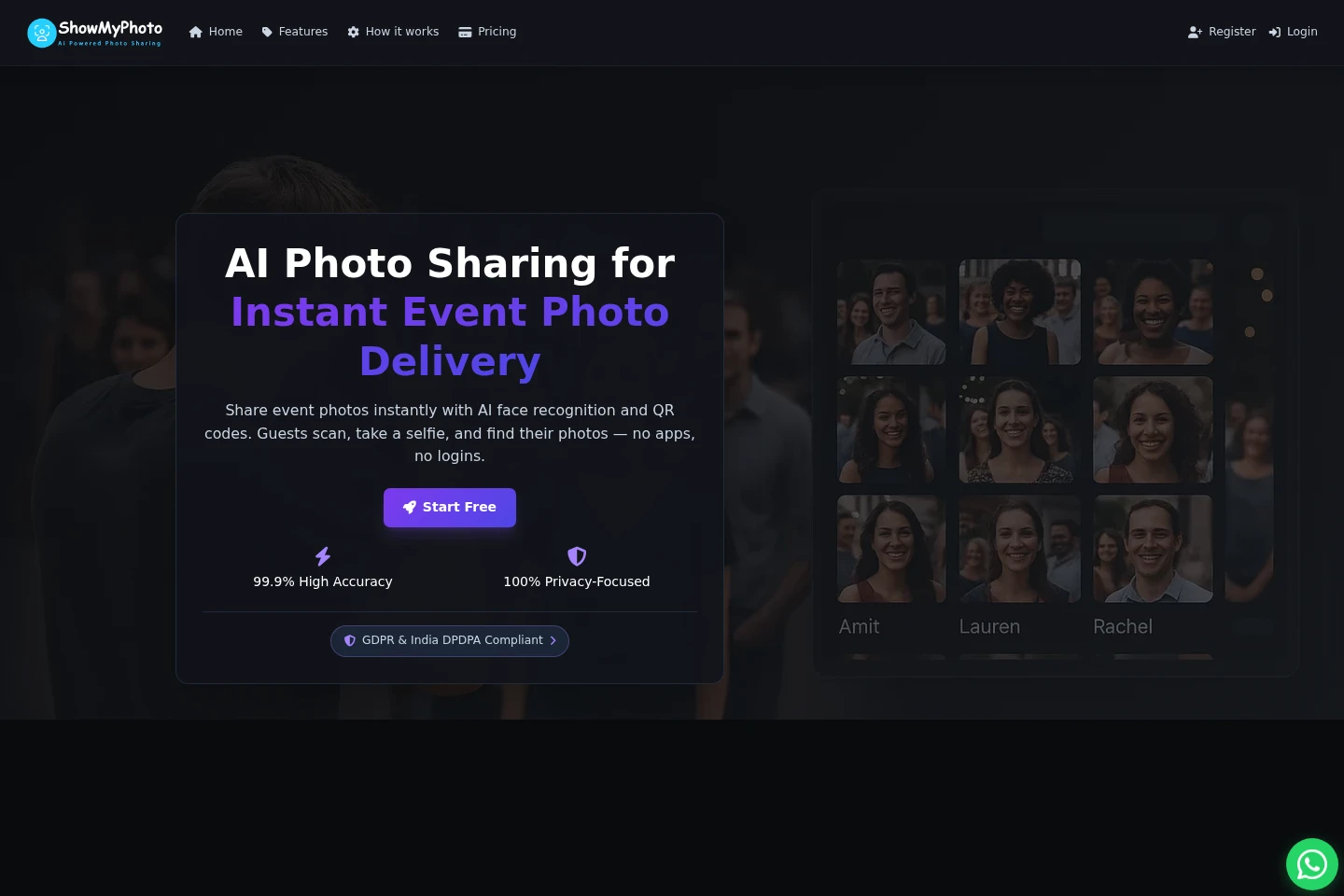
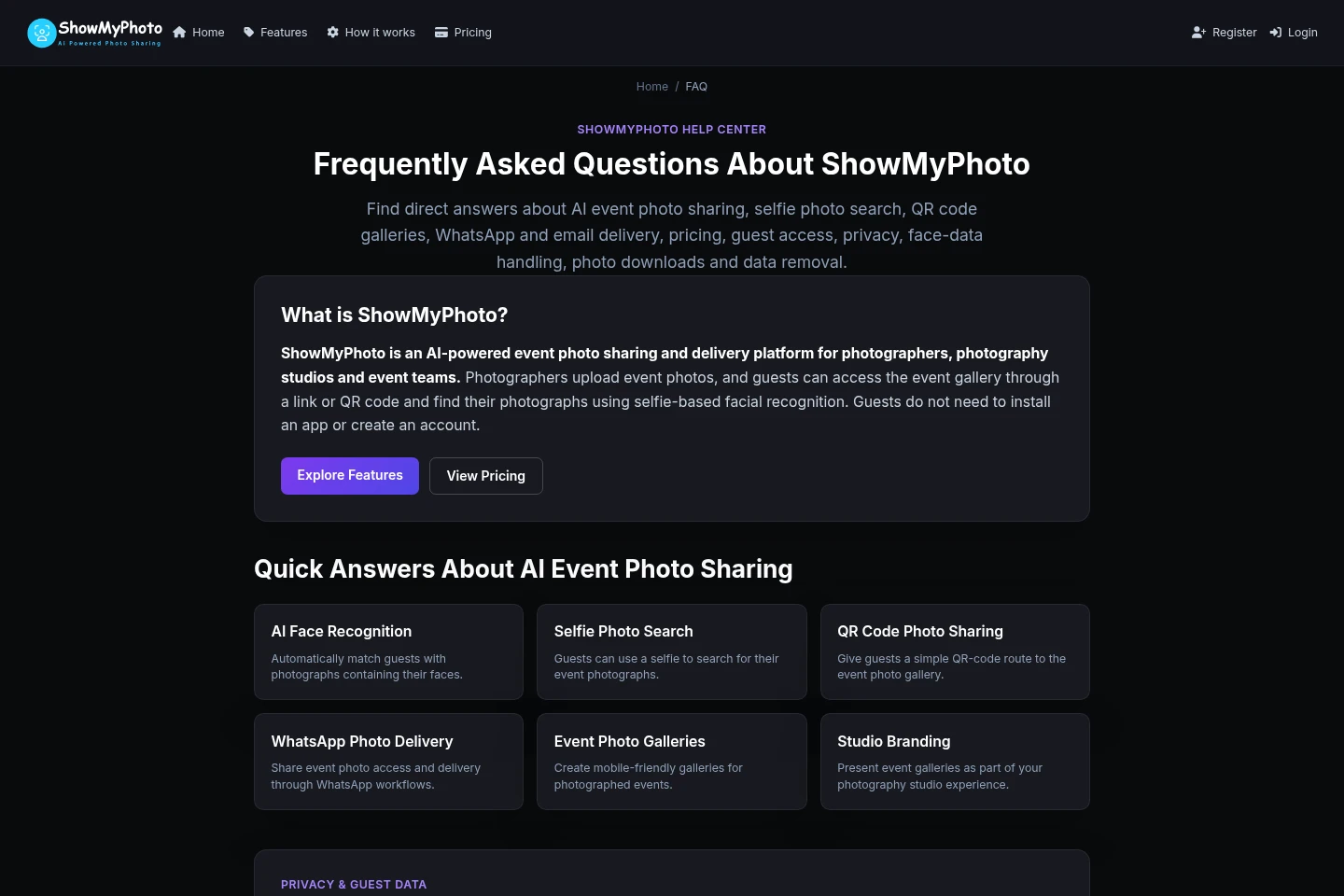
ShowMyPhoto helps photographers, studios, and event teams share event photos through browser-based galleries. Guests can find images using a selfie matched with AI face recognition or by scanning a QR code, then select and download photos. The service also supports WhatsApp and email delivery, studio branding, and controls for photo downloads.

Visit WebsiteUpdate this product

0Views

Capabilities

Matches a guest's selfie against indexed faces in uploaded event photos and returns images matched to that guest. Photographers upload event photos for automatic face processing; guests search through a browser gallery without installing an app or registering.

QR code galleries

Opens an event photo gallery when a guest scans its QR code. Photographers create an event and generate a QR code or search link; gallery access does not require a guest login.

Guest photo selection

Lets guests mark favorite matched event photos and produces a selection list for the photographer. Guests select images from their gallery; the list can support album design, printing, or further editing.

Photo delivery

Delivers event photos through WhatsApp or email and provides browser-accessible galleries. Delivery options depend on the event workflow and WhatsApp credits vary by destination country.

Live event upload

Sends photos taken at an event to its gallery through the Instant Uploader. The Windows application supports automatic uploads for real-time sharing.

Adds studio branding and lets photographers configure event photo download controls and watermarks. Studio logos and custom watermark text or logos can be applied to galleries or photos.

PricingFree trial

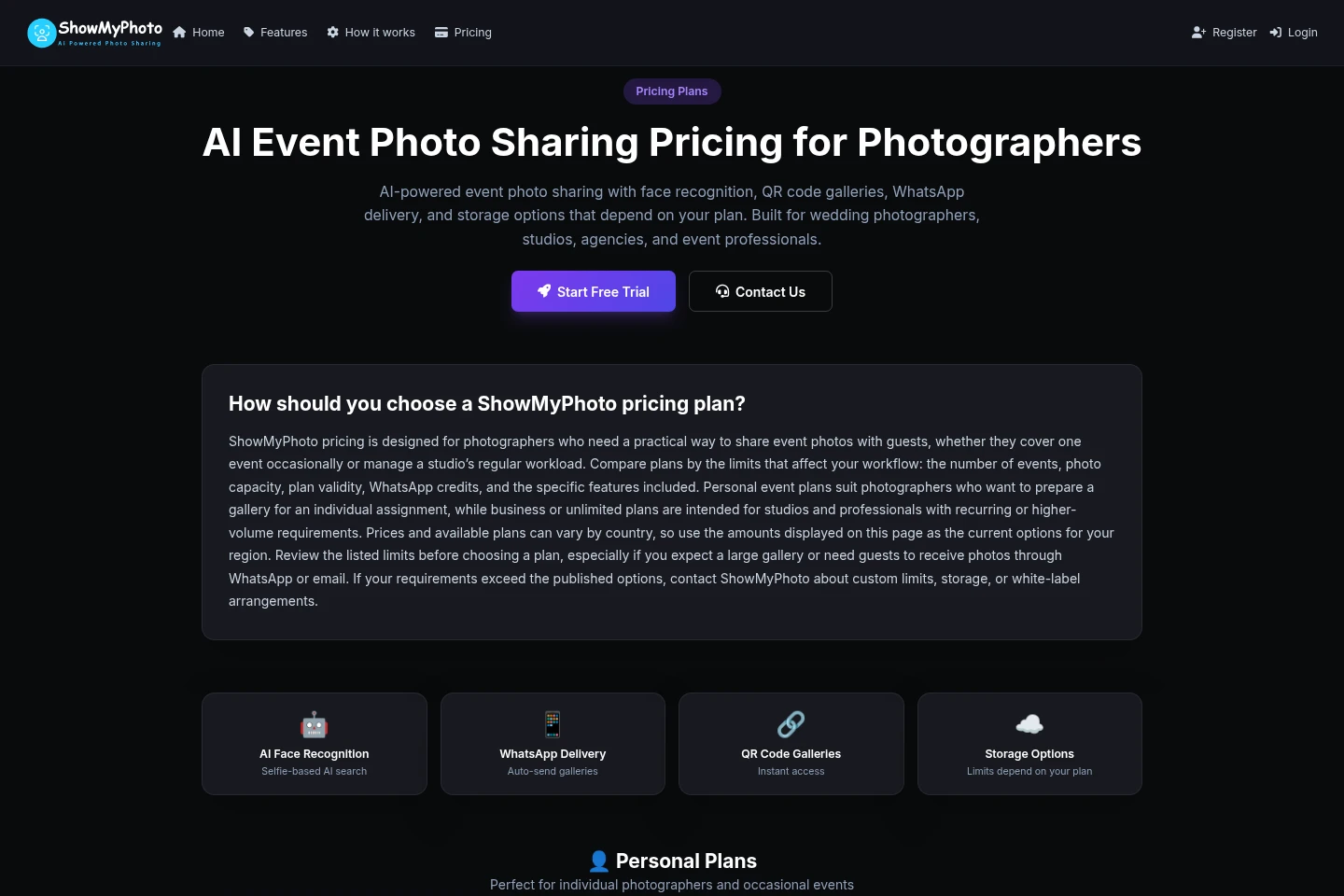
ShowMyPhoto offers a free Trial and paid plans priced by plan rather than a stated recurring monthly subscription. Compare event and photo limits, plan and event validity, WhatsApp credits, and included features when choosing.

PlanPriceIncluded features and limits
Trial

$0; 30-day plan

  • 4 events and 2,000 photos

  • 500 photos per event

  • Events valid for 60 days

  • 50 WhatsApp credits; usage varies by destination country

Basic One month

$25; 30-day plan

  • Unlimited events and 10,000 photos

  • 10,000 photos per event

  • Events valid for 90 days

  • 500 WhatsApp credits; usage varies by destination country

Starter

$75; 365-day plan

  • Unlimited events and 30,000 photos

  • 2,000 photos per event

  • Events valid for 90 days

  • 1,000 WhatsApp credits; usage varies by destination country

Professional

$200; 365-day plan

  • Unlimited events and 100,000 photos

  • 10,000 photos per event

  • Events valid for 120 days

  • 2,000 WhatsApp credits; usage varies by destination country

  • Photo selection and Flip Album

Business

$325; 365-day plan

  • Unlimited events and 250,000 photos

  • 10,000 photos per event

  • Events valid for 180 days

  • 5,000 WhatsApp credits; usage varies by destination country

  • Photo selection, Flip Album, and Live Share on Event

Enterprise

$500; 365-day plan

  • Unlimited events and 500,000 photos

  • 15,000 photos per event

  • Events valid for 180 days

  • 10,000 WhatsApp credits; usage varies by destination country

  • Photo selection, Live Share on Event, Bulk Download, and Flip Album

Prices and available plans can vary by country; the site says prices are adjusted for your region. Contact ShowMyPhoto for custom limits, storage, WhatsApp credits, pricing, or white-label arrangements.

Use cases

Share photos from a wedding or event

When photographers need to provide guests with event pictures, they upload photos and create a gallery link or QR code. Guests can find their images with a selfie search or scan the code, then view and download matched photos.

Collect guest favorites for an album

When an event photographer is preparing an album or print order, guests review their matched gallery and mark favorite images. The photographer receives a selection list to use for album design, printing, or further editing.

Deliver photos during a live event

When photographers want to share images while an event is underway, the Windows Instant Uploader sends captured photos to the event gallery. Guests can access the gallery and find matched photos through face recognition or QR access.

Limitations

  • Trial includes 4 events, 2,000 photos, and 50 WhatsApp credits; its plan validity is 30 days and each event is valid for 60 days.

  • WhatsApp credit usage varies by destination country.

  • Guests use a browser, selfie, or QR code to access galleries; the pages state that a guest app installation or account is not required.

Alternatives

AllPhoto

Share event photos with AI face matching

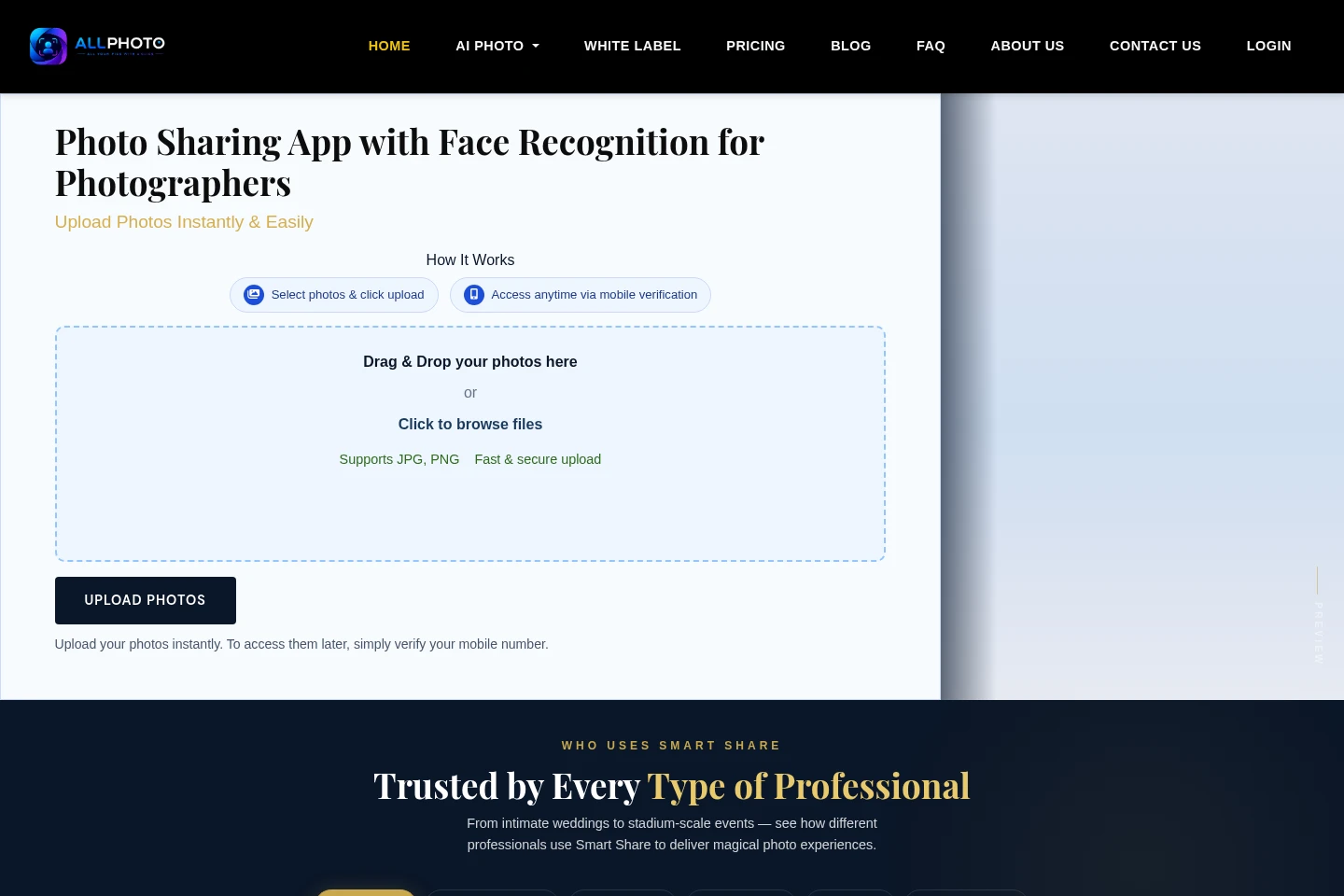
AllPhoto lets event photographers and organizers upload event photos and deliver guest-specific galleries using face recognition. Guests can find photos by scanning a QR code or taking a selfie, while photographers manage events and sharing from an online dashboard. The service also offers AI photo tools for corporate headshots and fashion try-on.

  • Cloud
  • Freemium
  • Free PackageFree forever
  • Lite₹299.00 / 30 days
  • Lite Pro₹499.00 / 45 days
  • Standard₹699.00 / 60 days
  • Pro₹1,499.00 / 120 days
  • Ultimate₹2,999.00 / 365 days
  • Unlimited Power House₹7,999.00 / 365 days
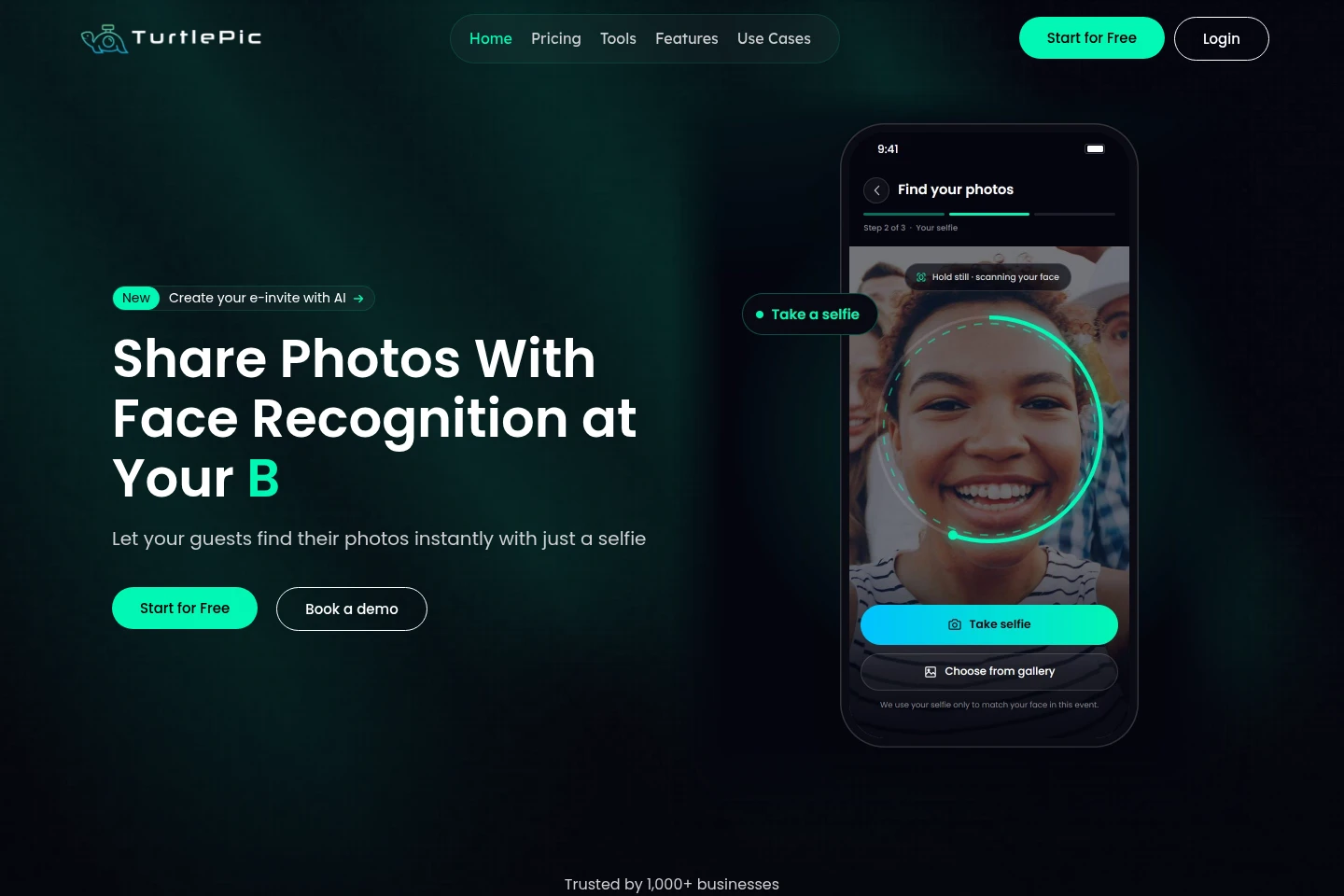
  1. TurtlePic

    Share event photos with selfie-based AI face search

    Freemium
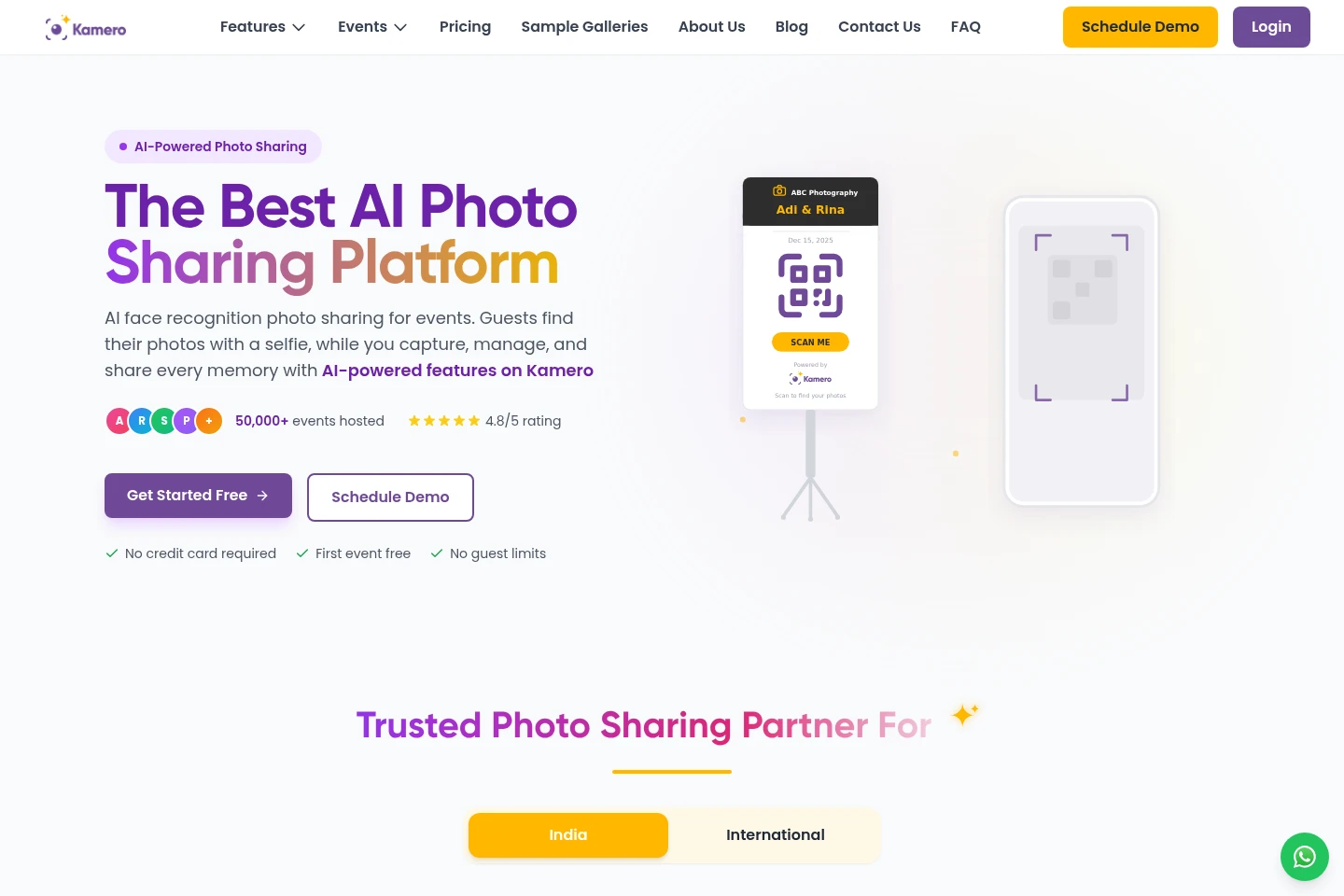
  2. Kamero

    AI photo sharing and face search for event galleries

    Pay Per Event · Price shown at event purchase
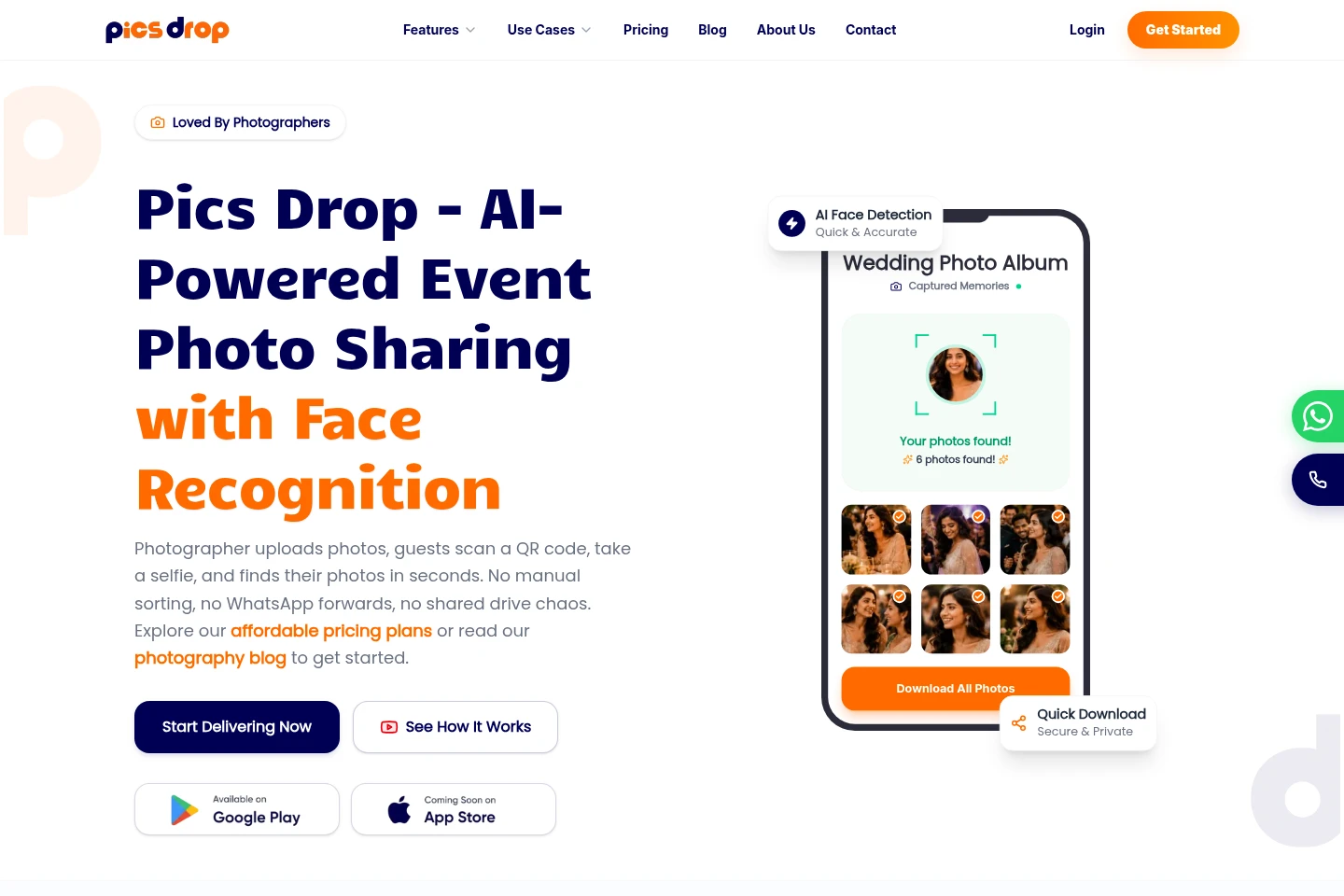
  3. PicsDrop

    Share event photos through QR codes and AI face search

    Free Forever · Free Forever
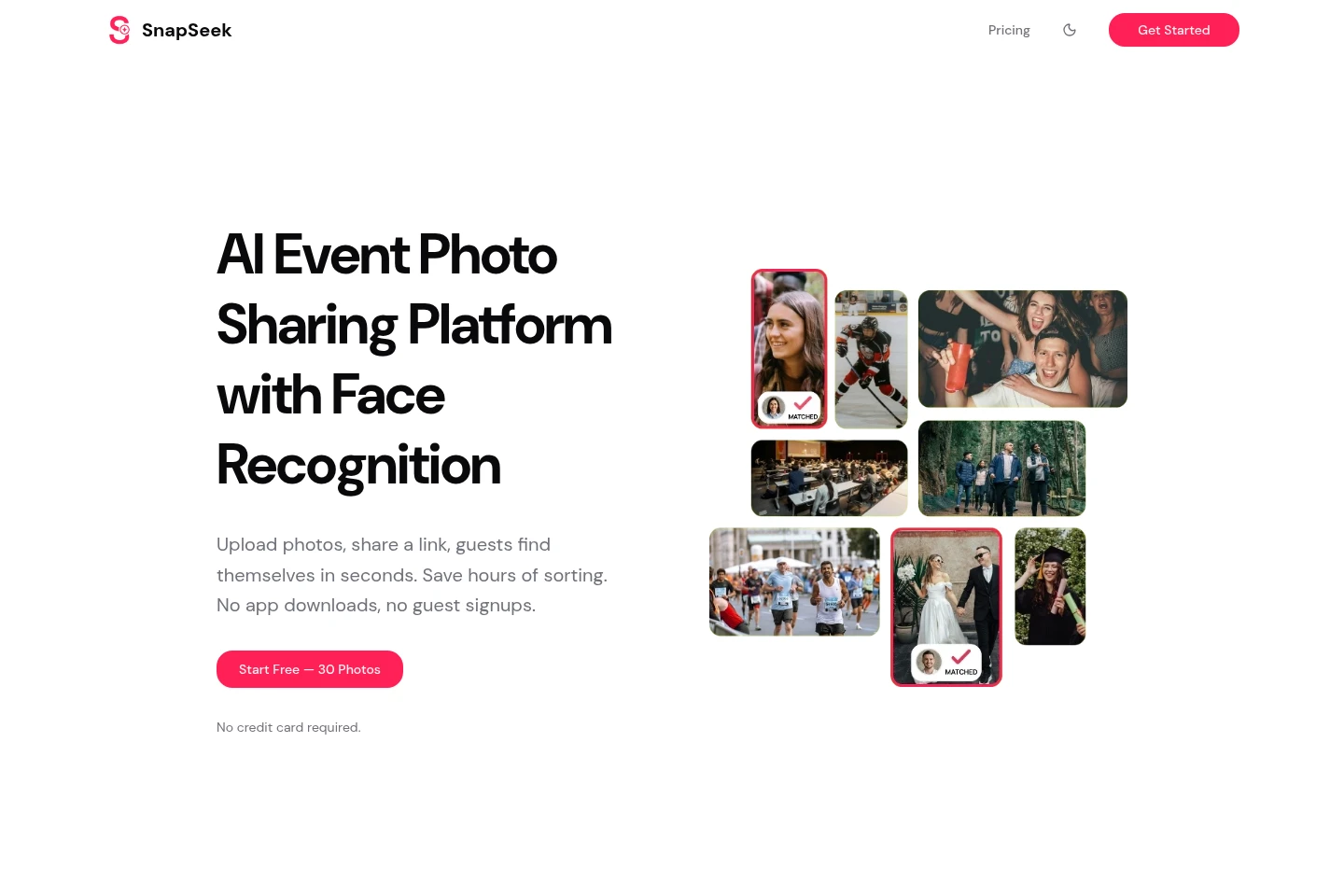
  4. SnapSeek

    Share event photos with private AI face search

    250 credits · $25 USD, one-time
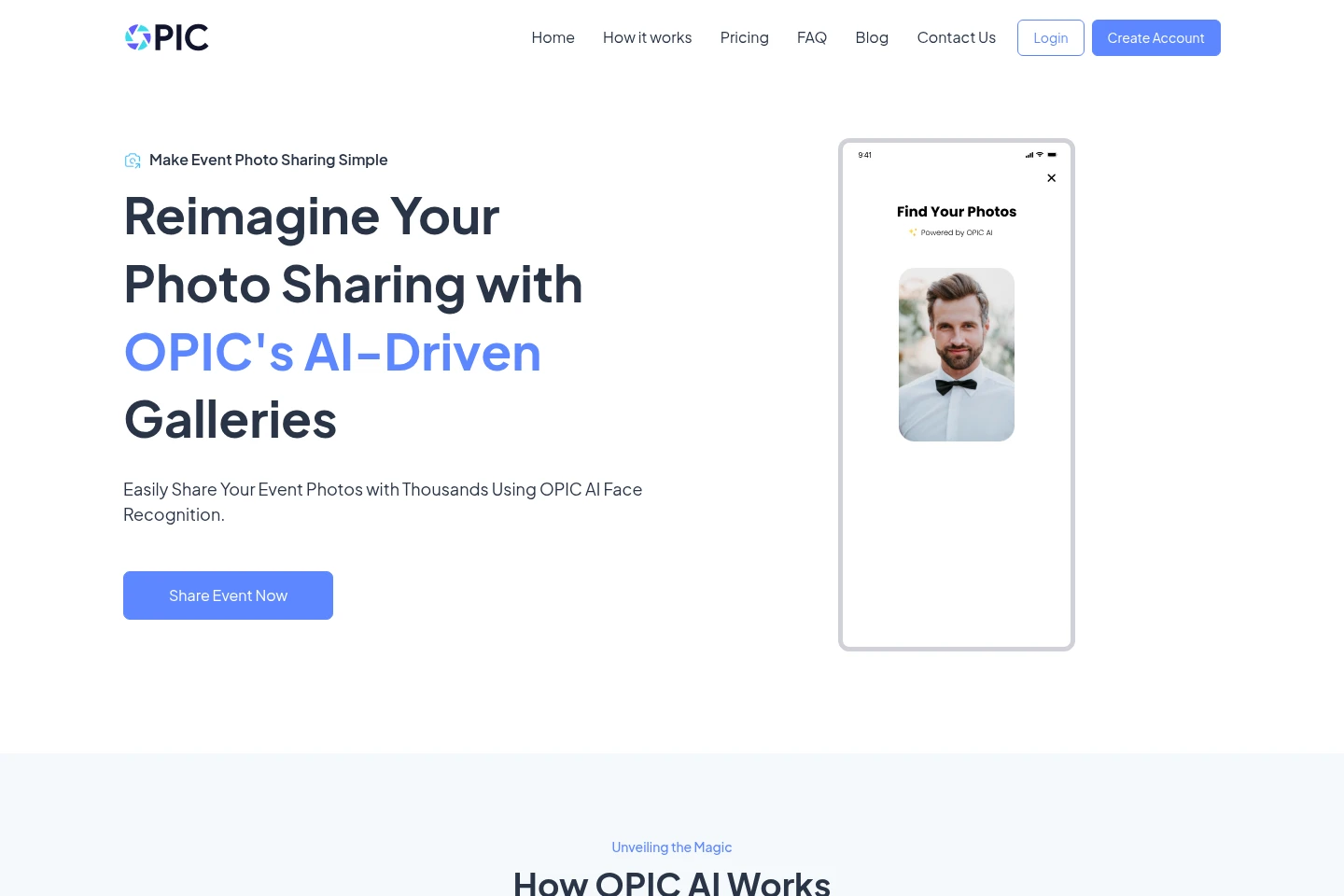
  5. OPIC

    Share event photos with AI face search

    Pro Capture Lite · ₹699 per 28 days

Who it is for

  • Event photographers who need to share galleries and collect guests’ photo selections

  • Photography studios that need branded galleries and controls for event photo access

  • Event organizers who need guests to find and receive event photographs

FAQ

Do guests need to install an app?

No. Guests can open event galleries from a mobile browser using a link or QR code, and can search with a selfie without installing an app or creating an account.

How do guests find their event photos?

Guests can scan the event QR code or open its gallery link and upload a selfie. Face recognition matches the selfie against indexed event photos and returns photos matched to that guest.

Is AI face recognition included in every plan?

Face recognition and selfie search are available according to the features configured for each plan. Check the current plan details for the features and limits that apply.

Can I change my plan later?

Yes. You can upgrade or downgrade your plan from your account dashboard at any time.

How can a guest request data removal?

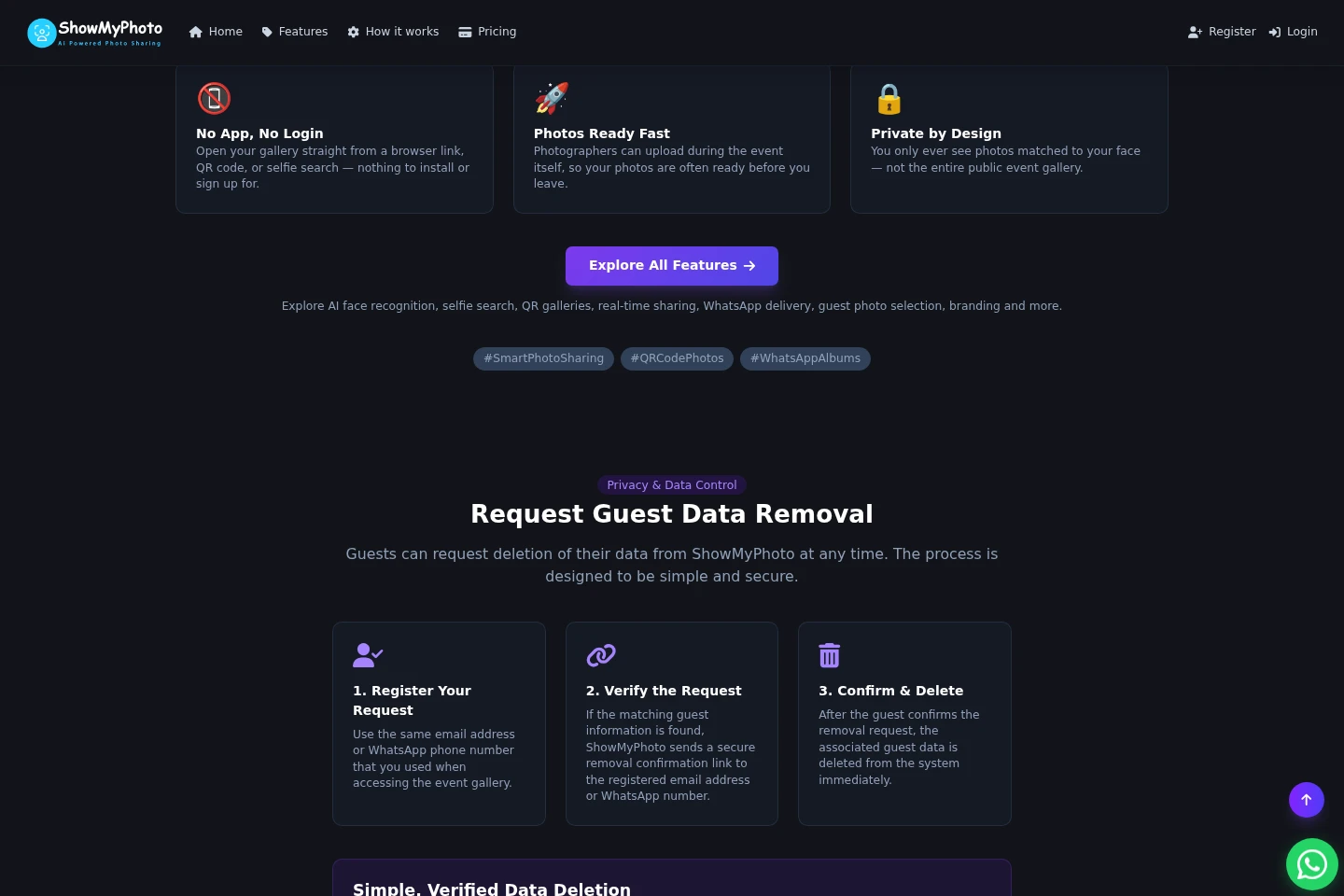
Guests can submit a removal request using the same email address or WhatsApp number used to access the gallery. ShowMyPhoto sends a confirmation link to that contact when matching guest information is found; the associated data is deleted after confirmation.

Comments

Please sign in to leave a comment.
No comments yet. Be the first to share your thoughts!