

- Monthly visits
- 2,289
- 2026-09
SetupClaw - Secure OpenClaw deployment and ongoing care for executive teams
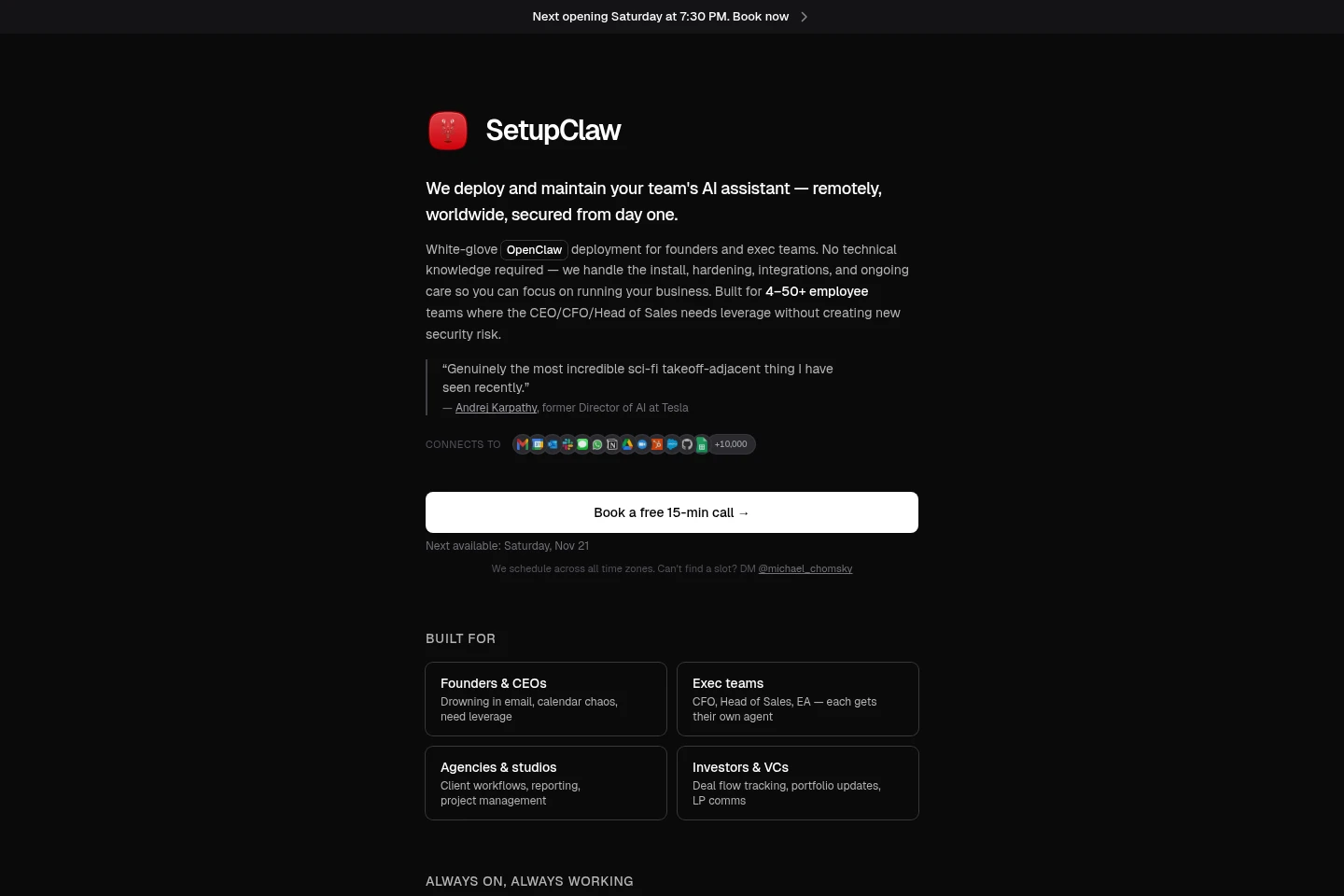
SetupClaw provides professional OpenClaw deployment and maintenance for company teams. The service configures integrations, hardens security, and offers hosted or local-hardware setups, with remote service worldwide and in-person setup in the San Francisco Bay Area. Implementation includes 14-day hypercare; ongoing support requires Managed Care.
- AI Agents
- Agent Builders
- Agent Hosting
- MCP Servers
- OpenClaw setup service
- secure AI assistant deployment
- managed OpenClaw for teams
Capabilities
Deployment and security hardening
SetupClaw deploys OpenClaw and configures security protections. The service provisions a VPS or Mac Mini, configures Docker sandboxing and firewall rules, and sets up OAuth middleware and integrations.
Business tool integration
The service connects an OpenClaw agent to selected business tools. During kickoff, the team maps email, calendar, CRM, and messaging needs, then configures the agreed integrations.
Custom workflow configuration
SetupClaw configures recurring agent workflows for a team's chosen tasks. The Hosted Setup includes up to three custom workflows; the agent can be configured around the integrations and requirements discussed during kickoff.
Hypercare and managed support
The service provides 14 days of post-implementation hypercare and a dedicated Slack channel. Continued support after that period requires a Managed Care plan.
Pricing
SetupClaw is a paid service with one-time setup fees; compare deployment type, location, hardware, and the number of agents. Hosting and AI API usage are ongoing costs separate from the setup fee.
| Plan | Price | Included features and limits |
|---|---|---|
| Hosted Setup | $3,000 one-time |
|
| Mac Mini Setup (Remote) | $5,000 one-time |
|
| Mac Mini Setup (In-Person) | $6,000 one-time |
|
| Additional Executive Agents | $1,500 each |
|
Most customers use a cloud VPS costing $5–$10 per month. AI API usage is listed at $50–$200 per month, and combined ongoing costs are estimated at $60–$210 per month. Composio has a free tier. Ongoing support after the included 14-day hypercare requires Managed Care.
Use cases
Deploy a secured executive assistant
When a company wants an always-on assistant connected to work tools, SetupClaw provisions a VPS or Mac Mini, installs OpenClaw, hardens the setup, and configures agreed integrations. The team can message the deployed agent through Telegram.
Set up an agent with iMessage
When a team needs iMessage integration or prefers local hardware, it can choose the remote Mac Mini setup. SetupClaw procures and configures a Mac Mini, connects iMessage, and provides the included implementation and hypercare.
Audit and harden an existing OpenClaw setup
When a team already has an OpenClaw installation, SetupClaw can assess its security setup, configure Composio for OAuth, and harden firewall and Docker settings. The service states that this work uses the same pricing as its setup services.
Limitations
In-person Mac Mini Setup is limited to the San Francisco Bay Area; other deployments are offered remotely.
The implementation's included hypercare lasts 14 days; ongoing support after that requires Managed Care.
Additional Executive Agents are priced for each separate agent, with each agent configured for a primary identity.
Hosted Setup includes up to three custom workflows; further workflow quotas are not specified on the supplied pages.
The Mac Mini hardware cost is listed at approximately $600 at cost, separate from the stated setup fee.
Who it is for
Founders and executives who need help delegating email, calendar, and routine communication
Executive teams needing separate agents for roles such as finance, sales, or an executive assistant
Agencies and studios seeking agents for client workflows, reporting, or project management
Investors and venture capital teams tracking deal flow, portfolio updates, and LP communications
FAQ
Do I need technical experience to use SetupClaw?
No. SetupClaw says it handles installation and configuration, so customers do not need to use a terminal or write code. After setup, users can communicate with the agent through Telegram or other configured messaging platforms.
Can SetupClaw work with teams outside San Francisco?
Yes. Remote setup is available worldwide and is how most customers are served. In-person setup is an optional service limited to the San Francisco Bay Area.
What does the implementation include?
The listed implementation includes VPS or Mac Mini provisioning, security hardening, Composio OAuth middleware, email and calendar integration, up to three workflows, documentation, and 14-day hypercare. The exact setup depends on the selected plan.
When does setup begin after purchase?
SetupClaw says it reaches out within 48 hours to schedule a kickoff and create a dedicated Slack channel. The kickoff takes 20–45 minutes, followed by a 1–3 hour live setup session; the page says the bot can go live the same day.
Can SetupClaw secure an existing OpenClaw installation?
Yes. SetupClaw says it can audit an existing installation, add Composio for secure OAuth, and harden firewall and Docker configuration. The page says this work uses the same pricing as setup services.
What does OpenClaw do?
OpenClaw is described as an open-source AI assistant that can triage email, manage calendars, draft replies, monitor messaging, and automate workflows. The SetupClaw service deploys and configures it; the assistant's capabilities depend on the connected tools and configuration.
Comments