

- Monthly visits
- 3,471
- 2026-09
- Monthly growth +46.1%
Seedance 2.5 - Generate and edit AI videos from text and reference media
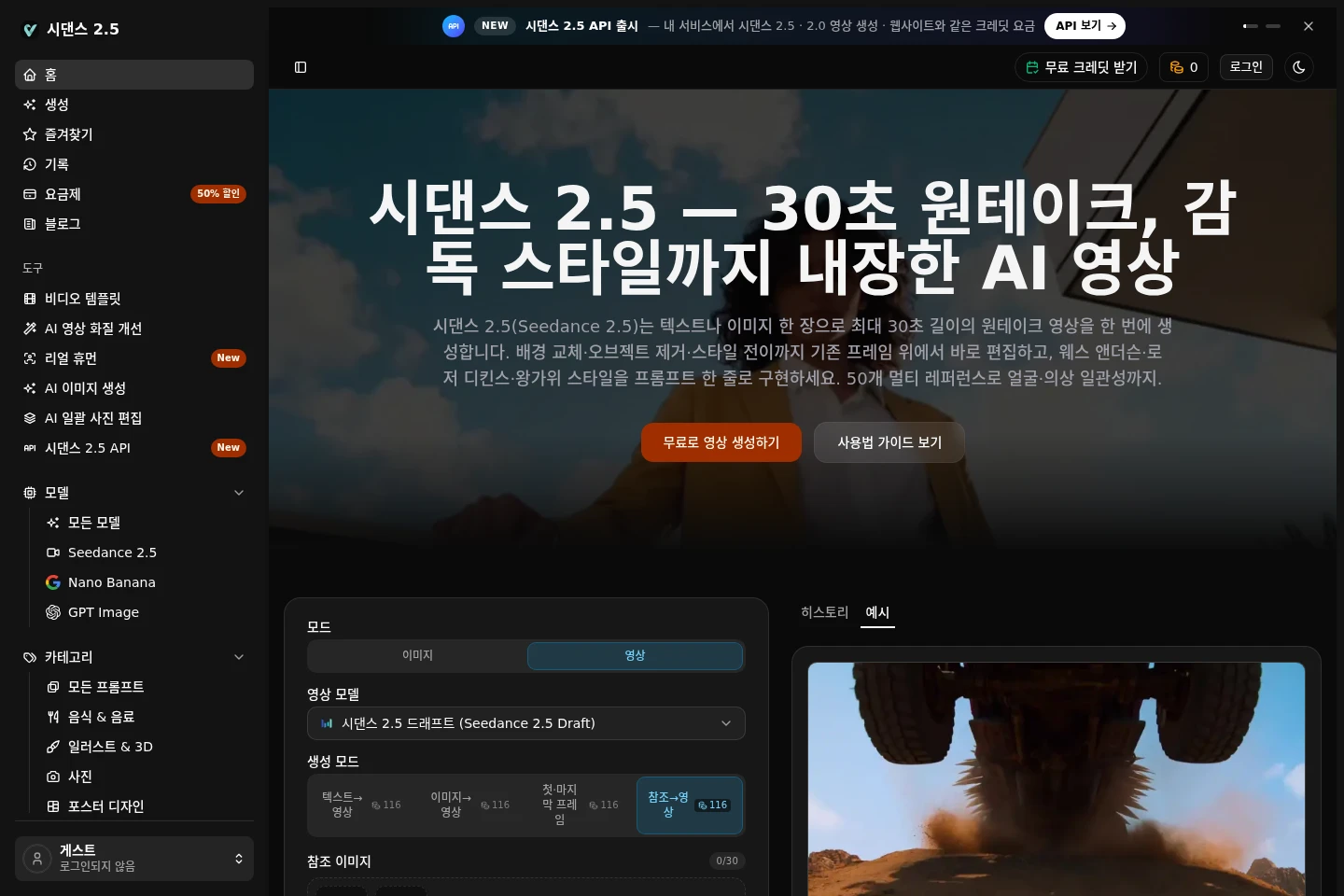
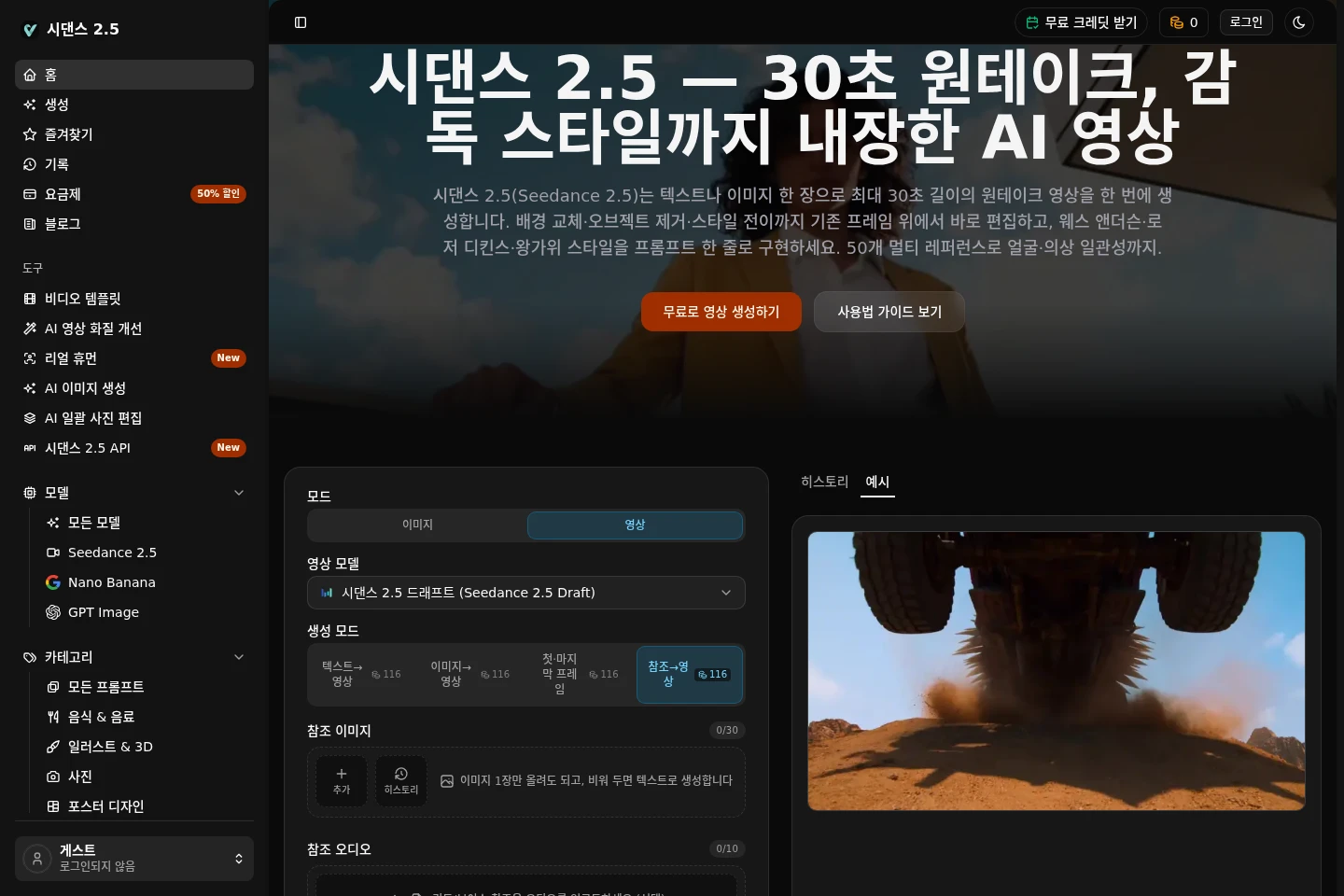
Seedance 2.5 is a web-based AI video creation service with text-to-video and image-to-video generation. Create videos up to 30 seconds, use image, video, and audio references to guide output, and edit existing frames by replacing backgrounds, removing objects, or transferring styles. Outputs include MP4 and MOV. New accounts receive free credits; paid plans provide larger credit bundles and plan-specific features.
- AI Video
- Video Generators
- Video Editors
- E-commerce
- AI video generator
- text to video
- frame-based video editing
Capabilities
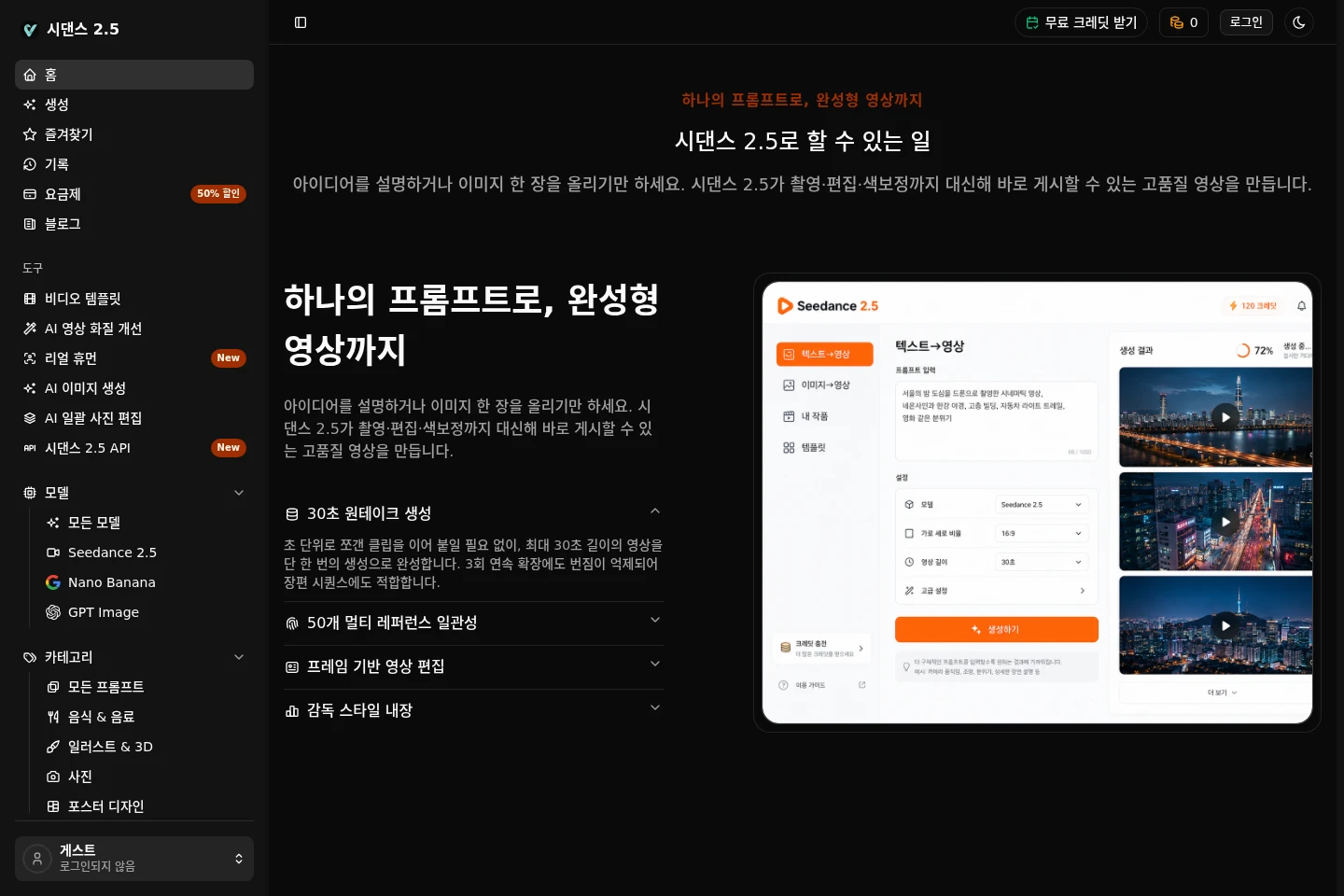
Text and image video generation
Generate a video from a text prompt or an uploaded image, with a stated maximum duration of 30 seconds. Choose among text-to-video, image-to-video, first-and-last-frame, and reference-to-video modes; generation uses credits.
Multimodal reference inputs
Guide generation using reference media, with up to 30 images, 10 videos, and 10 audio files stated in the interface. References can guide character, clothing, props, scene, camera, or motion, subject to the selected mode.
Frame-based video editing
Edit existing video frames by replacing backgrounds, removing objects, replacing products, or transferring styles. These changes are described as edits to existing frames rather than requiring a full regeneration.
Video and audio output
Export generated video in MP4 or MOV and optionally generate audio matched to the video. The available resolution and generation options depend on the selected model, mode, and credits.
Pricing
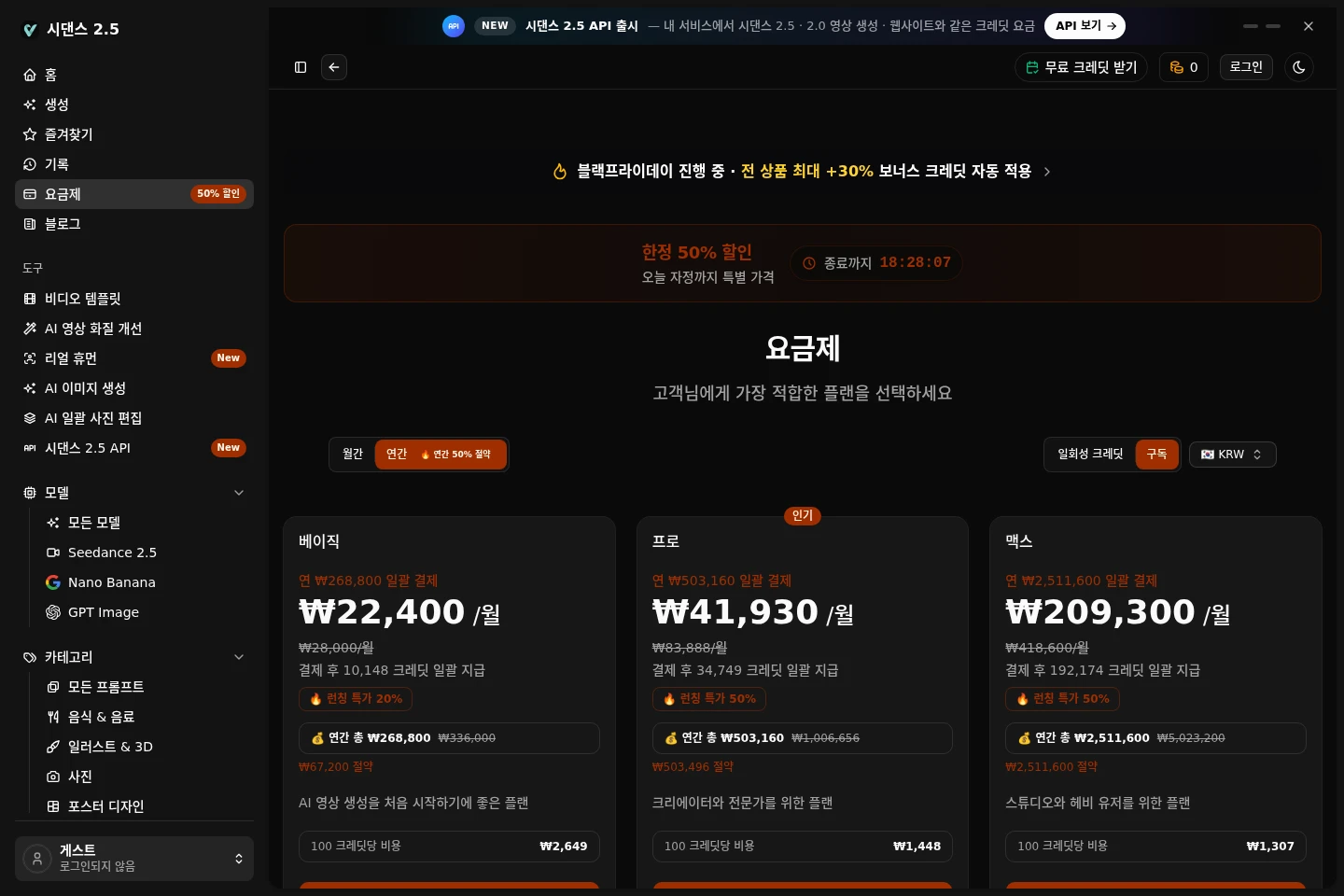
Seedance 2.5 offers signup credits and paid plans with annual payment shown as a lump sum. Compare each plan's credit bundle, processing speed, reference support, and included account or usage benefits.
| Plan | Price | Included features and limits |
|---|---|---|
| 베이직 | ₩268,800 per year, paid upfront |
|
| 프로 | ₩503,160 per year, paid upfront |
|
| 맥스 | ₩2,511,600 per year, paid upfront |
|
Displayed per-month figures are annual-price equivalents; the annual amount is paid upfront. The pricing page also presents one-time credits and subscription as billing choices, but does not provide their prices in the supplied evidence.
Use cases
Create a video from a prompt or image
When preparing a video without filming, enter a text prompt or provide an image and select a generation mode. Seedance 2.5 generates a video of up to 30 seconds, with reference inputs available to guide the result.
Guide recurring characters and visual details
When a sequence needs consistent faces, clothing, props, or scenes, supply reference images, video, or audio. The service can use up to 50 reference files as described, within the available mode and plan conditions.
Revise parts of an existing video
When a generated frame needs a targeted change, use frame-based editing for tasks such as replacing a background, removing an object, replacing a product, or transferring a style instead of regenerating the whole video.
Export a video for further editing
When preparing a generated clip for post-production, export it as MP4 or MOV. The page describes high-bitrate output and states that the supported resolution and duration depend on the selected generation settings.
Limitations
A single generated video is described as supporting a maximum duration of 30 seconds; the interface charges credits for generation.
The interface lists 480p for its displayed generation configuration; other resolution availability depends on the selected model and plan.
Free access provides signup credits rather than an unlimited free generation allowance; later generation requires available credits.
Plan credit bundles and benefits differ, and the stated generated-video counts are estimates for 480p Seedance 2.5 Mini five-second videos.
Who it is for
Video creators who need prompt-based clips without filming
Short-form and drama producers assembling video sequences
E-commerce marketers creating product and apparel videos
Advertising editors making targeted visual changes
FAQ
What can I make with Seedance 2.5?
You can generate videos from text or images, up to 30 seconds long, and edit frames by replacing backgrounds, removing objects, or transferring styles. The pages cite short dramas, advertising, e-commerce apparel videos, and short-form content as examples.
Can I try Seedance 2.5 without paying?
Yes. New accounts receive free credits and the site says a payment card is not required to start. Further generation uses credits, and paid plans offer larger credit bundles and plan-specific benefits.
Can I use text and reference media together?
Yes. The interface offers text-to-video, image-to-video, first-and-last-frame, and reference-to-video modes. It lists up to 30 reference images, 10 videos, and 10 audio files; the available inputs depend on the mode.
What video formats and duration are available?
The interface lists MP4 and MOV output and a maximum duration of 30 seconds. It displays 480p in the shown configuration; resolution options vary by model and plan, and the page describes 1080p and 4K as roadmap items.
How are plan credits provided?
The listed annual plans provide their stated credit bundle as a lump sum after payment. The number of videos depends on the credit balance and generation settings; displayed video counts refer to 480p Seedance 2.5 Mini five-second videos.
How do I cancel a subscription?
Open the billing management page, select subscription management, and cancel through the Stripe customer portal. The site says renewal stops after the current billing period ends.
Comments