

- Monthly visits
- 53,691
- 2026-09
- Monthly growth +4.5%
SeatPlan.io - Create and share seating charts for events and classrooms
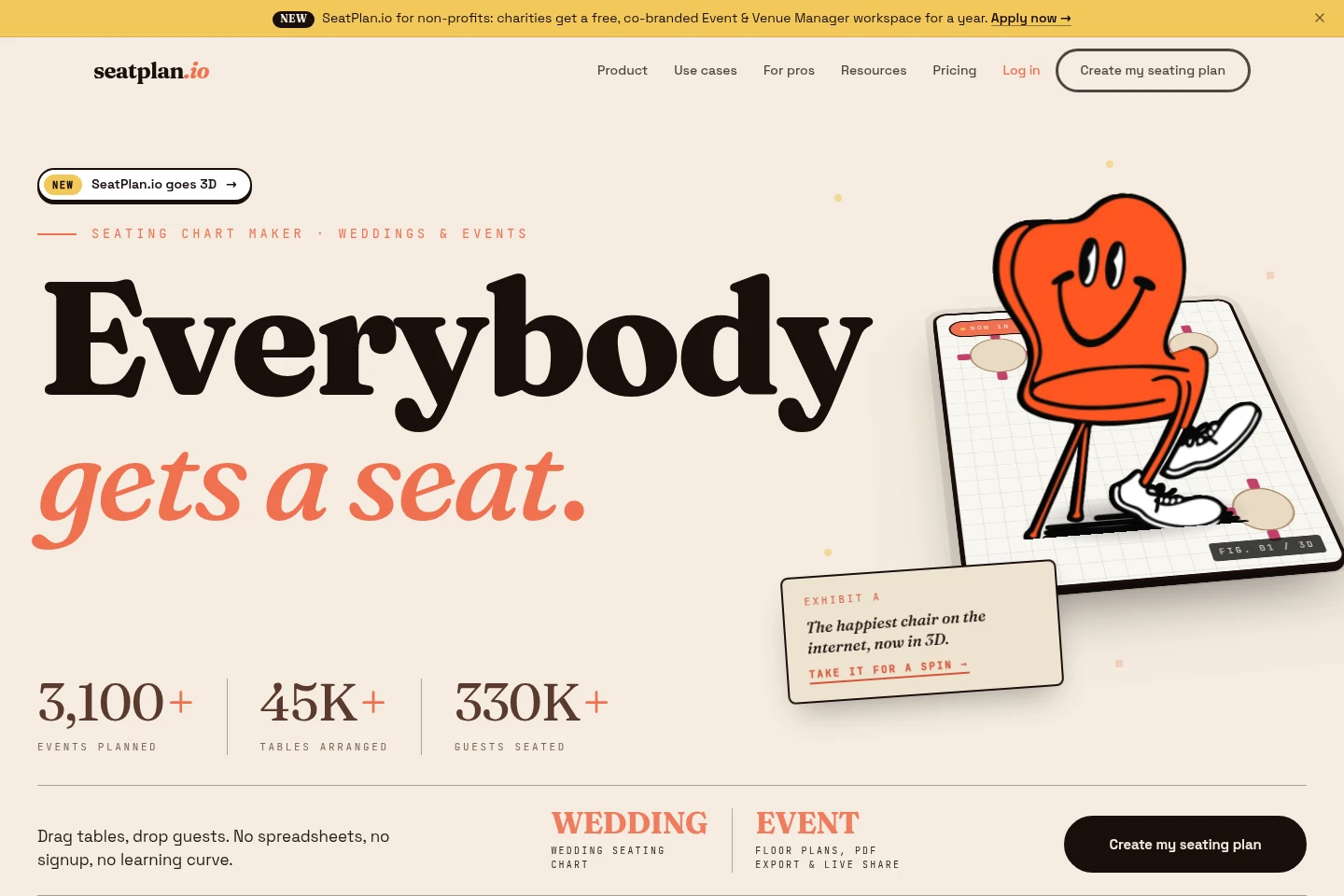
SeatPlan.io is an online seating chart maker for weddings, events, and classrooms. Arrange guests at tables with drag-and-drop editing, import guest lists, and export charts as PDF or Excel. A QR code seat finder helps guests locate their seats. The product also offers a professional Event & Venue Manager workspace for event planners and venues.
- AI Design
- Graphic Design
- Project Management
- Education
- event seating chart maker
- wedding seating planner
- classroom seating chart
Capabilities
Visual seating chart editor
Create an editable seating chart and arrange guests at tables with drag-and-drop controls. The online designer supports round and rectangular tables, guest list import via CSV, and seating arrangements for events of different sizes.
AI floor plan import
Turn an uploaded venue floor plan into an editable seating chart using AI. Inputs include a photo, screenshot, or PDF; the page offers two free imports, and says the feature is included in every plan.
Seating chart exports
Export seating chart work for printing or further use as PDF or Excel files. The formats are listed as product features; specific export limits are not stated in the supplied page excerpts.
QR code seat finder
Share a seating chart through a QR code so event guests can find their assigned seats. The product lists QR code seating charts and QR sign templates for use on the event day.
Event & Venue Manager workspace
Manage event planning in a workspace with event checklists, run sheets, quick-start kits, saved venue layouts, and client collaboration. Venue plans can be cloned for events, while clients receive links to assign guests.
Pricing
SeatPlan.io offers a free seating chart maker and paid options, including professional subscriptions. Compare the available features and restrictions for the named plan before choosing; the supplied pricing excerpts do not establish the prices for each plan.
| Plan | Price | Included features and limits |
|---|---|---|
| Free | Free |
|
| Pro | Price not shown in supplied excerpts |
|
| Collaborate | Price not shown in supplied excerpts |
|
| Event & Venue Manager | Monthly subscription; amount not shown in supplied excerpts |
|
The FAQ says Event & Venue Manager subscriptions can be canceled at any time; cancellation prevents charges for the next period. It also describes case-by-case refunds for Pro and Collaborate purchases within 7 days.
Use cases
Plan seating for an event
When arranging a wedding, corporate event, or gathering, create a room chart and place guests at tables. Use drag-and-drop editing and import a CSV guest list; the result is a visual seating arrangement that can be exported or shared.
Help guests find their seats
On the event day, guests who need to locate their assigned places can use a shared QR code seating chart. Provide the QR code or a QR sign so they can consult the chart and identify their seats.
Reuse venue layouts across events
When an event planner prepares multiple events in the same venue, save its layout and clone it for each event in Event & Venue Manager. Share a client link for guest assignments and use the workspace's event checklists and run sheets.
Arrange seats in a classroom
When a teacher needs a classroom seating plan, create a chart with desks arranged in rows, groups, a U-shape, or pods. Import a roster and use the editable chart; a printable PDF is described for the classroom template.
Limitations
The free floor-plan import offer is limited to two imports; the page says the feature is included in every plan, but does not specify later import quotas.
The free, co-branded Event & Venue Manager workspace for charities is offered for one year and requires an application.
Who it is for
Wedding couples and event hosts who need to assign guests to tables and share a seating chart.
Professional event planners who need reusable venue layouts, event checklists, client collaboration, and day-of planning tools.
Teachers who need editable classroom seating charts with roster import and printable layouts.
Event venues that need to save room layouts and reuse them for client events.
FAQ
Can I make a seating chart without signing up?
Yes. The homepage describes a free online seating chart maker with no signup required, so users can start designing immediately.
What files can I import for a floor plan?
The AI floor plan import page lists photos, screenshots, and PDFs as inputs. It describes two free imports, and says floor-plan import is included in every plan.
Can I export or print my seating chart?
Yes. The product lists PDF and Excel export, and the classroom seating chart page describes a printable PDF. The supplied excerpts do not state additional export quotas.
How can guests find their assigned seats?
Share the QR code seating chart or display a QR sign. Guests can use it to look up their assigned seats on the event day.
How do I contact support?
Email [email protected] or use the contact page. SeatPlan.io says it typically responds within 24 hours on business days.
Comments