

SeatChart.io - Design seating charts for events, weddings, and classrooms
SeatChart.io is a web-based seating chart maker that lets users design custom floor plans, import guest lists, assign seats, and share or print finished layouts. It includes pre-built templates, AI floor plan import, and a QR seat finder that lets guests look up their assigned table without a dedicated mobile app. The tool is built for event planners, wedding couples, venue staff, corporate organizers, and classroom teachers. Users can collaborate on plans, track dietary requirements, and access supplementary tools like a wedding table calculator and place card maker.
- AI Industry Solutions
- E-commerce Management
- Project Management
- Education
- seating chart maker
- event seating planner
- wedding seating plan
0Views
Capabilities
Custom floor plan design
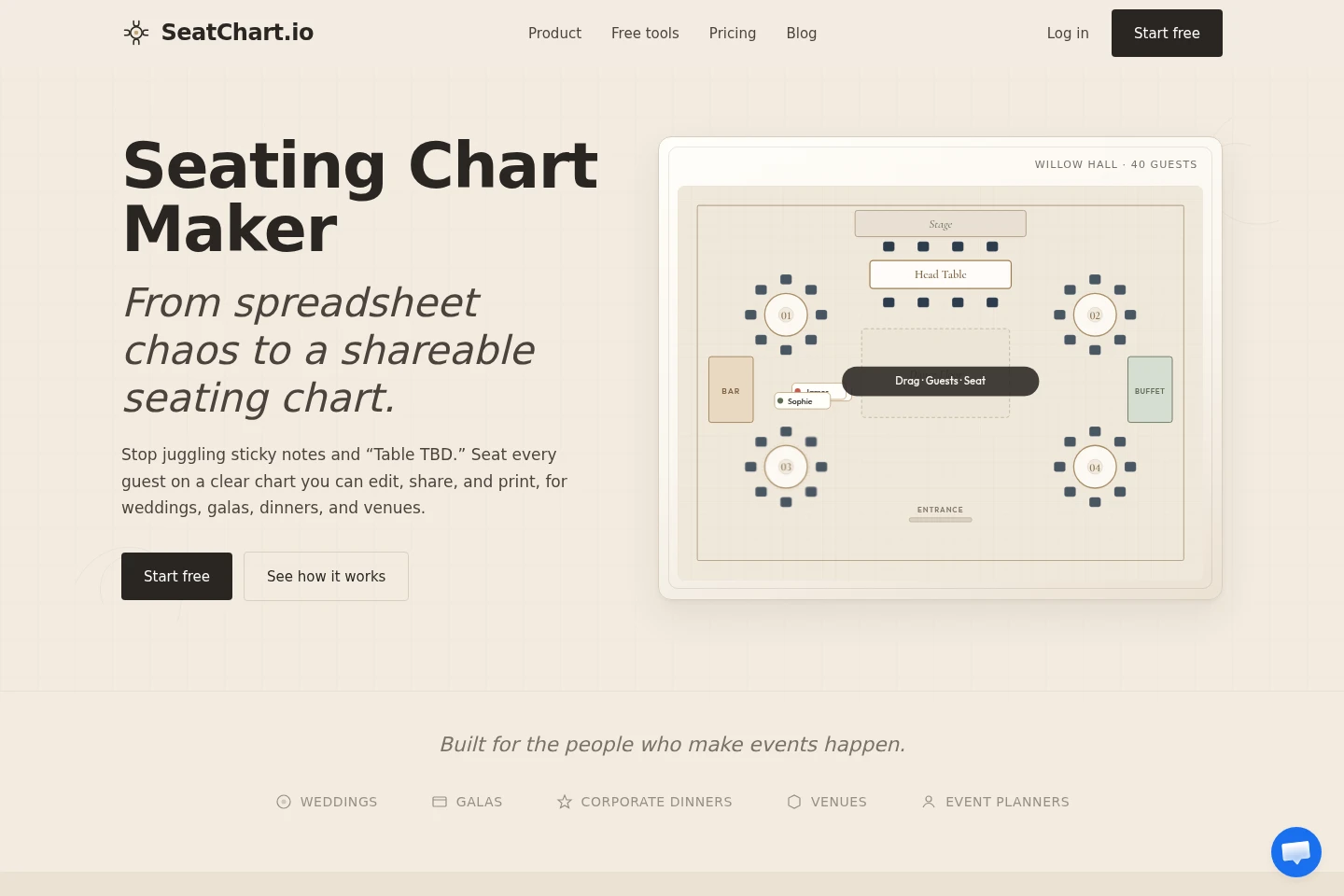
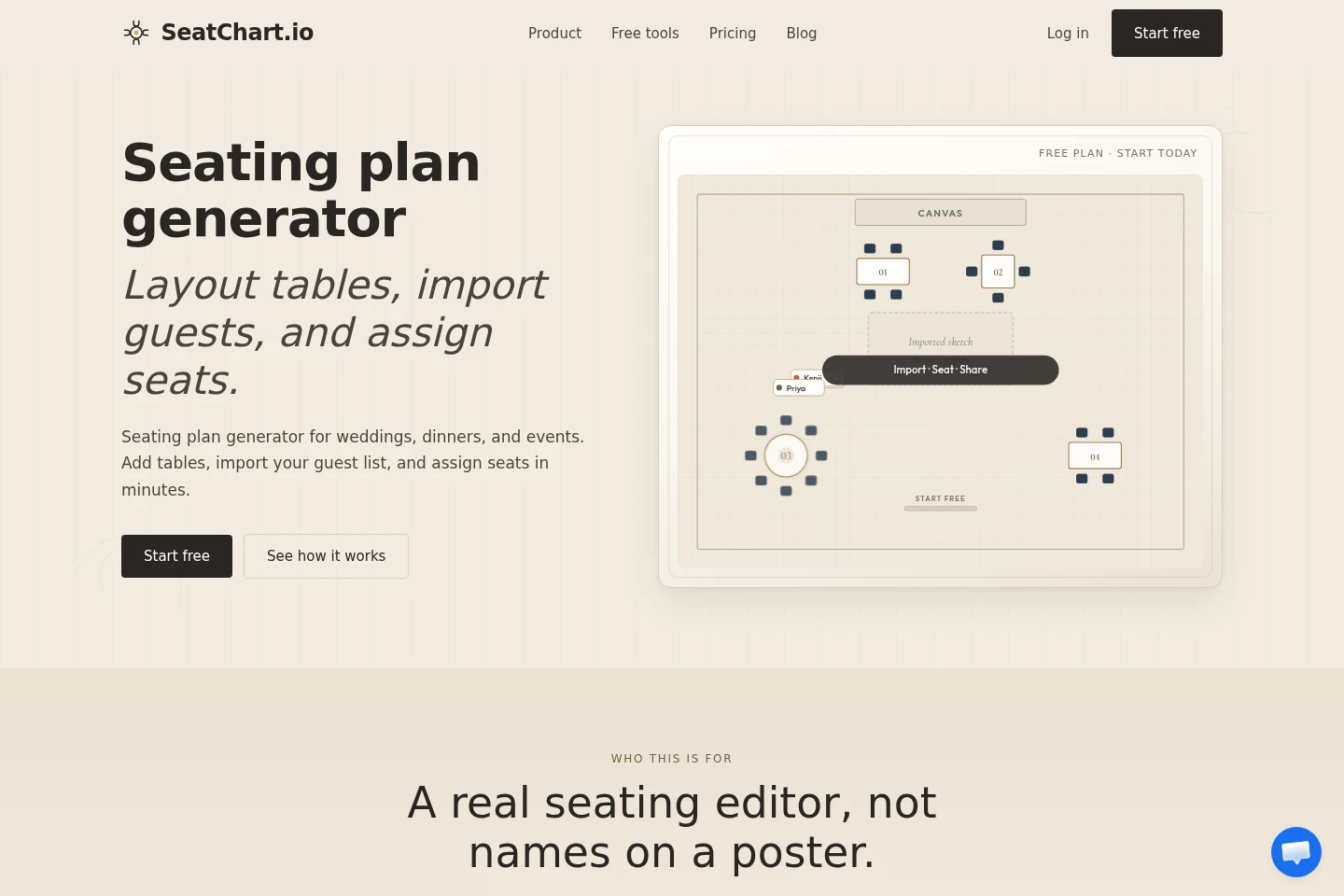
Lets users build seating layouts on a blueprint-style canvas. Users can add tables of multiple shapes, chairs, and venue markers such as stages, dance floors, and restrooms.
Guest list management
Organizes guest information and tracks relevant details. Users can import lists via CSV or Excel, group guests into parties, and log dietary requirements and personal comments.
Seat assignment tools
Places guests at designated seats across the floor plan. Users can drag and drop individual guests or use bulk auto-assignment to seat entire groups at once.
Pre-built template library
Provides ready-to-use seating layouts for common event types. Users can select a matching base template and refine tables, seats, and zones to fit their specific venue.
QR guest seat lookup
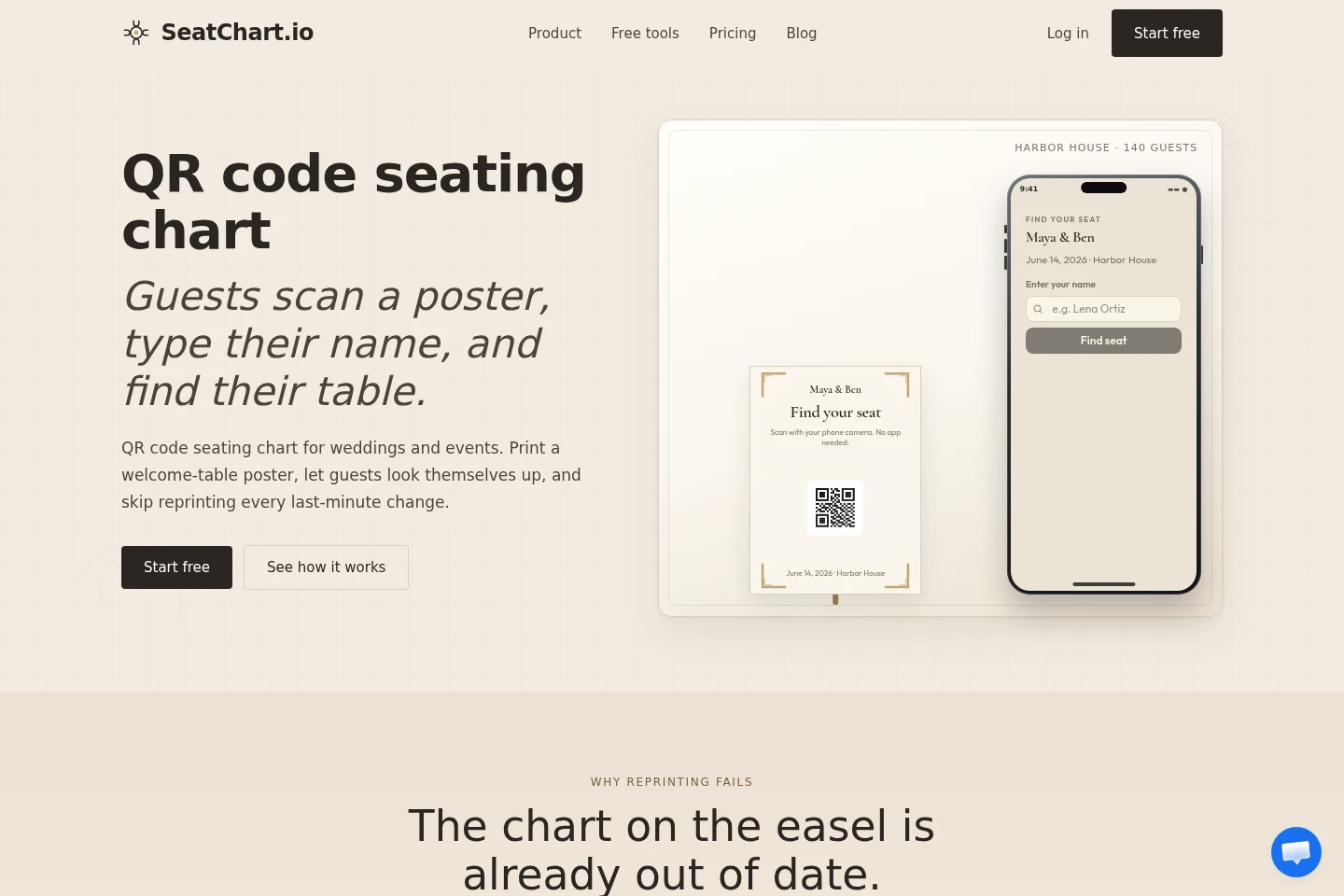
Generates a scannable QR poster that lets guests find their assigned seat. Guests scan the code with a mobile camera, enter their name, and use fuzzy name matching to retrieve their table without a dedicated app.
AI floor plan import
Converts uploaded floor plan sketches or images into editable seating objects. Users can turn existing venue drawings into interactive, customizable seating chart elements.
Pricing
SeatChart.io uses a freemium model with free, one-time payment, and monthly subscription options. Users can select a plan based on their number of events, required collaborators, and AI floor plan import volume.
| Plan | Price | Included features and limits |
|---|---|---|
| Free | $0, no credit card required |
|
| Starter | $8 one-time payment |
|
| Professional | $14 one-time payment |
|
| Event Manager | $25 per month, billed monthly |
|
All paid plans include priority support, version history for projects, export functionality, and shareable seating plan links.
Use cases
General event seating planning
Users organizing dinners, galas, or corporate events need to arrange tables and assign guests. They import guest spreadsheets, build a custom floor plan, and export or share the finished seating chart for the event team.
Wedding reception seating design
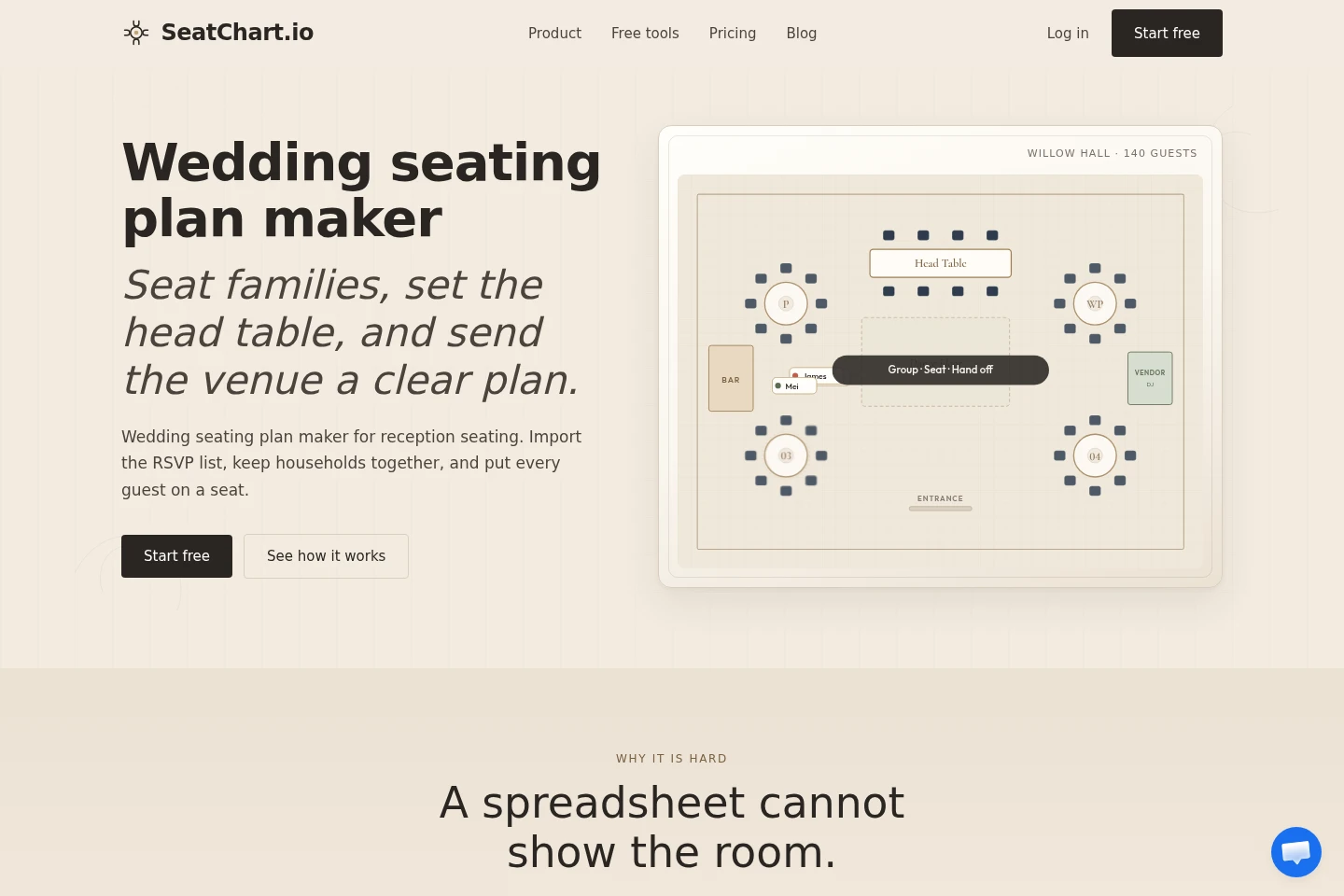
Users planning a wedding reception need to arrange family groups, a head table, and venue zones. They group related guests together, share edit access with their planner, and export a clear chart the venue staff can follow.
Classroom seating arrangement
Teachers need to arrange student desks for their class. They import a student roster, adjust desk positions on the layout, and print an updated seating map they can reuse and revise throughout the school term.
Guest self-service seat lookup
Event hosts want to reduce welcome-desk congestion on the day of their gathering. They print a custom QR seating poster, and guests scan the code to look up their assigned table without needing staff assistance.
Limitations
The Free plan is restricted to a maximum of 1 saved event
The Starter plan is restricted to a maximum of 20 saved events
The Professional plan is restricted to a maximum of 50 saved events and 3 collaborators
The Free plan includes a maximum of 3 AI floor plan imports
The Starter plan includes a maximum of 10 AI floor plan imports
The Professional plan includes a maximum of 50 AI floor plan imports
Who it is for
Event planners coordinating multiple public and private gatherings
Wedding couples and their families organizing reception seating
Venue staff managing floor plans for hosted events
Classroom teachers arranging student desk layouts for their courses
FAQ
Can I use the tool without entering credit card details?
Yes, you can start using the full design editor on the Free plan with no credit card required.
Can I import a guest list from an Excel file?
Yes, you can upload CSV or Excel files directly from the Guests panel to import guest names and details.
Do guests see the full guest list when using the QR seat finder?
No, the QR seat finder only shows matching name suggestions and the specific assignment for the selected guest, not the full list.
Can I seat multiple family members at the same table?
Yes, you can group guests together, then seat the entire group at one table or use auto-assign to prioritize tables with enough space.
Do guests need to download a dedicated mobile app to use the QR seat finder?
No, guests only need to scan the QR code with their standard mobile phone camera to access the lookup page.

Comments