Monthly visits
3,508
2026-10
Monthly growth -14.5%

ScheduleChat - Ask schedule questions backed by computed CPM results

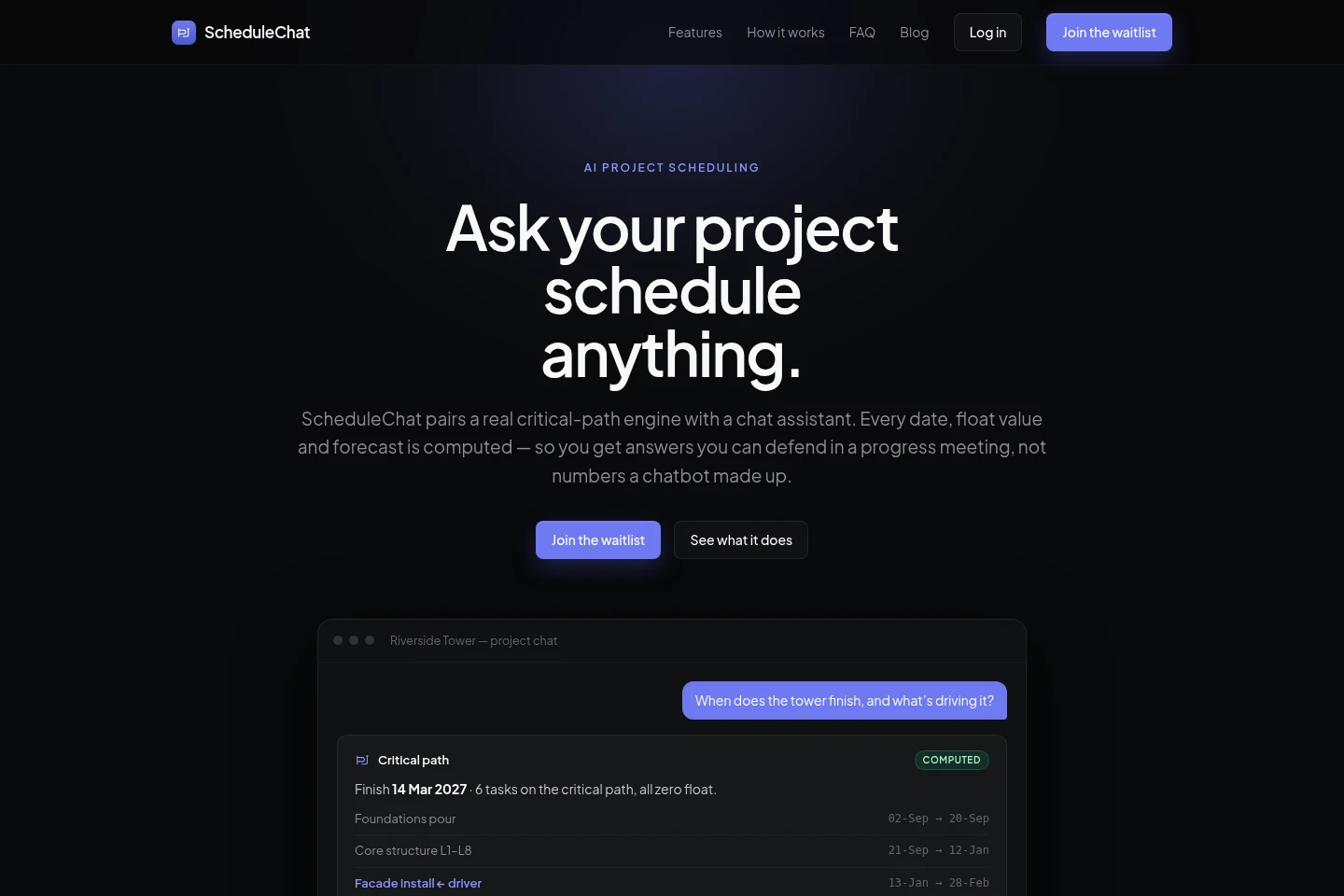
ScheduleChat combines a chat assistant with a critical-path method (CPM) engine for project schedules. Import Primavera P6 XER or Microsoft Project files, ask about dates, float and what-if scenarios, and review computed forecasts. Track baselines and variance, explore target-date recovery options, and export schedules in several formats.

Visit WebsiteUpdate this product

0Views

Capabilities

Schedule questions

Ask questions about dates, float and what-if scenarios and receive structured answer cards. The assistant selects a calculation and gets its numerical results from the CPM engine using the active schedule.

Critical path analysis

Compute the zero-float task chain and identify the current schedule driver. The CPM engine calculates the result from imported or built schedule activities and their logic.

Baseline variance tracking

Compare actual task dates with a frozen baseline and show slippage in working days. Users mark tasks complete with actual dates, and positive variance means late.

Schedule file exchange

Import Primavera P6 XER, Microsoft Project XML and .mpp files from Project 2010 onward, then export schedules or reports. Export formats include Excel, CSV, printable PDF, XER and MS Project XML.

Target-date recovery

Produce costed options for reaching a specified finish date, including tasks to shorten and links to overlap. The CPM engine verifies the proposed changes.


PricingFree

ScheduleChat offers a $0 Free plan during early access, with no card required. Compare plan limits for projects, schedule size, daily messages and import or export formats; the page says Pro lifts Free limits.

PlanPriceIncluded features and limits
Free

$0; free during early access

  • No card required.

  • Includes plain-language schedule questions.

  • Includes the critical-path engine, baselines, variance and what-if analysis.

  • Includes Primavera P6 and Microsoft Project import, with limits on projects, schedule size, daily messages and some file formats.

Pro

Price not stated

  • The page says Pro lifts Free plan limits.

  • Limits lifted include projects, schedule size, daily messages and some import and export formats.

  • No other Pro price or plan conditions are stated.

Use cases

Forecast a project finish date

When a planner needs a schedule finish forecast or wants to know what is driving it, they can ask in plain language about an imported or conversationally built schedule. The CPM engine computes dates and critical-path results for the answer.

Track schedule slippage against a baseline

When work progresses and actual dates become available, users mark tasks complete and compare them with a frozen baseline. ScheduleChat reports variance in working days and displays the plan against what happened.

Evaluate options for an earlier finish date

When a project needs to meet a target finish, users name the required date and request recovery options. The tool identifies tasks to shorten or links to overlap, with costed changes checked against the CPM engine.

Exchange project schedule files

When a schedule arrives as a supported Primavera P6 or Microsoft Project file, users can import it without having P6 or Microsoft Project installed. They can export the resulting schedule or a report to formats including Excel, CSV, PDF, XER and MS Project XML.

Limitations

  • The Free plan has limits on projects, schedule size, daily messages and some import and export formats; the page says Pro lifts these limits.

  • Microsoft Project .mpp import is specified for Project 2010 and later; if a file cannot be read, it must be saved as XML in Microsoft Project.

ScheduleChat alternatives

GanttPilot

Import, review, and revise project schedules

GanttPilot is an online project scheduling workspace. Import Excel, CSV, Project XML, or MPP files, or draft a schedule from a project description. Review AI-proposed changes, inspect dependencies and resource pressure, then save and export the revised plan as Excel or Project XML.

  • Cloud
  • Freemium
  • Free$0/month
  • Starter$3/month
  • Pro$6/month
  • Business$19/month
  1. SkedPal

    AI-powered smart calendar for intelligent task scheduling

    Freemium
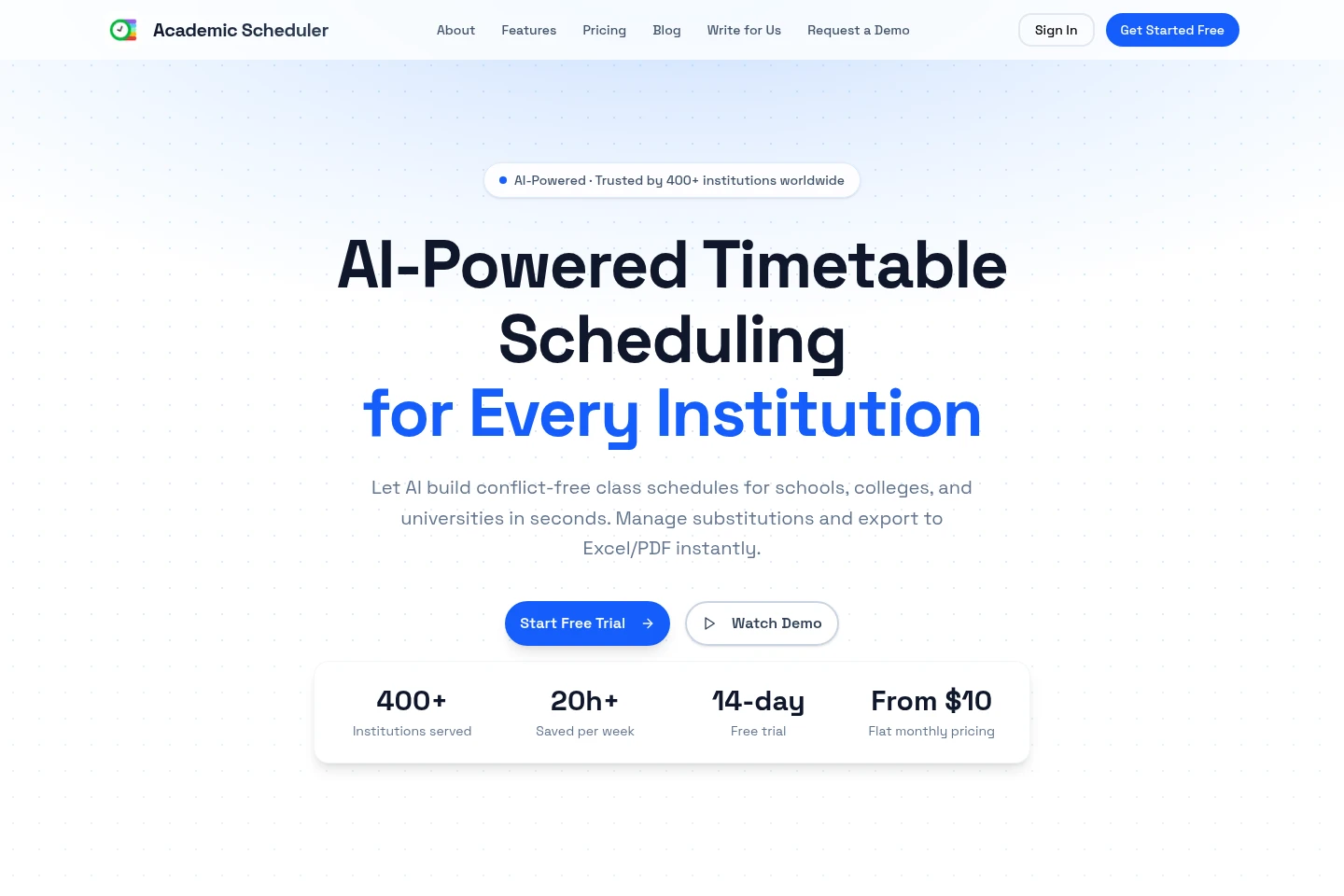
  2. Academic Scheduler

    Generate and manage school timetables with AI

    basic · $10/month
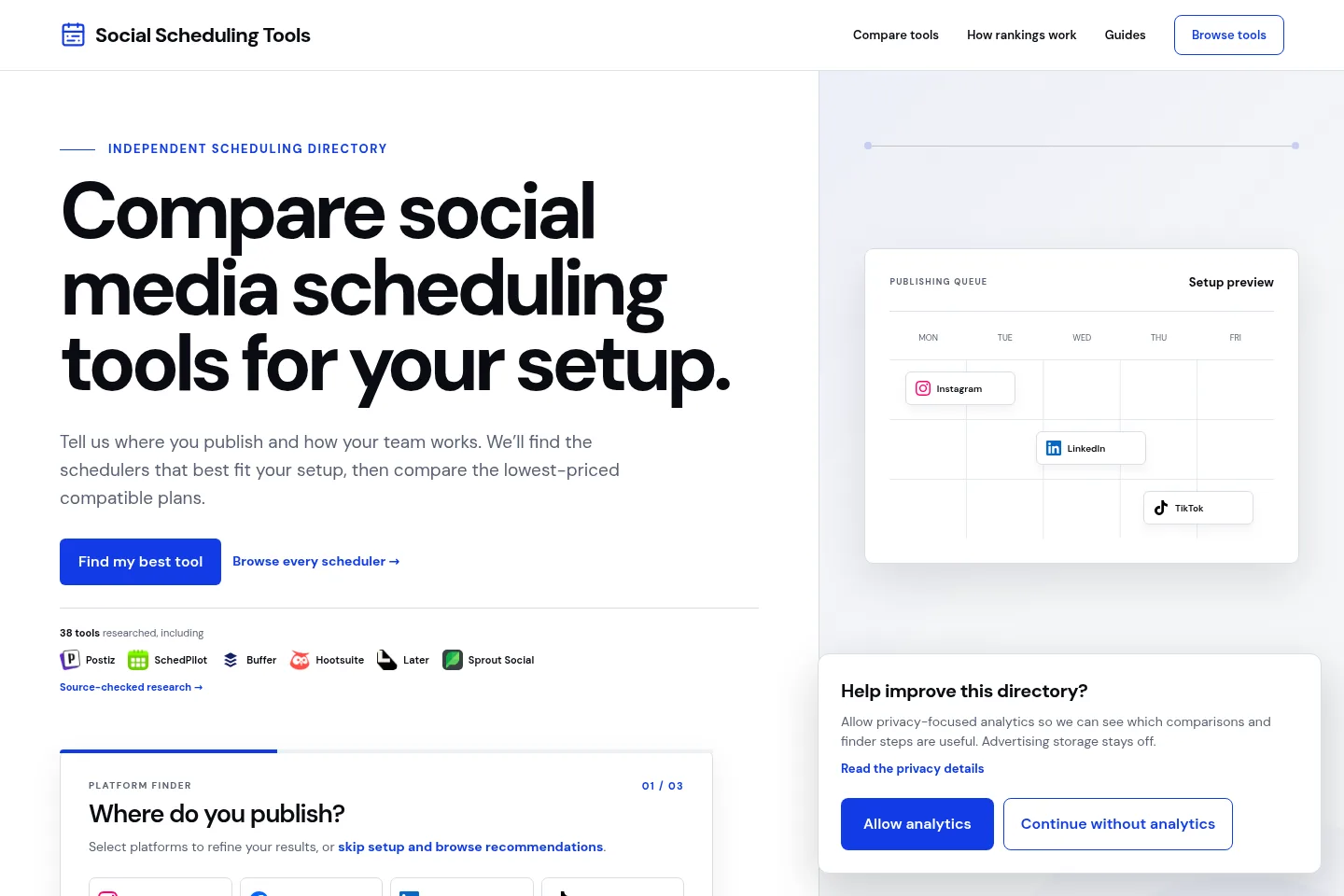
  3. Social Scheduling Tools

    Compare social schedulers against your platforms, team, and budget

    Paid
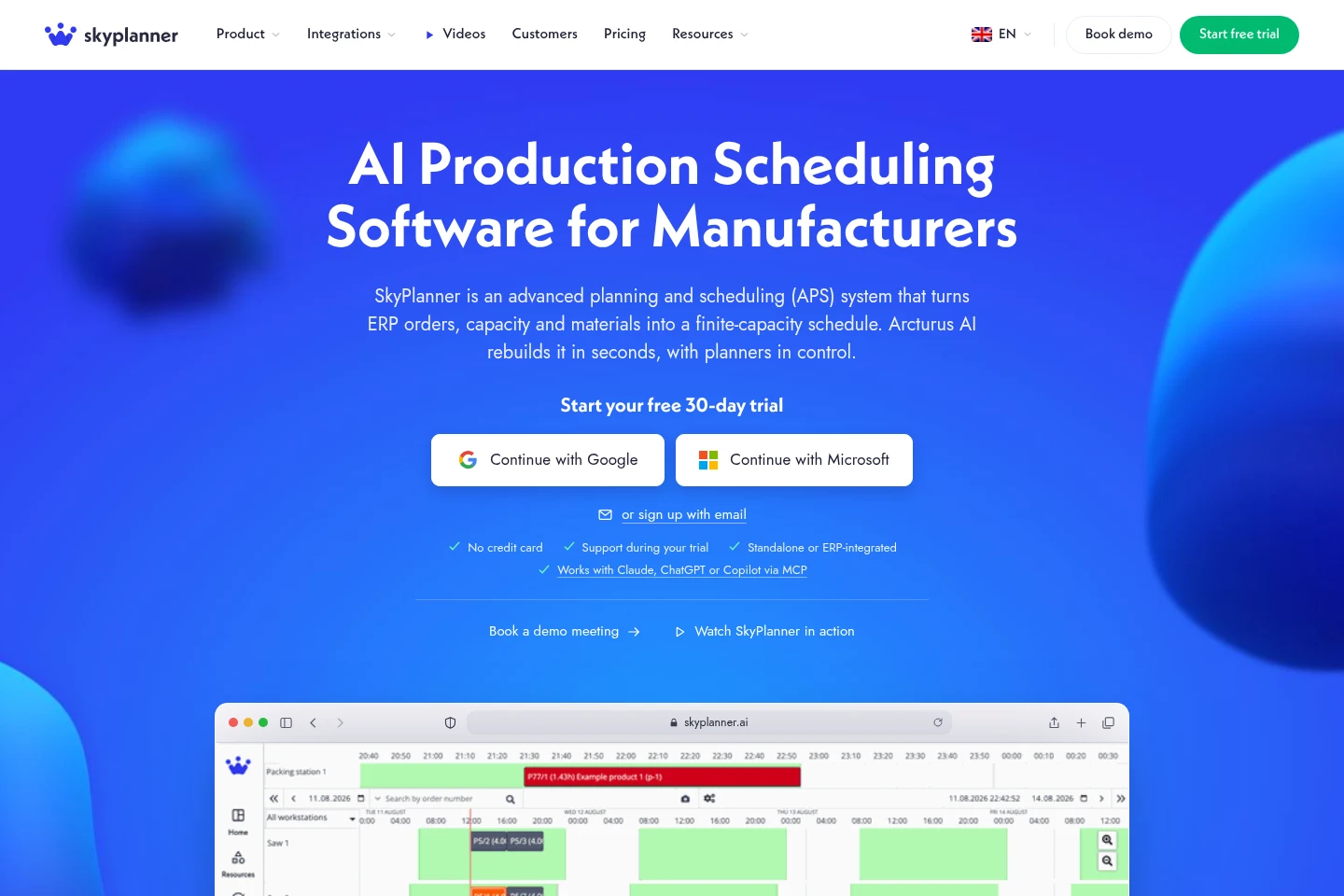
  4. SkyPlanner APS

    AI production scheduling with capacity, materials and shop-floor updates

    Paid
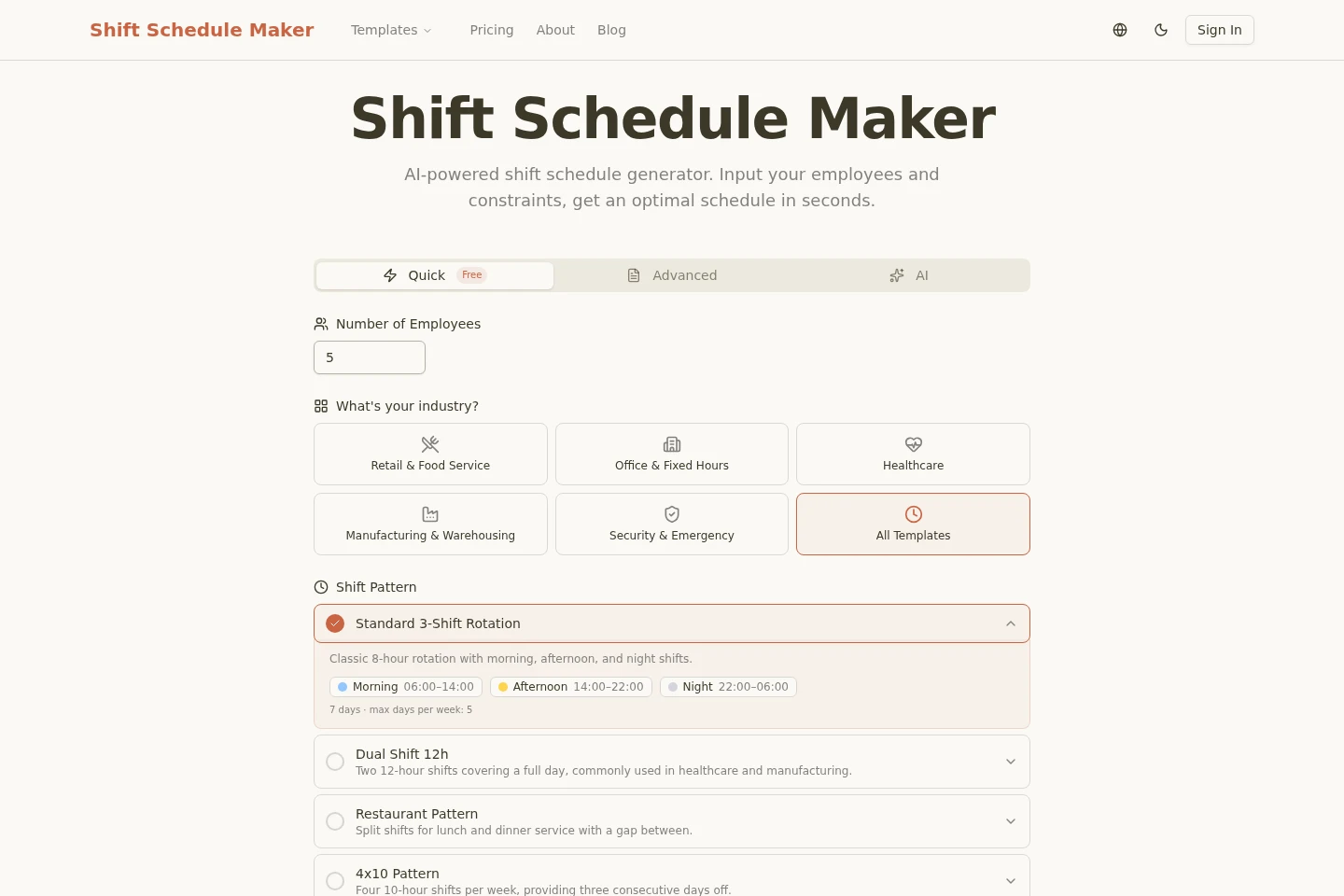
  5. Shift Schedule Maker

    Generate employee shift schedules from your team’s constraints

    Free · $0/mo

Who it is for

  • Project planners and schedulers responsible for maintaining a project schedule

  • Project-controls professionals who need computed critical paths and variance tracking

  • Project managers who need schedule forecasts and target-date recovery options

FAQ

Does the AI make up schedule dates?

No. Dates, float and the critical path are calculated by the CPM engine from the schedule's activities and logic. The assistant selects a calculation and explains its result.

Which schedule files can I import?

You can import Primavera P6 XER, Microsoft Project XML and Microsoft Project .mpp files from Project 2010 onward. If an .mpp file cannot be read, save it as XML from Microsoft Project.

Do I need Primavera P6 or Microsoft Project installed?

No. ScheduleChat imports the schedule file itself, so you can open and ask questions about a schedule someone sent you without a P6 or Microsoft Project license.

Can I export my schedule?

Yes. Export to Excel, CSV, a printable PDF report, P6 XER or MS Project XML, so the schedule can be returned to the tool your team uses as its system of record.

What does ScheduleChat cost?

The Free plan is $0 and is free during early access, with no card required. It has limits on projects, schedule size, daily messages and some import and export formats; the page says Pro lifts them.

Are my projects kept separate?

Yes. Each project is an isolated schedule, and the assistant reads and writes only the project currently open.

Comments

Please sign in to leave a comment.
No comments yet. Be the first to share your thoughts!