

- Monthly visits
- 10,477
- 2026-09
- Monthly growth +38.7%
Riffloop - Turn songs into a hands-on music practice studio
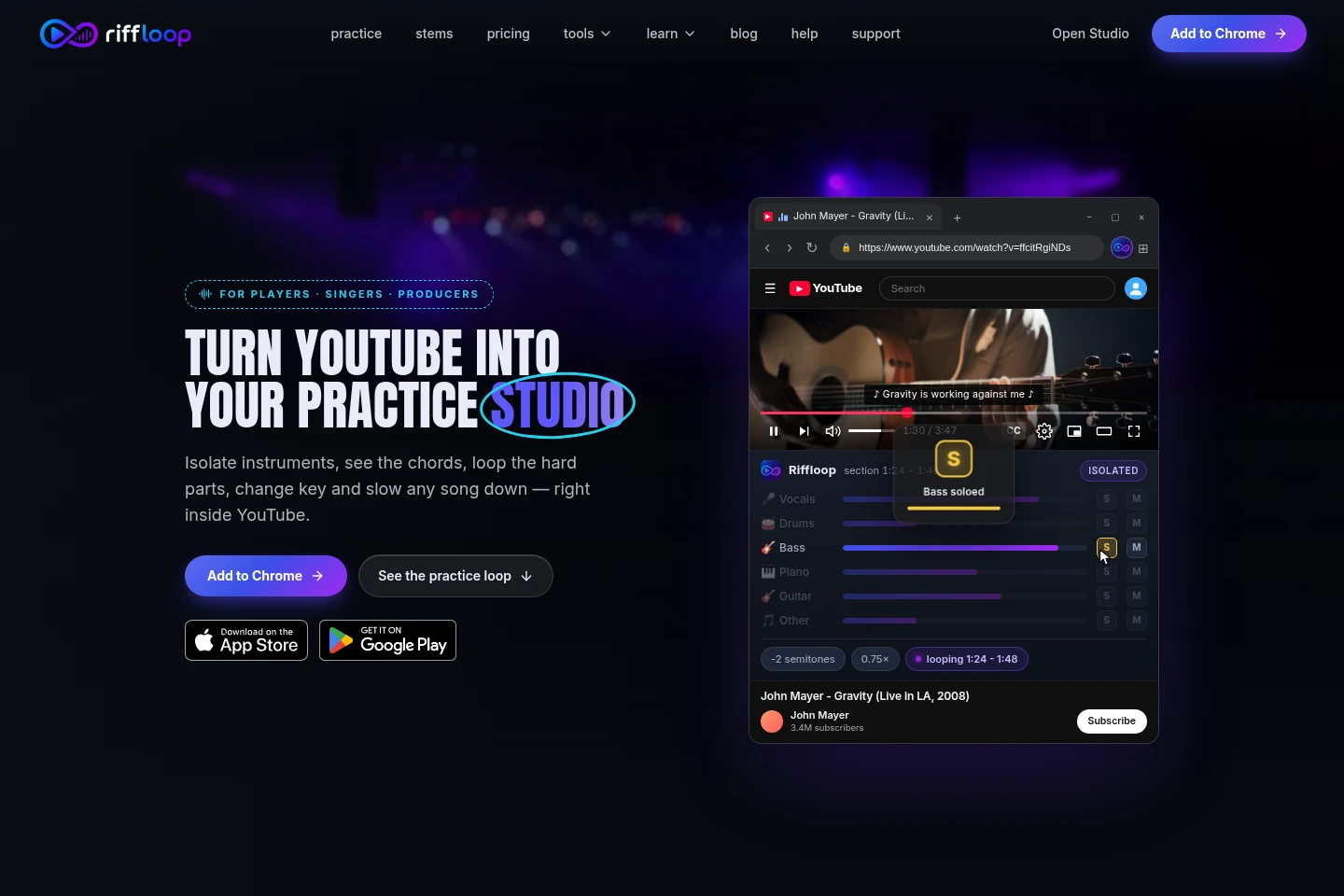
Riffloop is a music practice studio for YouTube videos and audio files. It separates songs into six stems, lets you solo or mute parts, change key, slow playback without changing pitch, and loop sections. Chord analysis can show chords, key, and BPM. Audio processing runs on your device; the Studio and browser extension are available alongside iPhone and Android apps.
- AI Audio
- Vocal Removers
- Audio Editors
- Music Transcription
- YouTube music practice
- AI stem splitter
- song chord finder
Capabilities
Six-stem separation
Separates a song into vocals, drums, bass, guitar, piano, and other audio. Load a YouTube video or an audio file; each stem can be soloed or muted for focused practice.
A-B section looping
Repeats a selected section of a song for practice. Mark the start and end points, then replay the passage; longer loops of up to 90 seconds are included with Riffloop Pro.
Pitch and speed controls
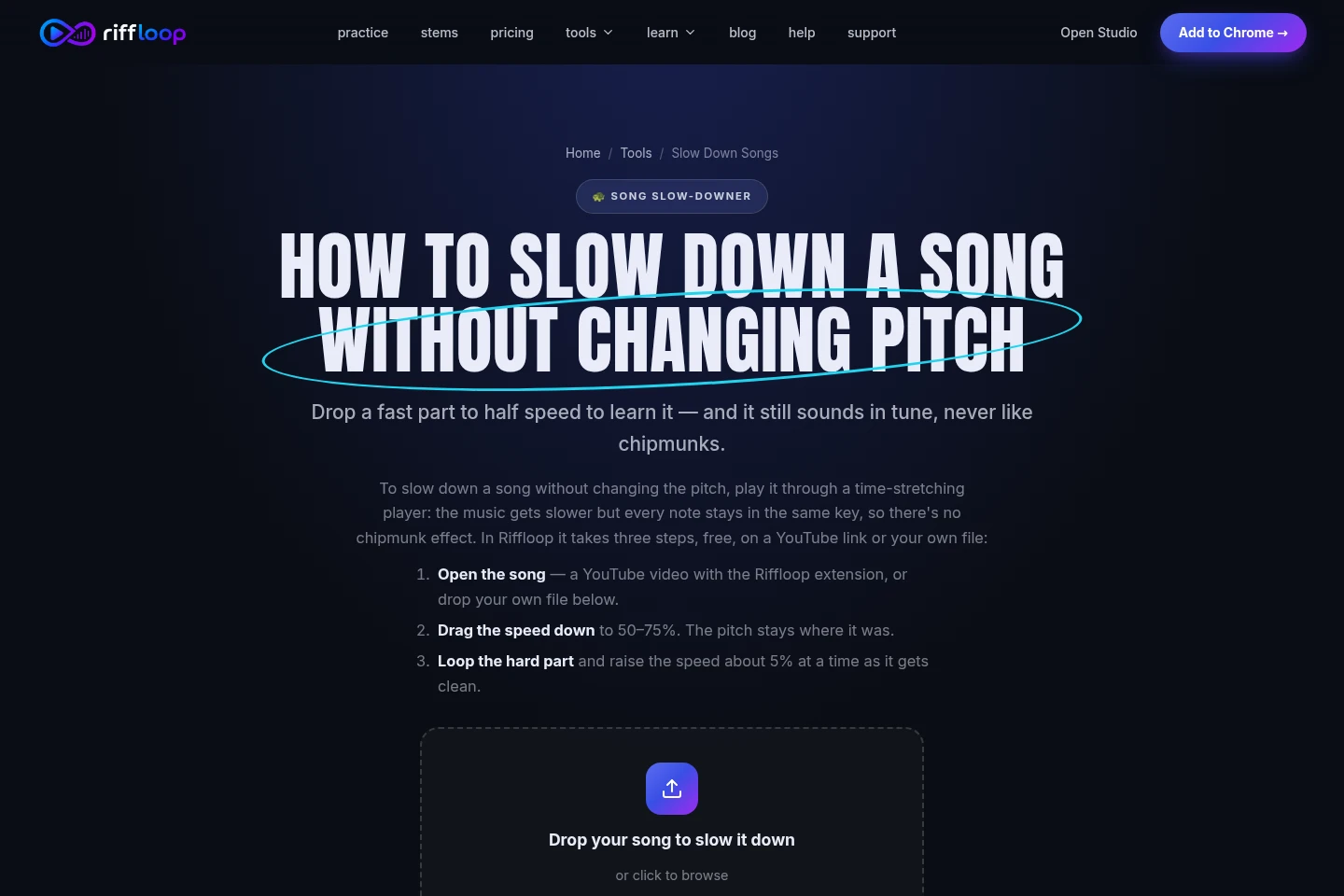
Changes a track's key and playback speed while keeping the pitch stable during slowdown. Adjust the key by up to 12 semitones and slow playback to 25%.
Chord and song analysis
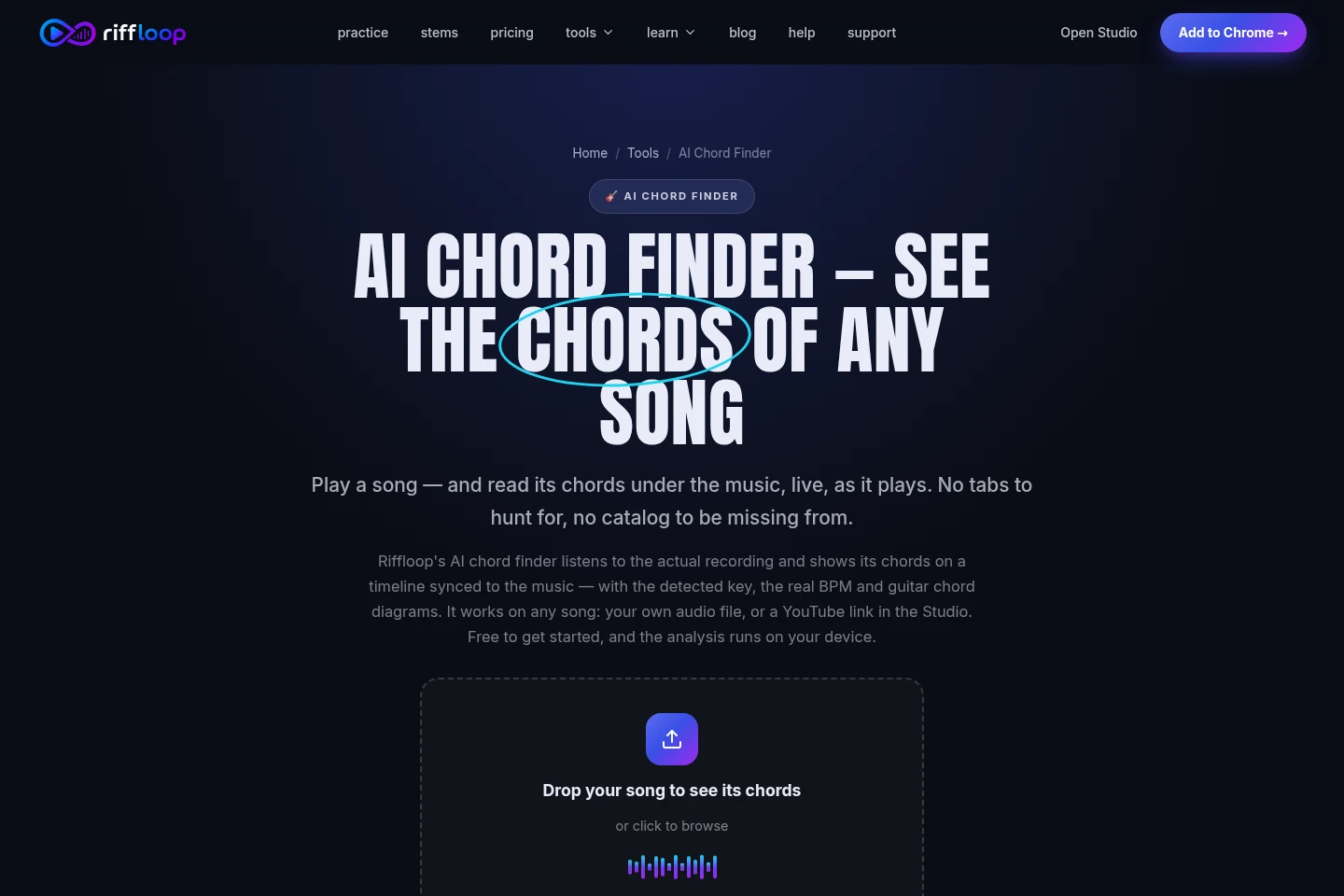
Displays detected chords in a timeline synchronized to the music, with the song key and BPM. Analyze an audio file or a YouTube link in the Studio; processing runs on your device.
YouTube browser practice
Opens practice controls on YouTube videos through the browser extension. Isolate stems, adjust playback, and loop sections without moving to a separate music player.
Pricing
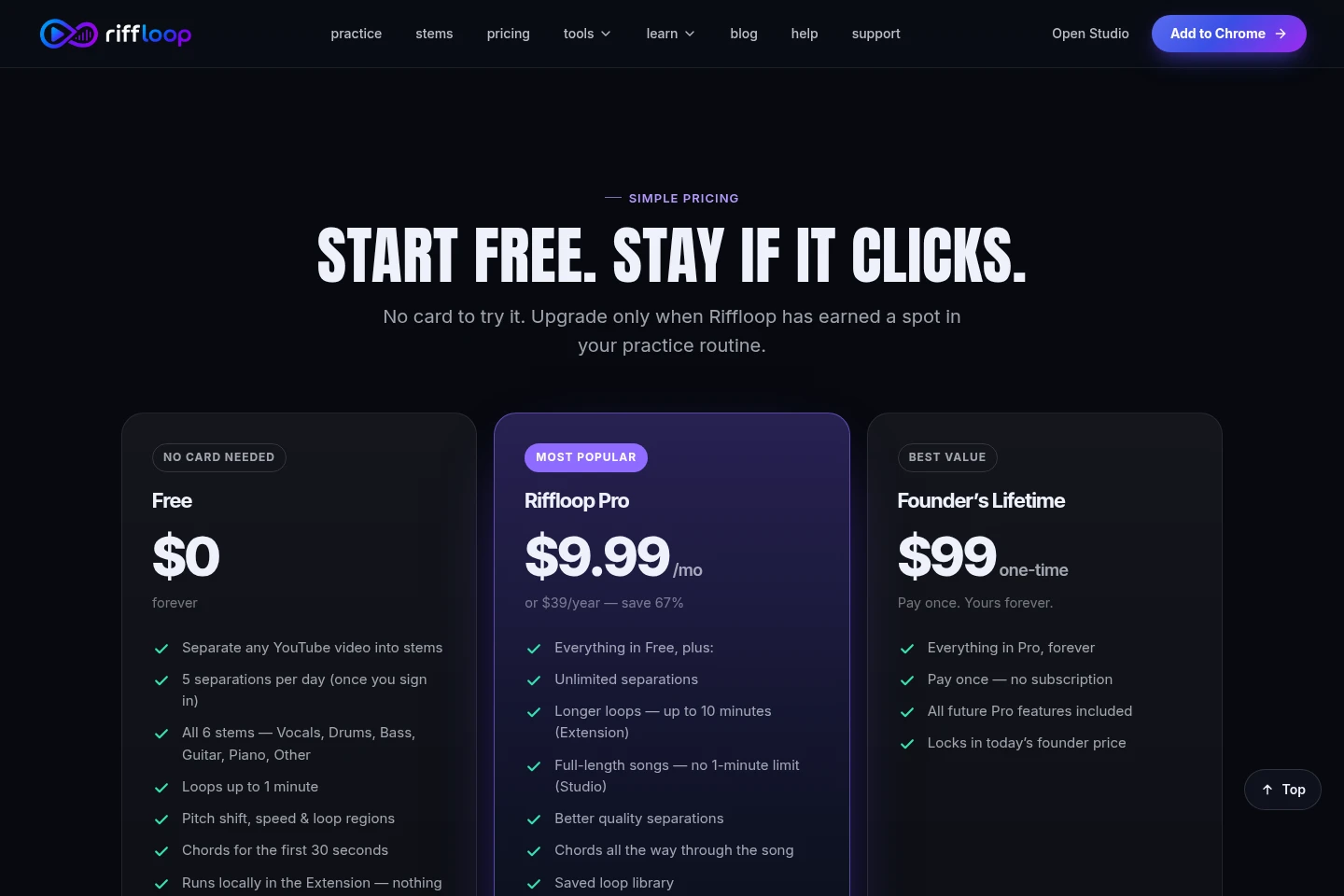
Riffloop offers a free tier and a paid one-time Riffloop Pro purchase. Compare the free processing limits with Pro's full-length clips, longer loops, and other included features.
| Plan | Price | Included features and limits |
|---|---|---|
| Free | Free to start |
|
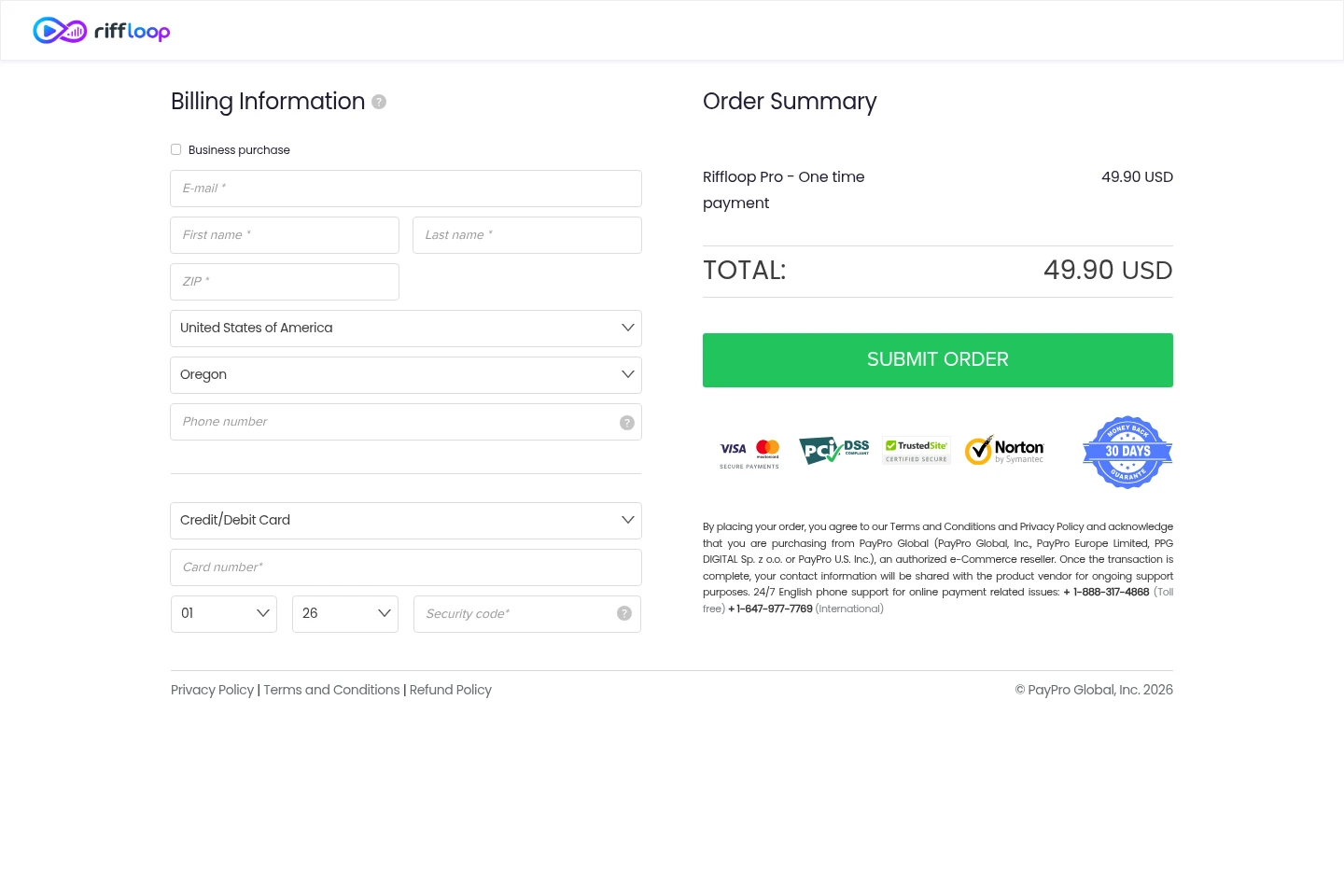
| Riffloop Pro | 49.90 USD, one-time payment |
|
Use cases
Practice a song's individual instrument parts
When learning a part by ear, separate a song into stems and solo or mute instruments such as guitar, bass, drums, or vocals. Practice with a YouTube video or an audio file, using the controls in the Studio or extension.
Repeat a difficult passage while learning
When a short passage is hard to play, mark it as an A-B loop and replay it repeatedly. Slow the track without changing pitch, then adjust the key if needed; Pro supports loops up to 90 seconds.
Find a song's chords, key, and BPM
When working out a song, open an audio file or YouTube link in the Studio for chord analysis. Riffloop displays detected chords in time with the music, along with the key and BPM.
Limitations
The free file-splitting demo processes only the first 60 seconds of a song; full-length clips are listed as a Riffloop Pro benefit.
Who it is for
Musicians learning song parts by ear who need to isolate and repeat specific instruments.
Singers and instrumentalists who need to change a song's key or slow its playback for practice.
Music producers who want to separate stems or export stems from their own uploaded songs.
FAQ
Which audio files can I use?
The Studio accepts audio files, and the homepage demo lists MP3, WAV, M4A, and FLAC files up to 50 MB. The chord finder also lists OGG and AAC support, with the same stated 50 MB limit.
Does my audio get uploaded?
Riffloop says audio processing runs on your device and that uploaded songs do not leave it. This applies to the described file-processing workflows.
What does stem separation produce?
It separates a song into six parts: vocals, drums, bass, guitar, piano, and other. You can solo or mute stems to focus on particular parts.
What does Riffloop Pro cost?
The checkout page lists Riffloop Pro as a one-time payment of 49.90 USD. It includes unlimited separations, full-length songs, longer loops up to 90 seconds, and other listed features.
Which devices and browser options are listed?
The pages link to iPhone and Android apps and Chrome and Microsoft Edge browser extensions. The Studio is also available at studio.riffloop.app.
Comments