

- Monthly visits
- 6,603
- 2026-09
- Monthly growth -1.2%
Reimagine.AI - Generate and edit images together on one canvas
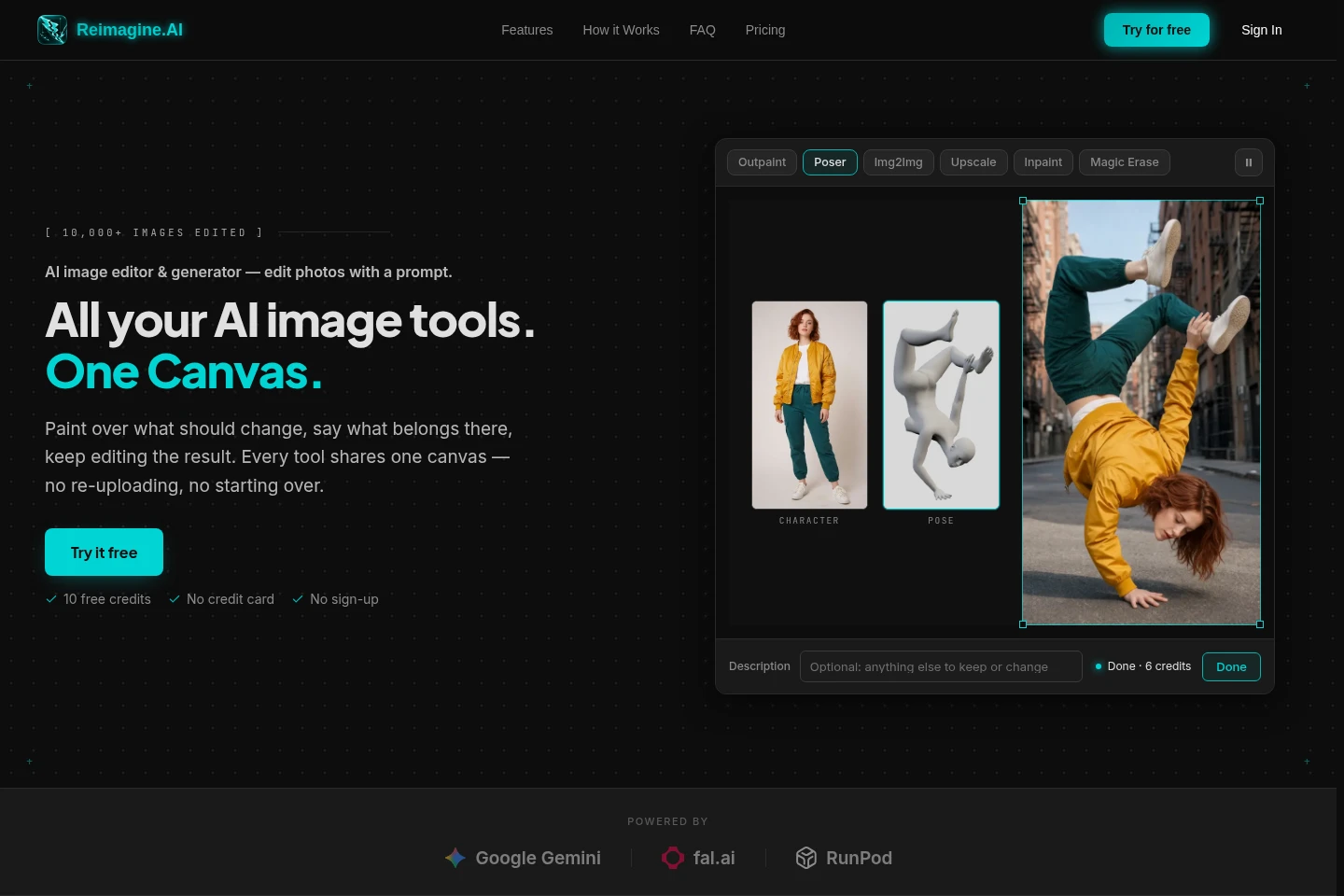
Reimagine.AI is a browser-based AI image editor and generator. Create images from prompts, transform existing images, upscale, remove backgrounds or objects, and extend image edges. Results appear as editable layers in a shared canvas, where you can apply more tools and export finished images.
- AI Image
- Image Generators
- Photo Editors
- Image Upscalers
- E-commerce
- Gaming
- AI image editor
- prompt image generator
- image upscaling
Capabilities
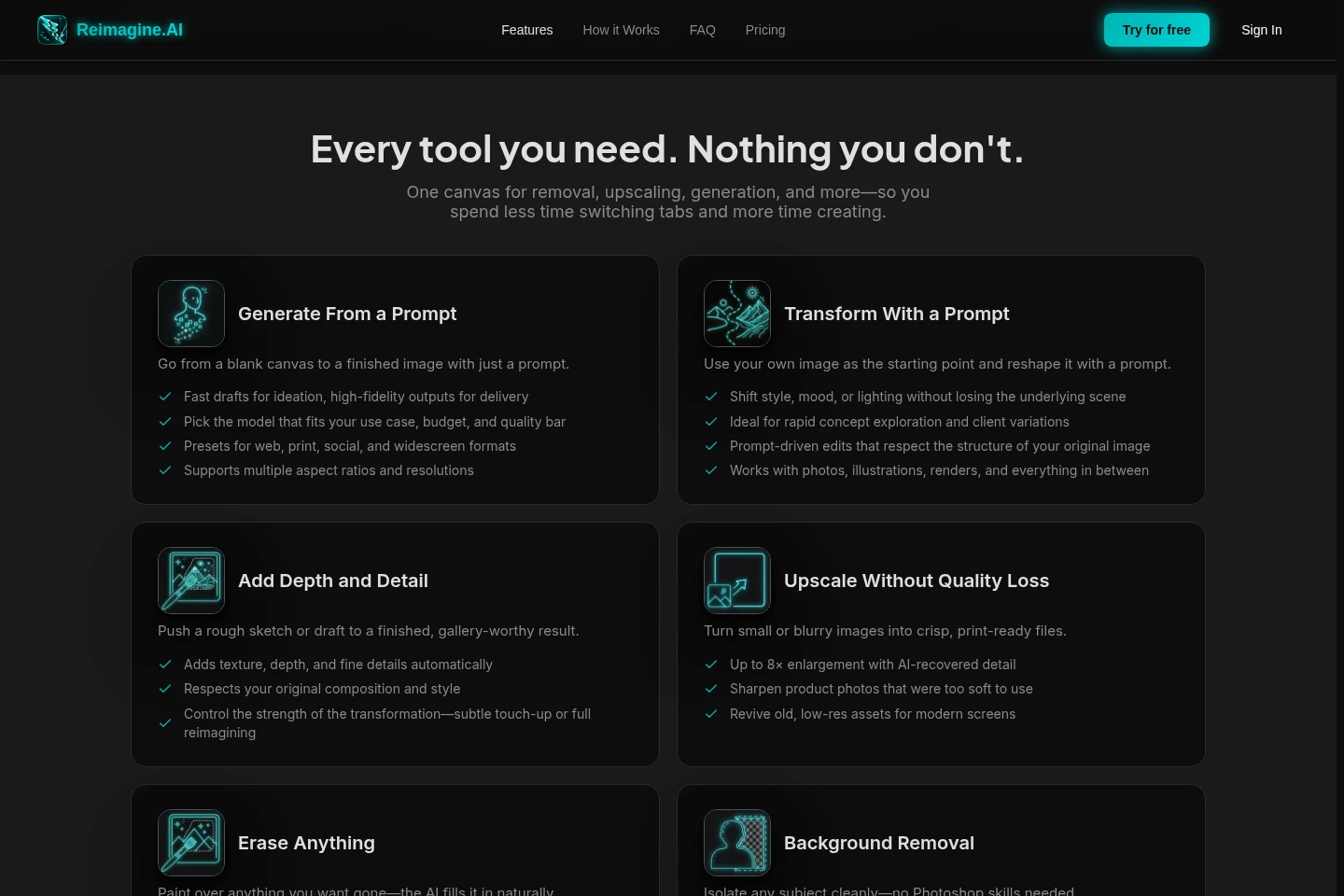
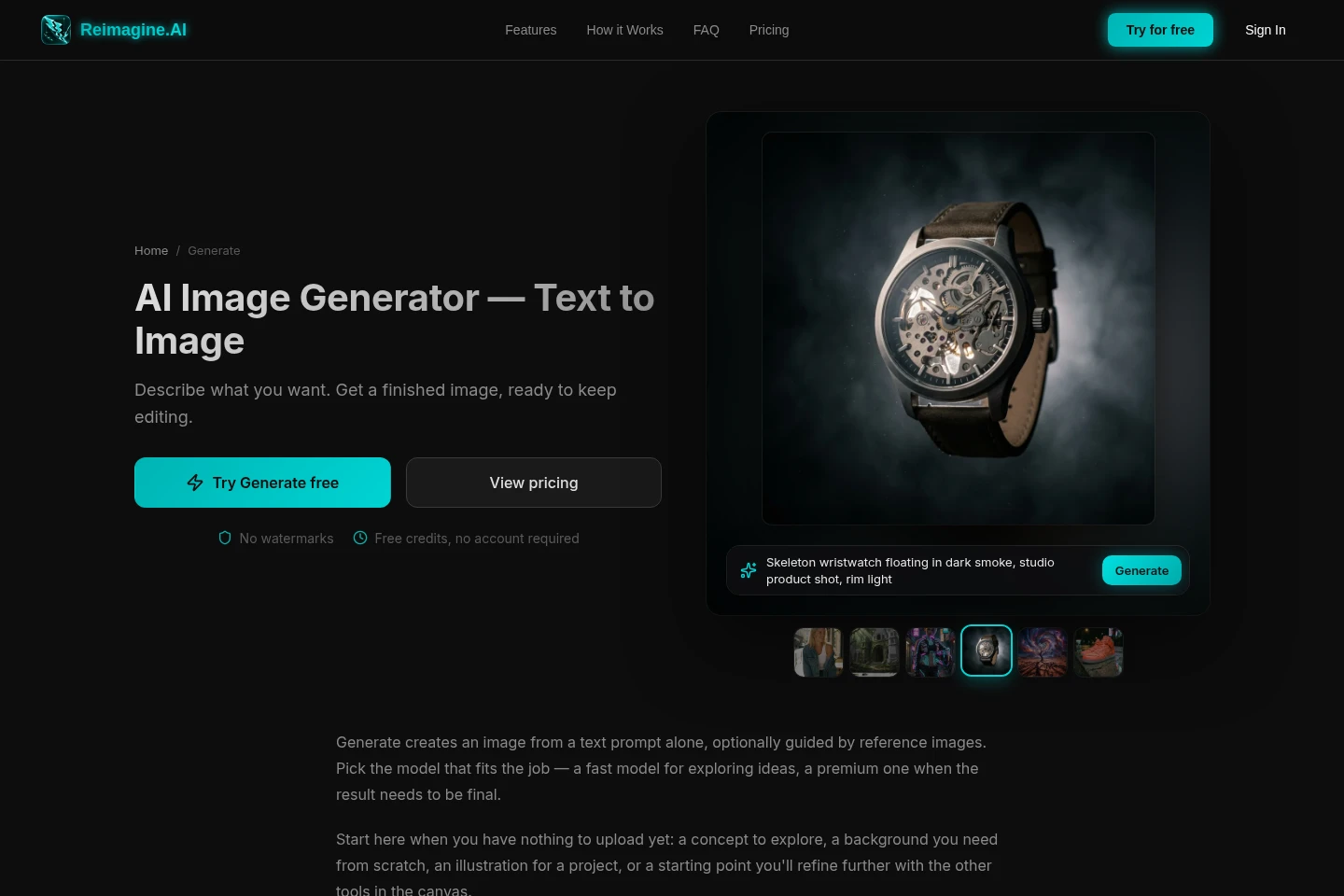
Prompt-based image generation
Create an image from a text prompt, optionally guided by reference images. Choose a model and image dimensions or an available aspect-ratio preset; model and output settings determine the credit cost.
Prompt-based image transformation
Transform an existing canvas image with a text prompt. Adjust its style, mood, or lighting while preserving the scene structure, and receive the result as an editable layer.
AI image upscaling
Enlarge images by up to 8× with AI-recovered detail. Provide a small or blurry image, then upscale it for sharper output.
Object and background removal
Remove selected objects, text, watermarks, blemishes, or backgrounds. Paint over an area for context-aware filling, or isolate a subject with a transparent or solid-color background.
Image outpainting
Extend an image beyond its original edges by adding canvas to selected sides. Provide an image and, on supported models, a prompt to guide the generated area.
Pricing
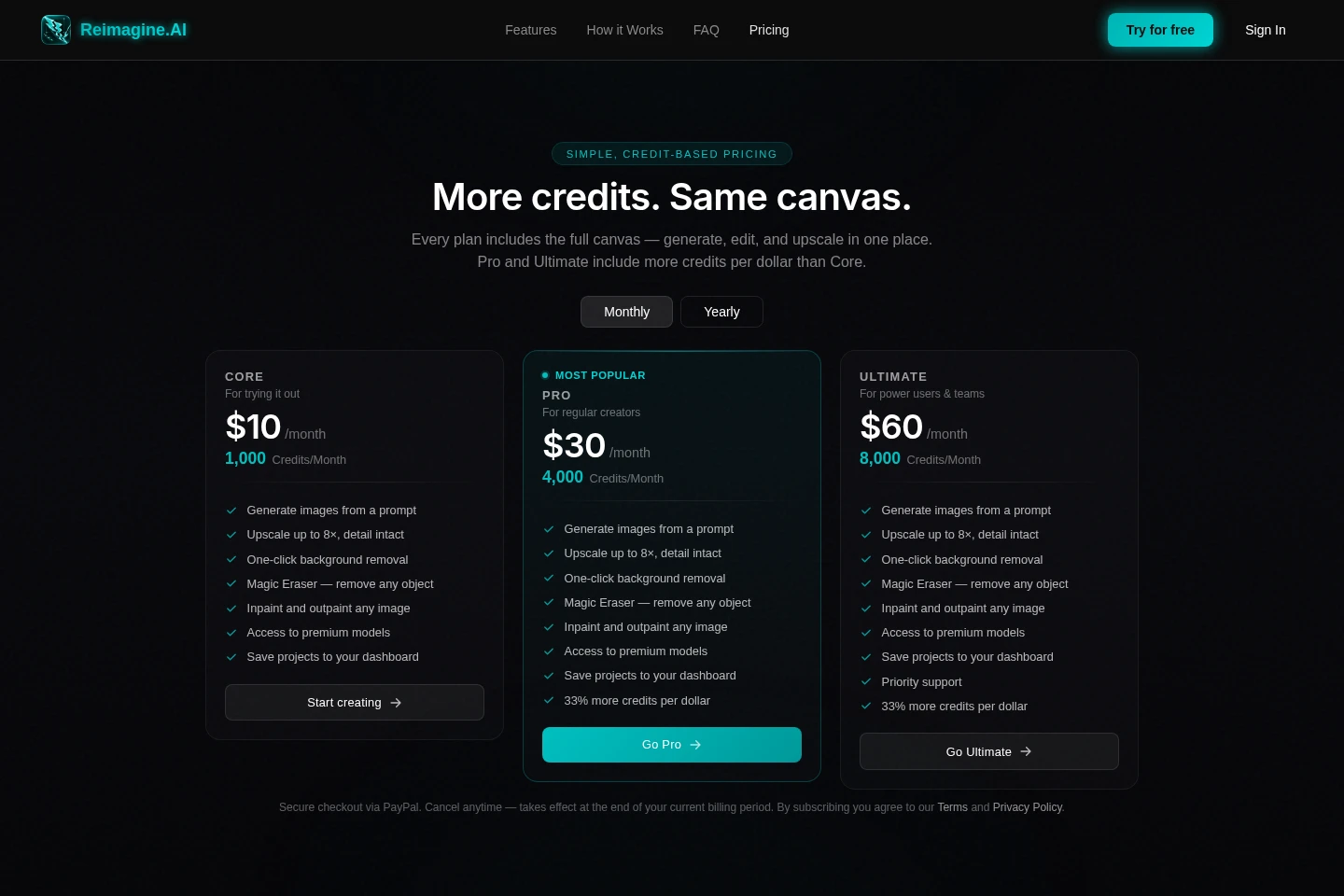
Paid plans are recurring monthly subscriptions, with CORE, PRO, and ULTIMATE differing in monthly credits and included benefits. Compare credit allowances, support, and included image tools when choosing.
| Plan | Price | Included features and limits |
|---|---|---|
| CORE | $10/month |
|
| PRO | $30/month |
|
| ULTIMATE | $60/month |
|
Checkout is handled through PayPal. You can cancel anytime; cancellation takes effect at the end of the current billing period.
Use cases
Create an image from a written prompt
When you have an idea but no starting image, enter a text prompt and select a generation model. The generated image appears on the canvas as a layer that can be edited further or exported.
Refine an existing image with prompt edits
When a photo, illustration, or render needs a different style, mood, or lighting, use it as the canvas image and describe the change. The transformed result remains available as an editable layer.
Prepare product images for online listings
When product photos need cleanup or a different background, use object removal, background removal, or image enhancement tools. Export the edited image for marketplace use.
Limitations
The available generation models have different pricing bases, and the editor displays the price before an image is generated.
Without a paid plan, Compose rendering is limited to Low quality and 1K resolution.
The Denoise setting for Inpaint is honored only by the Flux Klein 9B model; other inpaint models ignore it.
Who it is for
Image creators refining sketches, illustrations, renders, or visual concepts
Online sellers preparing product photos and marketplace-ready images
Fashion designers previewing designs on generated models before production
Independent game developers creating or improving sprites and textures
FAQ
Can I generate images without creating an account?
Yes. Generate works anonymously with a starting balance of free credits, and no account is required.
How is the cost of generating an image determined?
It depends on the model and output settings. Pricing can be per image, per output megapixel, per reference-image megapixel, or by quality and resolution tier; the editor shows the price before generation.
Can I control the generated image size?
Yes. Set width and height directly, or choose a fixed aspect-ratio preset on models that offer one.
What happens to an image after it is generated?
It appears on the canvas as a new layer, ready for further editing with other tools or export.
Can I cancel a paid plan?
Yes. You can cancel at any time, and cancellation takes effect at the end of the current billing period.
Comments