
- Monthly visits
- 4,865
- 2026-09
- Monthly growth +98.6%
ReelsMeals - Turn saved recipe links and paper cards into searchable recipes.
ReelsMeals turns links from Instagram, TikTok, YouTube and recipe sites into written recipes with ingredients and steps. Add paper recipes by photo, search saved recipes by dish, ingredient or creator, plan meals with a shopping list, and cook with timers. A free account includes three imports; paid access begins after a seven-day free week.
- AI Lifestyle
- Recipe Generation
- Meal Planning
- OCR
- recipe link to recipe
- recipe organizer
- paper recipe scanner
Capabilities
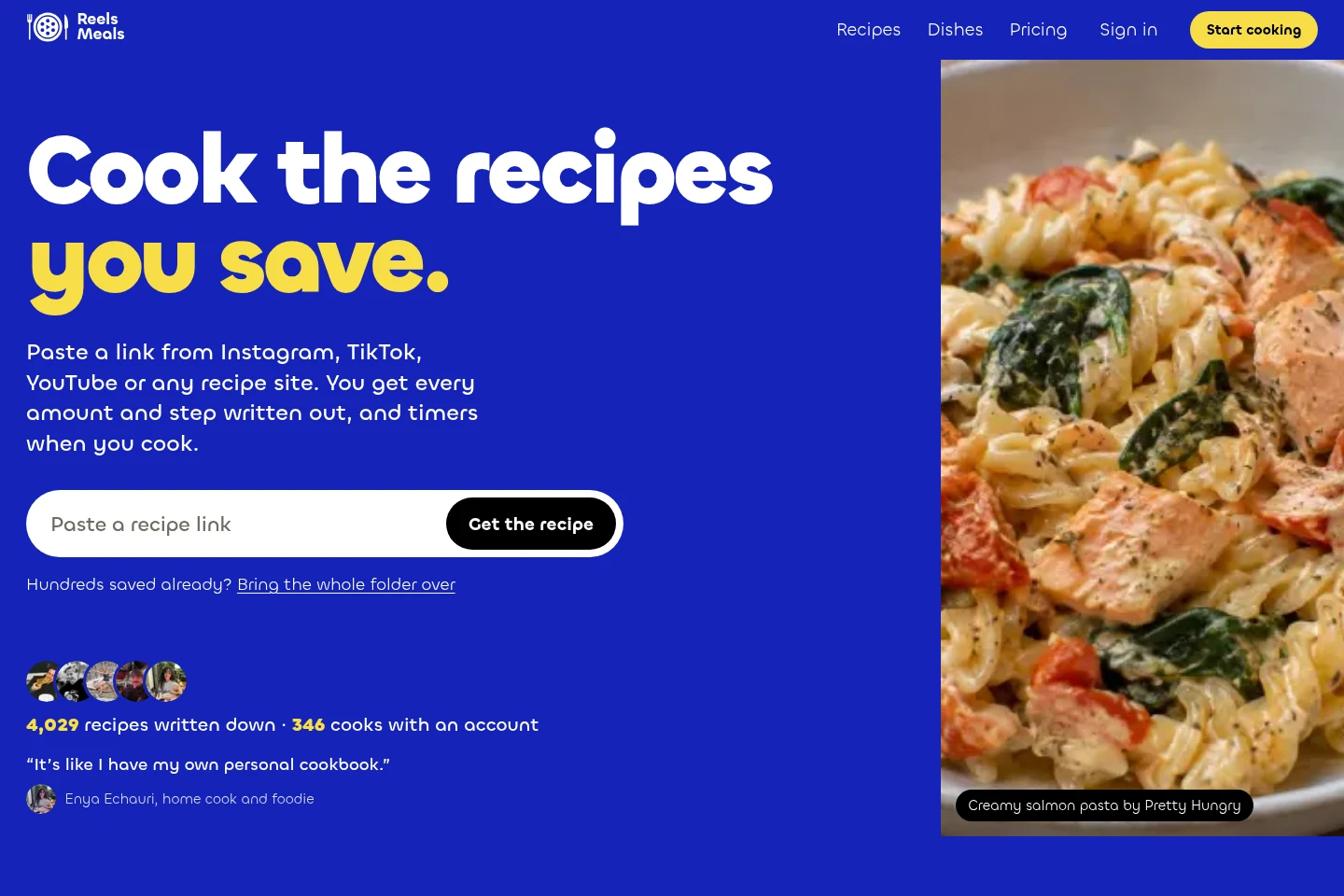
Recipe link import
Turns recipe links into written ingredients and steps. Paste links from Instagram, TikTok, YouTube or recipe sites; import Instagram export files, and add TikTok links individually or in batches of up to 50.
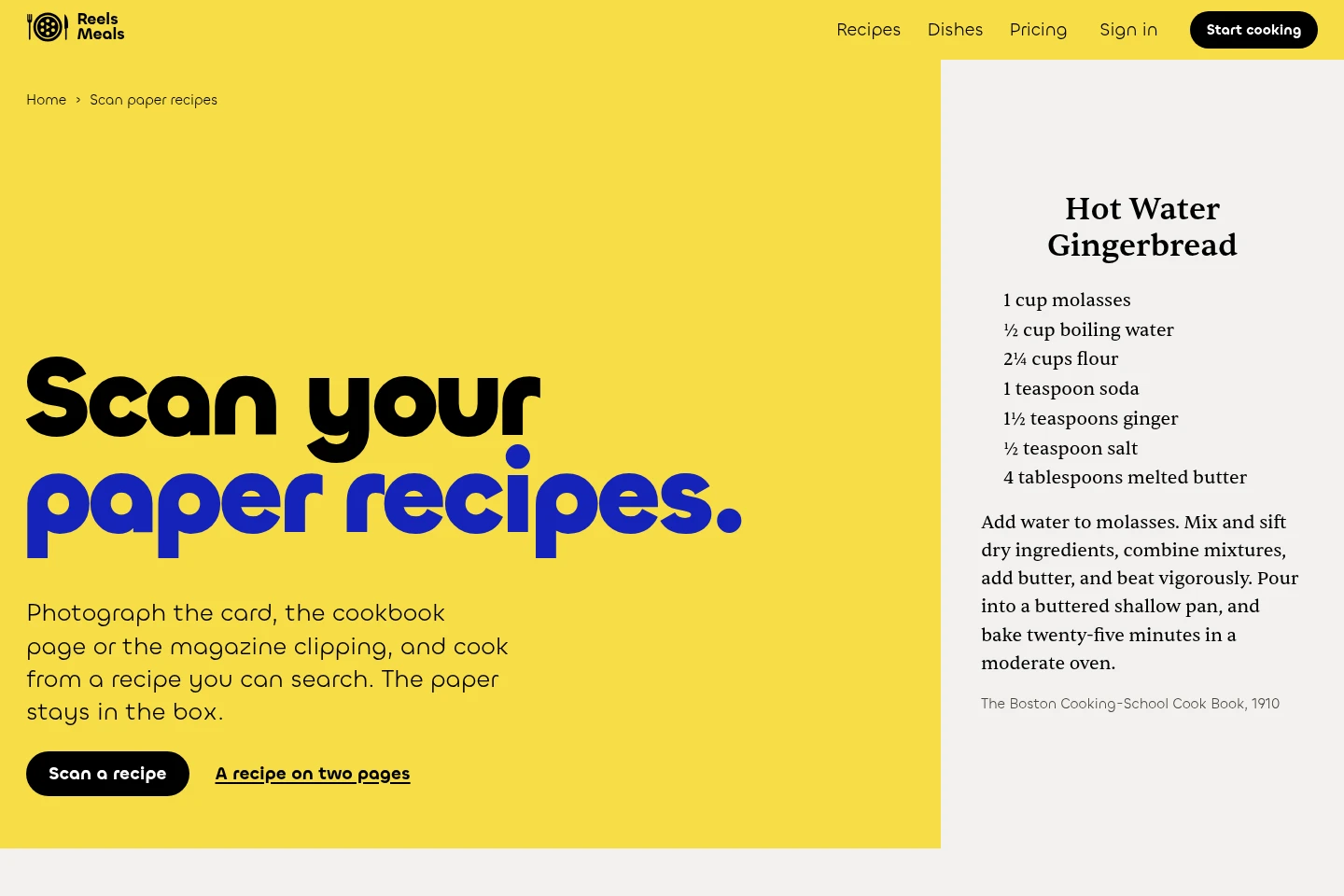
Paper recipe scanning
Creates searchable recipe cards from photos of printed or handwritten pages. Upload JPG, PNG or HEIC images, up to 10 photos per recipe; check the result against the original, with editing available on paid plans.
Recipe search
Finds saved recipes by dish, ingredient or creator. Search a personal collection, including imported links and scans, to bring up matching recipes.
Meal planning and cooking
Combines selected dinners into a shopping list and provides cooking steps with timers. Choose meals from saved recipes and follow each recipe while cooking.
Pricing
Paid access is a recurring plan after a seven-day free week; compare the Monthly and Yearly options and their billing terms. A verified free account can import three links or scans, while saving recipes from ReelsMeals stays free.
| Plan | Price | Included features and limits |
|---|---|---|
| Monthly | $8.99 a month after the free week |
|
| Yearly | Yearly option; price not shown |
|
Use cases
Save recipes from videos and websites
When a recipe is shared as a social video or web page, paste its link or import supported social data into ReelsMeals. The service writes out the amounts and steps and keeps the creator’s name and a link to the original.
Digitize family recipe cards
When recipes are printed or handwritten on cards and cookbook pages, photograph and upload the pages. ReelsMeals creates a recipe card to search and cook from; verify the transcription against the paper.
Plan meals for the week
When choosing dinners from saved recipes, select the meals in ReelsMeals to get one shopping list. Follow each recipe’s steps and timers as you cook.
Limitations
A verified free account includes three imports of links or scans; a failed scan does not count toward those imports.
The seven-day free week requires a payment card, and the paid plan starts on day seven unless canceled beforehand.
Recipe scanning depends on photo quality; blurry images, faint pencil and joined handwriting may be read less accurately.
Scanning records old measurements and oven terms as written rather than converting them.
Scanning is intended for personal recipes and is not built to reproduce published cookbooks.
A reel without a recipe does not count against free imports, but details missing from the video may also be absent from its written recipe.
Who it is for
Home cooks saving recipes from social videos and websites
People digitizing handwritten family cards and cookbook recipes
Cooks organizing saved recipes into weekly dinners and shopping lists
FAQ
Does ReelsMeals work with TikTok?
Yes. Paste TikTok links one by one or up to 50 at a time from TikTok’s data download; Instagram’s export file can be imported whole.
Does ReelsMeals need my Instagram password?
No. Download your Instagram export yourself and upload the file; ReelsMeals does not sign in to your account.
How are recipe creators credited?
Each recipe keeps the creator’s name and a link to the original video, both on your copy and on public recipe pages.
What happens if a reel has no recipe?
ReelsMeals tells you and does not count it against your free imports. It records what the video shows and says, so check the original for details that are missing.
Do I have to import everything at once?
No. You can start with one link or add a folder of up to 500, then bring in the rest later.
Can I cancel the paid plan?
Yes. Cancel any time in Settings; the seven-day free week costs nothing, and the first payment has a 30-day money-back guarantee.
Comments