

- Monthly visits
- 0
- 2026-10
ProTaskInnate - Notes, calendar, and tasks in a Windows desktop widget
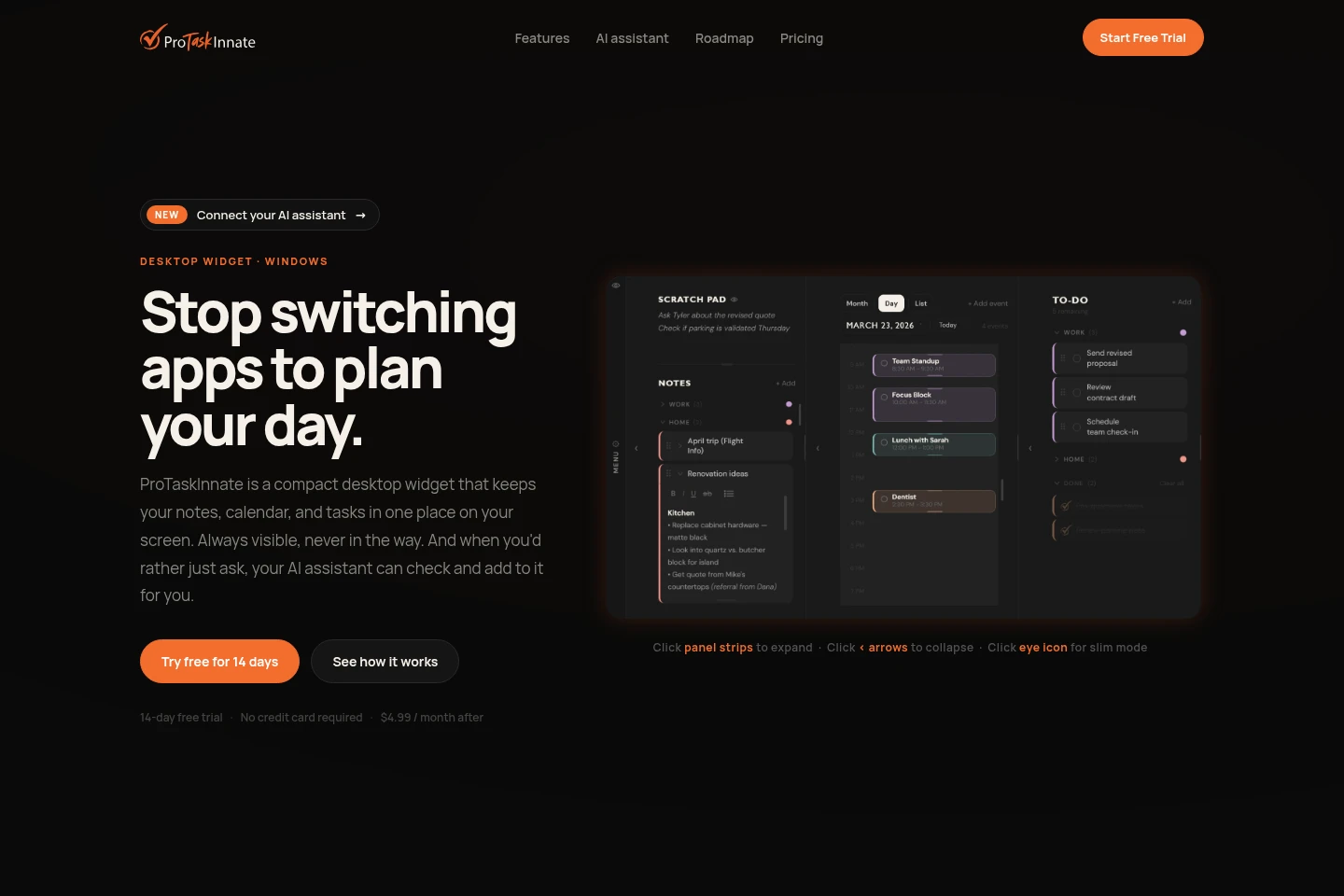
ProTaskInnate is a Windows desktop widget that keeps notes, calendar events, and to-do items together on screen. It supports multiple calendar views, recurring events, categorized notes and tasks, and two-way Google Calendar sync. Users can connect compatible AI assistants to check and add planner items. Synced data is end-to-end encrypted, and AI access stays off until enabled.
- AI Productivity
- To-Do Lists
- Scheduling Assistants
- Note-Taking Apps
- Windows planning widget
- Google Calendar task sync
- AI assistant planner
Capabilities
Notes, calendar, and to-do panels
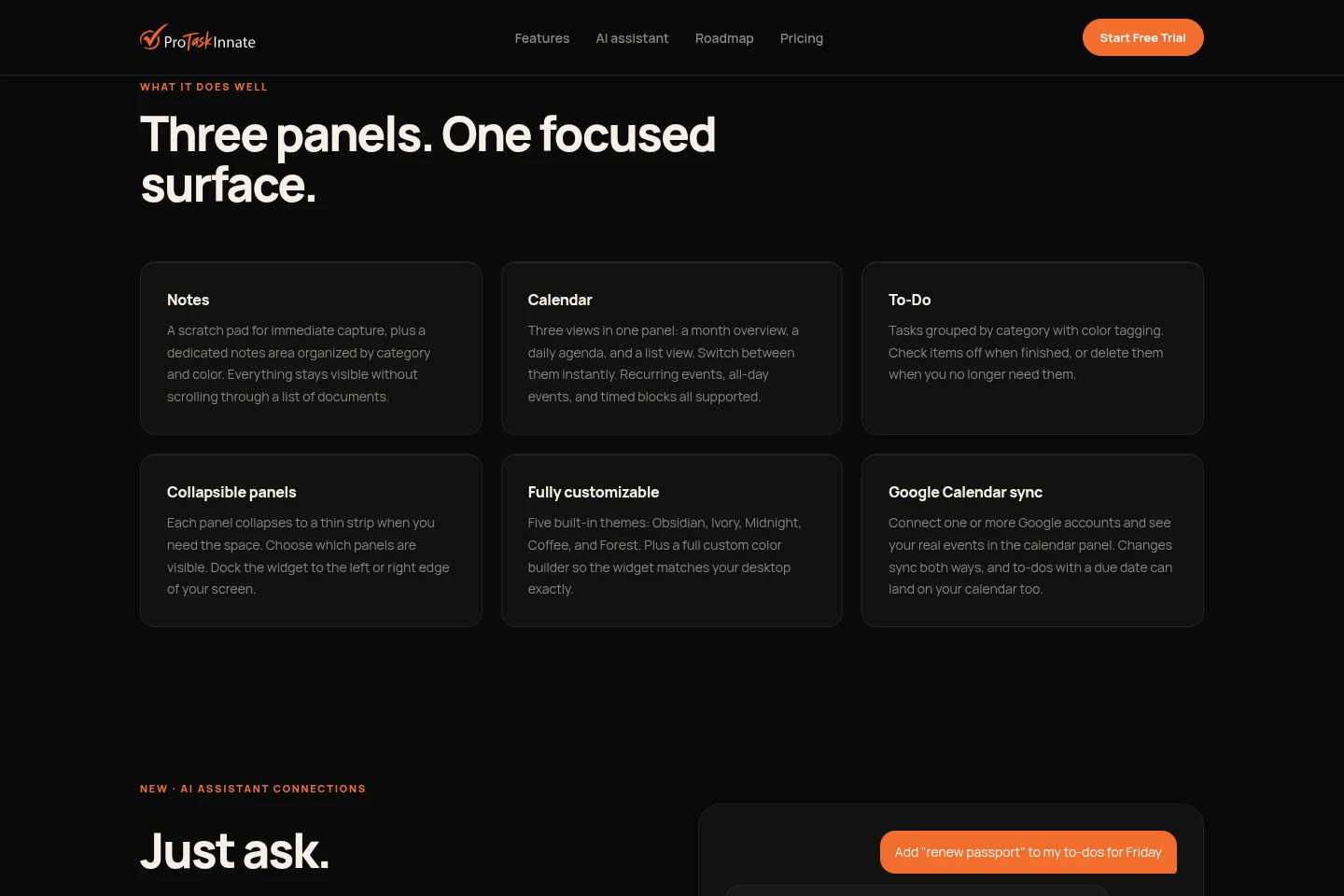
The desktop widget displays notes, calendar events, and to-do items together on screen. Notes and tasks can be grouped by category; tasks can be color-tagged and completed or deleted.
Calendar views and event types
The calendar panel shows month, daily agenda, and list views. It supports recurring, all-day, and timed events, with views that users can switch between.
Google Calendar synchronization
The calendar syncs events with one or more connected Google accounts in both directions. To-dos with due dates can also appear on the calendar.
AI assistant connections
Compatible AI assistants can check planner information and add notes or tasks through custom connectors. Users must enable AI access in Settings → Connections; it is off by default.
Widget layout and appearance
Users can collapse panels, choose which are visible, dock the widget to either screen edge, and select from five built-in themes or set custom colors.
Encrypted cross-device sync
Notes, events, and to-dos sync across devices after sign-in with Google or an email code. Synced data is described as end-to-end encrypted.
Pricing
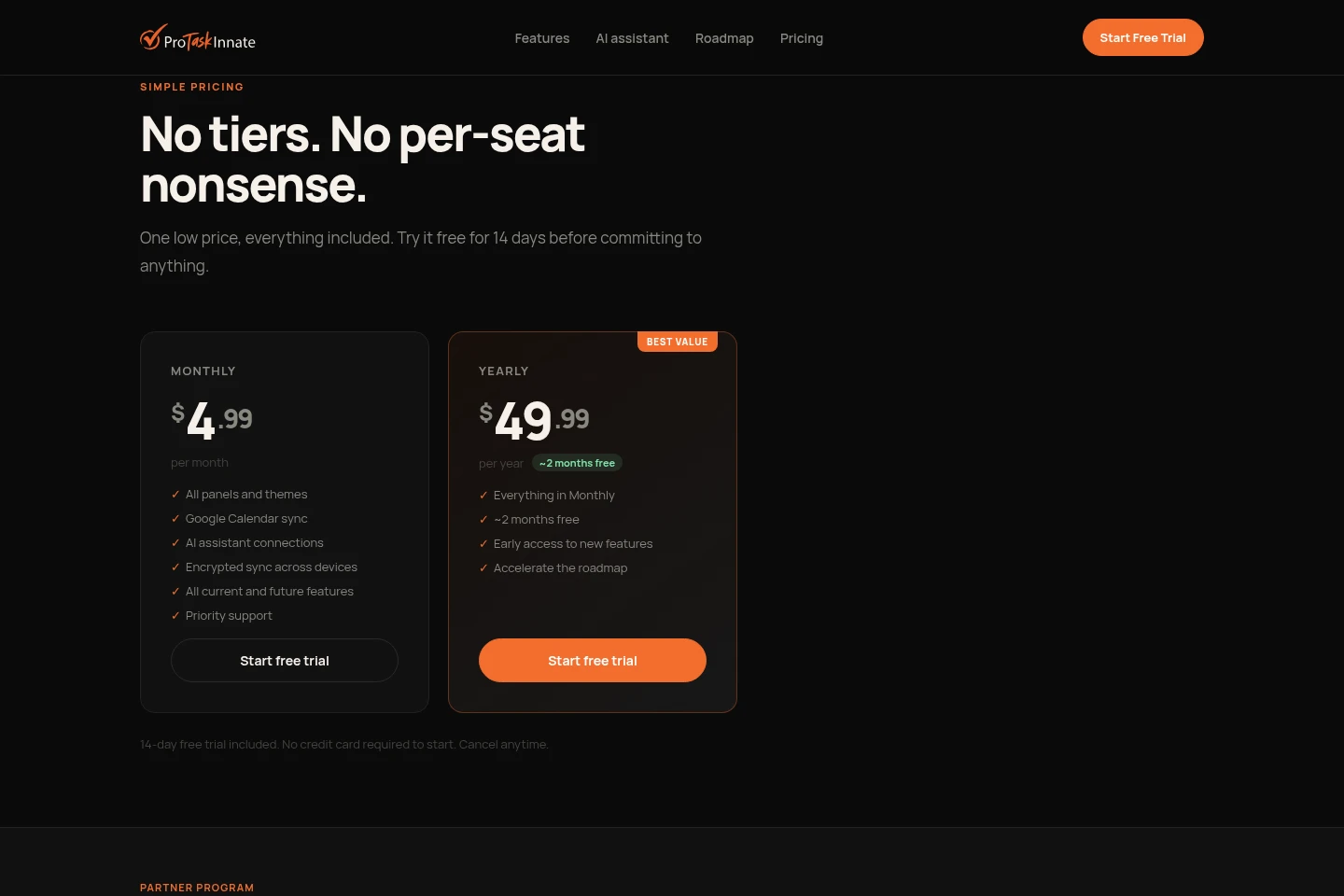
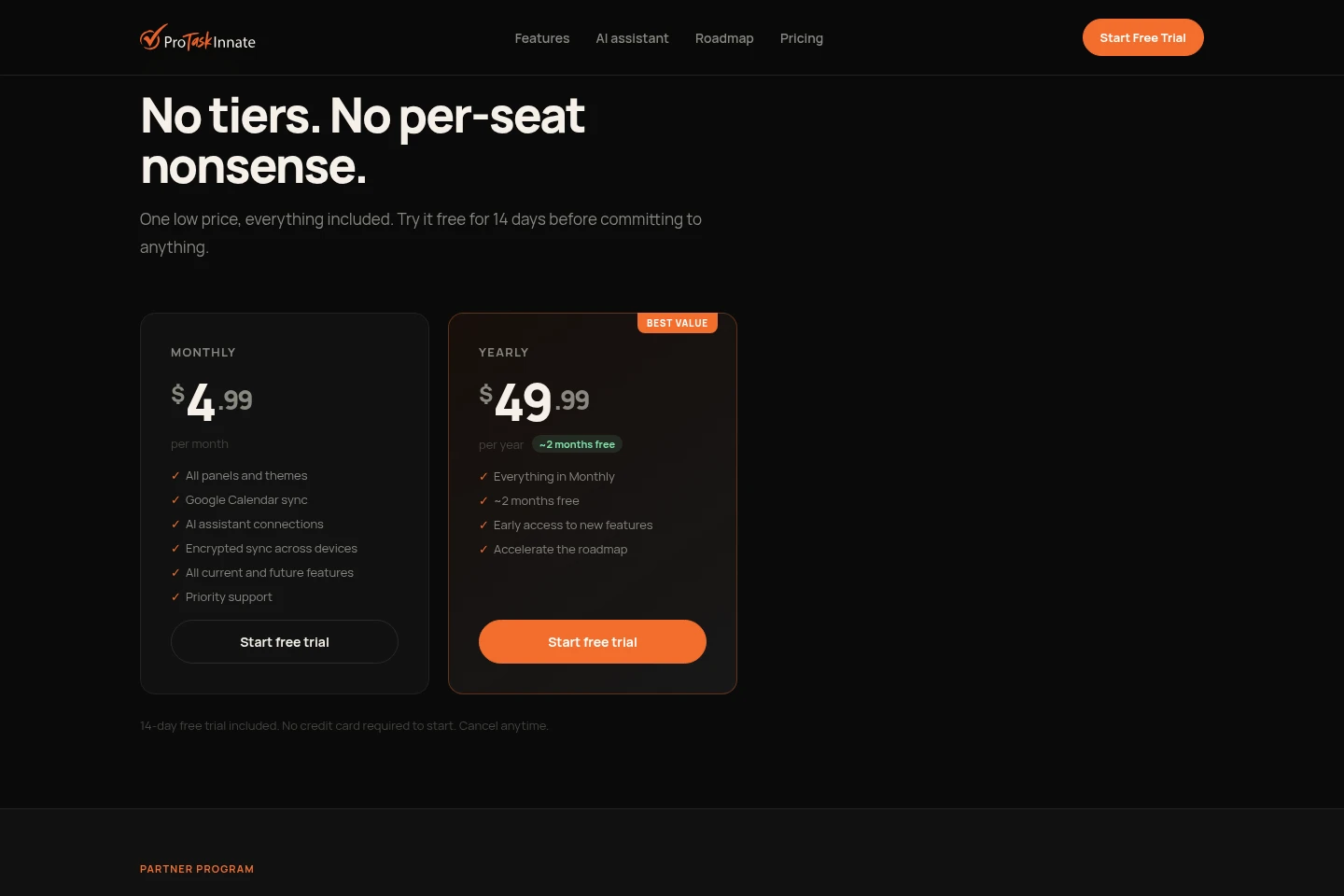
ProTaskInnate is paid by monthly or yearly subscription after a 14-day free trial. Compare the billing period and the Yearly plan’s early feature access; both plans include the listed core features.
| Plan | Price | Included features and limits |
|---|---|---|
| Monthly | $4.99 per month |
|
| Yearly | $49.99 per year |
|
A 14-day free trial is included with both plans. No credit card is required to start, and the subscription can be canceled anytime.
Use cases
Keep daily planning items together
When planning a personal day across notes, events, and tasks, users can keep all three in the desktop widget. Categories, calendar views, and collapsible panels help them see and manage those items in one place.
Sync events with Google Calendar
When a user manages events in Google Calendar and the desktop widget, connecting one or more Google accounts syncs changes both ways. Dated to-dos can also be placed on the calendar.
Ask an AI assistant about planner items
When users want to check their schedule, find notes, or add a task using plain language, they can connect an AI assistant that supports custom connectors. AI access must first be switched on in Settings → Connections.
Limitations
The desktop widget is identified as a Windows product; the mobile companion app is listed as in progress, not as currently available.
AI assistant connections work with assistants that support custom connectors, and AI access remains off until the user enables it.
Calendar synchronization requires connecting one or more Google accounts.
Who it is for
People organizing personal notes, events, and daily tasks
Google Calendar users who want desktop access to synced events and tasks
People who want a compatible AI assistant to access their planner
FAQ
What does ProTaskInnate keep in its desktop widget?
It keeps notes, calendar events, and to-do items together on screen. Notes and tasks can be organized by category, and the calendar offers month, daily agenda, and list views.
Can ProTaskInnate sync with Google Calendar?
Yes. Connect one or more Google accounts to sync calendar changes in both directions. To-dos with due dates can also appear on the calendar.
How can an AI assistant access my planner?
Connect an AI assistant that supports custom connectors, then enable access in Settings → Connections. AI access is off until the user turns it on and can be switched off again.
How much does ProTaskInnate cost after the trial?
Monthly costs $4.99 per month, or Yearly costs $49.99 per year. Both plans include a 14-day free trial, with no credit card required to start; users can cancel anytime.
Comments