

Prolifik - Turn URLs and long videos into short-form social content
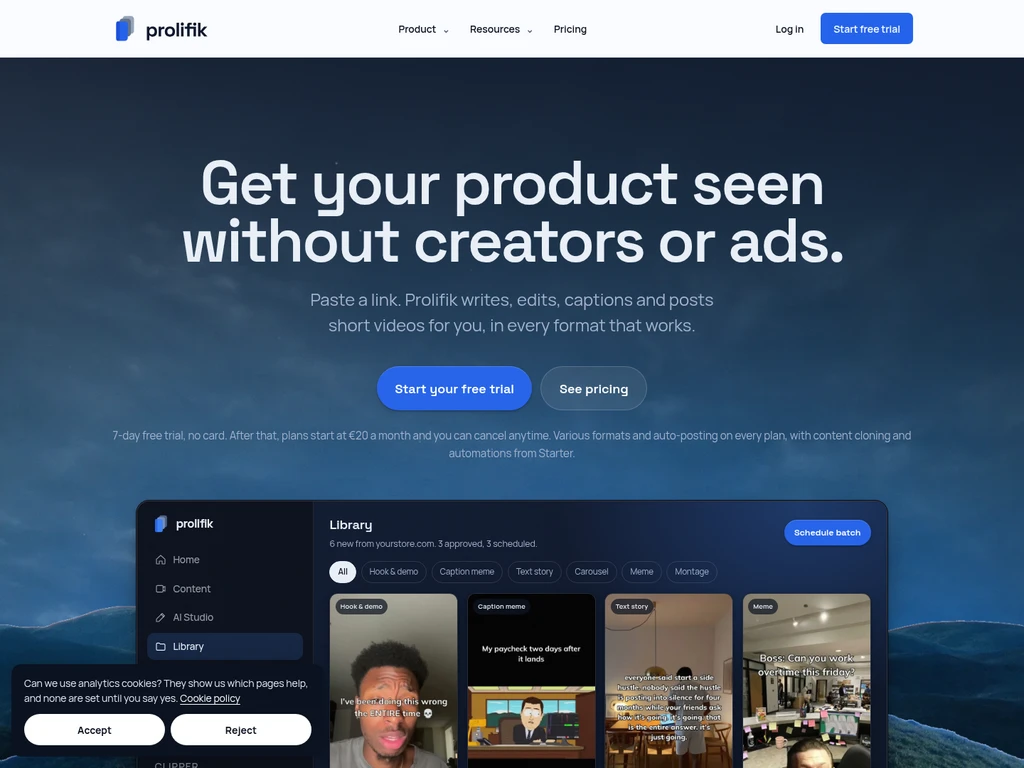
Prolifik is a short-form video creation and scheduling tool designed for content creators, streamers, marketing agencies, and brands. It processes URLs and long videos from platforms including YouTube, Twitch, and Kick to generate ready-to-post vertical clips in six distinct formats. The tool includes built-in brand intelligence to match a user's brand tone, colors, and visual style across all generated content. Users can review drafts in a library, schedule approved videos via a drag-and-drop calendar, and auto-post directly to TikTok, Instagram Reels, YouTube Shorts, and X.
- AI Video
- Video Clipping
- Media
- Social Media
- Content Creation
- Scheduling
- Enterprise
0Views
Capabilities
URL to short video generation
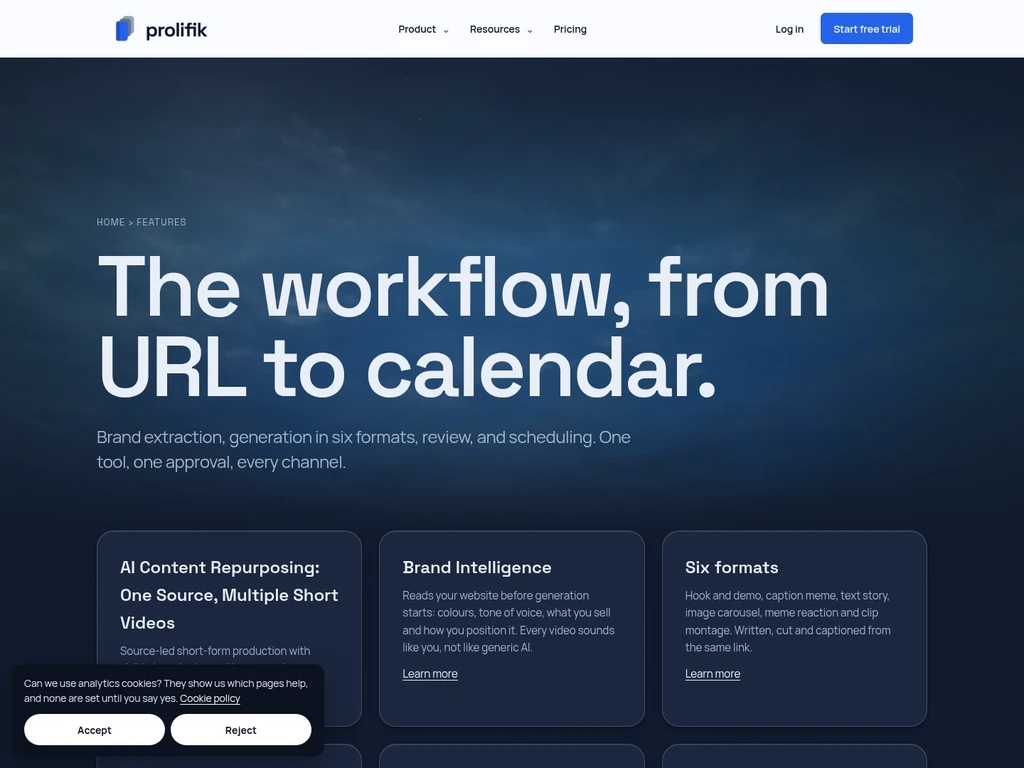
Generates short-form videos in six distinct formats from any input URL. It reads the linked page content, writes scripts, adds captions, and outputs ready-to-post vertical clips.
AI stream clipping
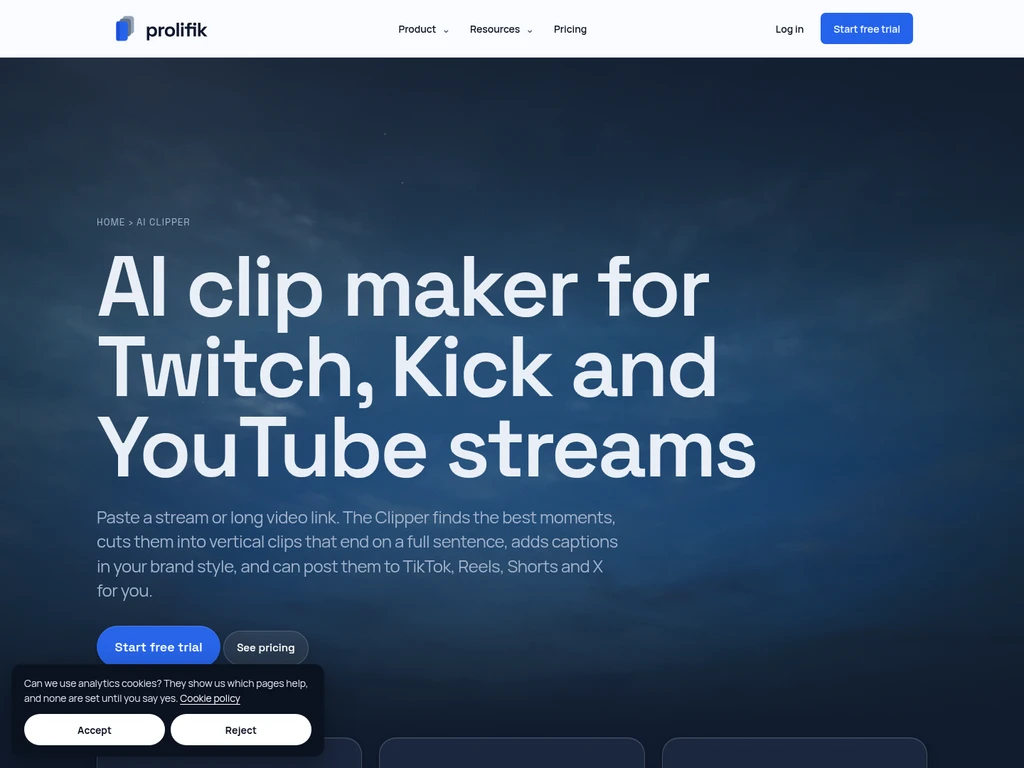
Extracts captioned vertical clips from public YouTube, Twitch, and Kick links. It identifies high-value moments, cuts clips to end on a full sentence, and supports multicam layouts and reaction cutaways.
Brand Intelligence processing
Analyzes a user's website to capture brand tone, identity, and visual style. It applies consistent brand rules including up to 10 Do's, 10 Don'ts, and locked brand colors to all generated videos.
Drag-and-drop content scheduling
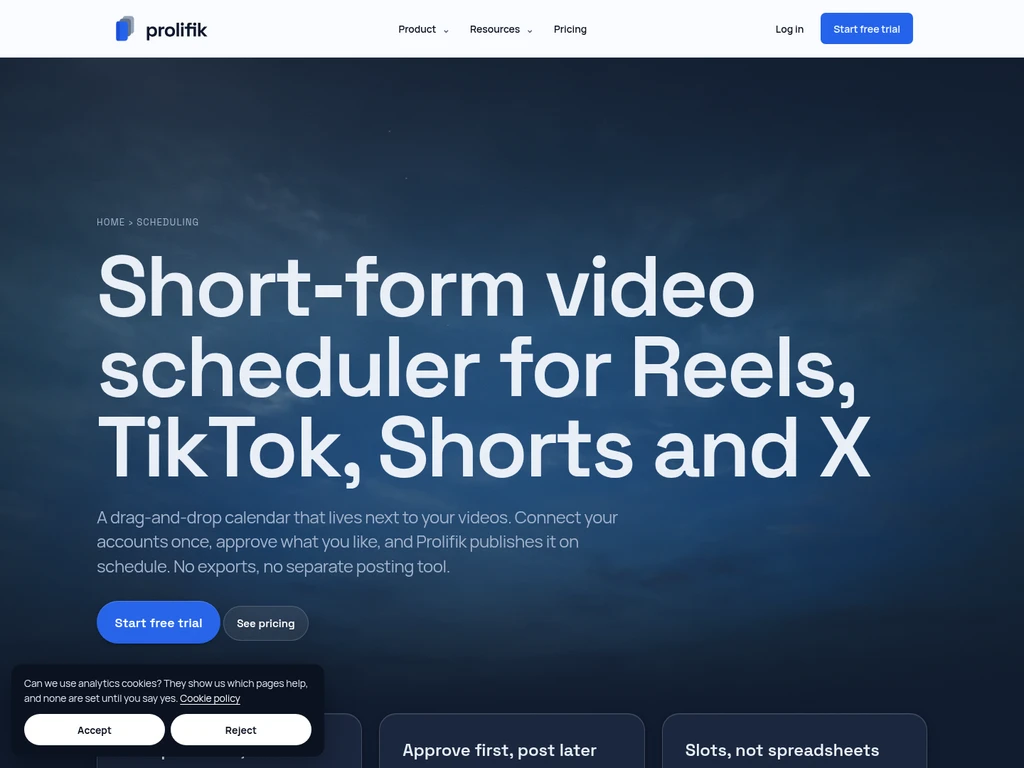
Manages approved short-form videos in a visual calendar. Users can drag clips to rearrange posting times, set custom time slots per brand, and organize content across multiple social platforms.
Multi-platform auto-posting
Publishes approved videos directly to connected social accounts. It supports TikTok, Instagram Reels, YouTube Shorts, and X, and automatically trims captions longer than 280 characters for X posts.
Pricing
Prolifik uses a tiered subscription model with optional one-time credit top-ups and a 7-day no-card free trial. All plans include AI Clipping and auto-posting, with higher tiers offering larger video allowances and extra features.
Free trial: Yes
| Plan | Price | Included features and limits |
|---|---|---|
| Lite | €20 per month |
|
| Starter | €49 per month |
|
| Pro | €149 per month |
|
| Enterprise | Custom pricing |
|
A 20% discount applies to annual billing for all plans. Unused monthly video credits do not roll over and are non-refundable. All major credit and debit cards are accepted via Stripe, while Enterprise plans support SEPA or wire invoicing. No cancellation fees apply for monthly or yearly plans.
Use cases
Stream highlight repurposing
A streamer has a completed Twitch, Kick, or YouTube live VOD. They paste the public stream link into the AI Clipper, review generated clips, and schedule approved highlights to post across short-form social channels.
Product page short video creation
A brand has a public product page URL. They input the link to generate six different short-form video formats, review drafts in the library, and post approved clips to promote the product on social media.
Agency multi-client content scheduling
A marketing agency manages content for multiple separate brand clients. They use dedicated brand workspaces to generate on-brand clips for each client, then schedule approved content via the shared drag-and-drop calendar.
Podcast episode clip generation
A podcast host has a full long-form episode uploaded to YouTube. They process the episode link to extract short, captioned vertical clips, then schedule these clips to drive traffic back to the full podcast episode.
Limitations
No native upload-and-schedule support for external finished MP4 videos, which must be downloaded and posted manually outside the platform
AI Clipper jobs require a minimum 5-minute source video to process
Video generation pauses automatically when the monthly plan video allowance is reached with no silent overages
Downgrades to a lower plan only take effect at the end of the current billing cycle
Captions longer than 280 characters are automatically trimmed for posts published to X
Private or subscriber-only source videos must be manually downloaded and uploaded to the platform for clipping
Who it is for
Live streamers who need to repurpose VOD content
Marketing agencies managing multiple client social accounts
Product brands creating regular short-form promotional content
Content creators and podcast hosts repurposing long-form media
FAQ
What counts toward my monthly video allowance?
Only videos you schedule, download, or post count toward your monthly limit. Skipped, rejected, or regenerated drafts do not use any of your plan's video credits.
How are AI Clipping minutes calculated?
Minutes are measured by the total length of the source video you submit, not the total runtime of the output clips. Each clipping job requires a minimum 5 minutes of source footage.
Can I purchase extra AI Studio credits outside my monthly plan?
Yes, one-time non-expiring AI Studio credit top-up packs are available for Starter and Pro plans, with options for 250, 1000, or 3000 credits.
What happens when I reach my monthly video limit?
Video generation pauses automatically at your plan's monthly cap, with no silent overage charges. You can upgrade your plan immediately or wait for the next billing cycle to resume generation.
What does the 7-day free trial include?
The no-card free trial includes 20 videos, 30 minutes of AI Clipping, auto-posting for 1 brand, and limited automation access. Your account becomes read-only after the trial ends, with no generated content deleted.


Comments