

- Monthly visits
- 3,884
- 2026-09
- Monthly growth +127.3%
PrivateNote.ai - Share encrypted notes and files that disappear after opening
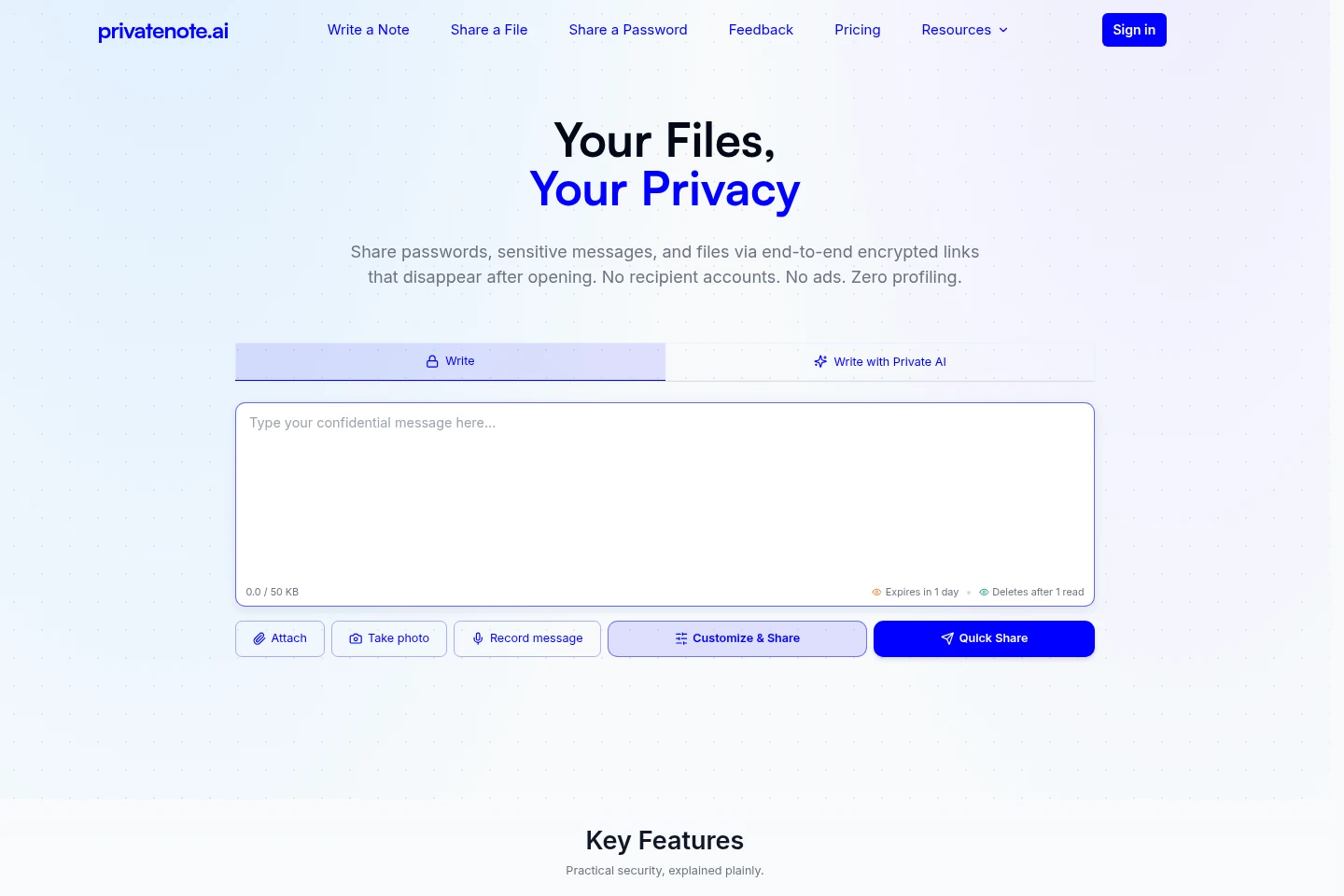
PrivateNote.ai lets you share notes, passwords, photos, audio, video, and files through encrypted links. Content is encrypted in the sender’s browser before upload, and recipients can open links without an account. Free notes are destroyed after one read; paid plans add recipient verification, access controls, larger file limits, and business branding.
- AI Productivity
- Note-Taking Apps
- encrypted one-time links
- secure file sharing
- self-destructing notes
Capabilities
Encrypted notes
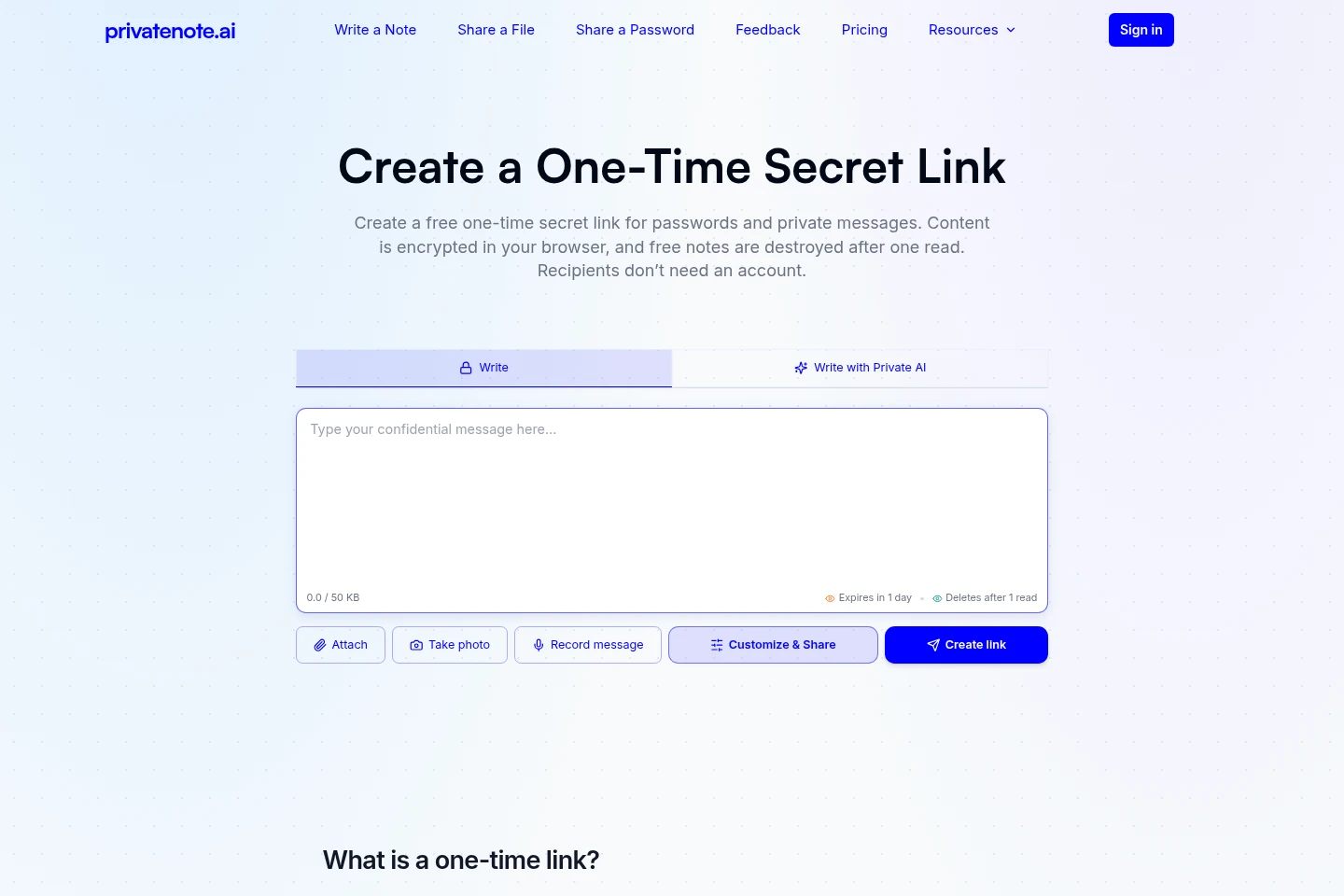
Create notes encrypted in the sender’s browser before upload, then share them through a link. Free notes are destroyed after one read; expiration and password protection are configurable.
Encrypted file transfer
Send encrypted files using shareable links without requiring recipient accounts. Monthly transfer counts, maximum file sizes, storage, and availability periods depend on the plan.
Recipient access controls
Restrict access to intended recipients and control when or where notes can be revealed. Paid plans include recipient verification, scheduled reveal, and location or network restrictions, with options varying by plan.
Access records and revocation
View note status and, on paid plans, proof of access and a sent-notes overview. Starter and Business users can revoke eligible notes before opening.
Hosted AI drafts
Generate hosted AI drafts within a monthly plan allowance. The Free plan includes 3 drafts per month, Starter includes 50, and Business includes 300.
Branded reveal pages
Customize recipient reveal pages with a company profile, logo, colors, and a Default or Custom page on Business. Business is a single professional account and does not include team seats.
Pricing
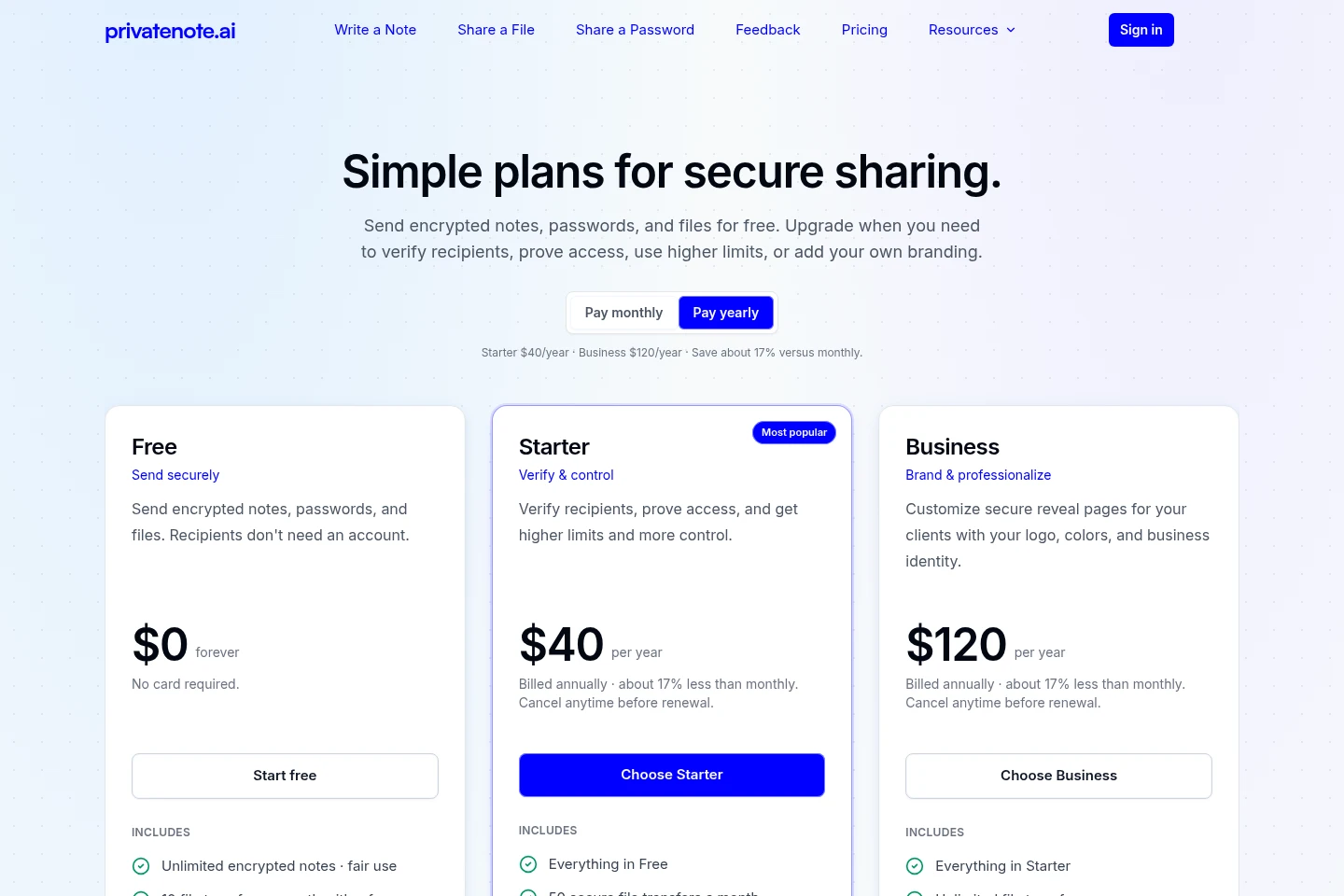
PrivateNote.ai has a free plan and paid annual subscriptions. Compare file transfer and size limits, note expiry and opens, access controls, storage, AI draft quotas, and branding to choose a plan.
| Plan | Price | Included features and limits |
|---|---|---|
| Free | $0 forever |
|
| Starter | $40 per year |
|
| Business | $120 per year |
|
Paid subscriptions can be canceled before renewal. Annual plans are charged once per year; checkout confirms whether the final charge is in USD or EUR based on region. The amount shown at Stripe Checkout is the amount charged.
Use cases
Share a private message through a link
When a message should not remain readable in email or chat history, enter it into a note and create an encrypted link. The recipient opens the link without an account, and Free notes are destroyed after one read.
Send passwords and access credentials
When sharing a password, API key, token, or webhook secret, place it in an encrypted note rather than plaintext chat or email. Create a link with optional password protection and selected expiry, then send it to the recipient.
Transfer confidential files securely
When a file needs controlled availability instead of a long-lived shared folder, send it through an encrypted transfer link. Plan limits govern file size, monthly transfer count, storage, and access duration.
Limitations
After a recipient opens information, they can still copy, save, or photograph it; link expiry does not remove copies already saved.
The Free plan allows 10 file transfers per month and files up to 25 MB; higher limits depend on paid plan.
Business includes one professional account; team seats and organization administration are not included.
Who it is for
People who need to share sensitive messages without leaving plaintext in chat or email
People who need to hand off passwords, API keys, tokens, or other credentials
Solo professionals and consultants who need branded file delivery for clients
FAQ
Do recipients need a PrivateNote account?
No. Recipients can open shared links without an account. The sender creates the note or file link and shares it with them.
What happens after a Free note is opened?
A Free text note is destroyed after one read. Unopened links expire after the lifetime selected when the link is created.
Can someone copy or screenshot a note after opening it?
Yes. An authorized recipient can copy, save, or photograph information after opening. PrivateNote limits access to the original link but cannot delete copies already made.
What file limits apply?
The Free plan permits 10 file transfers per month and files up to 25 MB. Starter permits 50 transfers per month and files up to 250 MB; Business permits unlimited transfers and files up to 1 GB.
What does Business add, and does it include team accounts?
Business adds branded reveal pages, view-only file access, advanced geographic and IP-based controls, and 50 GB encrypted storage. It is one professional account and does not include team seats or organization administration.
Comments