

- Monthly visits
- 12,915
- 2026-09
- Monthly growth +19%
PM Prompt - AI tools and workspace context for product management
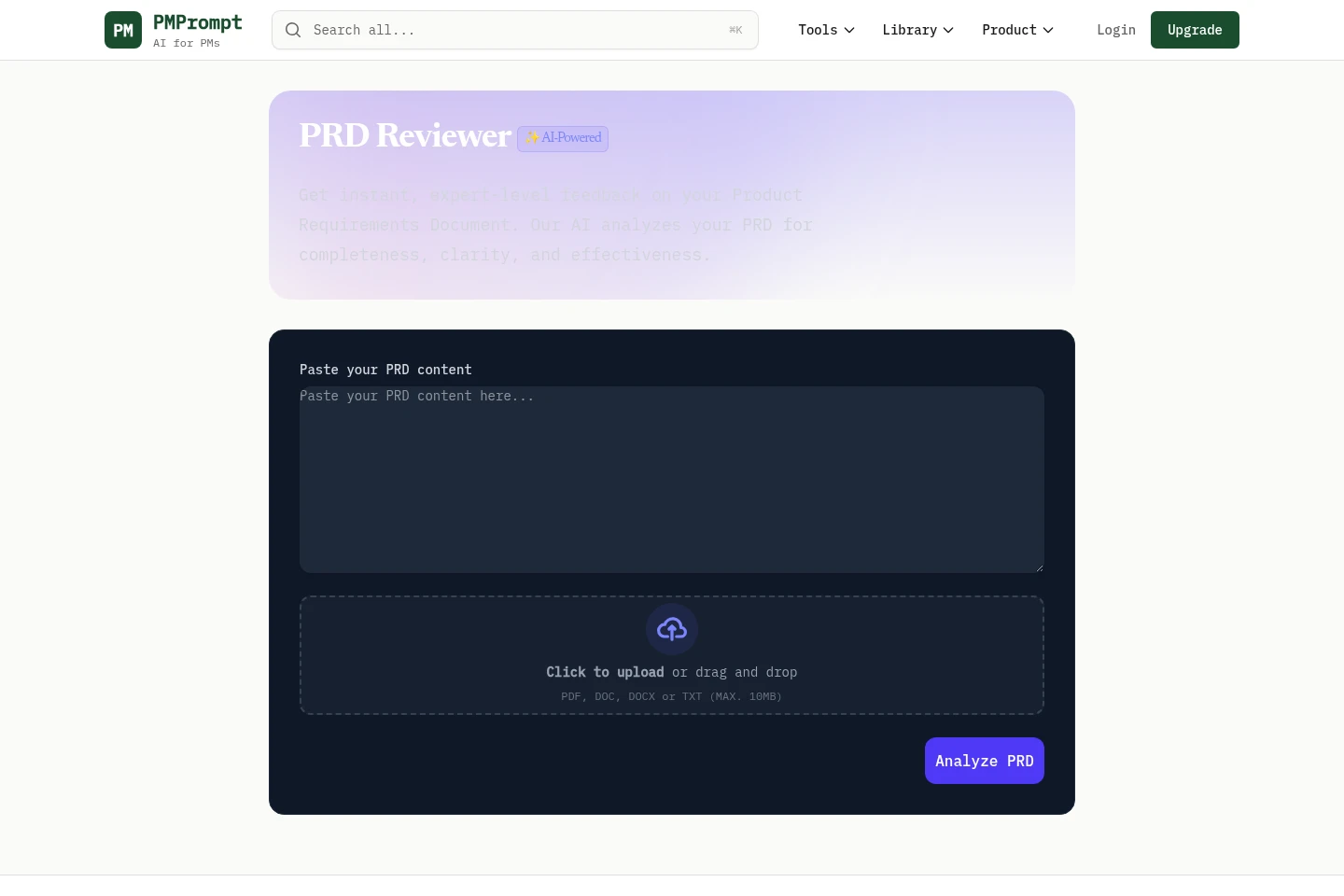
PM Prompt provides product managers with an AI PRD Reviewer, document generators, prompts, skills, and product workspaces. The PRD Reviewer accepts pasted text or PDF, DOC, DOCX, and TXT files up to 10 MB and analyzes completeness, clarity, and effectiveness. Workspaces store product context for generating tailored documents.
- AI Productivity
- Document Generators
- Document Parsing
- Project Management
- AI PRD reviewer
- product management document generator
- product manager workspace
Capabilities
PRD review
Analyzes a product requirements document and returns feedback on completeness, clarity, and effectiveness. Users paste PRD text or upload a PDF, DOC, DOCX, or TXT file no larger than 10 MB.
AI document generation
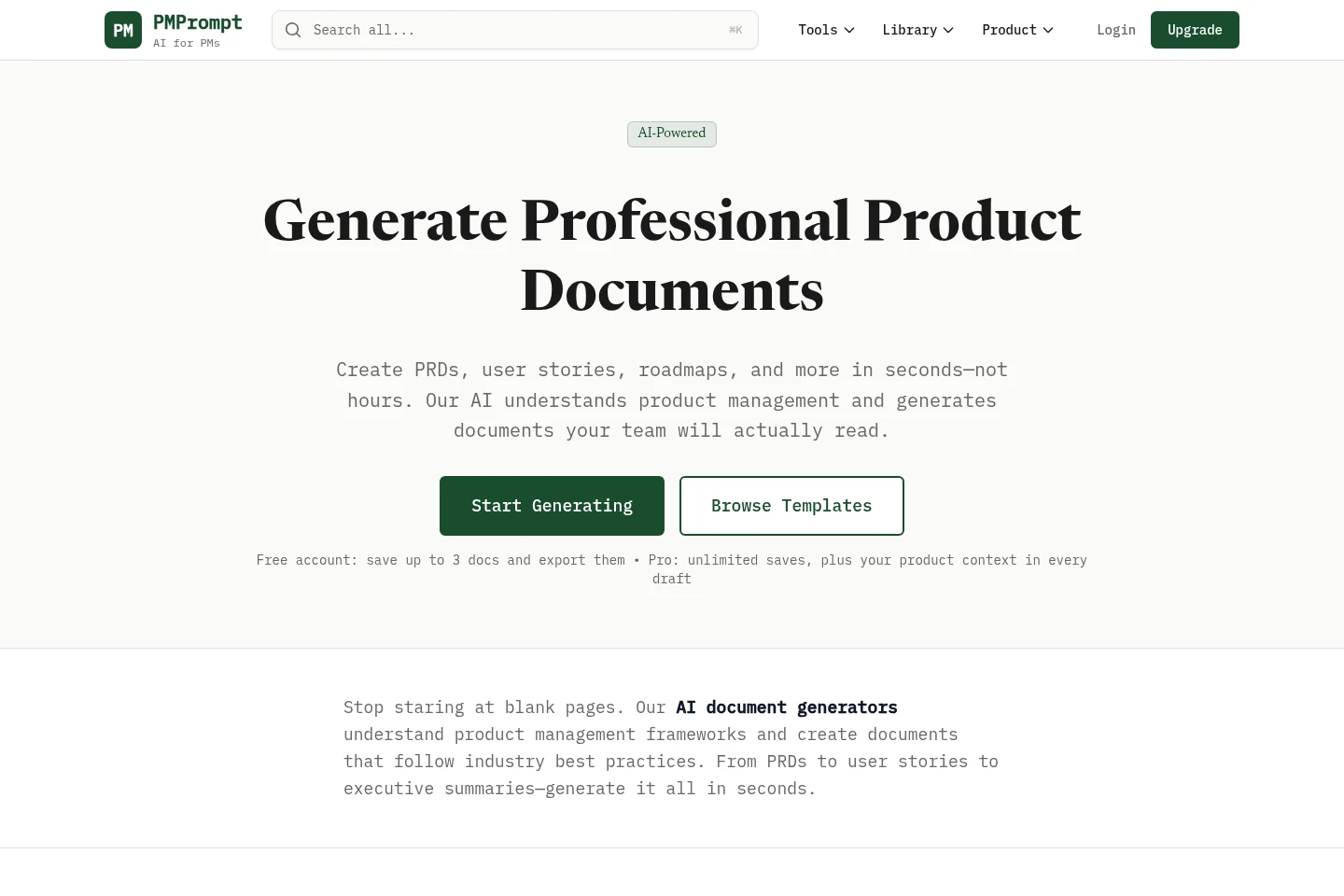
Generates product documents such as PRDs, user stories, and roadmaps. Users describe an idea and answer questions; Pro workspace context can inform drafts, which can be edited and exported.
Product workspaces
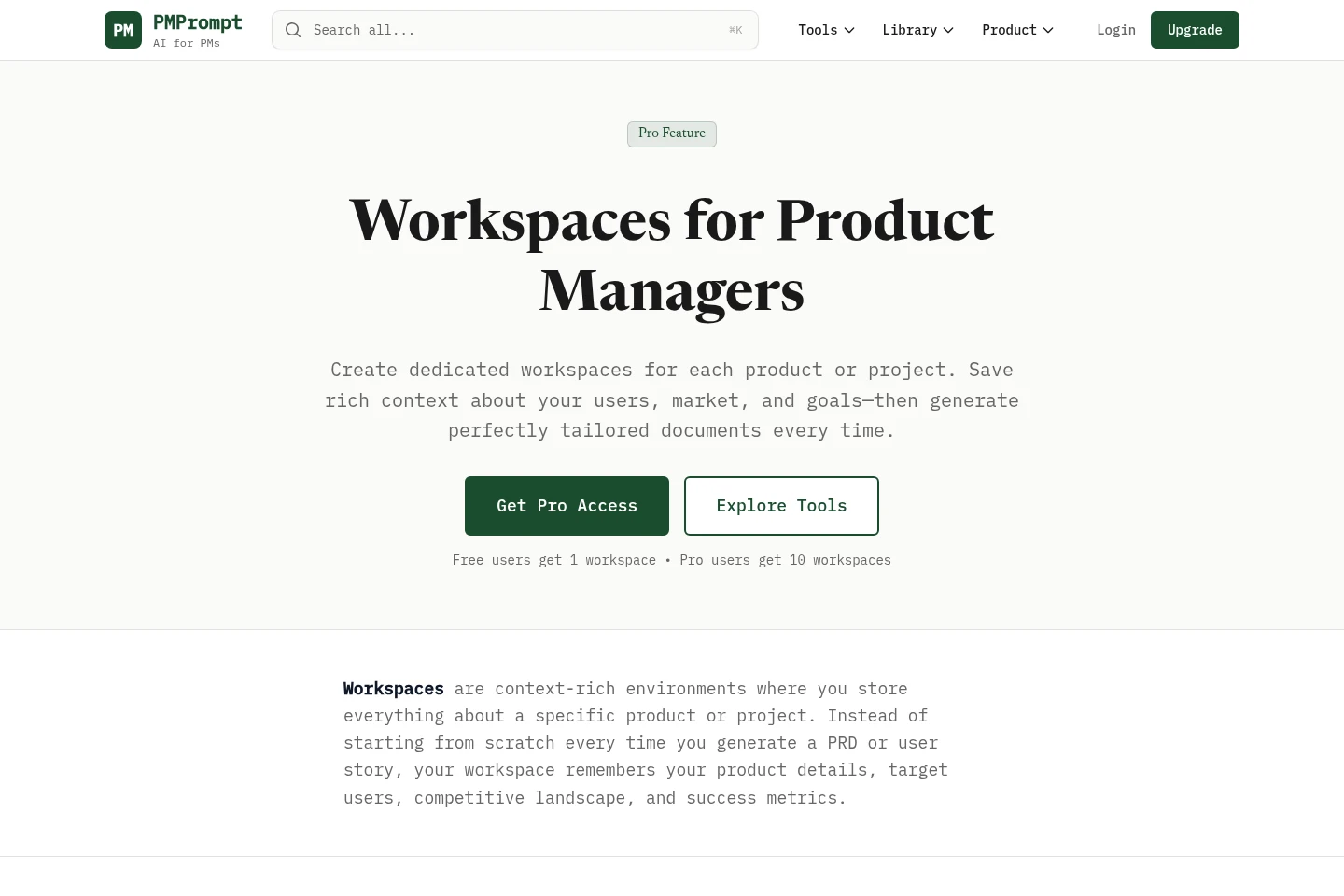
Stores product or project context, including users, market, competitors, and goals, alongside associated documents. Free and Library users get one workspace; Pro supports up to 10.
Pricing
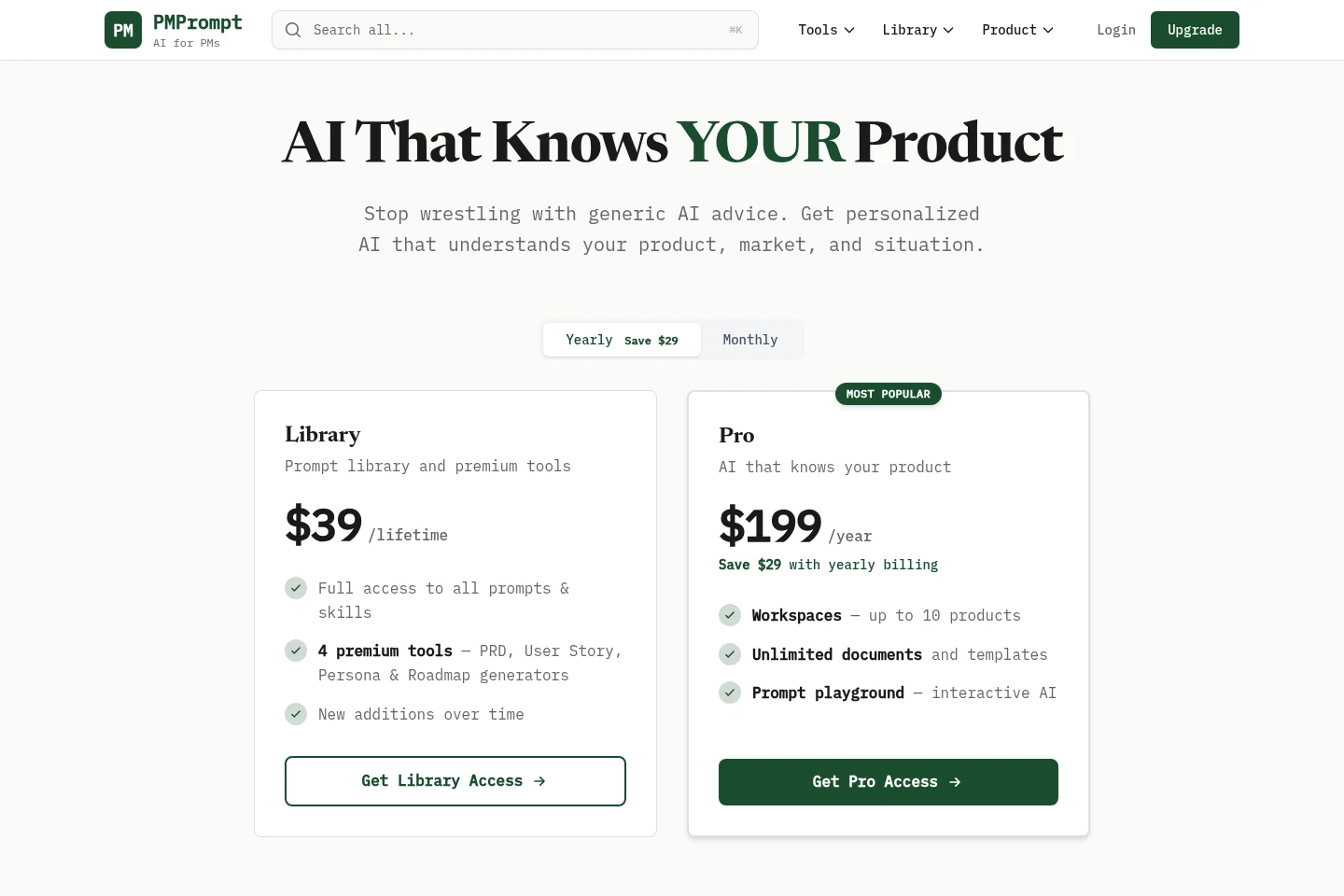
PM Prompt offers a lifetime Library purchase and recurring Pro and Team Plan subscriptions. Compare access to prompts and tools, workspace limits, included features, and Team Plan member capacity.
| Plan | Price | Included features and limits |
|---|---|---|
| Library | $39 one-time, lifetime |
|
| Pro | $199/year |
|
| Team Plan | $4,500/year |
|
Pro renews automatically on the selected monthly or yearly schedule and can be canceled anytime. A 30-day money-back guarantee is stated for Pro. Library purchases count toward an upgrade to Pro.
Use cases
Review a product requirements document
When a product manager wants feedback on a PRD, they paste its text or upload a supported document file to the PRD Reviewer. The tool analyzes completeness, clarity, and effectiveness and returns feedback.
Draft product documents with context
When product managers need a PRD, user story, or roadmap, they describe what they are building and provide details for generation. Pro users can draw on workspace context, then edit and export the resulting document.
Limitations
The PRD Reviewer accepts PDF, DOC, DOCX, or TXT uploads up to 10 MB; larger files are outside the stated upload limit.
Who it is for
Product managers who need AI-assisted PRD review and product documents
Product portfolio managers organizing context and documents across products
FAQ
What file types can the PRD Reviewer analyze?
It accepts pasted PRD text or PDF, DOC, DOCX, and TXT uploads. Uploaded files must be no larger than 10 MB.
How many workspaces do users get?
Free and Library users get one workspace. Pro users can create up to 10 workspaces for different products or projects.
How does Library differ from Pro?
Library provides lifetime access to the prompt library and premium tools. Pro adds AI document generation, up to 10 workspaces, PM Mission Control, and other premium features.
When does a Pro subscription renew?
Pro is charged when you subscribe and renews automatically according to the selected monthly or yearly billing. You can cancel anytime.
Can a Library purchase be applied to Pro later?
Yes. You can upgrade to Pro at any time, and the Library purchase counts toward the Pro subscription.
Comments