

- Monthly visits
- 643
- 2026-09
- Monthly growth +569.8%
PixArmory - Edit photos with AI prompts and a suite of practical image tools
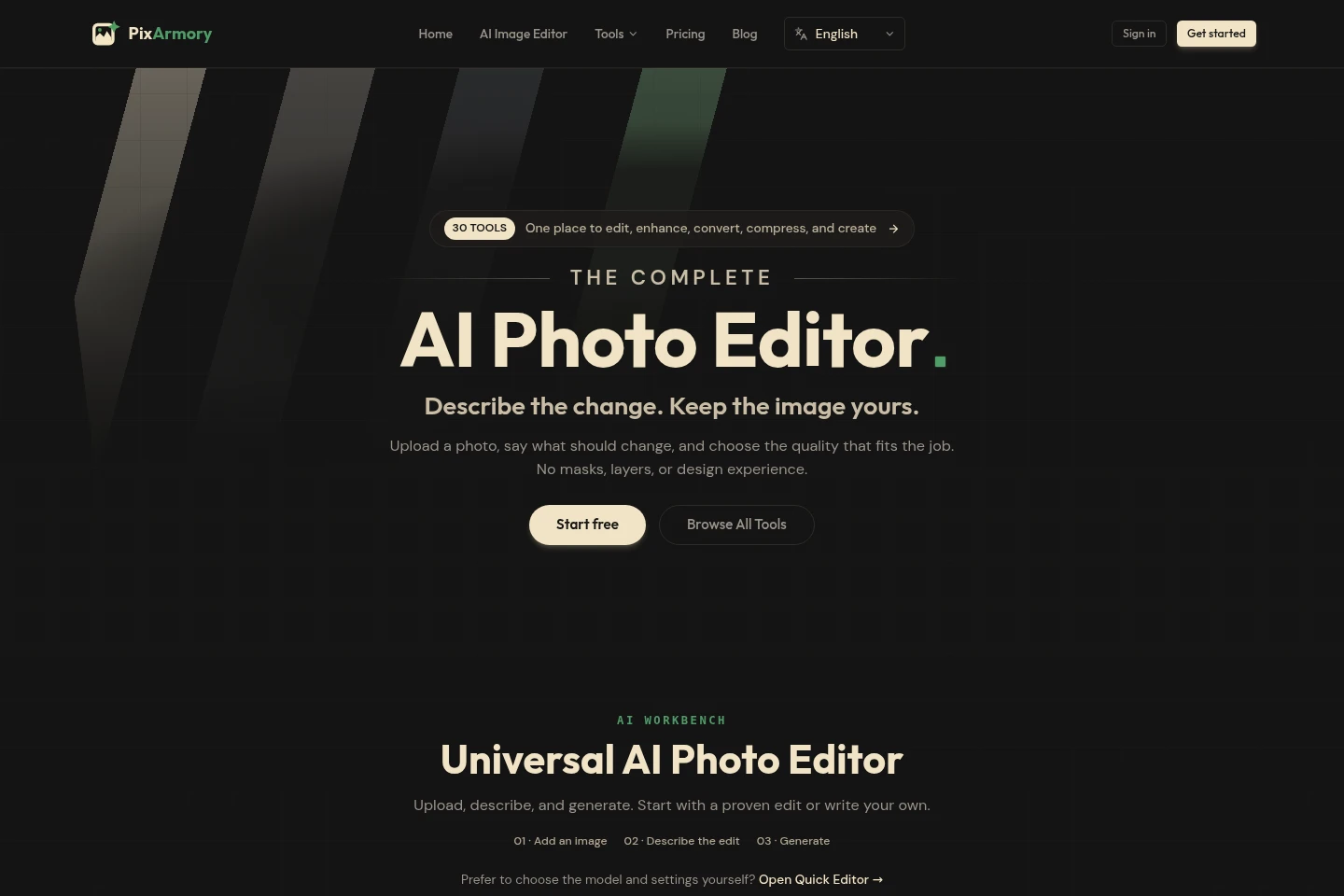
PixArmory is an online AI photo editor and image toolkit. Upload JPG, PNG, or WebP images, describe edits in natural language, and generate results with selectable AI models. Focused tools handle image generation, enhancement, background removal, upscaling, extension, and colorization; browser tools also compress, convert, resize, and crop images.
- AI Image
- Photo Editors
- Image Generators
- Background Removers
- AI photo editor
- AI image editing
- online image tools
Capabilities
Prompt-based photo editing
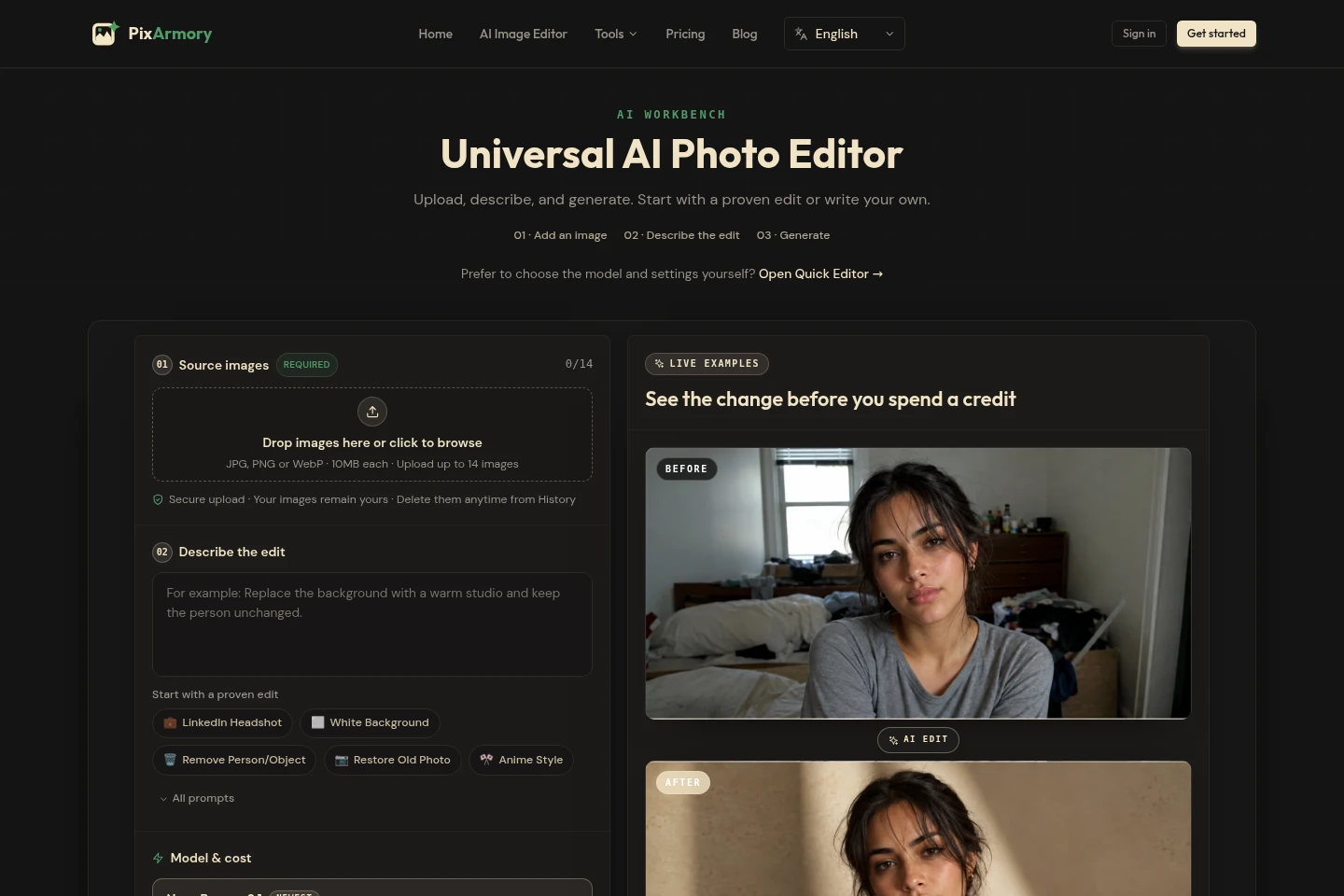
Edit an uploaded image by describing the desired change, then generate an edited result. Upload JPG, PNG, or WebP files up to 10 MB each; the main editor accepts up to 14 source images and supports presets or custom prompts.
Text-to-image generation
Create original images from a written brief and chosen style. Enter a text prompt, select an available AI model, and spend credits according to the model and settings shown before generation.
Focused AI image tools
Run specific image operations and receive an edited image. Available tools include enhancement, background removal, upscaling, extension, and colorization; each tool displays its credit cost before use.
Browser image utilities
Compress, convert, resize, or crop images in the browser without using AI credits. These everyday tools are available free, and local tools do not upload images.
Pricing
PixArmory offers a free set of browser image utilities, paid recurring subscriptions, and one-time credit packs. Compare credit allowances, processing priority, support, and whether you need credits to expire on a billing cycle or remain available in a pack.
| Plan | Price | Included features and limits |
|---|---|---|
| Starter | $13.33/month; billed annually at $159.90 |
|
| Pro | $23.99/month; billed annually at $287.90 |
|
| Studio | $55.99/month; billed annually at $671.90 |
|
| Small Project Pack | $9.99 one-time |
|
| Standard Project Pack | $19.99 one-time |
|
| Large Project Pack | $49.99 one-time |
|
Annual subscription credits are granted upfront and expire at the end of the paid year. Subscriptions renew automatically unless canceled. Unused subscription credits are cleared at renewal; credit pack credits do not expire. Subscription cancellation takes effect at the end of the current billing period.
Use cases
Make a targeted photo edit from a prompt
When a photo needs a specific change, upload it and describe that change in natural language. Choose a preset or write a custom prompt, select a model, and generate an edited image; the editor accepts up to 14 source images.
Generate an image from a written brief
When starting without a finished image, write a brief describing the desired image and style. Select an available AI model and generate an original image, with the credit cost displayed before the run.
Prepare an image for sharing or reuse
When an image needs a different size, format, crop, or smaller file, use the free browser utilities to resize, convert, crop, or compress it. These basic operations do not consume AI credits.
Limitations
The main AI editor accepts JPG, PNG, or WebP source images up to 10 MB each, with a maximum of 14 source images per edit.
AI tools use credits, with the amount depending on the selected tool, model, and settings; the displayed cost may vary.
Subscription credits that remain unused do not carry over to the next paid period and are cleared when it renews.
The 30-day refund policy applies only to monthly Starter subscriptions; annual Starter, Pro, Studio, and credit packs are excluded unless applicable law requires otherwise.
Who it is for
People who want to edit photos by describing changes instead of using masks or layers
Image creators who need AI generation, enhancement, cutouts, upscaling, extension, or colorization
People who need free browser tools for routine image conversion, resizing, cropping, or compression
FAQ
What does PixArmory let me do?
PixArmory combines an AI photo editor with online image utilities. You can describe edits, generate images, enhance or transform photos, and compress, convert, resize, or crop images.
Do I need design skills to edit a photo?
No. Upload a photo and describe the change you want in plain language. The editor handles masking, lighting, and blending; you can use a preset or write your own prompt.
Which image formats can I upload?
The AI editor accepts JPG, PNG, and WebP source images. Each source image can be up to 10 MB, and the main editor accepts up to 14 images.
How do credits and AI tool costs work?
AI tools charge credits according to the selected model, tool, and settings, and show the cost before you start. Credits are deducted only after successful processing; free browser tools such as compression and resizing use no credits.
Do unused credits carry over?
Unused subscription credits do not carry over: they are cleared when the next paid period renews. Credit pack credits do not expire and remain in the account until used.
Which plans include a refund guarantee?
The 30-day money-back guarantee applies only to monthly Starter subscriptions. Annual Starter, Pro, Studio, upgrades, and credit packs are excluded unless applicable law requires otherwise.
Comments