

- Monthly visits
- 2,666
- 2026-10
PITMA Hub - Free AI and ML lessons, projects, and community feedback
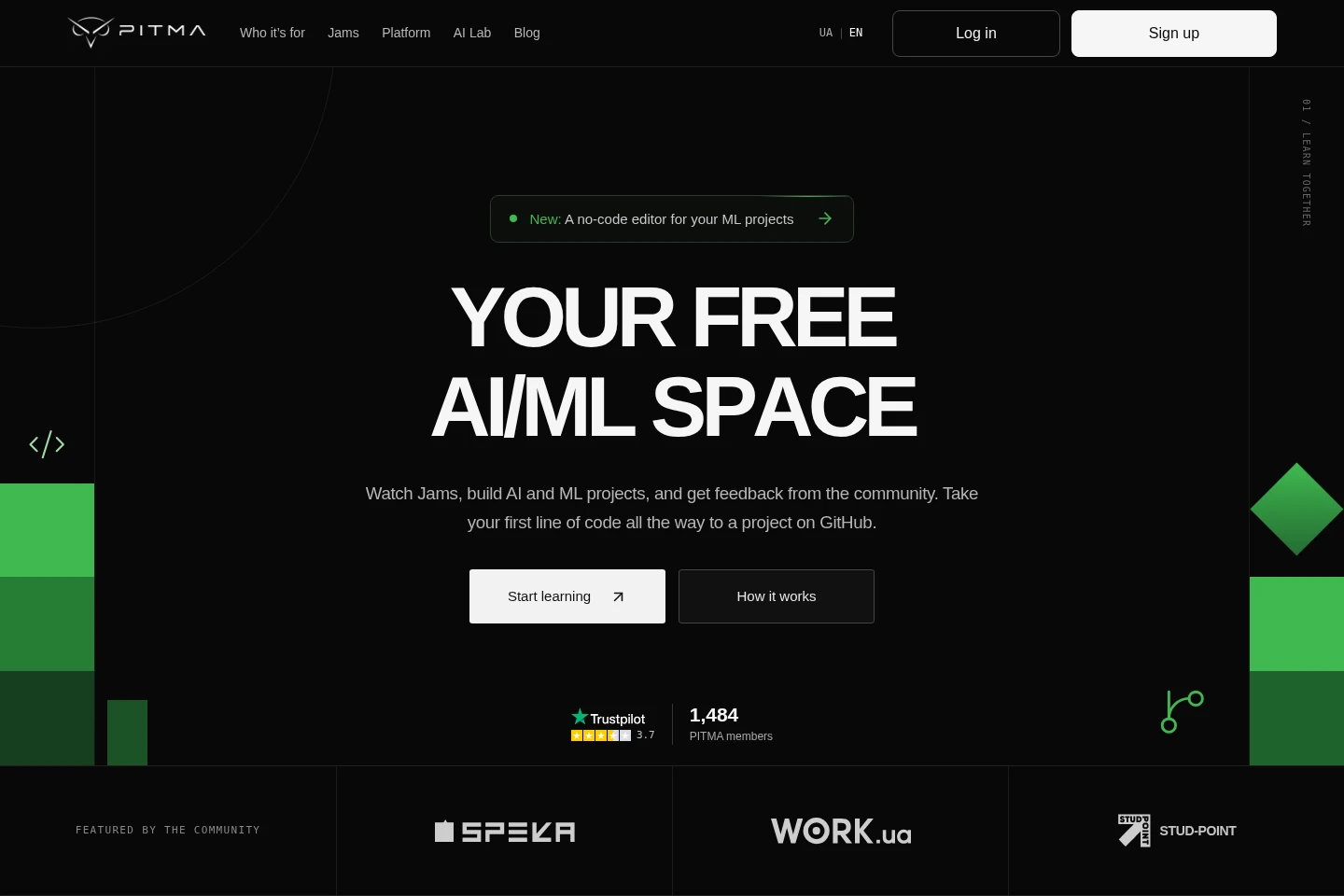
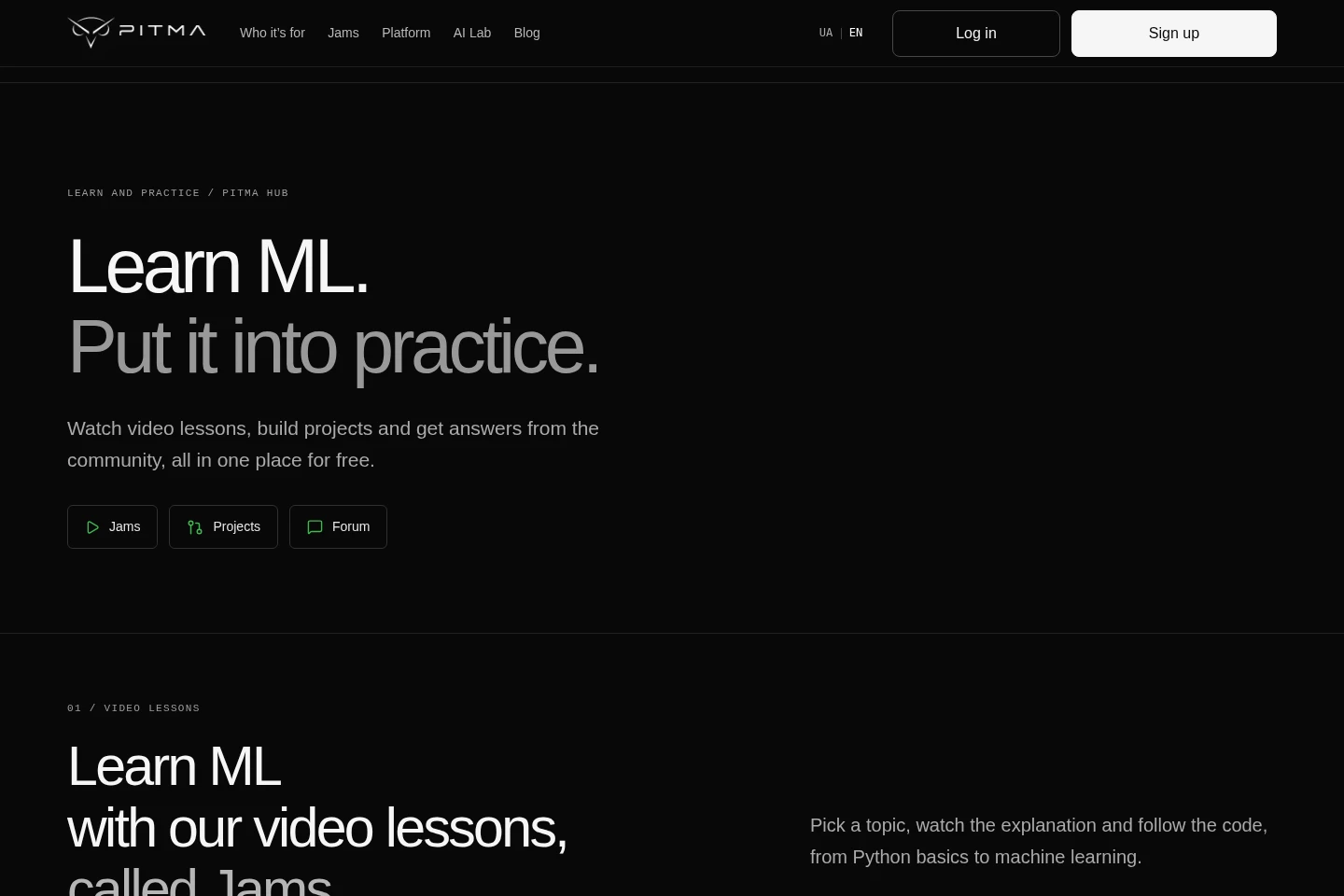
PITMA Hub is a free online learning space for artificial intelligence and machine learning. Users watch topic-based video lessons called Jams, create and share projects for community review, discuss questions in a forum, and build no-code ML workflows in AI Lab before opening a Python notebook in Google Colab.
- AI Education
- Homework Helpers
- Lesson Planners
- Project Management
- Education
- free AI ML courses
- machine learning projects
- no-code ML editor
Capabilities
AI and ML video lessons
Topic-based Jams teach Python and machine learning through video explanations and code to follow. Users choose a topic and watch lessons in the lesson library.
Project sharing and review
The project workflow lets learners write code, submit a pull request, receive community feedback, and publish a completed project to the community gallery and GitHub.
Community discussion forum
The forum lets members ask questions, discuss code or concepts, search discussions, and share answers with other learners.
AI Lab no-code workflows
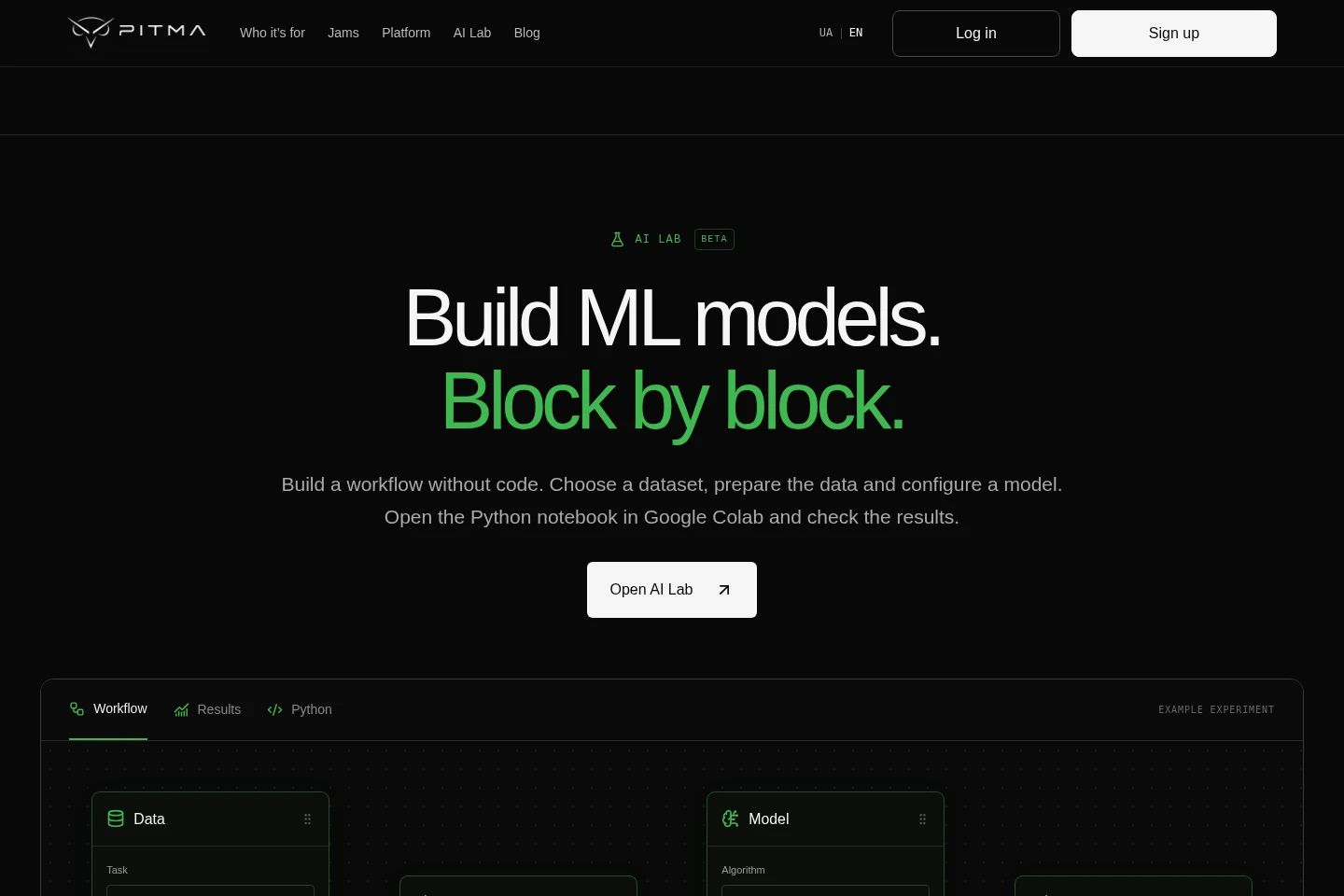
AI Lab builds ML experiments from configurable blocks without coding. Users choose a dataset, prepare data, configure and compare models, then open a Python notebook in Google Colab to run it and inspect results.
Pricing
PITMA Hub is presented as free to use. The supplied pages do not list paid plans, prices, or billing periods to compare.
Use cases
Learn Python and machine learning concepts
When building foundational or specialist AI and ML knowledge, learners select a topic in the Jam library, watch a video explanation, and follow the code from Python basics to machine learning topics.
Build and publish a machine learning project
When practicing an idea from a lesson, learners write code, submit a pull request for community review, make changes based on feedback, and share the finished project in the gallery and on GitHub.
Create and run a no-code ML experiment
When exploring a dataset with a machine learning model, users configure a workflow in AI Lab, prepare the data, select a model and metrics, then open the generated Python notebook in Google Colab to run and evaluate it.
Ask questions about code or ML concepts
When stuck on an implementation or concept, members post a question in the forum, search discussions, and exchange explanations with the community.
Limitations
AI Lab workflows are presented as a beta, and running the experiment and checking results requires opening the Python notebook in Google Colab.
Who it is for
People new to AI and machine learning who need sequenced lessons to build foundational skills.
Developers who want to add AI and ML tools to their stack and build solutions with models.
Data professionals who want to develop analytics and data science skills using machine learning and neural networks.
Learners ready to explore specialist AI topics such as RAG and reinforcement learning beyond introductory material.
FAQ
Is PITMA Hub free to use?
Yes. The site describes lessons, projects, community feedback, and learning as free. It does not provide paid plan prices or billing terms in the supplied pages.
What are Jams?
Jams are PITMA's video lessons. Learners choose a topic, watch an explanation, and follow code covering subjects from Python basics to machine learning.
How does project review work?
Learners write code and submit a pull request. Community members can request changes or approve the work before it is merged and published to the gallery.
How do I run an AI Lab experiment?
Configure a dataset and model workflow in AI Lab, then open its Python notebook in Google Colab to run the cells and inspect results.
Can I share completed work on GitHub?
Yes. The project workflow describes publishing completed work to GitHub after code review and sharing it with the community.
Comments