
- Monthly visits
- 728
- 2026-10
- Monthly growth -43.5%
Photoreal AI - Generate and edit images with prompts and reference photos
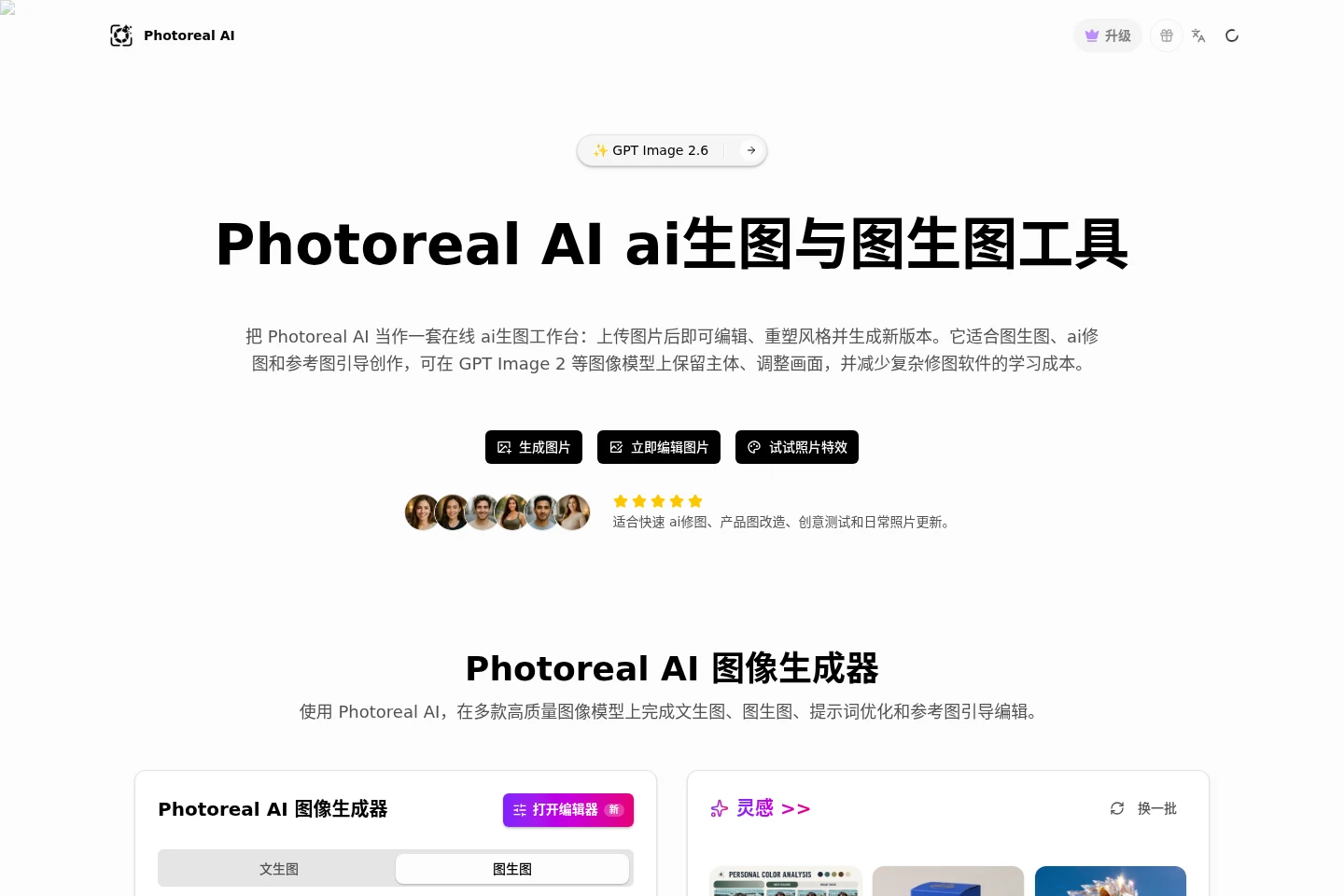
Photoreal AI is a browser-based AI image workspace for generating images from text or reference photos. Upload an image, describe the changes, and create new versions with image models such as GPT Image 2. It also offers prompt optimization, photo effects, and focused editing tools for tasks such as changing backgrounds, removing objects, and restoring photos.
- AI Image
- Image Generators
- Photo Editors
- Prompt Generators
- AI image editor
- image-to-image generator
- AI photo effects
Capabilities
Text and image generation
Generate images from text prompts or uploaded reference images, with outputs created by selectable image models. Upload up to four reference images, enter a prompt, choose settings such as aspect ratio and quality, and run the generation after signing in.
Prompt-guided image editing
Create edited image versions by describing the desired changes in a prompt. Inputs can include photos, product images, sketches, or generated images; the editor uses them as visual references and can preserve the main subject and composition while changing style, lighting, or background.
Prompt optimization
Expand a rough idea into a more detailed image prompt before generating. The prompt tool can add details about the subject, composition, lighting, style, and image quality to guide the model.
Focused photo editing tools
Apply individual edits such as background changes, object removal, image extension, text removal, recoloring, and restoration. Choose a listed tool, provide an image, and use the resulting edited image for further review or download.
Pricing
Paid options include one-time credit packs and monthly or annual subscriptions. Compare credit totals, the stated image-generation estimates, and support level; the supplied page does not show subscription prices.
| Plan | Price | Included features and limits |
|---|---|---|
| Starter Pack | ¥55.95 CNY, one-time |
|
| Growth Pack | ¥97.97 CNY, one-time |
|
| Professional Pack | ¥210.01 CNY, one-time |
|
| Enterprise Pack | ¥656.28 CNY, one-time |
|
The page also presents monthly and annual subscription options and advertises a limited-time 50% discount, but it does not provide subscription prices or explain the discount conditions in the supplied content.
Use cases
Create variations from a reference photo
When an existing photo should guide new visual directions, upload it as a reference and describe the changes to make or details to retain. Generate and compare versions, refine the prompt, and download a selected image.
Adapt product photos for visual concepts
When a product image needs a different background or setting, upload the image and prompt the editor for the desired scene or style. Generate variations for review, such as lifestyle settings, catalog-style images, or advertising concepts.
Explore design directions from sketches
When a sketch, mockup, or early visual reference needs development, upload it and describe the intended look. Generate alternative styles and concepts that can be compared during design review.
Limitations
Image generation requires signing in, and the displayed generation workflow consumes credits; the homepage shows a five-credit cost for its example generation.
The editor accepts up to four reference images, with a maximum upload size of 15 MB shown in the image-generation and photo-effects interfaces.
The listed credit packs provide fixed credit amounts and image-generation estimates; the FAQ headings indicate that generation costs can vary.
Who it is for
Content creators who need image variations for social posts, thumbnails, or profile pictures.
Online sellers who need alternate product-photo backgrounds and advertising concepts.
Visual designers who need to explore styles from sketches, mockups, or reference images.
FAQ
Can I generate images from text and reference photos?
Yes. The homepage shows text-to-image and image-to-image modes. Add a prompt and, when needed, upload up to four reference images, then select a model and generate after signing in.
How large can a reference image be?
The image-generation and photo-effects interfaces show a 15 MB maximum upload size per image, and the reference-image control allows up to four images.
Do purchased credit packs expire?
The pricing page says credits in each of its four listed packs never expire. Subscription credit rollover is a separate FAQ topic and is not specified in the supplied pricing content.
Can I cancel a monthly or annual subscription?
The pricing page says subscriptions can be canceled at any time. It also labels monthly and annual subscription options, but the supplied page does not state their prices.
What can I do when my credits run out?
The pricing page links users to purchase credits and offers four one-time credit packs. The supplied page does not specify other ways to replenish credits.
Can generated images be used commercially?
The pricing page lists commercial use as a FAQ question, but the supplied page does not include its answer. Check the applicable terms or contact support for the conditions.
Comments