

Pepys Transcribe - Turn recordings into searchable, timestamped transcripts and notes
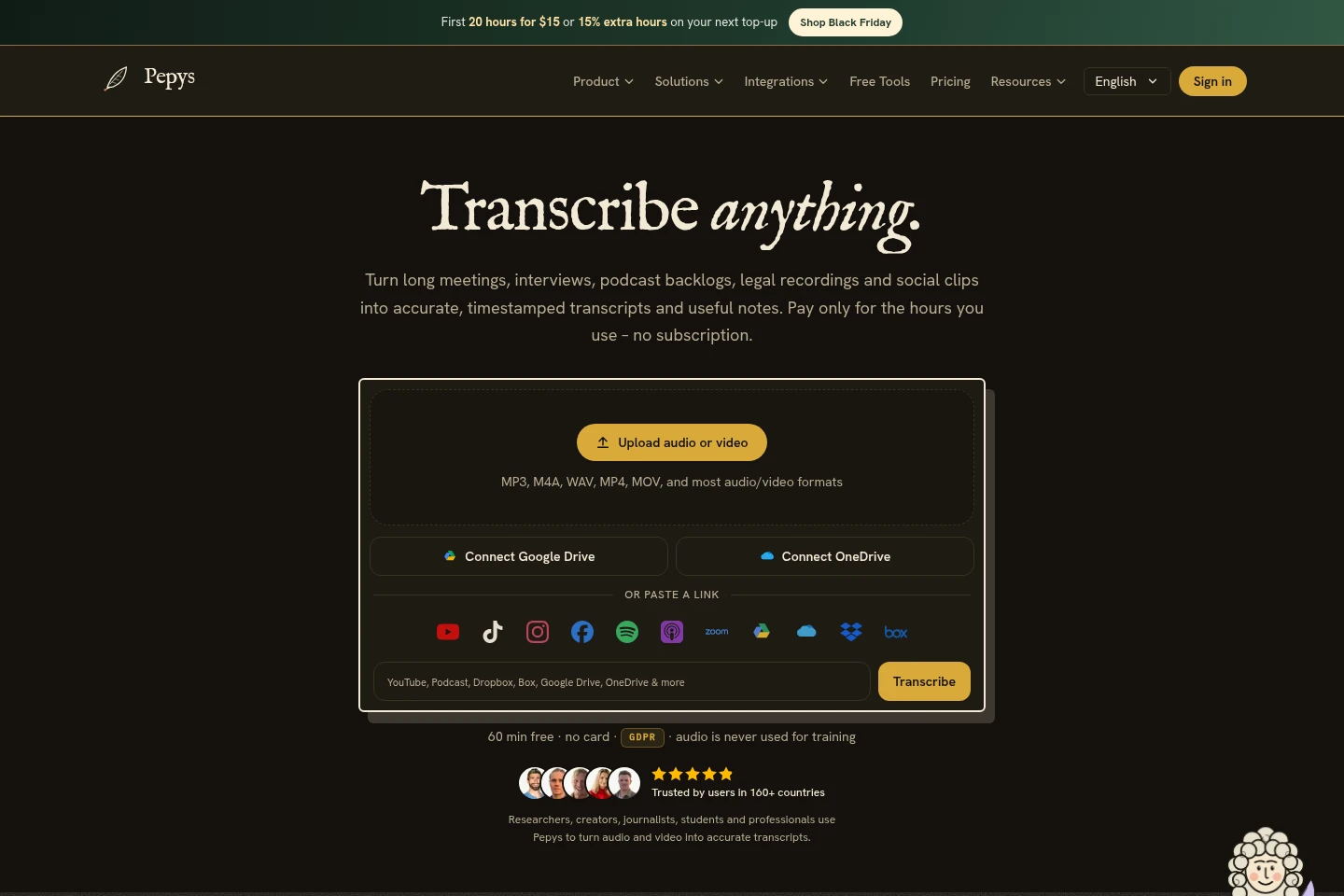
Pepys Transcribe uses AI to convert audio and video recordings into editable, searchable transcripts with timestamps. Upload files, connect Google Drive, OneDrive or Zoom, or paste a link. It can translate transcripts, create summaries and notes, and export documents and subtitle files. Start with 60 free minutes; later transcription uses credits without a subscription.
- AI Audio
- Transcription
- Translators
- Summarizers
- audio to text transcription
- video transcript with timestamps
- pay as you go transcription
0Views
Capabilities
Audio and video transcription
Converts uploaded recordings or linked audio and video into editable, searchable transcripts with timestamps. Supports common formats including MP3, M4A, WAV, MP4 and MOV, detects spoken language, and offers exports such as DOCX, PDF, TXT and subtitle files.
Transcript translation
Translates a finished transcript into another language while retaining timestamps and subtitles. Spoken language is automatically detected from a set of 99 languages, and the same flat rate applies regardless of language.
AI summaries and notes
Creates summaries, chapters and format-specific notes from a recording. Available outputs depend on the type of material, with options shown for formats such as podcasts, interviews, lectures, meetings and short-form video.
Transcript questions with citations
Answers questions using the contents of a transcript and cites timestamps for the relevant moments. When an answer is not in the audio, the system says so rather than guessing.
Cloud recording imports
Imports recordings from Google Drive, OneDrive or Zoom account connections, and from shared Dropbox or Box links. The free account allows three connected-service imports, one recording at a time; any purchase unlocks higher import limits and batch processing.
Pricing
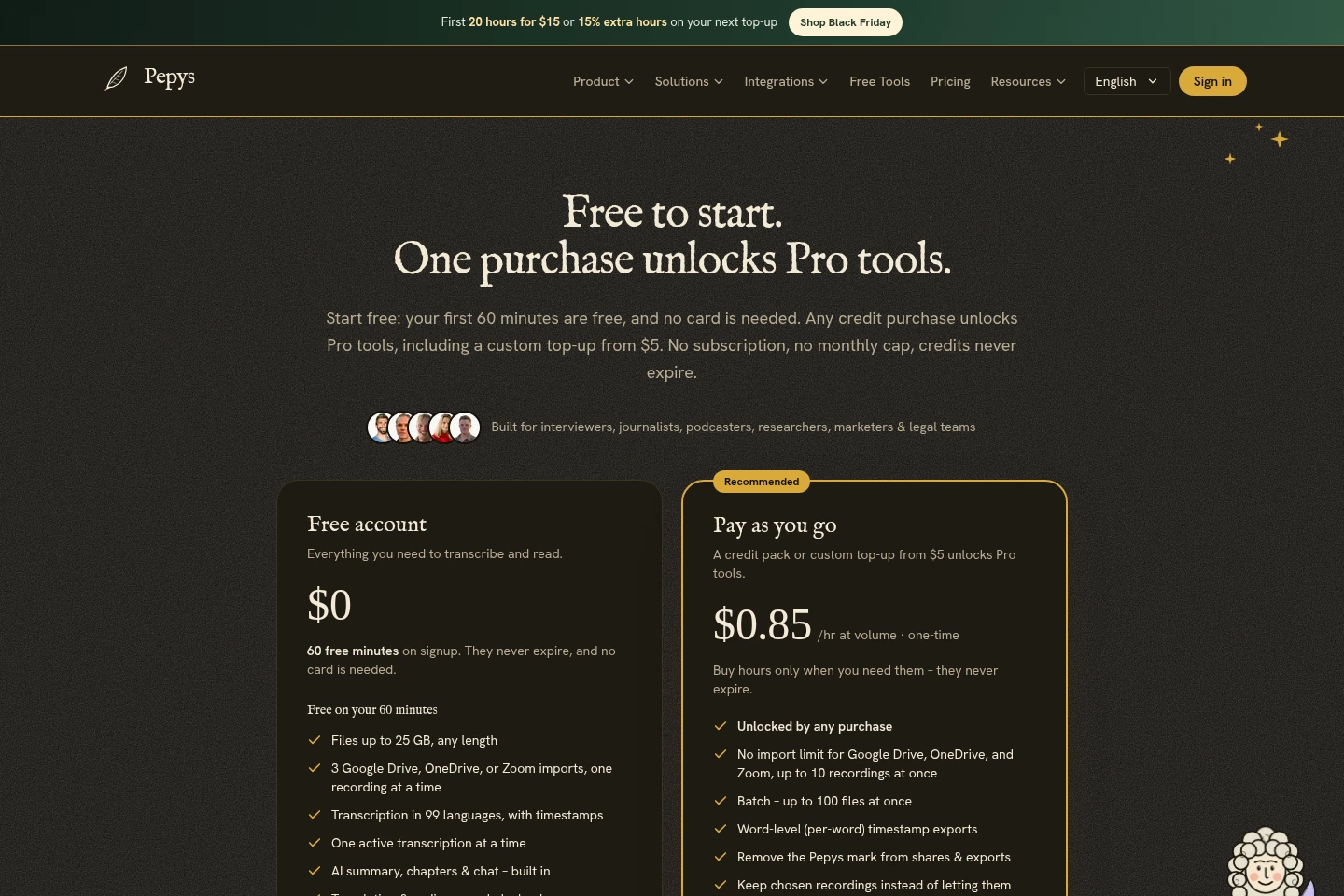
The service starts with a free account and then charges through one-time credit purchases, not a recurring subscription. Compare the amount of audio each purchase covers, the volume rate, and whether you need Pro tools or speaker labels.
| Plan | Price | Included features and limits |
|---|---|---|
| Free account | $0; first 60 minutes free |
|
| Pay as you go | One-time purchases; packs from $12.50 |
|
All sales are final. A $5 custom top-up unlocks Pro tools, which remain unlocked after the credits are spent; transcriptions still consume credits. Prices are the cheapest single purchase that covers the stated credits.
Use cases
Transcribe recorded meetings and workshops
When a meeting or workshop has already been recorded, upload the recording or import it from a supported service to create a timestamped transcript. Pepys does not send a bot to join the meeting; the recording is processed afterward.
Create transcripts for podcast episodes
When preparing one episode or a backlog, paste a recording link, RSS feed, or import files and process them individually or in batches when eligible. The output can include searchable transcripts, notes and exportable text.
Prepare recorded interviews for review
When reviewing recorded interviews, transcribe the audio with speaker labels and timestamps so quotes and passages remain attached to their positions. Speaker labels use 1.5 times the credits of plain transcription.
Make text and captions from social videos
When turning a social video into text, upload the video or provide a link to create a transcript and subtitle exports. AI notes can also produce summaries and other outputs shaped for short-form video.
Limitations
Speaker labels consume 1.5 credits per minute, compared with 1 credit per minute for plain transcription.
The free account permits three Google Drive, OneDrive, or Zoom imports, one recording at a time.
A free account allows one active transcription at a time; starting a transcription requires an account.
Files uploaded to the free account can be up to 25 GB; check the limits reference for other file and recording limits.
Uploaded recordings are removed after about 30 days; users can delete a transcript or their whole account.
Who it is for
Podcast and video creators who need transcripts, captions, or notes from recorded content
Researchers and interviewers who need searchable recordings, speaker labels, and timestamped quotes
Journalists who need transcripts and notes from interviews or other recorded material
Legal teams working with recorded statements that need private, searchable transcripts to check against audio
FAQ
How much does Pepys Transcribe cost?
The first 60 minutes are free once with a free account, then transcription is paid for with credits. Rates depend on the amount bought at once: $1.25 per hour under $20, $1.00 per hour from $20, and $0.85 per hour from $85. Speaker labels cost 1.5 credits per minute.
Do credits expire or require a subscription?
Credits never expire, and personal use has no subscription. Credit packs and custom top-ups are one-time purchases; each new transcription still uses credits.
Can Pepys transcribe a long recording?
A recording can be any length, and cost follows audio duration rather than file size. File-size and recording limits may still apply; consult the limits reference for the specific restrictions.
Does Pepys Transcribe provide an API or webhooks?
Yes. The free account includes Developer API, MCP and webhooks, and transcription uses the account's credit balance.


Comments