

- Monthly visits
- 95,708
- 2026-09
- Monthly growth +79.7%
PDFQuiz - Turn documents into editable quizzes with AI
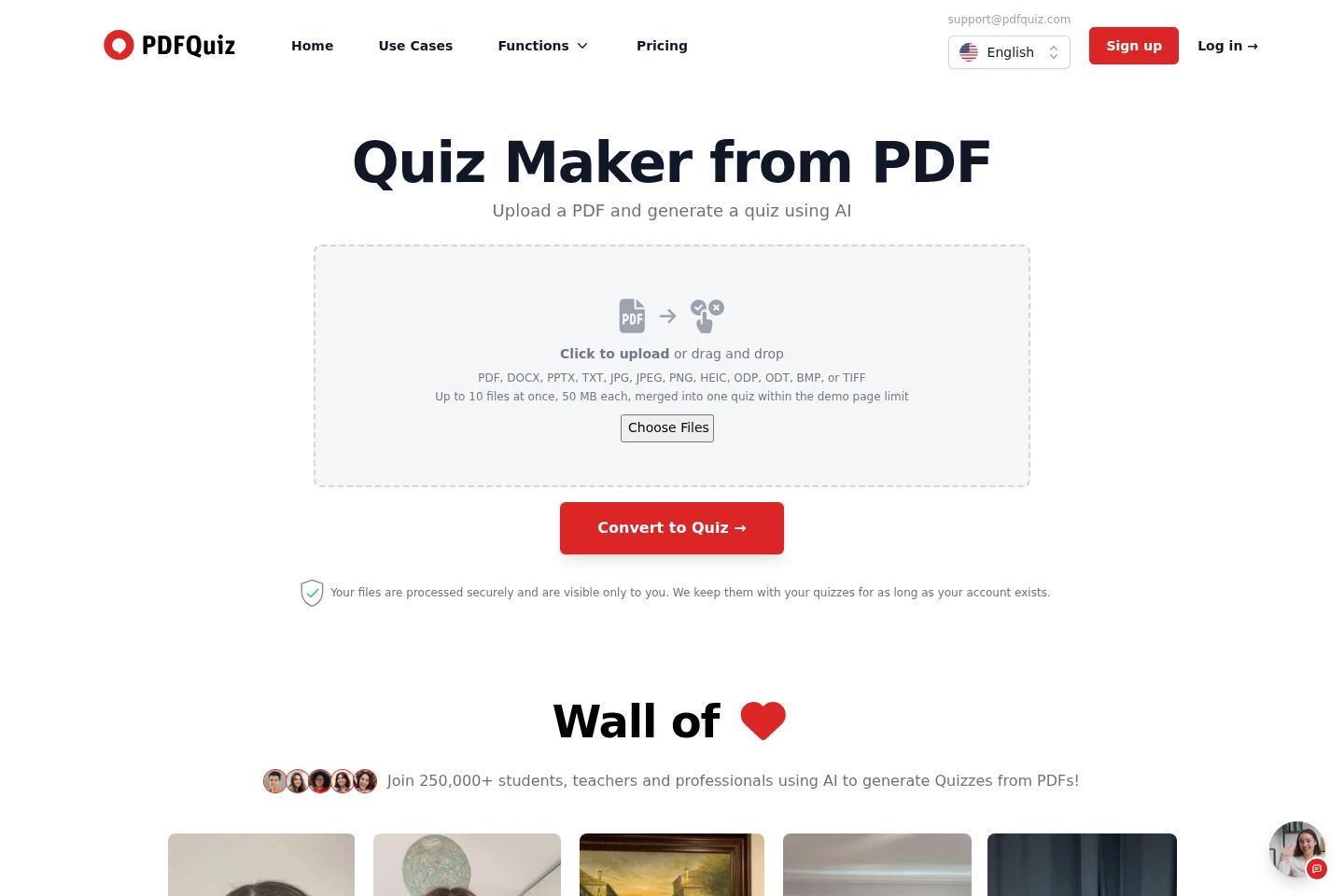
PDFQuiz converts PDFs and other documents into quizzes with AI. Upload files, choose question counts, language, difficulty and question types, then review and edit the questions. The web app supports scanned pages through OCR and offers quiz taking, answer explanations, exports and timed questions. Paid plans add higher monthly character limits and sharing options.
- AI Education
- Exam Prep
- OCR
- Education
- PDF to quiz maker
- AI quiz generator
- quiz from PDF
Capabilities
Document quiz generation
Generates quizzes from uploaded documents and produces questions with marked correct answers and explanations. Inputs include PDFs, Word files, presentations and images; users can select question count, language, difficulty and question types.
OCR for scanned pages
Reads scanned pages and images to extract material for quiz questions. Upload supported image or document files, including pages without selectable text; the service applies OCR and visual recognition.
Question editing and formats
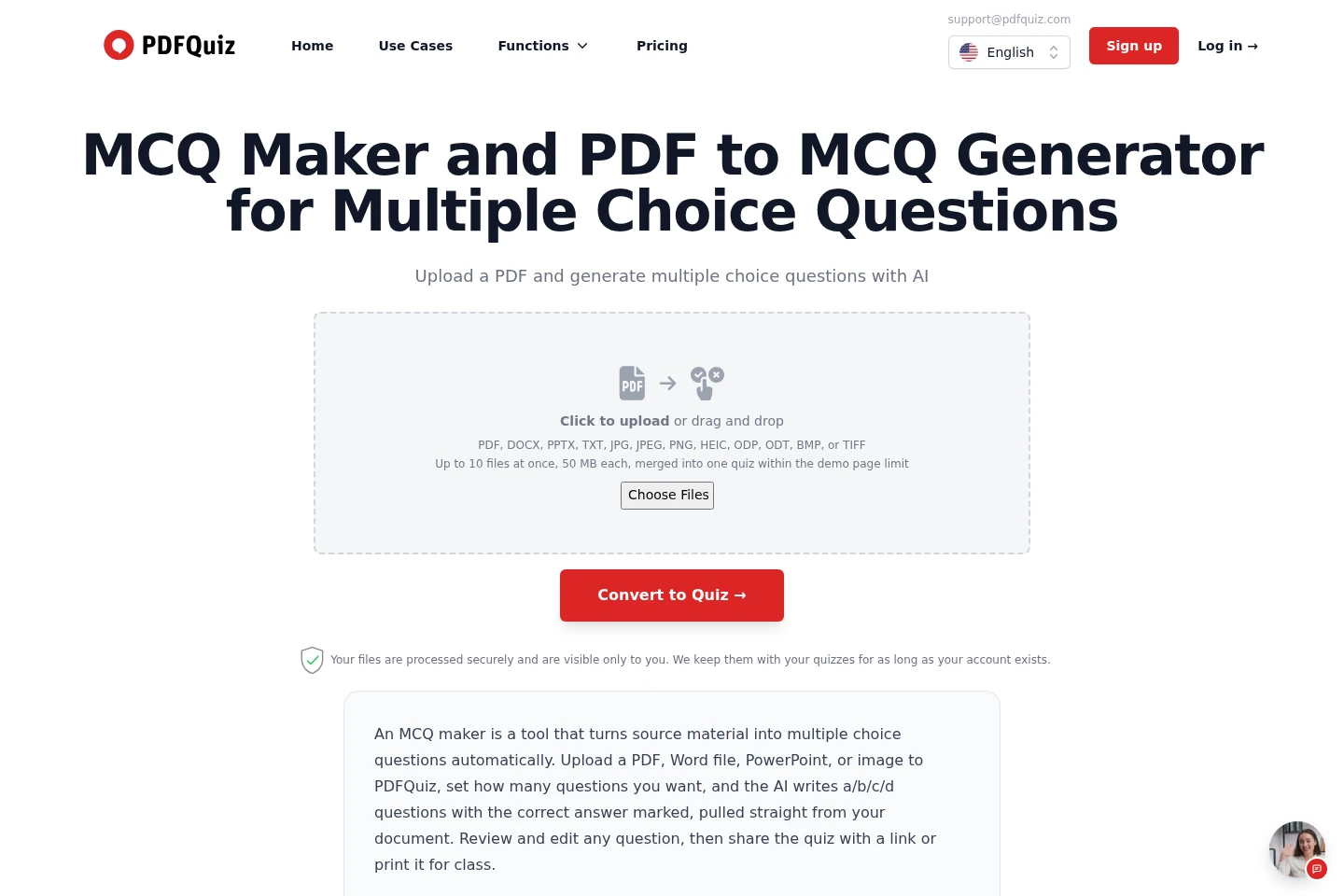
Creates several question formats and lets users edit the resulting quiz. Available types include single choice, multiple answer, true or false, fill in the blank, matching and open-ended; some types require Plus or higher.
Quiz sharing and timing
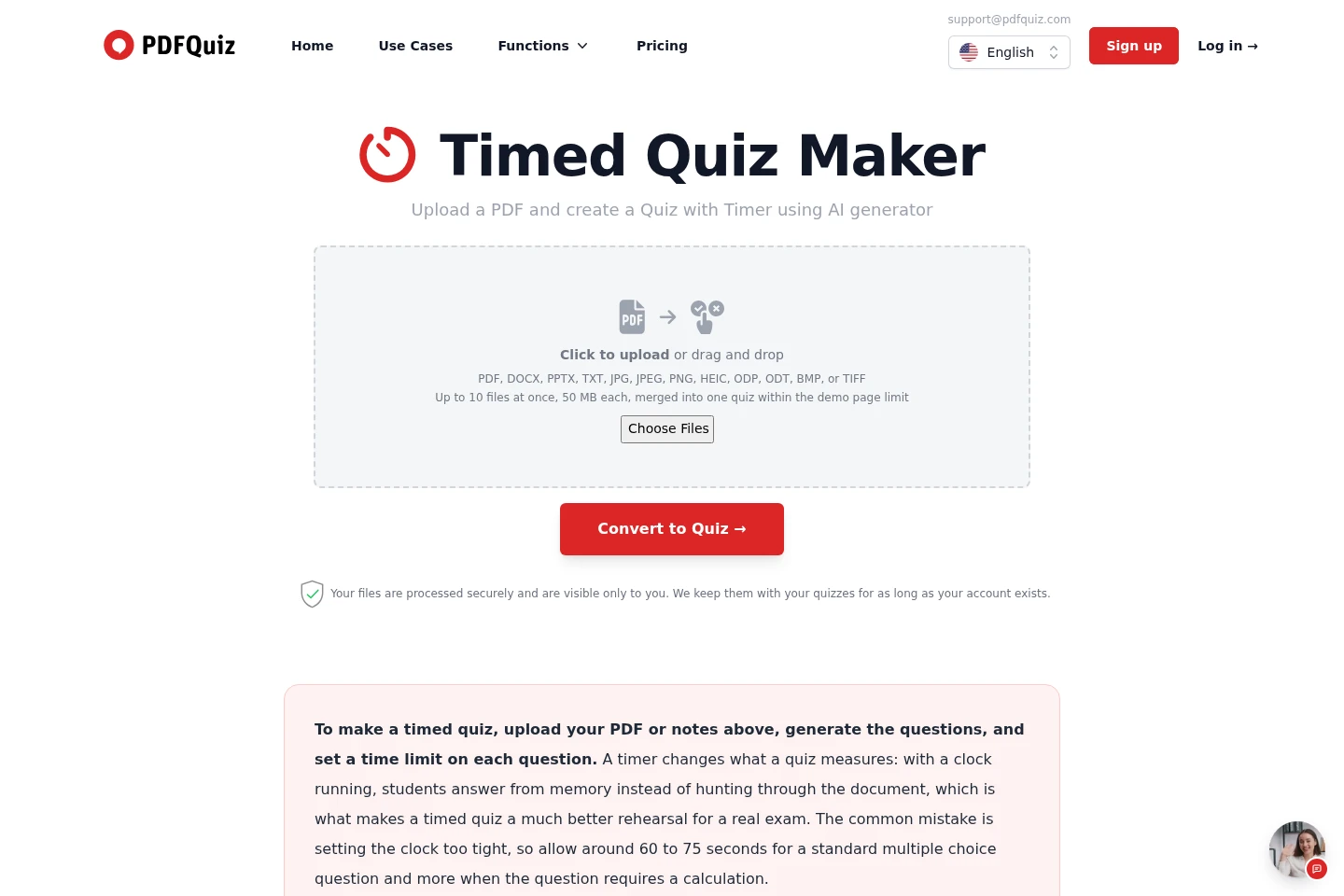
Lets users share quizzes and add a timer to questions, with participant completion and scores available for shared quizzes. Sharing by invitation link is included with Pro and higher; timed questions are listed in paid plan features.
Quiz export and study
Provides ways to study or export quiz content and results. Depending on the plan, users can take quizzes, review answers and explanations, download PDFs, or export questions as Anki flashcards.
Pricing
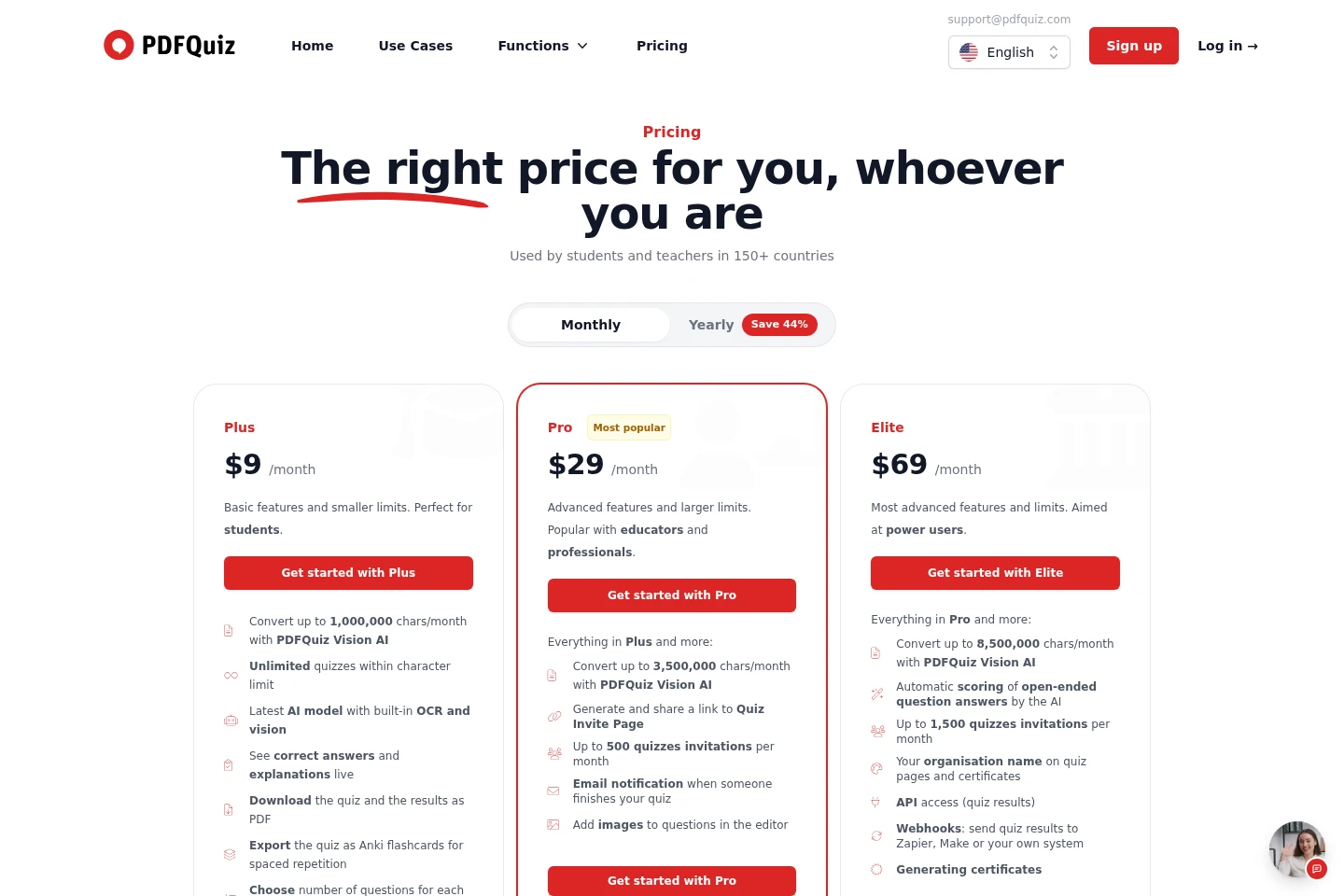
PDFQuiz is paid, with recurring monthly or yearly subscriptions. Compare the monthly character-processing limit, quiz invitations, question limits and included features to choose a plan.
| Plan | Price | Included features and limits |
|---|---|---|
| Plus | $9 or $5/month; $60/year |
|
| Pro | $29 or $16/month; $192/year |
|
| Elite | $69 or $38/month; $456/year |
|
Use cases
Practice for exams using course documents
When preparing for an exam from notes or course documents, upload the material and generate a quiz with chosen question types and difficulty. Take the quiz repeatedly and review marked answers and explanations.
Create assessments from teaching materials
When educators need quiz or test questions based on lesson materials, upload the documents, set question count and formats, then edit the generated assessment. Pro also supports sharing an invitation link and receiving completion notifications.
Rehearse with timed quiz questions
When preparing for a test with time limits, create a quiz from study documents and set a timer for each question. The timed format lets learners practice answering under a clock.
Limitations
The unauthenticated demo generates a five-question quiz from up to five document pages; after signup, the demo limit is ten questions from up to ten pages.
Paid plans cap monthly PDFQuiz Vision AI processing at 1,000,000 characters on Plus, 3,500,000 on Pro and 8,500,000 on Elite.
On Plus, Pro and Elite, the maximum number of questions per quiz is 300, 500 and 1,000 respectively.
Invitation links are listed as a Pro feature; they are not listed among Plus features.
Fill-in-the-blank, matching and open-ended question types require Plus or a higher plan.
Who it is for
Students who want to practice and review course material with quizzes
Teachers and professors who create assessments from lesson documents
Professionals who need quizzes based on uploaded documents
FAQ
Is PDFQuiz free?
No, PDFQuiz is a paid tool. A demo is available without an account for a five-question quiz from any PDF; after signup, the demo allows ten-question quizzes within a monthly limit.
Do I need an account to make a quiz?
No account is needed for the demo. An account saves quizzes and results and enables flashcard study; sharing a quiz by link is included with Pro.
How many questions can I generate from one PDF?
The no-account demo reads up to five pages and creates five questions; after signup, the demo covers up to ten pages and creates ten questions. Paid plans allow up to 300 questions per quiz on Plus, 500 on Pro and 1,000 on Elite.
What question types can PDFQuiz create?
It creates single-choice, multiple-answer, true-or-false, fill-in-the-blank, matching and open-ended questions. Fill-in-the-blank, matching and open-ended formats are available on Plus and higher.
What files can I upload?
You can upload PDF, DOC, DOCX, PPT, PPTX, ODT, ODP, RTF, TXT, JPG, JPEG, PNG, HEIC, BMP, TIF and TIFF files. Up to ten files can be uploaded at once, with a 50 MB limit per file; scanned pages and photos are read with OCR.
Which languages does PDFQuiz support?
The quiz is generated in the language of the document. Paid plans let users choose another output language from a list of more than 180; the website interface is available in 28 languages.
Comments