
- Monthly visits
- 2,993
- 2026-10
- Monthly growth -41.3%
PdfPeaks - Free browser tools for PDFs, images, and documents
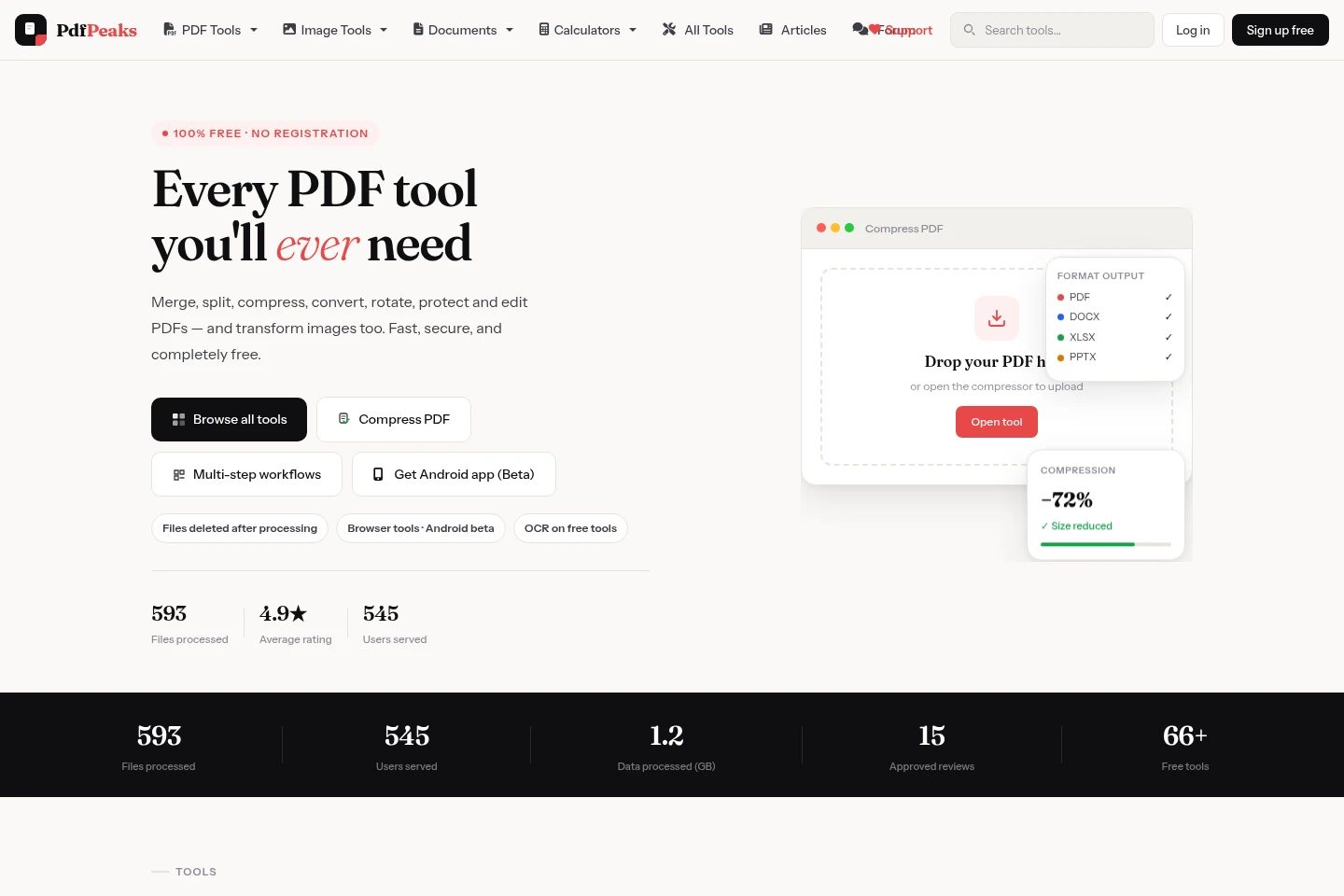
PdfPeaks provides online tools to convert, merge, split, compress, edit, sign, and protect PDFs, as well as resize, crop, convert, and compress images. It also offers OCR exports to editable Office formats, document makers, and calculators. The homepage says the tools are free and require no registration.
- AI Productivity
- Chat with PDF
- OCR
- Document Generators
- free PDF tools
- online image converter
- PDF OCR tools
Capabilities
PDF editing and organization
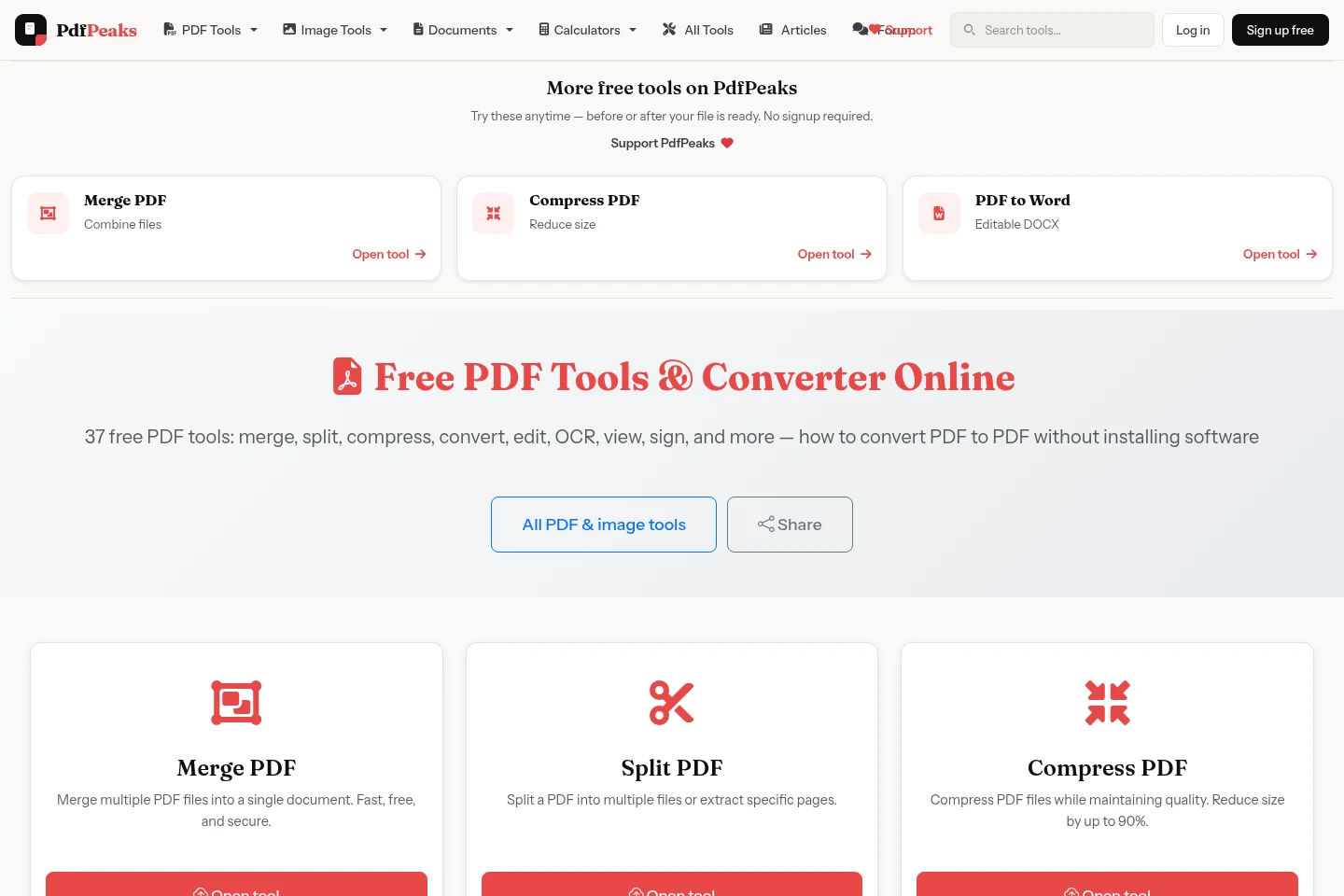
Edit and organize PDF files, producing revised documents with arranged or selected pages. Upload PDFs to merge files, split pages, reorder or delete pages, add text and annotations, sign, or fill forms.
PDF and image conversion
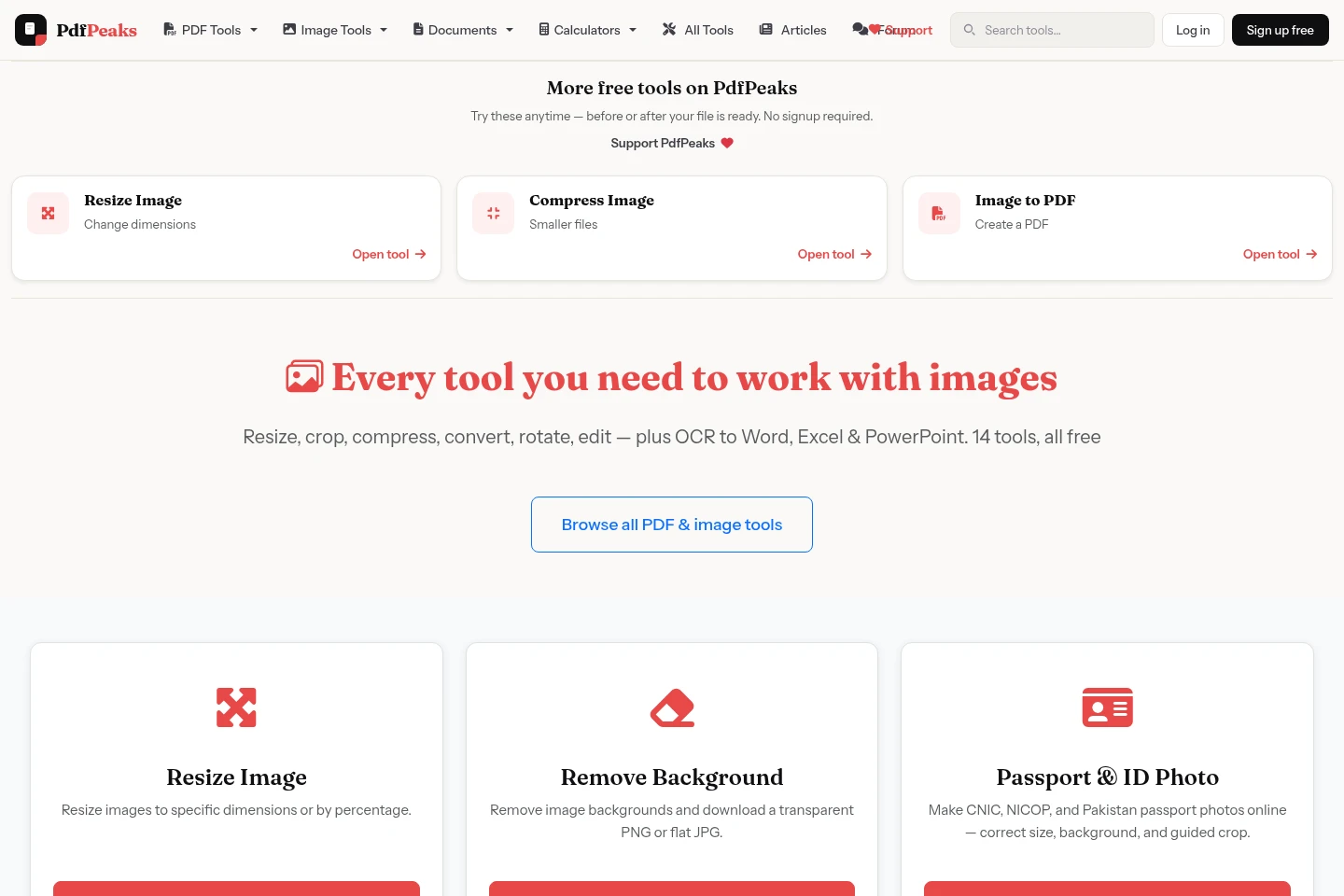
Convert PDFs, images, and Office files into downloadable files in other formats. Upload a supported PDF, image, DOCX, XLSX, or PPTX and choose an available output such as Word, Excel, PowerPoint, JPG, PNG, or PDF.
PDF and image compression
Reduce the file size of PDF documents and images, producing a smaller file. Upload the file to the relevant compression tool; the PDF tool is presented for reducing files to meet email or 200 KB limits.
OCR and text extraction
Extract machine-readable text or data from scanned PDFs and images, producing searchable PDFs, TXT files, or editable Office documents. Upload a scan and use OCR tools to create a text layer or export recognized content.
PDF security and redaction
Apply password protection or remove known password protection, and permanently redact selected PDF regions. Upload a PDF and choose the relevant security action; unlocking is for passwords the user knows.
Pricing
The homepage presents the PDF and image tools as free to use, with no registration required. Compare the available tool and output format for the task; the supplied pages do not specify paid tiers or billing.
| Plan | Price | Included features and limits |
|---|---|---|
| Free | Free |
|
Use cases
Convert files between document formats
When a PDF, image, or Office file is needed in another supported format, upload it to the matching converter and select the output. The tool creates a file such as DOCX, XLSX, PPTX, JPG, PNG, or PDF.
Combine or rearrange PDF pages
When pages or documents need to be assembled or reorganized, upload the relevant PDFs and use merge, split, or organize tools. The result is a combined file, extracted pages, or a PDF with pages reordered or removed.
Make scanned documents searchable
When a PDF or image contains scanned pages, use the OCR tools to recognize text and create a searchable PDF or export content to TXT or editable Office formats. Available outputs depend on the selected tool.
Limitations
Unlock PDF is for removing password protection only when the user knows the password.
Who it is for
People who routinely convert, edit, or organize PDF documents
People who need quick browser-based image resizing, conversion, or compression
People who need searchable text or editable files from scanned documents
FAQ
Do PdfPeaks tools cost anything?
The homepage describes the PDF and image tools as free and says no registration is required. No paid plan pricing or billing conditions are specified in the supplied pages.
Do I need to install software or create an account?
No installation or registration is required for the browser tools described on the homepage. The PDF hub also describes its tools as working in the browser.
Can I remove a password from any PDF?
The Unlock PDF tool is described for removing a password you know. The supplied pages do not claim that it bypasses unknown passwords.
Can scanned files be converted to editable text?
Yes. OCR tools can add a searchable text layer to scanned PDFs and export recognized content from images to formats such as Word, Excel, and PowerPoint.
Comments