

- Monthly visits
- 2,945,762
- 2026-09
- Monthly growth +2.4%
PDFgear - Free PDF tools for editing, conversion, and more
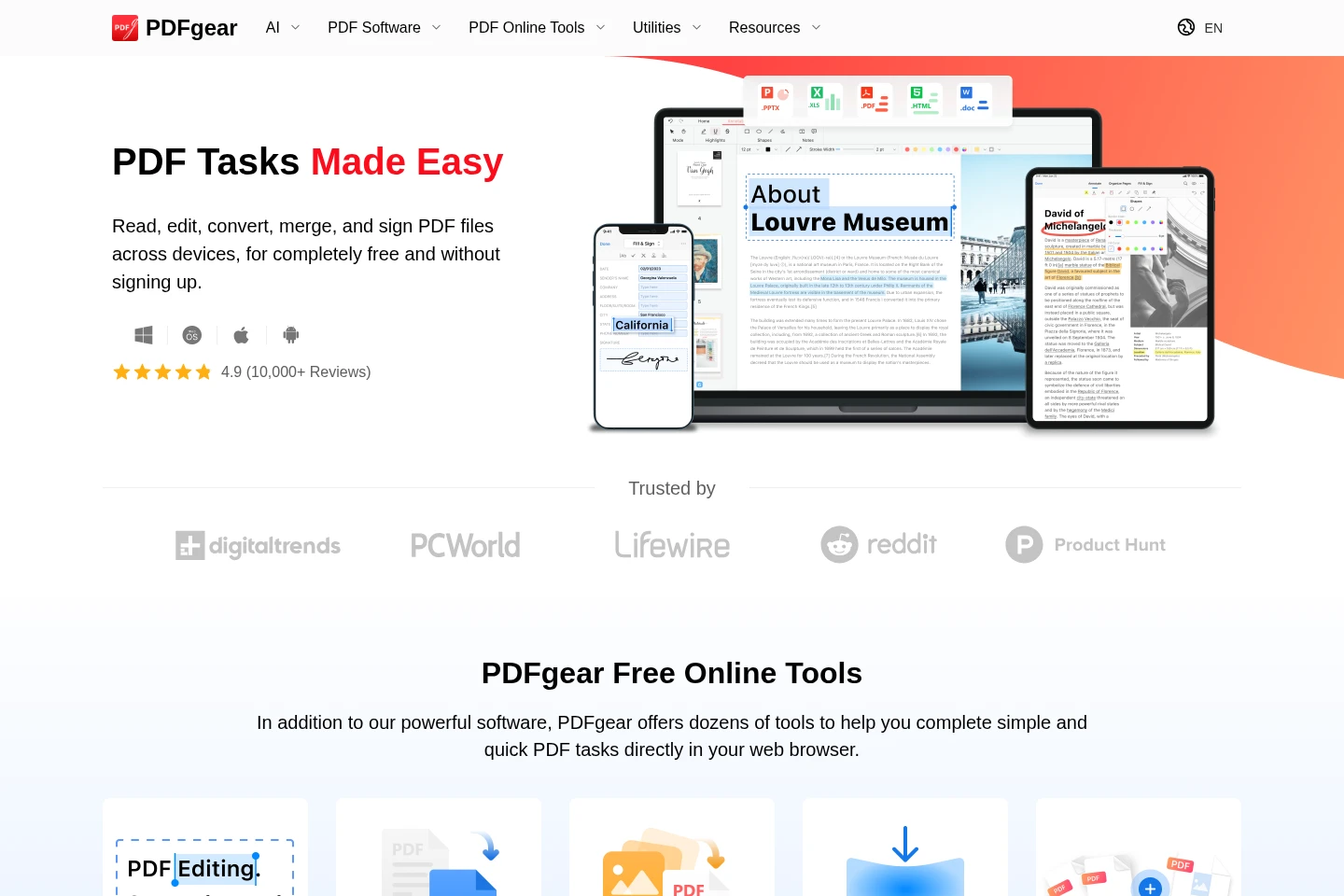
PDFgear provides free PDF software for Windows, macOS, iOS, and Android, plus browser-based tools. Read, edit, annotate, merge, split, compress, sign, and convert PDF files. OCR extracts text from scanned documents, while AI features let users interact with PDFs.
- AI Productivity
- Chat with PDF
- OCR
- free PDF editor
- PDF converter
- PDF OCR
Capabilities
PDF editing and annotation
Edit PDF text, images, shapes, signatures, links, and form fields, and add highlights, notes, comments, and stamps. Use the browser tools or installable software, depending on the task.
PDF conversion
Convert PDFs and other files among formats including Word, TXT, JPG, Excel, and PPT. Batch conversion is available in the software, and the product describes conversions as lossless.
OCR text extraction
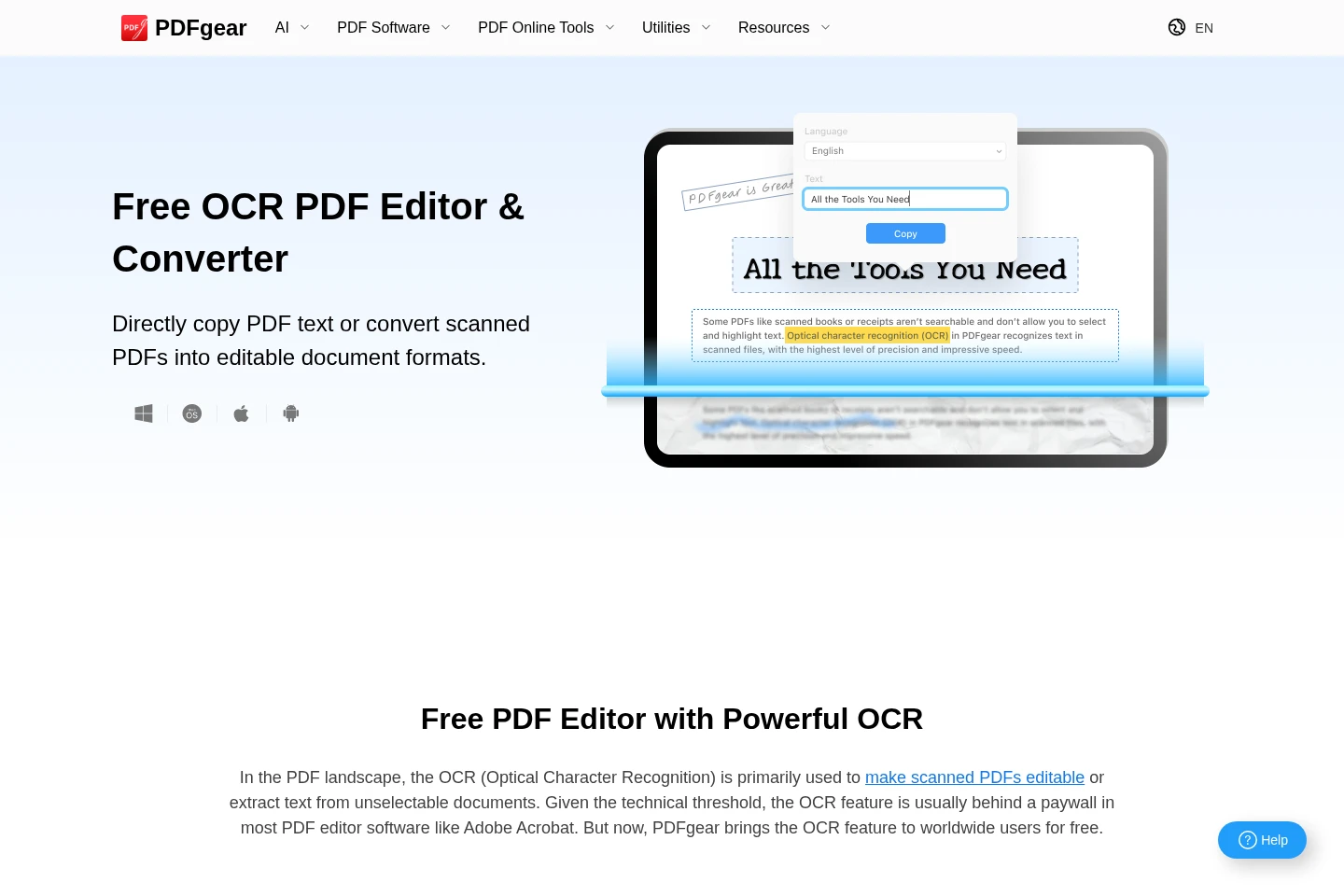
Extract text from image-based documents and convert scanned PDFs into editable Word or TXT files. The OCR feature supports more than 30 languages.
PDF page management
Merge, split, rotate, crop, compress, and rearrange PDF pages, or add and delete pages. Available operations depend on the selected online tool or software.
AI PDF interaction
Use AI features to interact with PDF documents, including asking questions or requesting summaries. The AI tools are presented as part of PDFgear.
Pricing
PDFgear is offered as free PDF software and online tools, with no paid plan prices listed in the supplied pages. Compare platform availability and the specific PDF or AI functions needed.
| Plan | Price | Included features and limits |
|---|---|---|
| Free | Free |
|
Use cases
Edit and annotate PDF documents
When a PDF needs revisions or review, edit text and images or mark up its pages. Add highlights, notes, comments, shapes, and form fields using the available editing tools.
Extract text from scanned PDFs
When a document is scanned or its text cannot be selected, run OCR to extract the text. The extracted content can be copied or converted into editable Word or TXT formats.
Reorganize and combine PDF pages
When pages need rearranging or files need combining, use PDF tools to merge, split, add, delete, rotate, or crop pages. The result is a modified PDF.
Convert files between document formats
When a document must be used in another format, convert between PDF and formats such as Word, JPG, Excel, or PPT. Batch conversion is available in the software.
Who it is for
People who need to read, edit, sign, or organize PDF documents
People who need to extract text from scanned or image-based documents
People who work with PDFs across desktop, web, and mobile devices
FAQ
Is PDFgear free to use?
PDFgear describes its PDF tools and software as free. The homepage says users can work without signing up; individual online tools may state their own conditions.
Which devices does PDFgear support?
PDFgear offers software or apps for Windows, macOS, iOS, and Android, as well as browser-based PDF tools. The available features vary by platform.
Can PDFgear extract text from scanned PDFs?
Yes. Its OCR tools extract text from image-based documents and can convert scanned PDFs into editable formats, including Word or TXT. The OCR page states support for more than 30 languages.
Can I use AI with PDF documents in PDFgear?
Yes. PDFgear presents AI tools for interacting with PDFs, including asking questions and summarizing documents. The supplied pages do not specify additional usage conditions.
Comments