

- Monthly visits
- 2,352
- 2026-09
OverlayAI - A Mac overlay for focus, meeting transcripts, and AI assistance
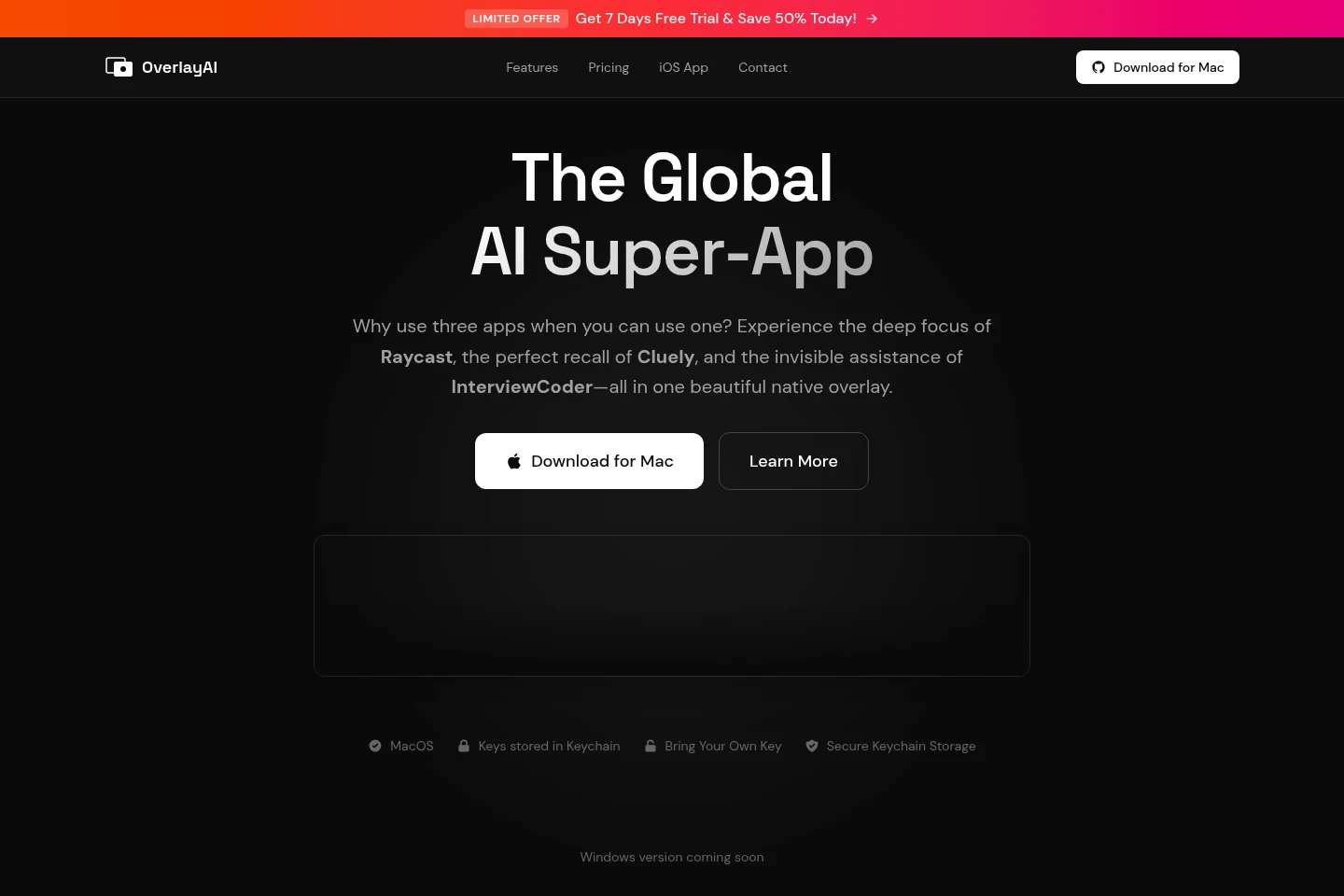
OverlayAI is a native macOS overlay combining focus tools, live meeting transcription, and AI assistance. It includes a configurable Pomodoro timer, distraction blocking, OCR for on-screen content, and text actions to summarize, explain, or translate. Users connect their own keys to supported AI providers; requests go directly to those providers.
- AI Audio
- Transcription
- OCR
- Summarizers
- macOS AI overlay
- live meeting transcription
- Pomodoro distraction blocker
Capabilities
Focus timer and blocker
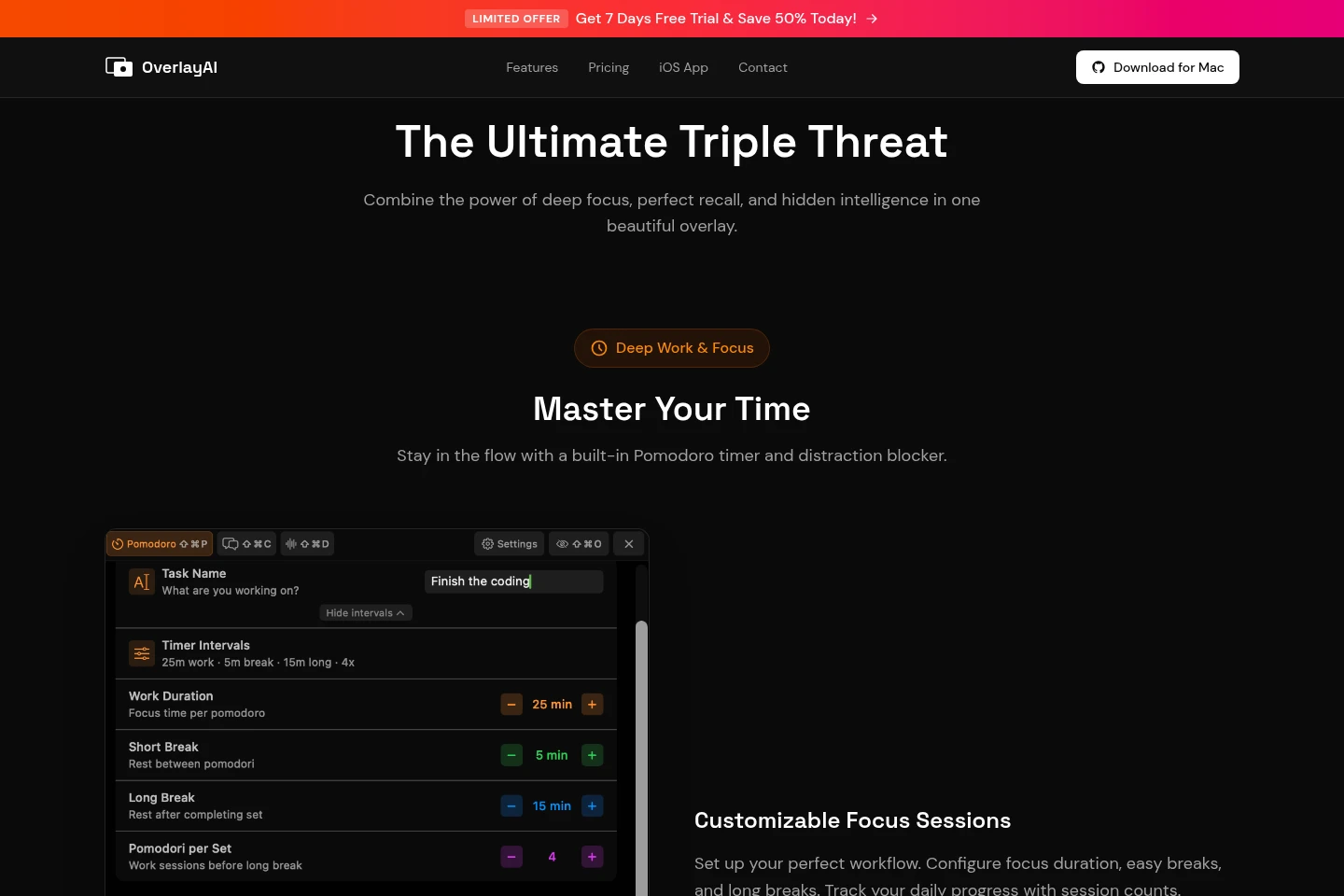
The focus tools run configurable Pomodoro sessions, track session history, and block selected distracting apps and websites. Users set focus and break durations and choose which apps or sites to allow; blocking can start automatically with a focus session.
Live meeting transcription
Live transcription converts audio from meetings into text in real time. It can capture audio from Zoom, Meet, Teams, and other Mac audio sources, with AI context awareness stated as part of the feature.
On-screen AI assistance
On-screen assistance reads content with OCR and provides text actions. Users can snapshot text in images, PDFs, videos, or websites, or select text to summarize, explain, or translate; the overlay is described as invisible to screen sharing.
Bring-your-own-key connection
Provider connections route requests directly to supported AI providers using the user's own API keys. The listed providers include OpenAI, Claude, Gemini, DeepSeek, and Qwen; keys are stored in macOS Keychain.
Pricing
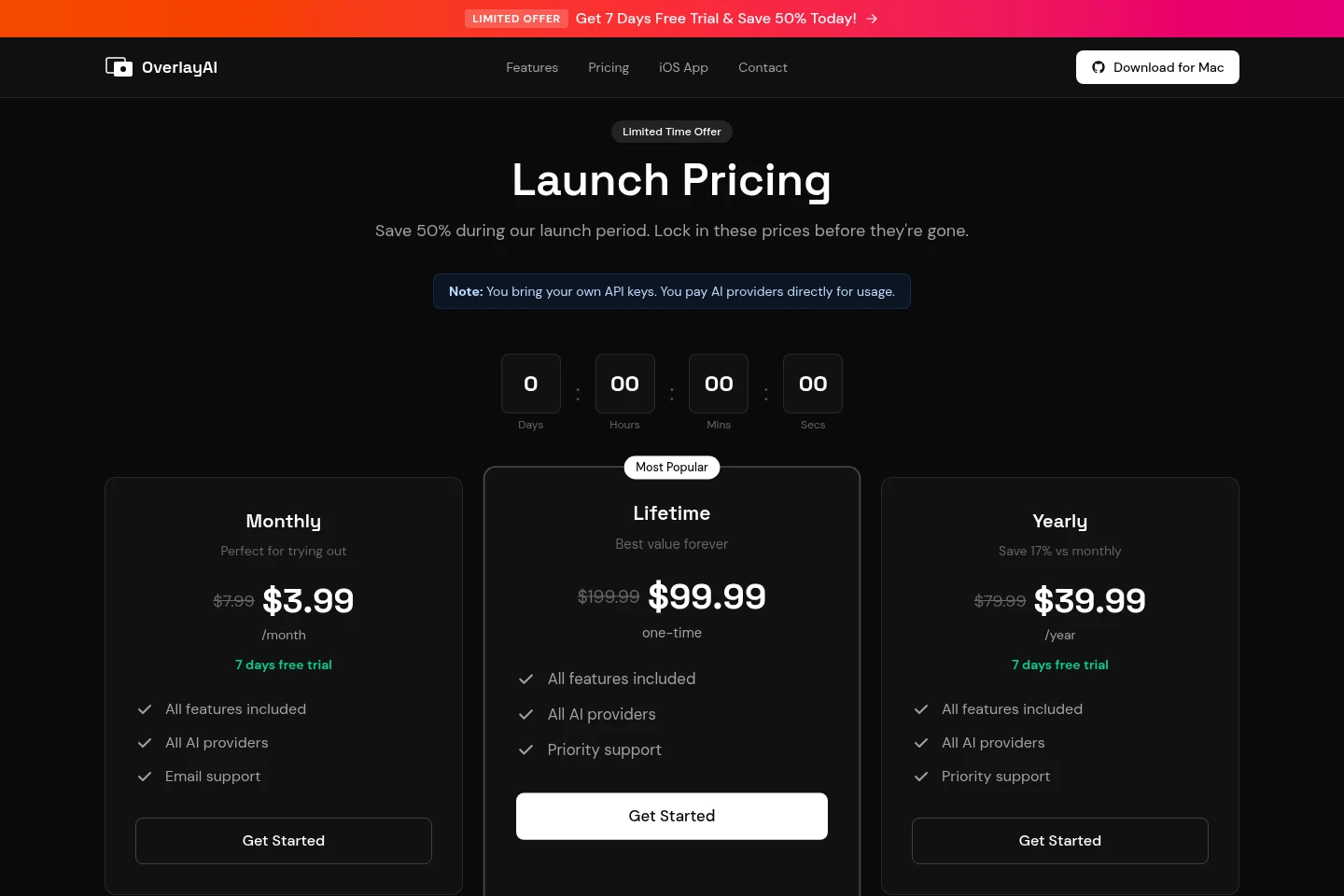
OverlayAI has paid plans with monthly, annual, and one-time billing. Compare the billing period, included features, provider access, and support; the Monthly plan lists a trial and the page advertises launch pricing.
| Plan | Price | Included features and limits |
|---|---|---|
| Monthly | $3.99/month (launch price; $7.99 listed) |
|
| Lifetime | $99.99 one-time (launch price; $199.99 listed) |
|
| Yearly | $39.99/year (launch price; $79.99 listed) |
|
The page describes the reduced amounts as launch prices and says users pay AI providers directly for usage. It also advertises a 30-day money-back guarantee without listing its conditions.
Use cases
Run and review focus sessions
When working through a task that needs a distraction-limited period, users configure focus and break durations, start a Pomodoro session, and track session counts and history. The blocker can automatically restrict selected apps and websites while allowing chosen tools.
Transcribe live meeting audio
When attending a live meeting on a Mac, users capture audio from Zoom, Meet, Teams, or another audio source and convert speech to text in real time. The feature also provides AI context awareness.
Summarize or interpret screen content
When text appears in an image, PDF, video, or website, users take a snapshot and ask the AI about it. They can also select text to summarize, explain, or translate through the overlay.
Limitations
The available download is for macOS; the homepage says the Windows version is coming soon, so Windows availability is not established.
AI provider usage is billed directly by the providers and requires users to supply their own API keys.
The Lifetime plan is a one-time purchase; the listed Monthly and Yearly plans are recurring billing options.
Who it is for
Mac users who want timed focus sessions and distraction blocking
Mac meeting participants who need live audio transcription
Mac users who want on-screen AI help through their own provider keys
FAQ
Which operating system can I download OverlayAI for?
The page provides a macOS download. It labels the Windows version as coming soon, so the supplied pages do not establish a currently available Windows client.
Do I need my own AI provider keys?
Yes. OverlayAI asks users to connect their own API keys for providers such as OpenAI, Claude, or Gemini, and AI usage is paid directly to those providers.
What does OverlayAI include?
It includes configurable Pomodoro focus sessions, app and website blocking, live meeting transcription, OCR, and text actions to summarize, explain, or translate. The Monthly and Lifetime plans explicitly list all features.
Is there a free trial or refund guarantee?
The Monthly plan lists a 7-day free trial. The pricing page also states a 30-day money-back guarantee; it does not specify that guarantee's conditions.
How are the plans billed?
Monthly is billed monthly, Yearly is billed annually, and Lifetime is a one-time purchase. The displayed launch prices are $3.99/month, $39.99/year, and $99.99 one-time, respectively.
Comments