

- Monthly visits
- 555
- 2026-10
- Monthly growth -65.6%
Opnclo - Digital menus with photos, translations and QR codes
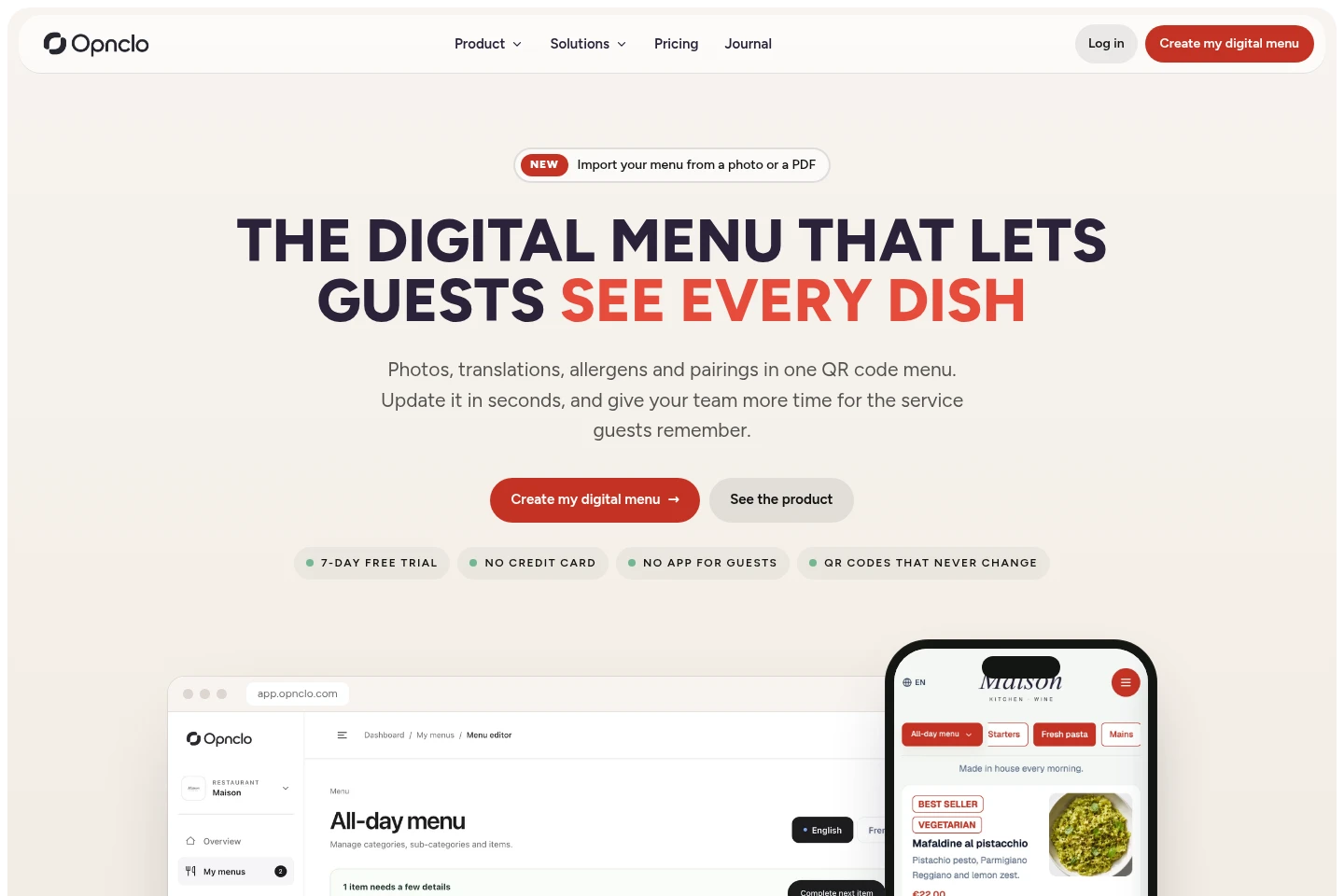
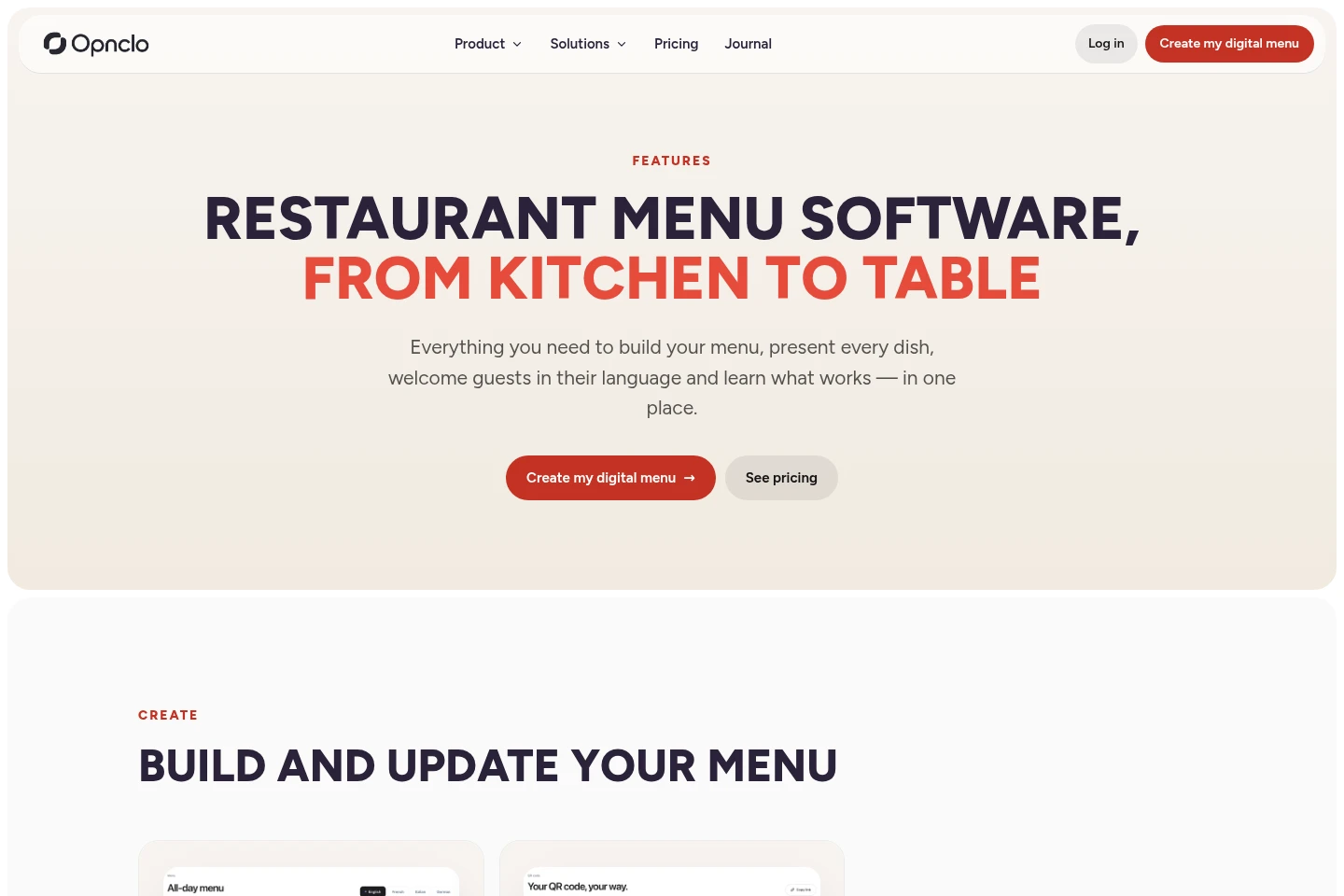
Opnclo helps restaurants, cafés and hotels create and update digital menus. Import a PDF, photo or link, then review dishes, prices and allergens. Add photos, translations, pairings and QR codes, and view menu analytics. Guests open the current menu in a phone browser without installing an app. The service does not take orders, payments or bookings.
- AI Business Tools
- E-commerce Management
- Translators
- Data Analysis
- Food service
- Hospitality
- restaurant QR code menu
- digital menu software
- multilingual restaurant menu
Capabilities
Menu import and editing
Import menu content and edit it in an online menu editor. Inputs include PDF files, photos, links or a blank menu; review the extracted dishes, prices and allergens before publishing.
Live QR code menus
Publish a menu that guests open by scanning a QR code, with updates appearing without reprinting the code. Customize the code with restaurant colors and download print-ready files.
Editable menu translations
Translate menu content into as many as three additional languages beyond the main language. Translations run when saved, and restaurant staff can review and edit them before publication.
Allergen display and filtering
Show the 14 major allergens on menu dishes and let guests filter out dishes they cannot eat. Staff add or review allergen information in the menu editor.
Menu viewing analytics
View QR scans, menu and dish views, and which dishes guests open or skip. Analytics also identify dishes that may benefit from photos.
Dish pairings
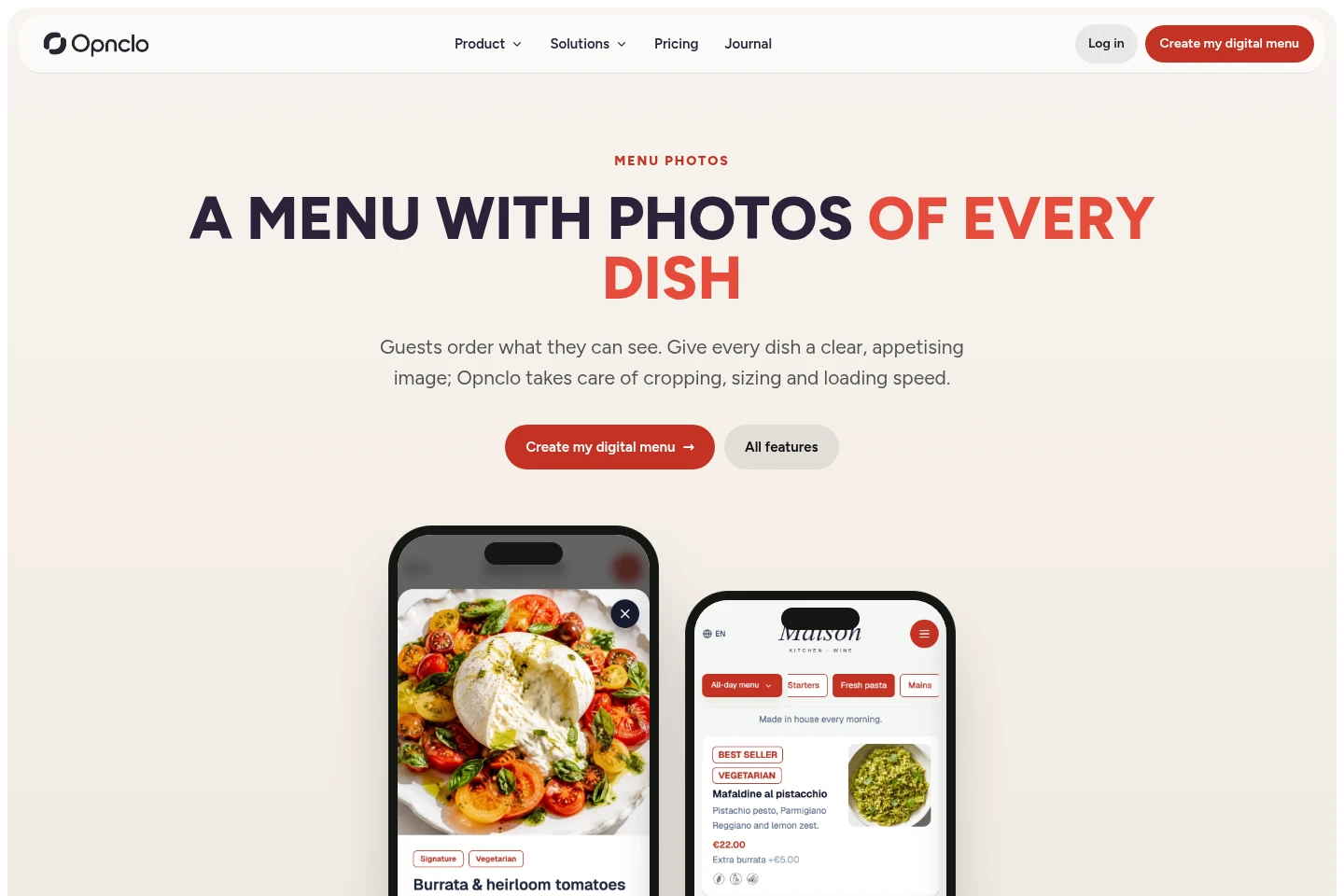
Link up to 20 pairing suggestions to a dish, such as wine, sides or desserts. Pairings appear in the digital menu for guests.
Pricing
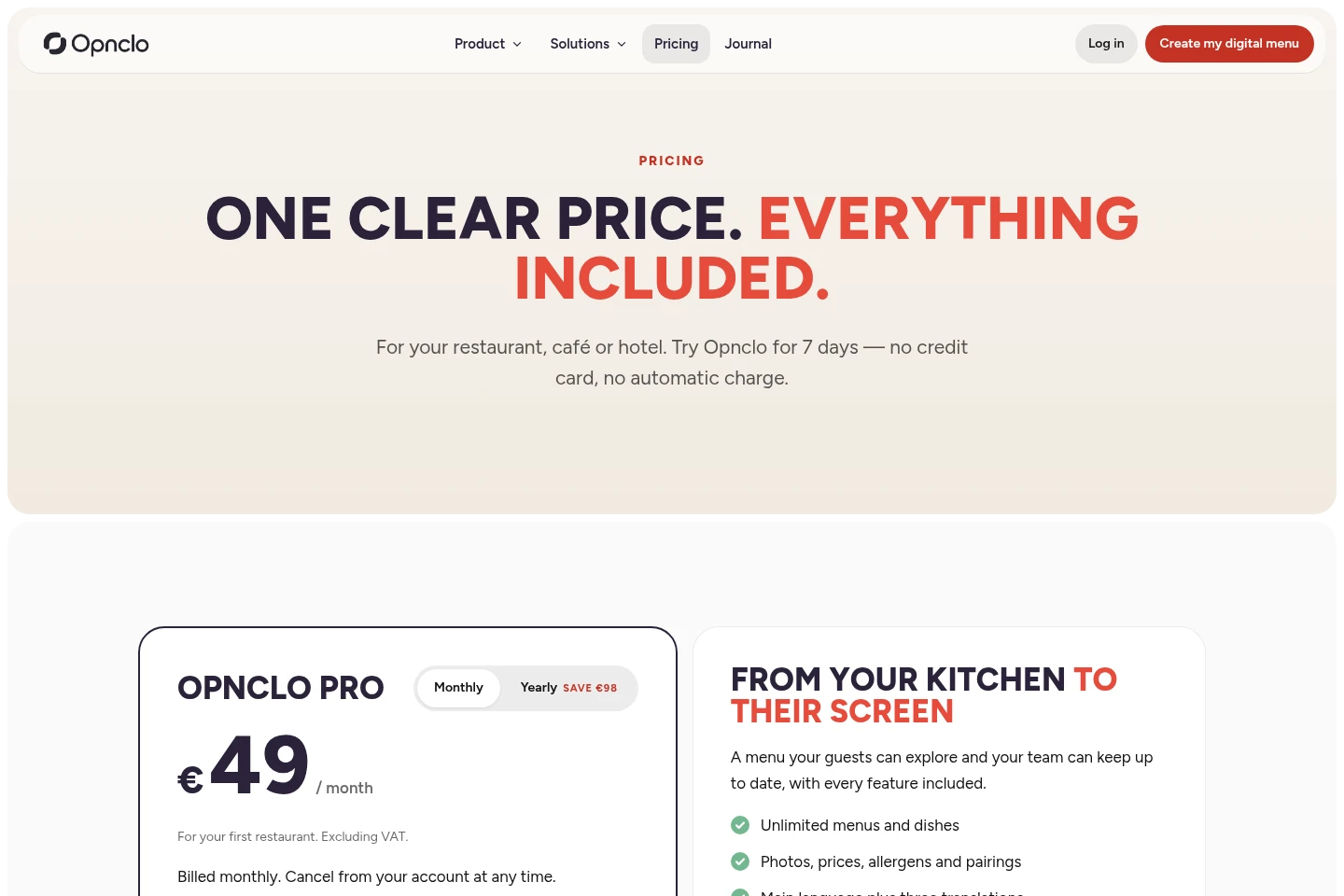
Opnclo is a paid subscription with monthly or annual billing for the first restaurant; compare billing period and restaurant count. A seven-day trial is available without a credit card or automatic charge.
| Plan | Price | Included features and limits |
|---|---|---|
| Opnclo Pro | €49 per month or €490 per year, excluding VAT |
|
| Your second restaurant | €39 per month or €390 per year, excluding VAT |
|
Paid subscriptions renew on their billing cycle unless cancelled. Cancellation is managed from the account, and access continues until the end of the period already paid for. Three or more restaurants require contacting the Opnclo team.
Use cases
Publish an existing restaurant menu online
When a restaurant wants to replace repeated menu printing, staff import a PDF, photo or link, check the extracted menu details, and publish a live menu. Subsequent edits appear through the same QR code.
Present menu details in guests’ languages
When guests speak different languages, restaurant staff choose a main language and up to three additional languages. Guests can select a language and read translated dishes and descriptions.
Help guests filter dishes by allergens
When guests need to check allergen information, staff add or review the 14 major allergens for menu dishes. Guests can filter out dishes containing allergens they cannot eat.
Limitations
Opnclo presents menus but does not take orders or payments; restaurant staff handle those processes.
Bookings are managed by the external booking provider linked from the menu, not by Opnclo.
After the seven-day trial, editing requires a paid subscription; without one, the public menu goes offline seven days later.
The first restaurant’s paid plan is required before adding a second restaurant; the second restaurant has no separate trial.
The trial does not automatically start a paid subscription, and no credit card is required to start it.
Who it is for
Restaurant operators who need to update menus and dish details without reprinting QR codes.
Café and bar operators presenting drinks, sizes, extras and food menus to guests.
Hotel hospitality teams managing restaurant, bar, breakfast or room-service menus.
FAQ
Do guests need to install an app to view a menu?
No. Guests scan the QR code and the menu opens in their phone’s browser. They do not need to install an app or create an account.
Can I import a menu I already have?
Yes. Import a PDF or photos, or paste a link. Opnclo reads menu details for review, and you can check them before publishing.
How many languages can each restaurant use?
Each restaurant can use one main language and up to three additional languages. Automatic translations can be reviewed and edited before publication.
What happens after the seven-day trial?
Editing requires a paid subscription after the seven-day trial. If you do not subscribe, the public menu is taken offline seven days later; there is no automatic charge.
Does Opnclo process orders, payments or bookings?
No. Opnclo presents the digital menu, while your team handles orders and payments. You can link an external booking service, which continues to manage reservations.
Comments