

- Monthly visits
- 3,713
- 2026-09
- Monthly growth +179.2%
OneStepTranscribe - Turn audio and video files into emailed transcripts
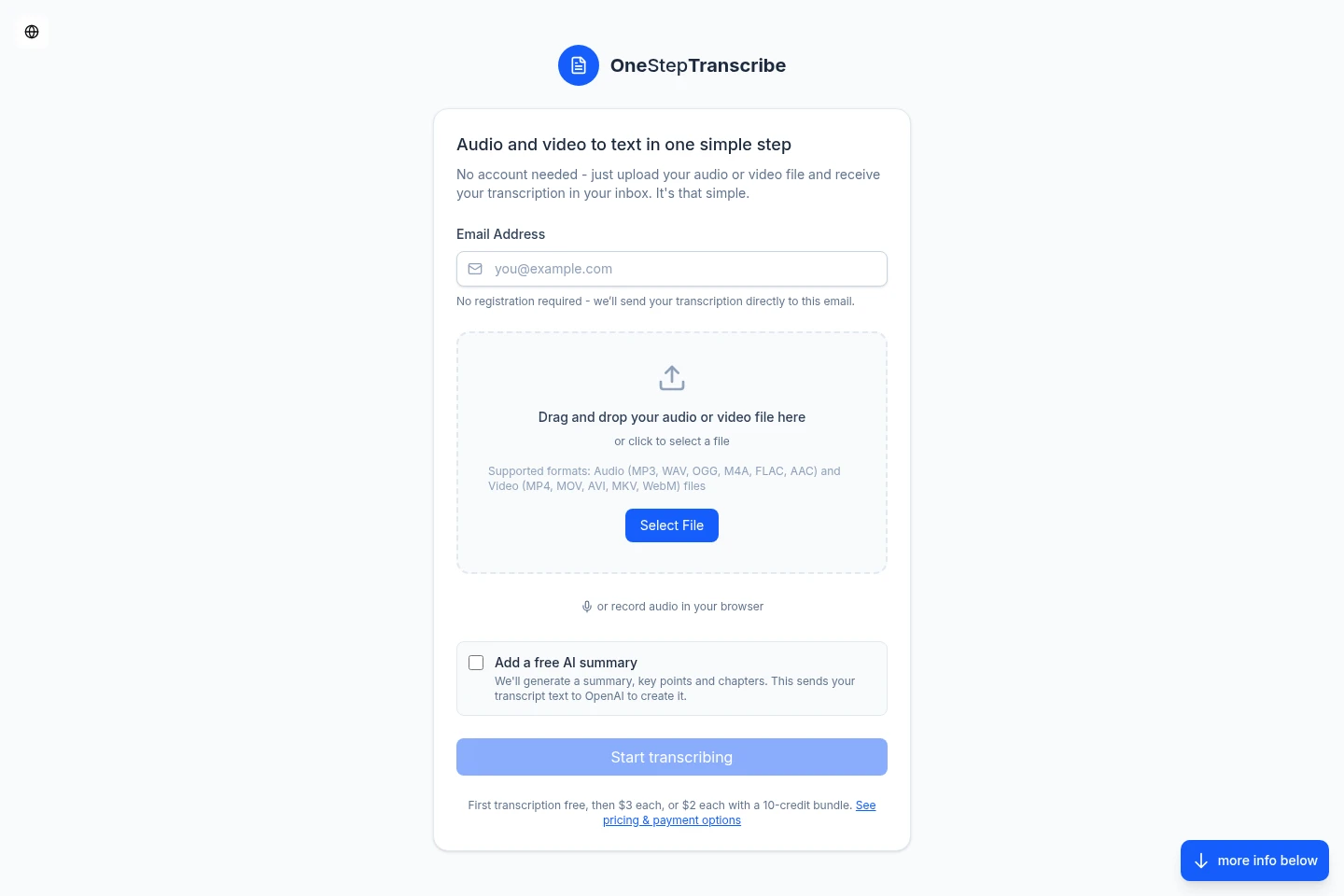
OneStepTranscribe converts uploaded audio and video files into text and emails the transcript without requiring an account. It supports multiple file formats and delivers transcripts in PDF, Word, Markdown, and CSV. Users can also record audio in a browser and optionally request an AI-generated summary, key points, and chapters.
- AI Audio
- Transcription
- Summarizers
- audio transcription
- video to text
- emailed transcripts
Capabilities
Audio and video transcription
Converts uploaded audio and video files into text and emails the transcript. Upload supported file formats, including MP3, WAV, MP4, and MOV; files can be up to 5 GB.
Transcript file formats
Delivers transcripts as PDF, Word, Markdown, and CSV files by email. The formats include options for timestamps and speaker identification, with CSV providing structured segments.
Browser audio recording
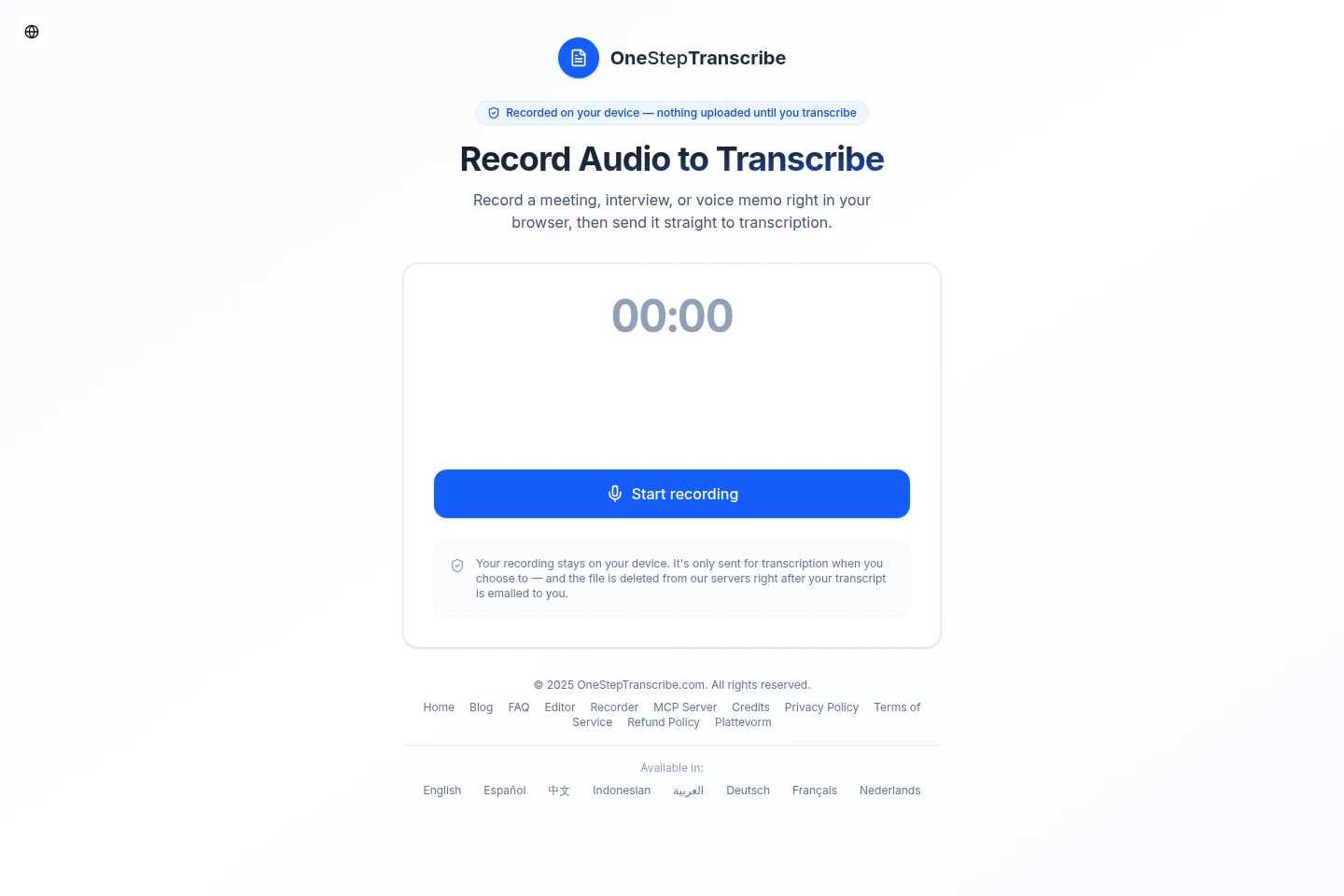
Records audio in the browser and sends it for transcription when the user chooses. The recording remains on the device until submission, and the server file is deleted after the transcript is emailed.
AI transcript summary
Creates an optional summary, key points, and chapters from transcript text using OpenAI. The transcript text is sent to OpenAI when this option is selected.
Pricing
OneStepTranscribe charges per transcription using credits, not a subscription. Compare the number of transcriptions included and the total credit price; the first transcription is free.
| Plan | Price | Included features and limits |
|---|---|---|
| 1 credit | $3 |
|
| 5 credits | $12 |
|
| 10 credits | $20 |
|
Prices are in USD; customers are charged the equivalent in their local currency. The first transcription is free.
Use cases
Transcribe an audio recording
When a recording needs a text version, upload a supported audio file or record directly in the browser and submit it. OneStepTranscribe processes it and emails the transcript in available file formats.
Extract text from a video
When spoken content in a video is needed as text, upload a supported video file. The service transcribes its audio and emails the resulting transcript.
Summarize a transcript
When a transcript also needs a concise overview, select the optional AI summary. OpenAI receives the transcript text to generate a summary, key points, and chapters.
Limitations
Uploaded files must use a supported format, and the stated maximum file size is 5 GB.
The optional AI summary sends transcript text to OpenAI when selected.
Who it is for
People who need transcripts from audio or video without creating an account
People who want to record audio in a browser before requesting a transcript
FAQ
Do I need to create an account to transcribe a file?
No. Upload a supported audio or video file, provide an email address for delivery, and submit it without registering or logging in.
Which file formats can I transcribe?
Supported audio and video formats include MP3, WAV, OGG, M4A, FLAC, AAC, MP4, MOV, AVI, MKV, and WebM. The page also lists additional formats, and states a maximum file size of 5 GB.
How much does a transcription cost?
The first transcription is free. After that, one credit costs $3, five credits cost $12, and ten credits cost $20; prices are shown in USD and charged as the equivalent in local currency.
Do credits expire?
No. The pricing page states that credits never expire.
What happens when I record audio in the browser?
The recording stays on your device until you choose to send it for transcription. After the transcript is emailed, the file is deleted from the service's servers.
What does the optional AI summary include?
It generates a summary, key points, and chapters from the transcript text. Selecting the option sends that text to OpenAI.
Comments