

- Monthly visits
- 0
- 2026-10
- Monthly growth -100%
Olly - Capture spoken thoughts from your iPhone Lock Screen
Olly is an iPhone note-taking app for capturing thoughts by voice or text. It transcribes recordings into tidy, near-verbatim notes, automatically titles and files them, and makes them searchable as soon as they are saved. Notes stay on your device, or in your personal iCloud when you use iCloud sync.
- AI Productivity
- Note-Taking Apps
- Transcription
- iPhone voice notes
- Lock Screen note capture
- searchable thought notes
Capabilities
Lock Screen voice capture
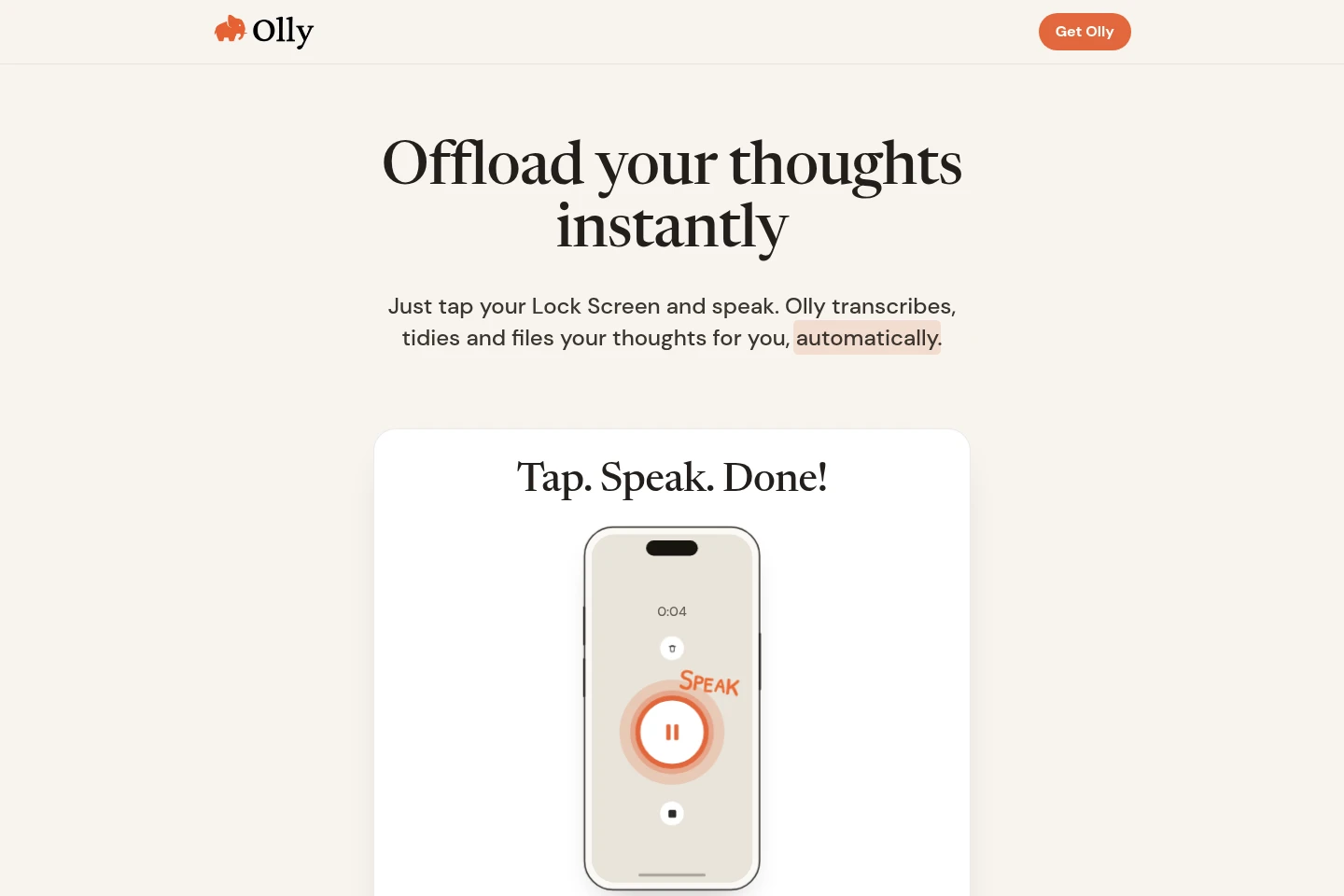
Record a thought from the iPhone Lock Screen and receive a transcribed note. Olly can transcribe, remove filler words, and add punctuation and formatting automatically.
Automatic note filing
Olly files each saved note into a folder automatically. Users can create custom folders, and notes receive automatic titles to support later scanning and retrieval.
Search saved notes
Search notes as soon as they are saved and retrieve a thought using a word you partly remember. Search applies to notes stored in Olly.
Typed note capture
Write a thought when speaking is awkward and save it as a note. Olly tidies and files the text automatically, without requiring users to worry about spelling or grammar.
Note sharing and iCloud sync
Share a note by message or email, or send it to apps such as Apple Notes and ChatGPT. When iCloud sync is used, notes are backed up and synced in the user's personal iCloud.
Pricing
The page advertises a free trial, but gives no plan prices, billing period, or trial duration. Compare the trial terms and any current pricing in the App Store before purchasing.
Use cases
Capture a thought before it slips away
When a thought comes to mind while the iPhone is locked, start a recording from the Lock Screen. Olly transcribes and tidies the speech, then saves it as a note that can be found later.
Organize and find saved thoughts
When saved thoughts need to be reviewed later, use automatic filing and custom folders to organize notes. Search a remembered word to bring up the matching thought.
Save a thought when speaking is awkward
When speaking is inconvenient, such as during a meeting or while half asleep, type the thought instead. On saving, Olly tidies and files the note automatically.
Share a note with a person or app
When a saved thought needs to be passed on, share it by message or email, or send it to an app such as Apple Notes or ChatGPT.
Limitations
The product is described as an iPhone app; the supplied page does not identify an Android, desktop, or browser edition.
Notes stay on the device, with personal iCloud backup and sync available when the user uses iCloud sync.
Who it is for
iPhone users who want to capture spoken thoughts quickly from the Lock Screen
People who want automatically filed, searchable notes and custom folders for personal thoughts
People who want notes kept on their device or synced to their personal iCloud
FAQ
How do I capture a thought with Olly?
Tap the Lock Screen and speak to record a thought. Olly transcribes, tidies, and files it as a note; you can also type a thought when speaking is awkward.
Can I use Olly without an account?
Yes. The page says no account is required, and also advertises a free trial. It does not specify the trial duration or any later price.
Where are my notes stored?
Saved notes stay on your device. If you use iCloud sync, they are also backed up and synced in your personal iCloud.
Can I search and share my notes?
Yes. Notes are searchable as soon as they are saved. You can share them by message or email, or send them to apps such as Apple Notes or ChatGPT.
Does Olly organize notes automatically?
Yes. Olly automatically files each note and gives it a title. You can also create custom folders to suit how you organize your thoughts.
Comments