
- Monthly visits
- 2,034
- 2026-09
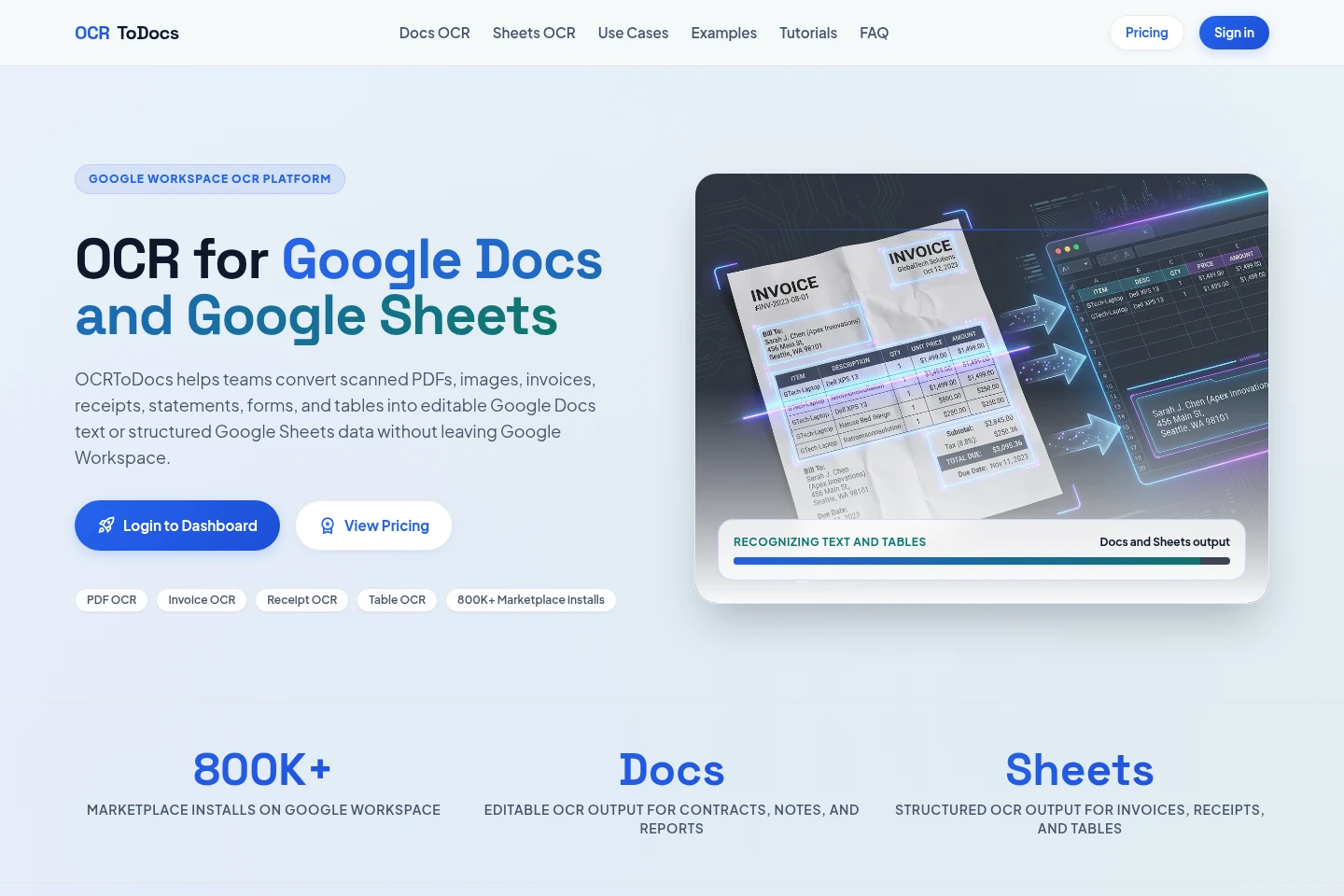
OCRToDocs - Turn scanned files into editable Google Docs and Sheets
OCRToDocs converts scanned PDFs and image files into editable text for Google Docs or structured rows and columns for Google Sheets. Upload files through its web dashboard or use the Google Workspace add-on, then review recognized results in the relevant Workspace app. It supports document, invoice, receipt, and table workflows.
- AI Image
- OCR
- Document Parsing
- Google Docs OCR
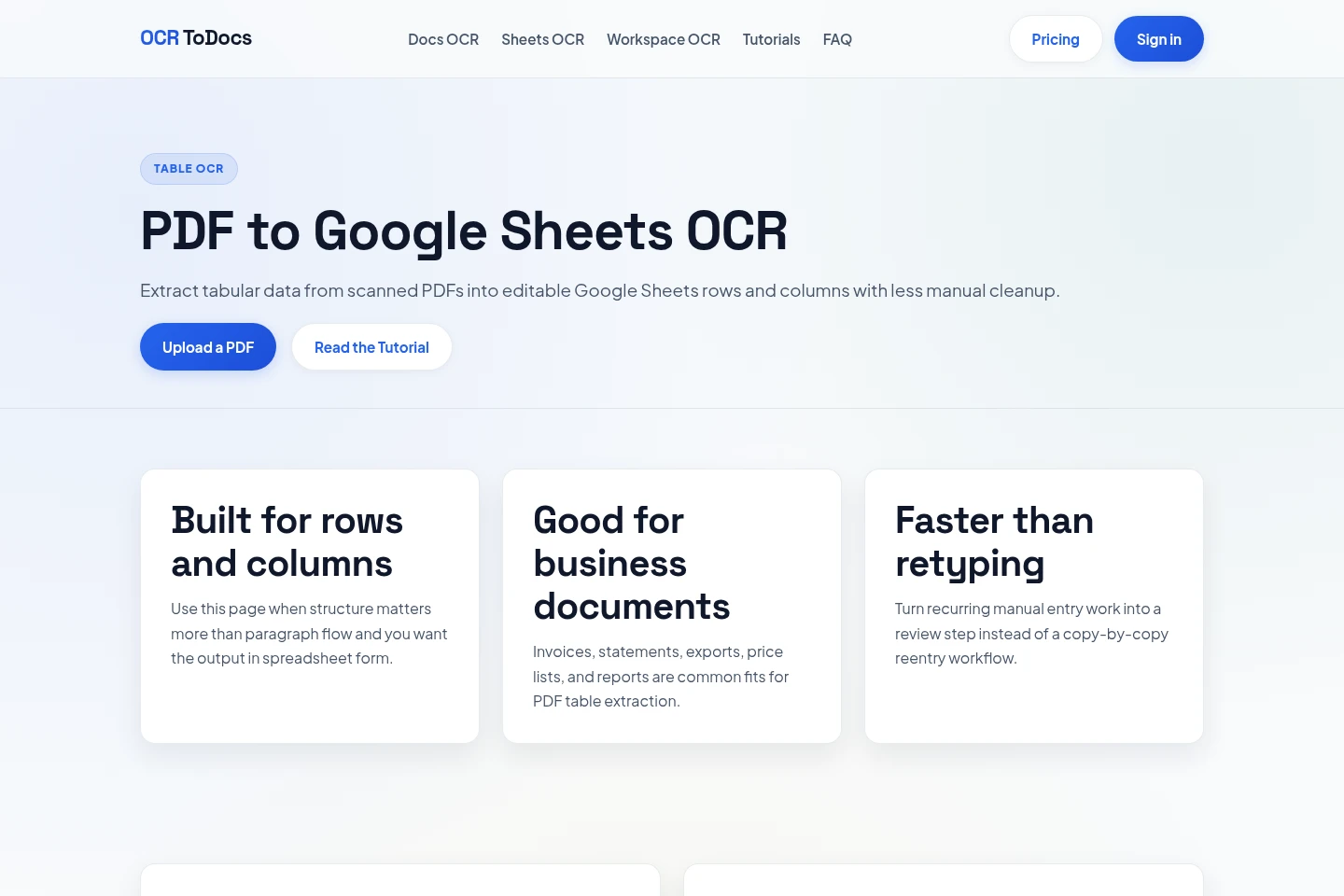
- PDF to Google Sheets
- invoice OCR
Capabilities
Google Docs text OCR
Recognizes text in scanned PDFs and images and produces editable Google Docs text. Upload supported files through the web dashboard or use the Google Workspace add-on, then review the recognized text in Docs.
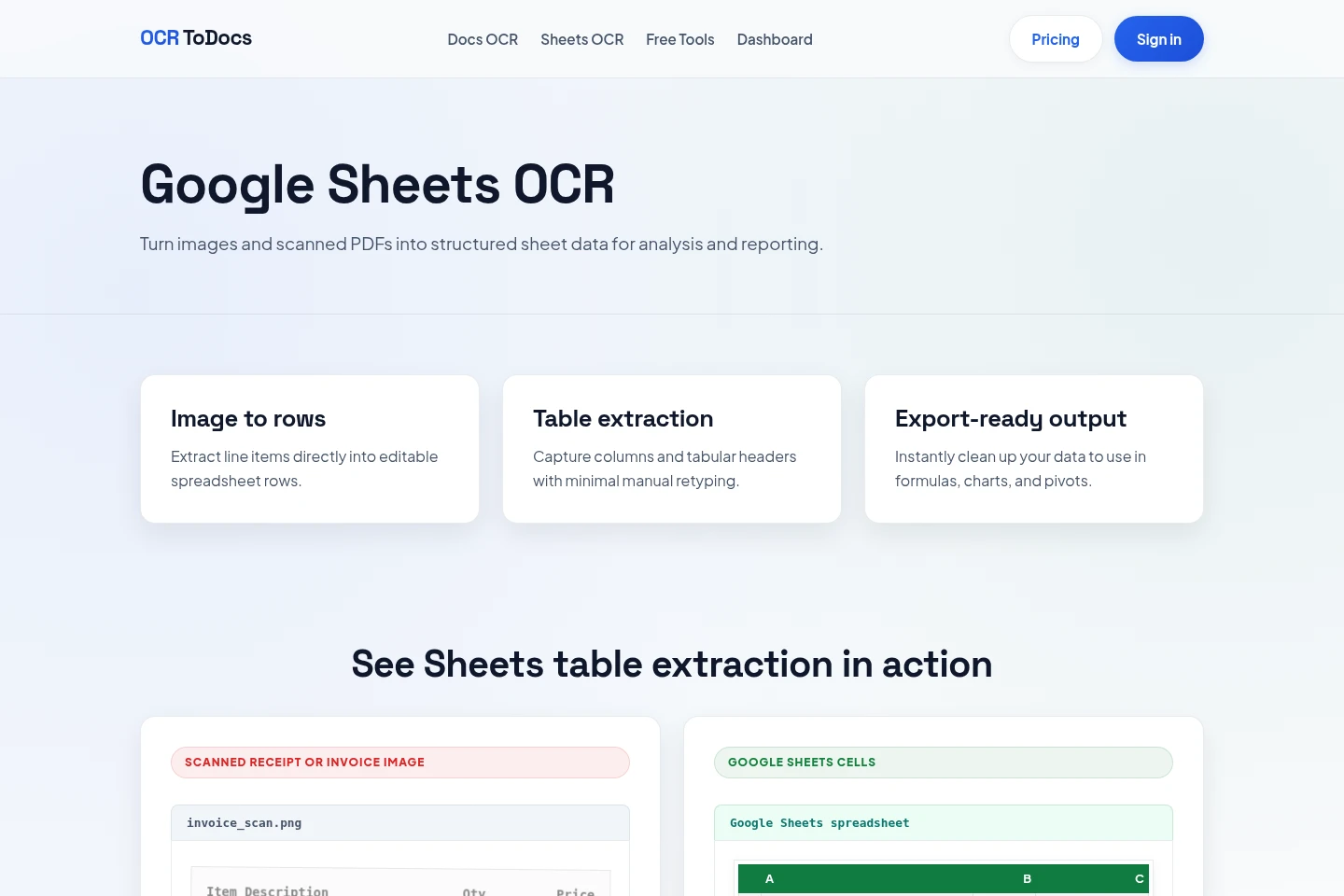
Google Sheets table OCR
Recognizes table structures and returns rows and columns in Google Sheets. Use scanned PDFs or images containing tables, invoices, receipts, statements, schedules, or lists, then review the extracted cells.
Web file processing
Processes files uploaded through the web dashboard and provides OCR runs with layout-preserving HTML results. Website uploads must be under 20 MB, and ZIP files are not accepted by the web dashboard.
Pricing
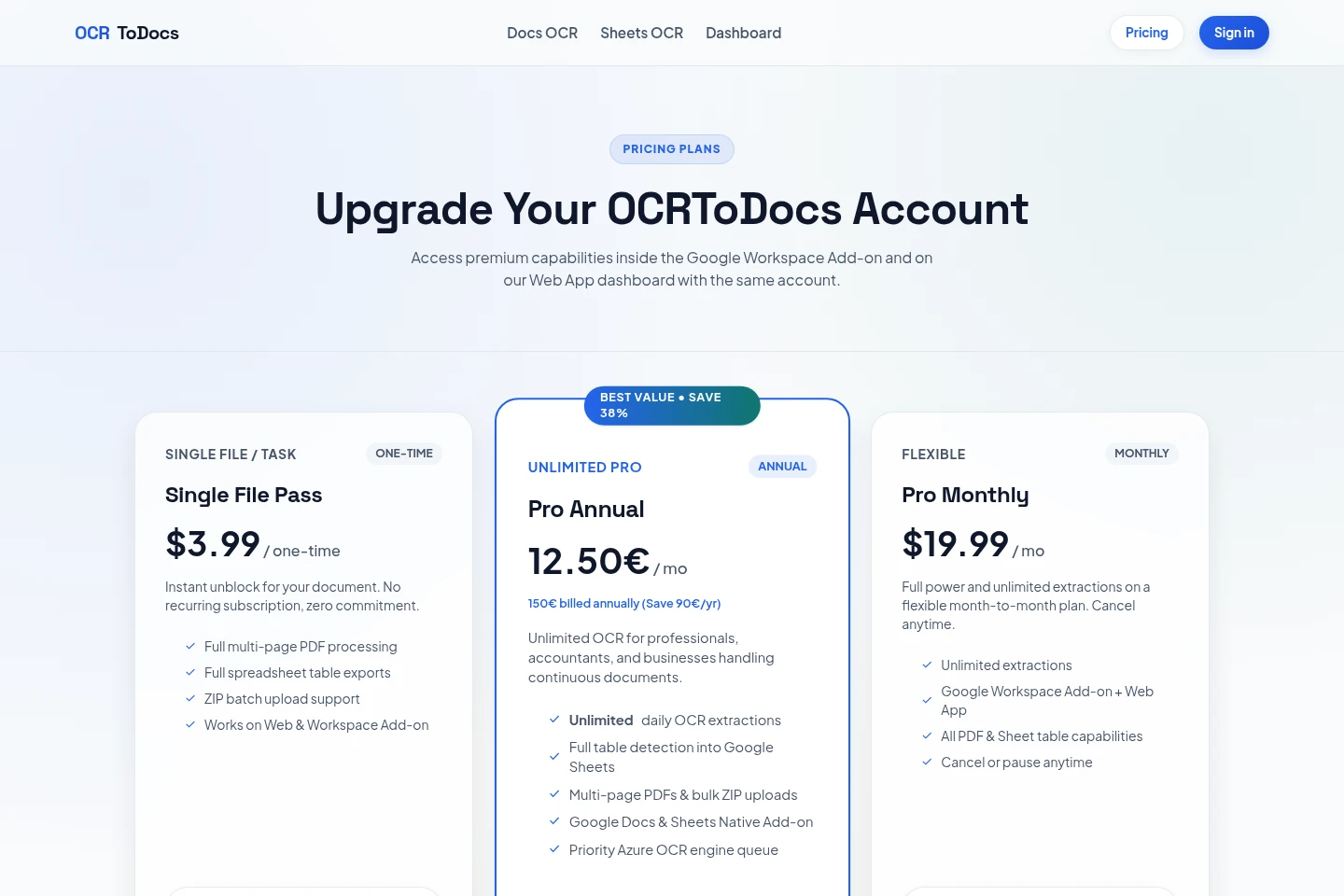
OCRToDocs offers a one-time purchase and recurring paid subscriptions. Compare whether you need a single-file pass or ongoing use, plus the included OCR volume, file handling, and Workspace access.
| Plan | Price | Included features and limits |
|---|---|---|
| Single File Pass | $3.99 one-time |
|
| Pro Annual | 150€ billed annually |
|
| Pro Monthly | $19.99 per month |
|
Use cases
Convert a scanned PDF to editable Docs text
When a scanned PDF contains paragraphs, notes, forms, or contracts, choose document text output to recognize image-only pages. Review names, dates, and other important fields against the source before continuing in Google Docs.
Extract PDF tables into Google Sheets
When a PDF contains rows, columns, or line items, choose Sheets output to recognize the table structure and produce spreadsheet cells. Review the extracted data before using it for formulas, charts, or reporting.
Capture invoice and receipt data in Sheets
When invoices or receipts contain fields needed for expense or accounts-payable work, use Sheets output to extract items such as vendor, date, tax, total, and line items. Check the recognized values against the original document.
Limitations
Files uploaded through the website must be under 20 MB; ZIP files are not accepted by the web dashboard.
OCR results may contain recognition errors; important fields should be checked against the original document.
Handwriting recognition varies with writing style, spacing, image quality, and language; connected cursive may be less reliable than neat block writing.
Blur, skew, wrapped labels, merged headers, faint spacing, and angled photos can make table boundaries ambiguous.
Who it is for
Google Workspace users who need scanned documents converted into editable text
Google Sheets users who need tables, invoice fields, or receipt details in rows and columns
Professionals and businesses processing recurring document files
FAQ
What file types does the website accept?
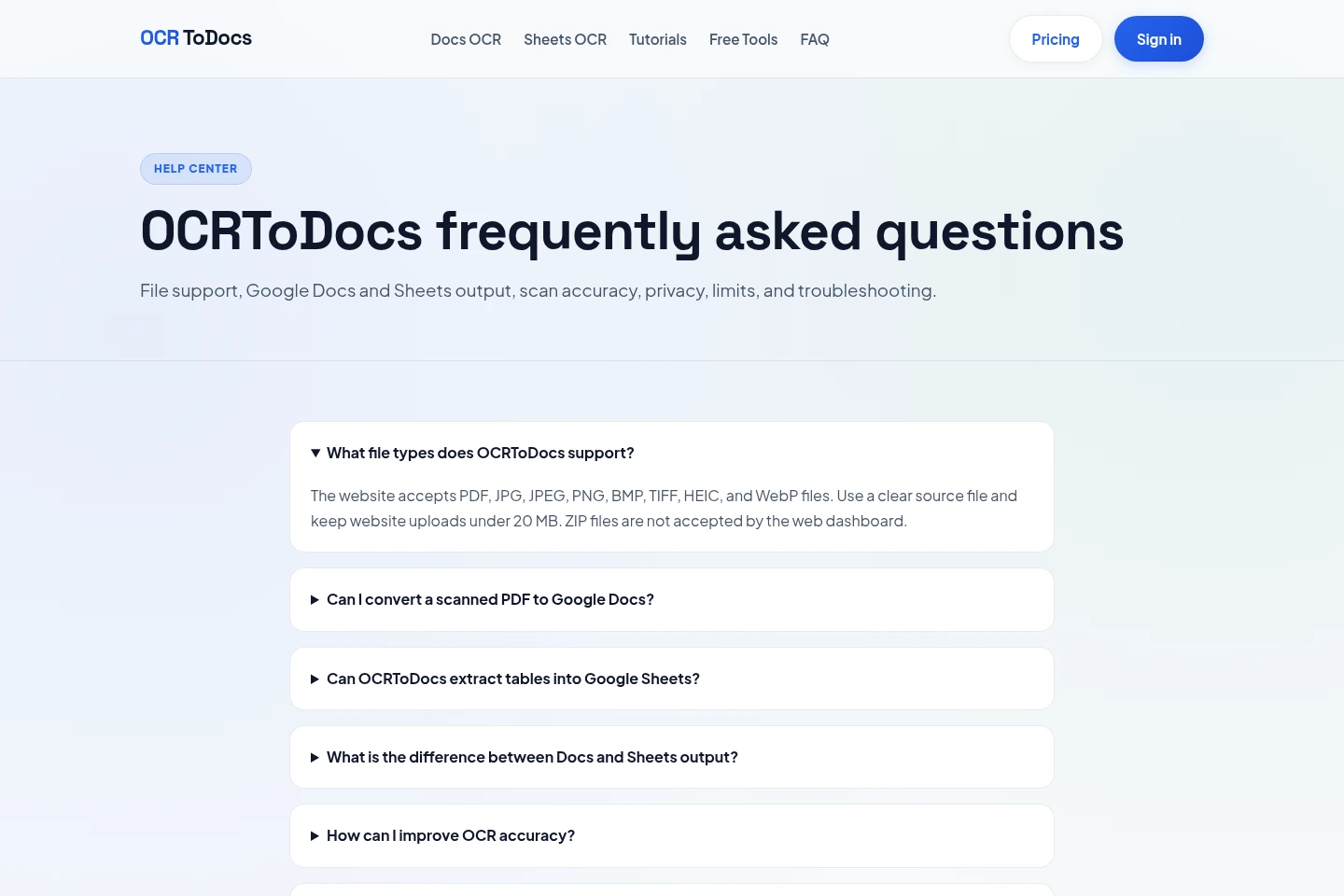
The website accepts PDF, JPG, JPEG, PNG, BMP, TIFF, HEIC, and WebP files. Keep website uploads under 20 MB; ZIP files are not accepted by the web dashboard.
Can OCRToDocs convert a scanned PDF to Google Docs?
Yes. Choose document text output to recognize image-only PDF pages and produce editable Google Docs text. Review important recognized details against the source.
Can OCRToDocs extract tables into Google Sheets?
Yes. Sheets output analyzes visual table structure and returns recognized rows and columns. It works best with clear invoices, statements, schedules, forms, and price lists.
How can I improve OCR accuracy?
Use a straight, focused, high-contrast scan around 300 DPI. Remove shadows, rotate pages, crop unrelated backgrounds, and use the original PDF instead of a screenshot when possible.
Is OCR completely accurate?
No. OCR can make recognition errors, so check names, dates, account and invoice numbers, totals, medication details, legal clauses, and other important fields against the original.
Does OCR work with handwriting?
Handwriting recognition varies with writing style, spacing, image quality, and language. Neat block writing usually performs better than connected cursive, and handwritten results should be reviewed carefully.
Comments