
- Monthly visits
- 1,088
- 2026-09
- Monthly growth +98.2%
Notewarp - Turn voice recordings and text into organized, editable notes
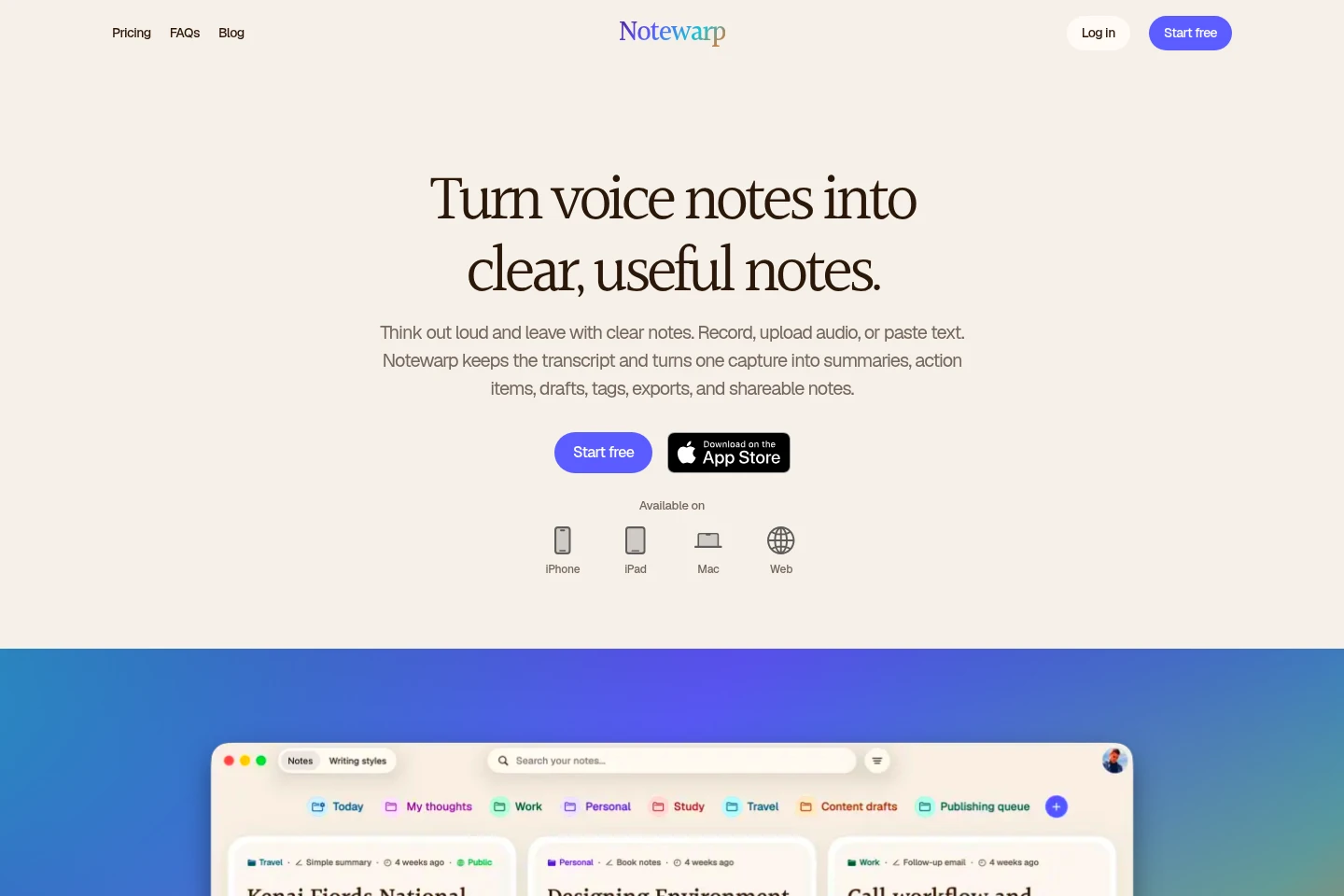
Notewarp lets you record audio, upload recordings, scan text, import links or files, and paste or write text. It keeps the source with the transcript and uses AI to shape captures into notes, summaries, action items, drafts, and other writing styles. Organize notes in folders, search and edit them, and export or share them on the web, iPhone, iPad, or Mac.
- AI Productivity
- Note-Taking Apps
- Transcription
- Summarizers
- AI voice notes
- audio transcription notes
- meeting action items
Capabilities
Capture audio and text
Record audio, upload audio or files, import links, scan text, or paste and write text to create a source capture. The free preview limits recordings to 2 minutes and excludes uploads, links, files, and text entry; a subscription includes those inputs.
Generate notes and drafts
Use AI to turn a capture into a cleaned note, summary, executive brief, blog post, or other selected writing style. The source and transcript remain associated with the note, and the meaning is kept close while structure, tone, and detail change.
Organize and search notes
Search notes and place them in color-coded folders; an automatic outline also provides navigation through headings, lists, and key sections. The free preview includes four folders and one smart folder, while a subscription includes folders and smart folders.
Export and share notes
Save or share notes as PDF, Word, plain text, HTML, or Markdown, and share notes as pages or links. Export and sharing options are presented as ways to use completed notes.
Pricing
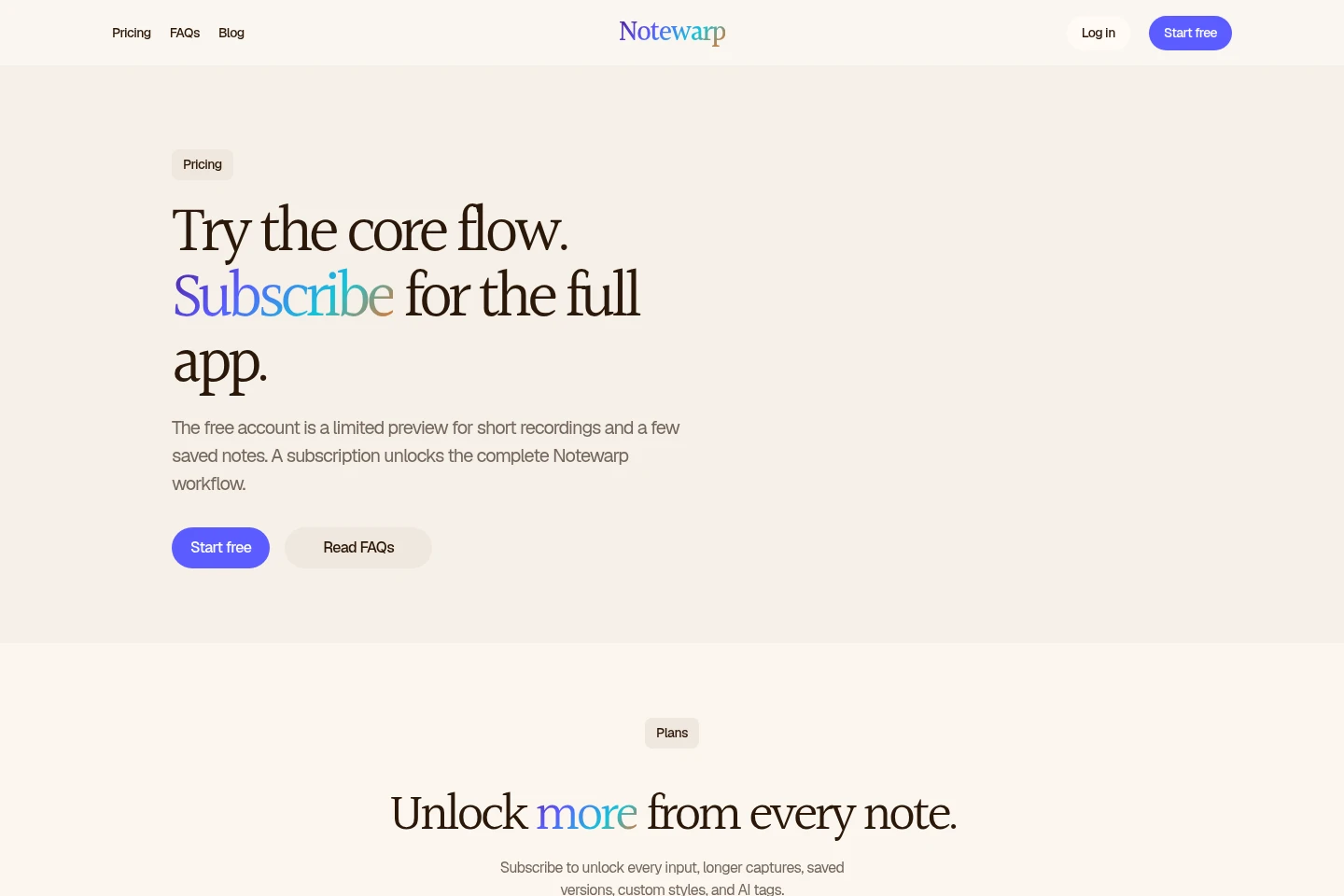
Notewarp offers a limited free preview and two recurring subscription options. Compare their billing periods and the subscription limits, including 60-minute recordings and unlimited notes, with the preview limits of 2-minute recordings and five notes.
| Plan | Price | Included features and limits |
|---|---|---|
| Annual | $99.99 a year |
|
| Monthly | $9.99 a month |
|
The pricing page states that subscriptions can be canceled anytime. It advertises a 17% saving for Annual; the displayed $1.92 a week is a promotional comparison, not the billing period.
Use cases
Turn an audio recording into a usable note
When a thought or conversation has been recorded, keep the audio with its transcript and use Notewarp to remove filler and create a clear note, summary, or action items. The result can be edited, searched, exported, or shared.
Create different drafts from one capture
When one capture needs to serve different writing purposes, choose a built-in writing style or save a custom style. Notewarp reshapes its structure, tone, and level of detail into formats such as a follow-up email, meeting recap, or action plan while keeping the source meaning close.
Organize and find saved notes
When saved notes need to be retrieved or grouped, search them and move them into color-coded folders. Use the automatic outline to jump between sections of a long note and keep source material alongside the cleaned writing.
Export or share a finished note
When a note needs to be used outside Notewarp, save it as PDF, Word, plain text, HTML, or Markdown, or share it as a page or link. The original capture and cleaned note stay together in the note.
Limitations
The free preview limits audio recordings to 2 minutes and saved notes to five; subscriptions include 60-minute recordings and unlimited notes.
Audio uploads, text writing, notes from links or files, note versions, custom styles, and AI tags are excluded from the free preview and included with a subscription.
The free preview includes four folders and one smart folder; the subscription includes folders and smart folders.
Who it is for
People who record thoughts and need them converted into searchable notes
People turning meeting recordings into recaps, action items, or follow-up drafts
Writers who want to reshape recorded or pasted source material into different drafts
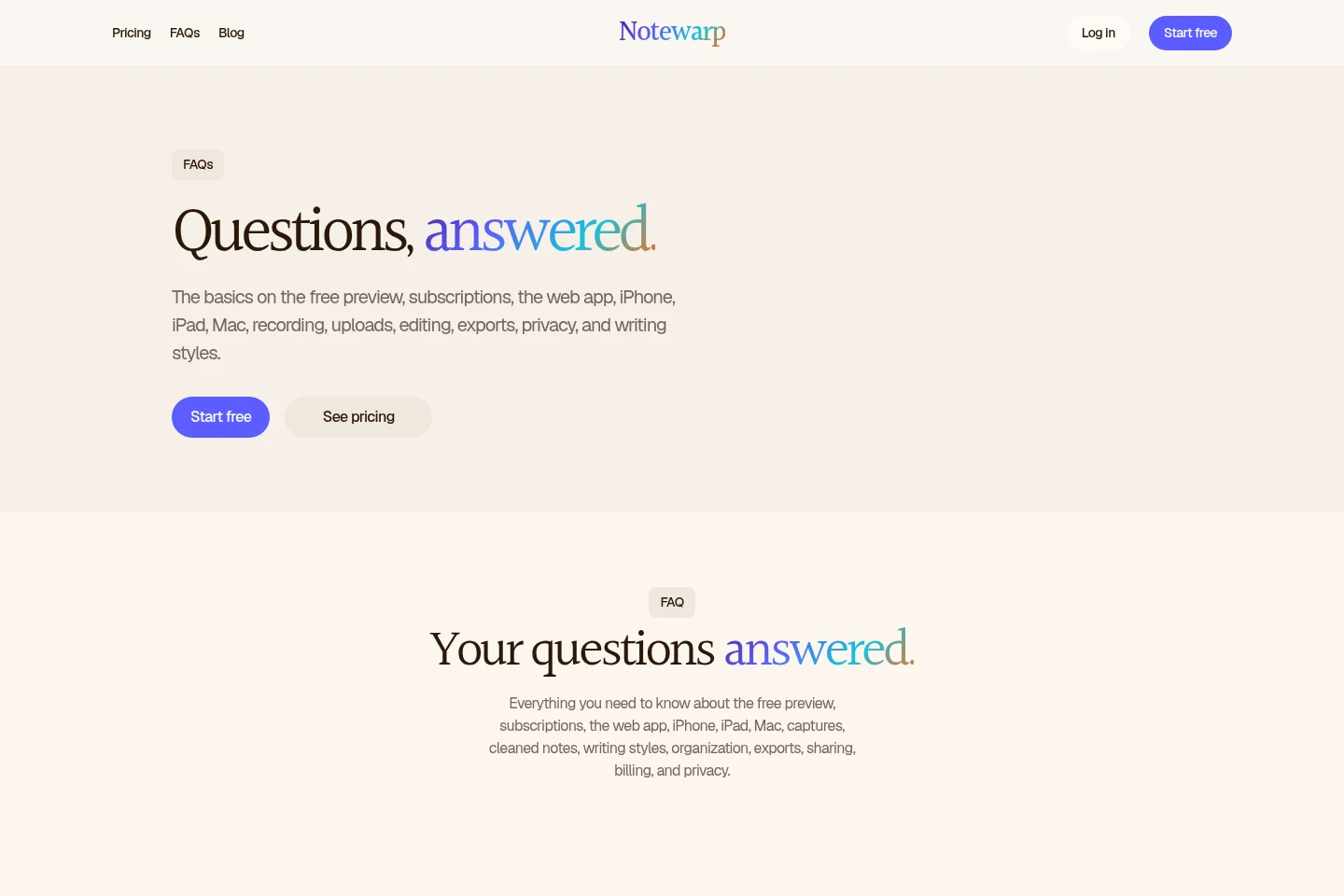
FAQ
What does the free preview include?
The free preview allows recordings up to 2 minutes, five saved notes, four folders, and one smart folder. Audio uploads, text writing, notes from links or files, versions, custom styles, and AI tags require a subscription.
How long can recordings be?
Recordings are limited to 2 minutes in the free preview. A subscription includes recordings up to 60 minutes; the supplied pricing information does not specify a separate upload duration.
What can Notewarp create from a capture?
It can create a cleaned note, summary, executive brief, blog post, or a selected writing style, as well as action items and drafts. It keeps the original capture and transcript with the note.
Which devices can I use?
Notewarp is available on the web, iPhone, iPad, and Mac. The site links to its iPhone app on the Apple App Store.
Which export formats are available?
Notes can be saved or shared as PDF, Word, plain text, HTML, or Markdown. The product also describes sharing notes as pages or links.
Do Annual and Monthly include different features?
The pricing page presents one subscription feature set, with Annual and Monthly billing options. It does not describe different included features between those billing options.
Comments