

- Monthly visits
- 2,802
- 2026-09
- Monthly growth +255.1%
Newton - Turn source material into an interactive knowledge graph
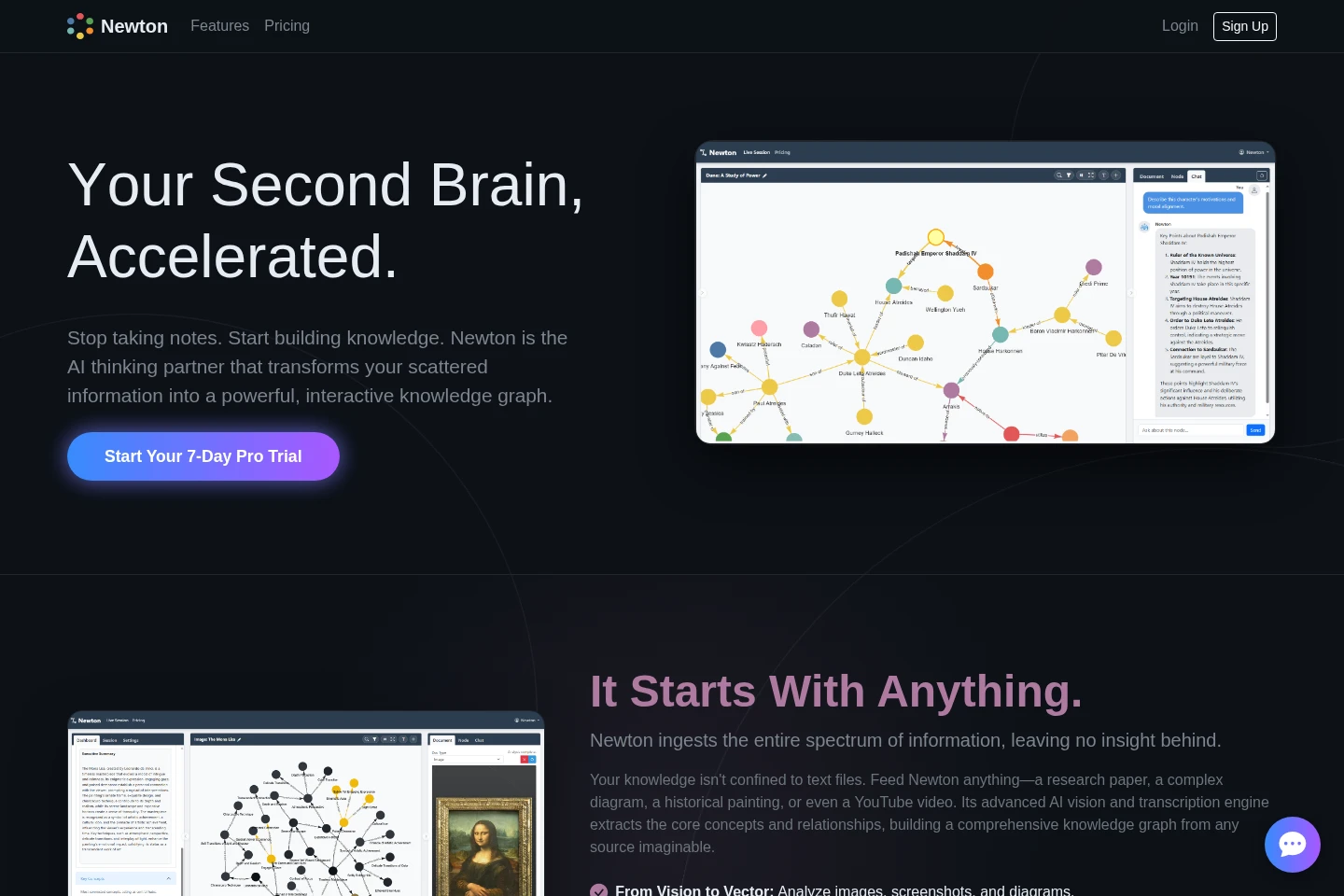
Newton is an AI-powered knowledge workspace that turns documents, images, code, web pages, and audio or video into interactive knowledge graphs. It analyzes relationships, maps arguments and processes, and supports exploration, editing, and export. Pro adds automated inputs and cloud synchronization.
- AI Productivity
- Knowledge Base
- Diagram Generators
- Data Analysis
- AI knowledge graph
- document-to-graph tool
- argument mapping
Capabilities
Knowledge graph ingestion
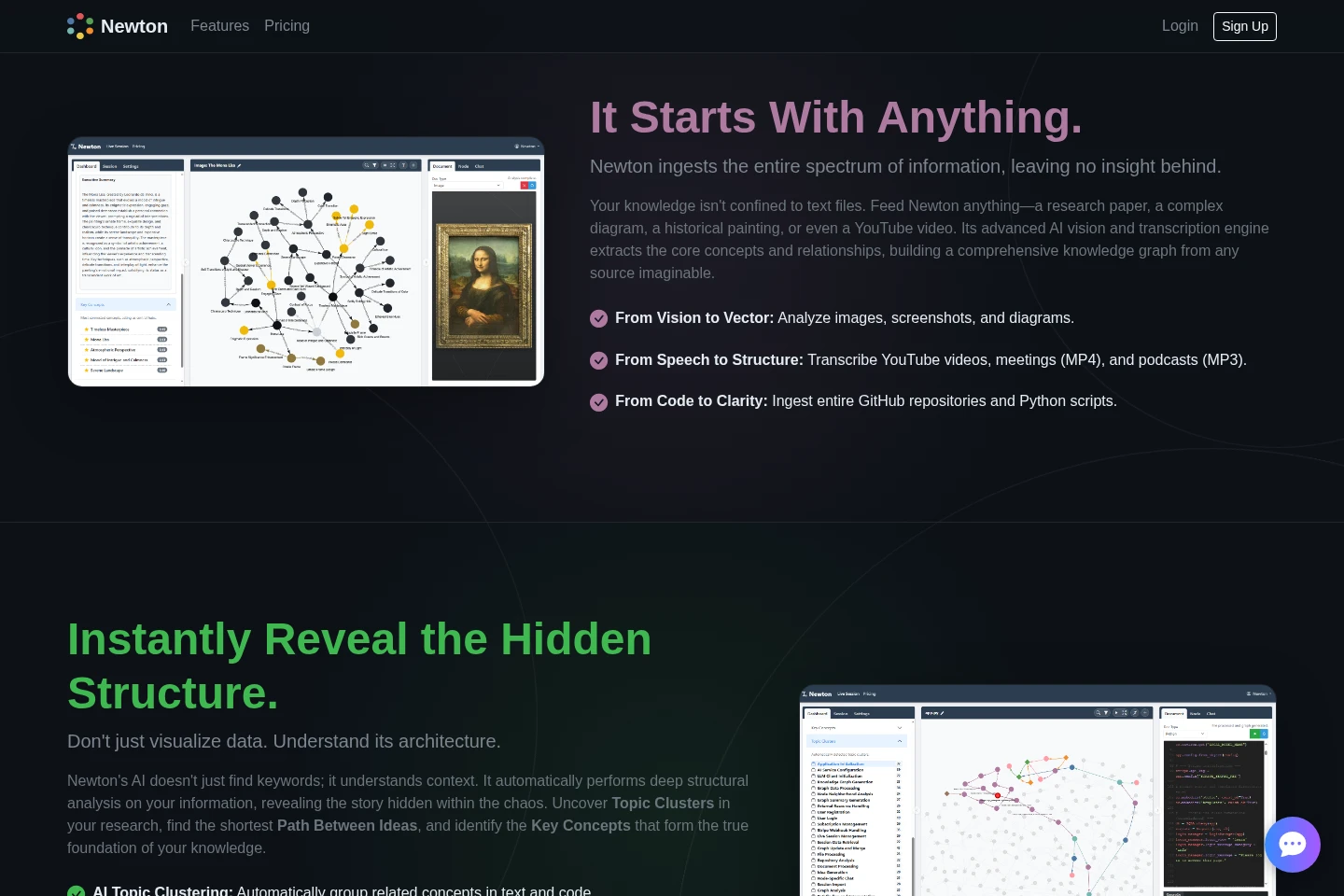
Turns supported source material into a connected knowledge graph. Inputs include documents, images, websites, code repositories, and audio or video; automated inputs and AI features depend on the plan.
Knowledge graph analysis
Finds structure and relationships in graph data and presents clusters, central concepts, and paths between nodes. The analysis tools include topic clustering and shortest-path discovery.
Argument mapping
Maps a text's main claim, premises, evidence, and objections as visual logical relationships. Users provide text and select Argument Mapping mode to inspect its structure.
Timeline, flowchart, and globe views
Converts source information into a chronological timeline, process flowchart, or interactive 3D globe. Newton identifies dates, process steps, or geographic locations in the supplied material.
Graph editing and export
Lets users edit nodes and connections, search and filter a graph, and export sessions or graph data. Session saving is available through browser history, while cloud sync is listed among Pro features.
Pricing
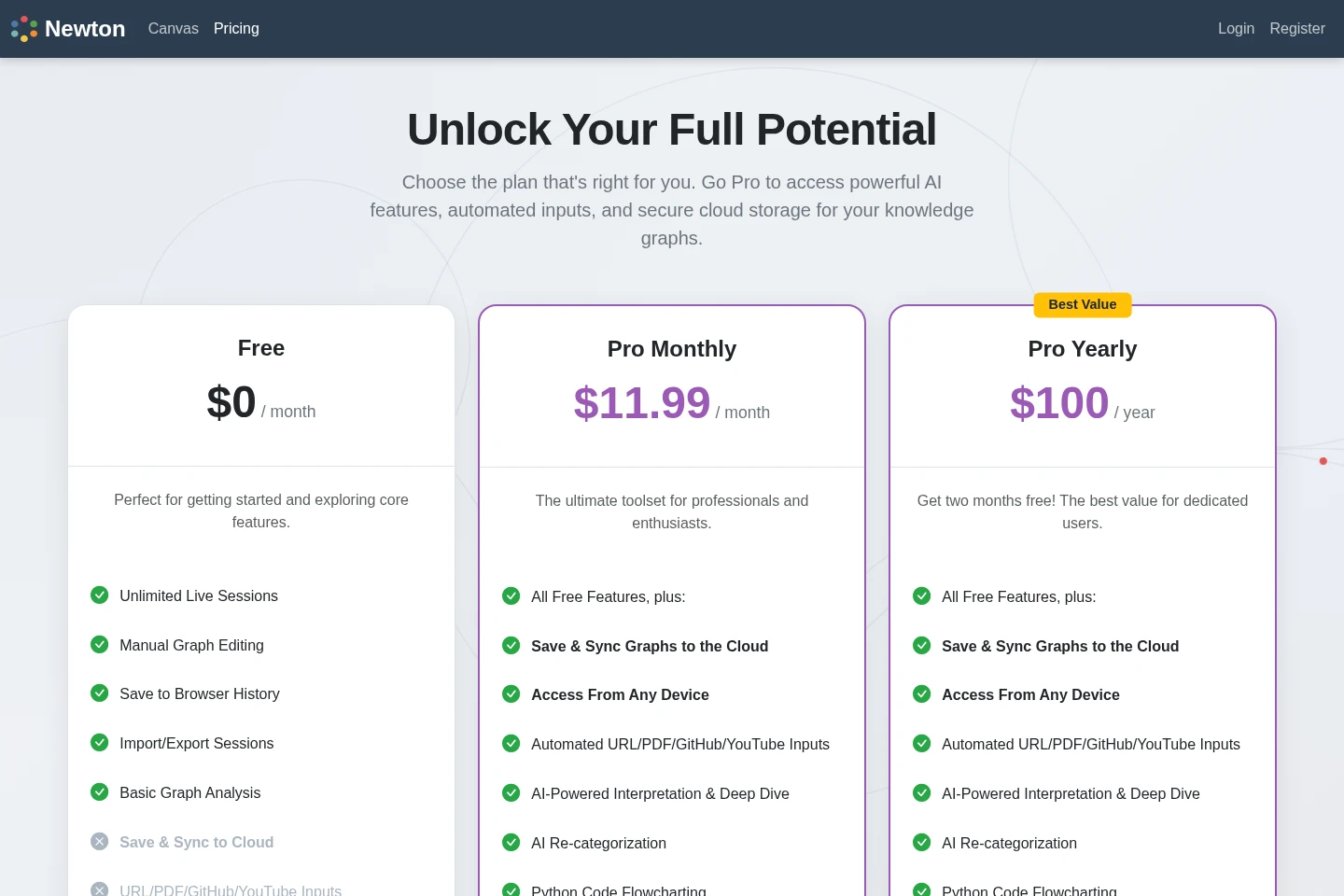
Newton offers a free plan and paid recurring Pro subscriptions billed monthly or yearly. Compare the included AI tools, automated inputs, cloud synchronization, and the billing period when choosing a plan.
| Plan | Price | Included features and limits |
|---|---|---|
| Free | $0 per month |
|
| Pro Monthly | $11.99 per month |
|
| Pro Yearly | $100 per year |
|
The homepage advertises a 7-day Pro trial, but the supplied pricing page does not state its eligibility or payment conditions.
Use cases
Explore relationships across source materials
When documents, images, code, or web content need to be understood together, users import the material and inspect its knowledge graph. Clusters, central concepts, paths, and source highlighting help show how the information is connected.
Turn recorded conversations into searchable maps
When a meeting, lecture, interview, or podcast recording needs review, users upload MP3 or MP4 files or provide a YouTube link. Newton transcribes speech and organizes identified concepts, speakers, and topics into a knowledge graph.
Inspect the structure of an argument
When a text's reasoning needs to be examined, users provide the text and activate Argument Mapping. Newton visually connects its main claim with supporting premises and evidence, and can represent objections.
Visualize processes, events, or locations
When a narrative or process is difficult to follow, users provide a project plan, historical text, process description, or text containing places. Newton can organize events chronologically, diagram process steps, or plot locations on a 3D globe.
Limitations
The Free plan lists cloud saving, automated URL/PDF/GitHub/YouTube inputs, AI interpretation, Deep Dive, code flowcharting, and AI tools as Pro features.
The Free plan lists browser history for saved sessions; cloud saving and sync are listed among Pro features.
The advertised 7-day trial is specifically a Pro trial; the supplied pricing page does not state trial eligibility or payment conditions.
Who it is for
Researchers and readers organizing complex source material
Students and educators mapping arguments, lectures, and study material
Developers exploring GitHub repositories and Python code
People documenting project milestones or visualizing workflows
FAQ
Does Newton offer a free plan?
Yes. The Free plan is listed at $0 per month and includes unlimited live sessions, manual graph editing, browser-history saving, session import and export, and basic graph analysis.
What does the Pro trial include?
The homepage advertises a 7-day Pro trial. The supplied pages do not specify eligibility or whether payment details are required.
What inputs can Newton turn into graphs?
Listed inputs include documents, PDFs, images, websites, GitHub repositories, Python scripts, YouTube links, MP3 audio, and MP4 video. Automated URL, PDF, GitHub, and YouTube inputs are listed as Pro features on the pricing page.
How much do the Pro plans cost?
Pro Monthly is $11.99 per month, and Pro Yearly is $100 per year. The yearly plan page says “Get two months free”; no additional billing conditions are stated there.
Can I save graphs to the cloud?
Cloud saving and synchronization are listed as Pro features. The Free plan lists saving sessions in browser history.
Comments