

- Monthly visits
- 3,425
- 2026-10
- Monthly growth +10,603.1%
NeoPhoto - Create and edit images with AI from text or photos
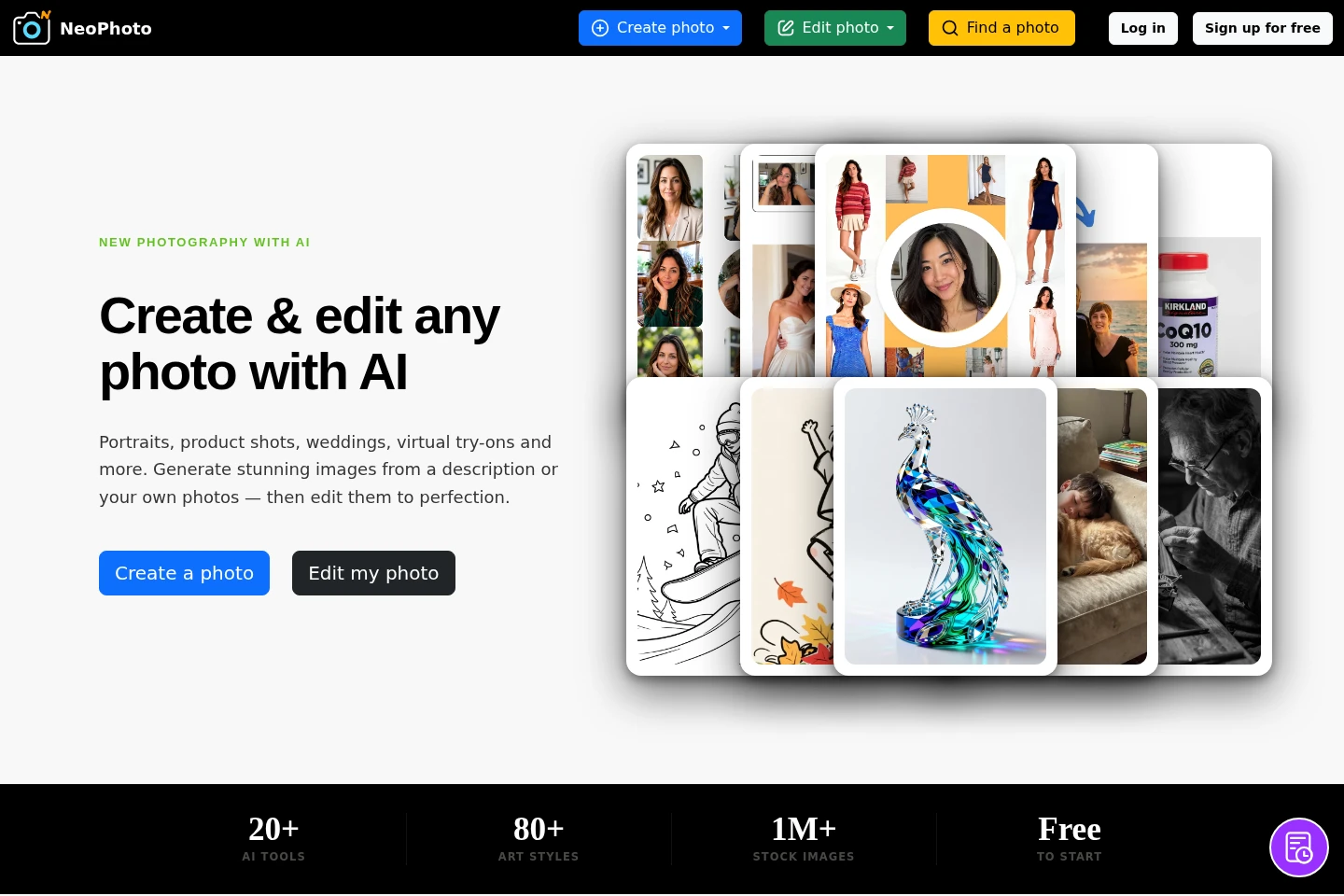
NeoPhoto is an AI image creation and editing service. Generate images from text or reference photos, create portraits, group and product images, and apply edits such as background changes, object removal, filling, expansion, upscaling, and vectorization. A free plan includes daily generations; paid subscriptions and one-time credit top-ups are also offered.
- AI Image
- Image Generators
- Photo Editors
- SVG Generators
- AI image generator
- AI photo editor
- text to image
Capabilities
AI image generation
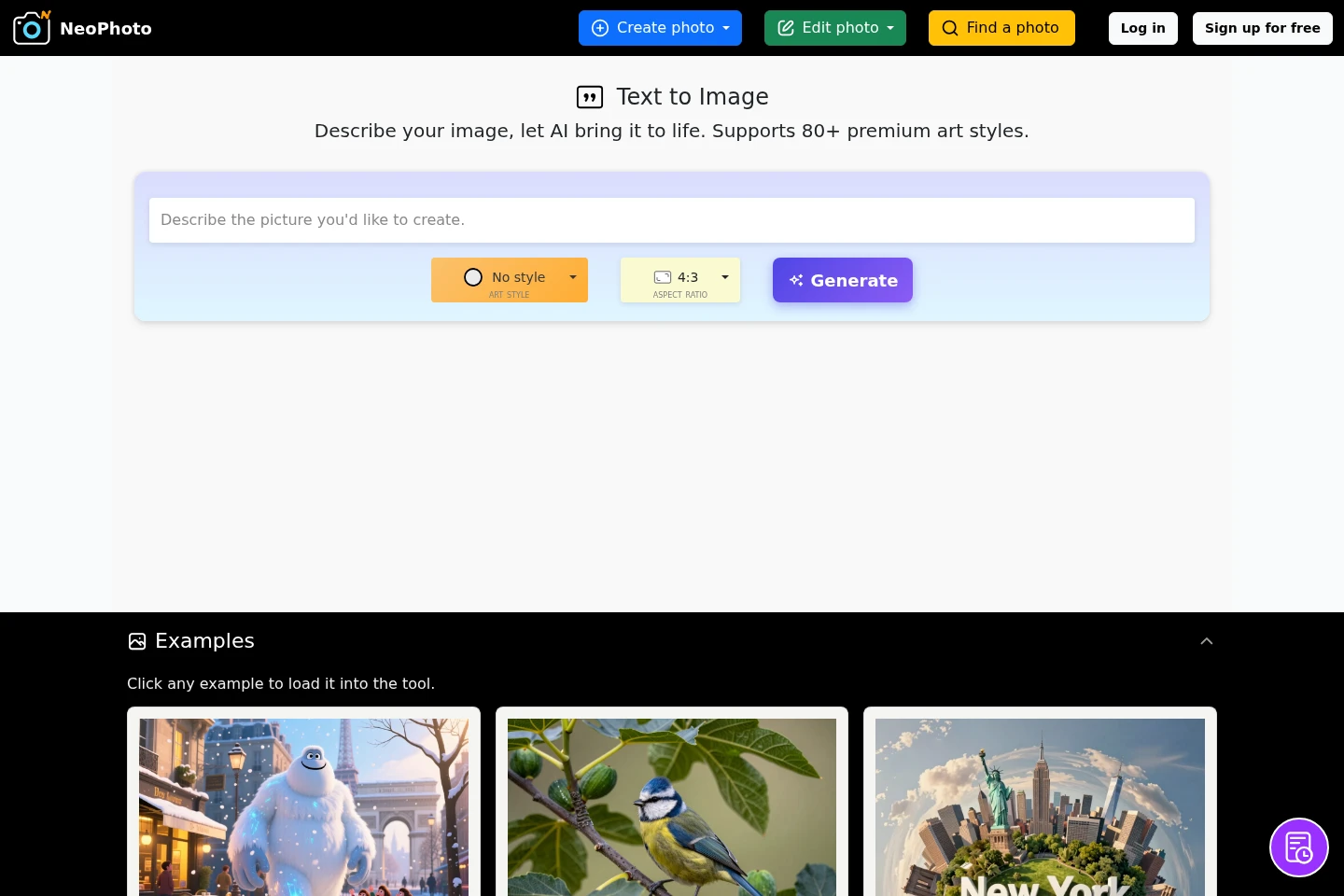
Generate images from a text description or reference photos. Choose from more than 80 art styles and several aspect ratios; Free text-to-image generations are limited to three per day and are shared to the community gallery.
AI photo editing
Modify images using tools including background removal or replacement, Magic Eraser, Magic Fill, and Magic Expand. Some operations consume credits, while the basic photo editor is free.
Photo restoration and upscaling
Restore blurry, old, or damaged photos and upscale images to higher resolution. Upscaling uses credits based on image size; the homepage specifies output up to 4MP.
Image vectorization
Convert illustrations, sketches, line art, and cartoons into SVG or PDF vectors. The pricing page lists vectorization at 0.1 credits per job.
Pricing
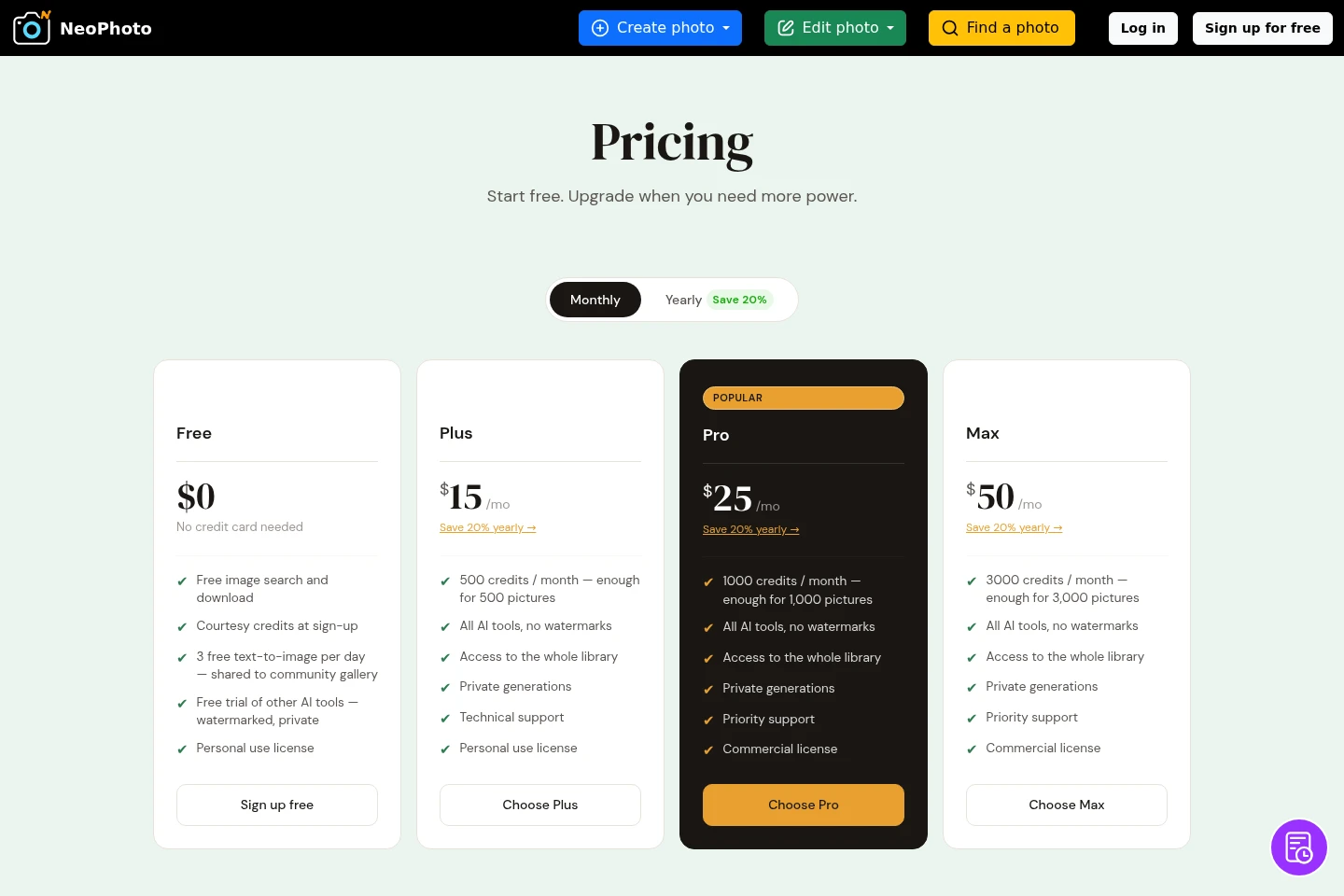
NeoPhoto offers a free plan, recurring monthly subscriptions, and one-time credit top-ups. Compare included monthly credits, privacy and watermark conditions, support, and license terms to choose a plan.
| Plan | Price | Included features and limits |
|---|---|---|
| Free | $0; no card needed |
|
| Plus | $15/month; $12/month equivalent billed $144/year |
|
| Pro | $25/month; $20/month equivalent billed $240/year |
|
| Max | $50/month; $40/month equivalent billed $480/year |
|
| Pay as you go | $25, $50, or $100 one-time |
|
The page advertises a 20% yearly saving for subscriptions. Credit use depends on the job: most listed AI jobs cost 1 credit, while lightweight operations can cost less or be free.
Use cases
Generate images from descriptions or photos
When a custom visual is needed without starting from a camera photograph, enter a text description or provide a reference photo and generate an image. Available creation tools include portraits, group photos, wedding images, product staging, and virtual try-ons.
Edit and repair existing photos
When an existing image needs a change, use editing tools to remove or replace backgrounds, erase objects, add or replace elements with Magic Fill, expand an image, or restore damaged photos. Credit use varies by operation.
Create product staging images
When product visuals are needed, use Product Staging to create staged product photos. The Pro and Max plans include commercial licenses; the Free, Plus, and top-up descriptions do not state that license.
Limitations
Free text-to-image generations are limited to three per day and are posted to the public community gallery.
Images generated from photos, including photo-to-art and portrait images, remain private on the Free plan but are watermarked until upgrading.
Monthly subscription credits reset at the start of each billing period; purchased top-up credits are used after subscription credits and do not expire.
The Free, Plus, and Pay as you go plan descriptions specify personal-use licensing; commercial licensing is listed for Pro and Max.
Who it is for
People who need to generate or edit images from text and personal reference photos
Product sellers who need staged product photos and, on eligible plans, commercial-use licensing
Photographers and other image editors who need AI-assisted cleanup, restoration, or vector export
FAQ
How can I download a created image?
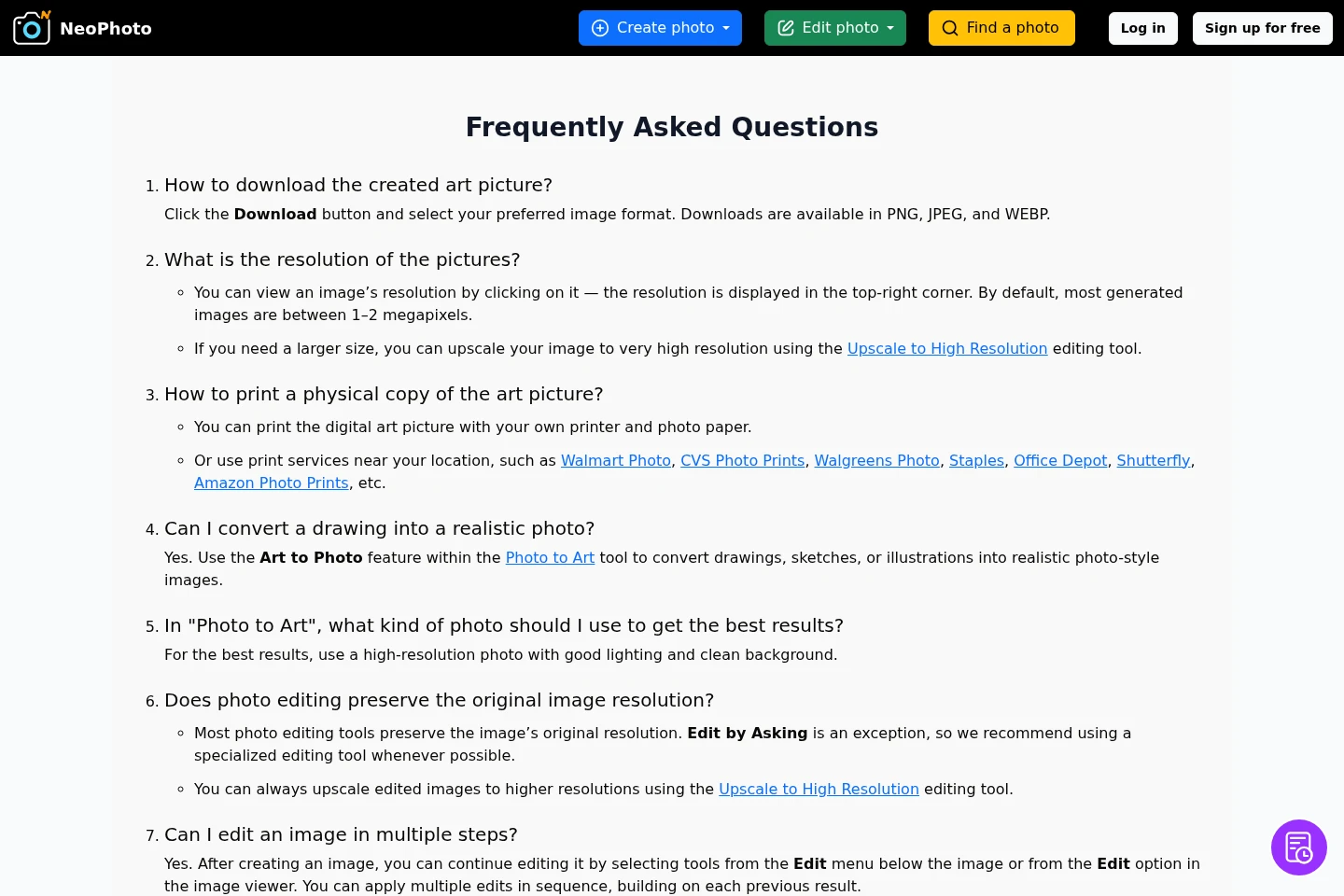
Click Download and choose PNG, JPEG, or WEBP. The pricing page also displays several other download formats in its workspace controls.
What resolution are generated images?
Most generated images are between 1 and 2 megapixels by default. Select an image to see its resolution, or use Upscale to High Resolution to enlarge it; the homepage describes upscale output up to 4MP.
Can I cancel a subscription at any time?
Yes. Cancel at any time and keep the plan benefits until the billing period ends; the account then moves automatically to Free. Previously created designs remain accessible.
Do purchased top-up credits expire?
No. Top-up credits do not expire and carry over indefinitely. Monthly subscription credits reset each billing period, and purchased credits are used last.
Are free text-to-image generations public?
Yes. Free text-to-image results are posted to the public community gallery. Images generated from photos, such as photo-to-art and portrait images, are not posted publicly, though they remain watermarked until an upgrade.

Comments