

- Monthly visits
- 15,959
- 2026-10
- Monthly growth +20.3%
MyCoach Ai - Fitness coaching, client plans, and progress in one place
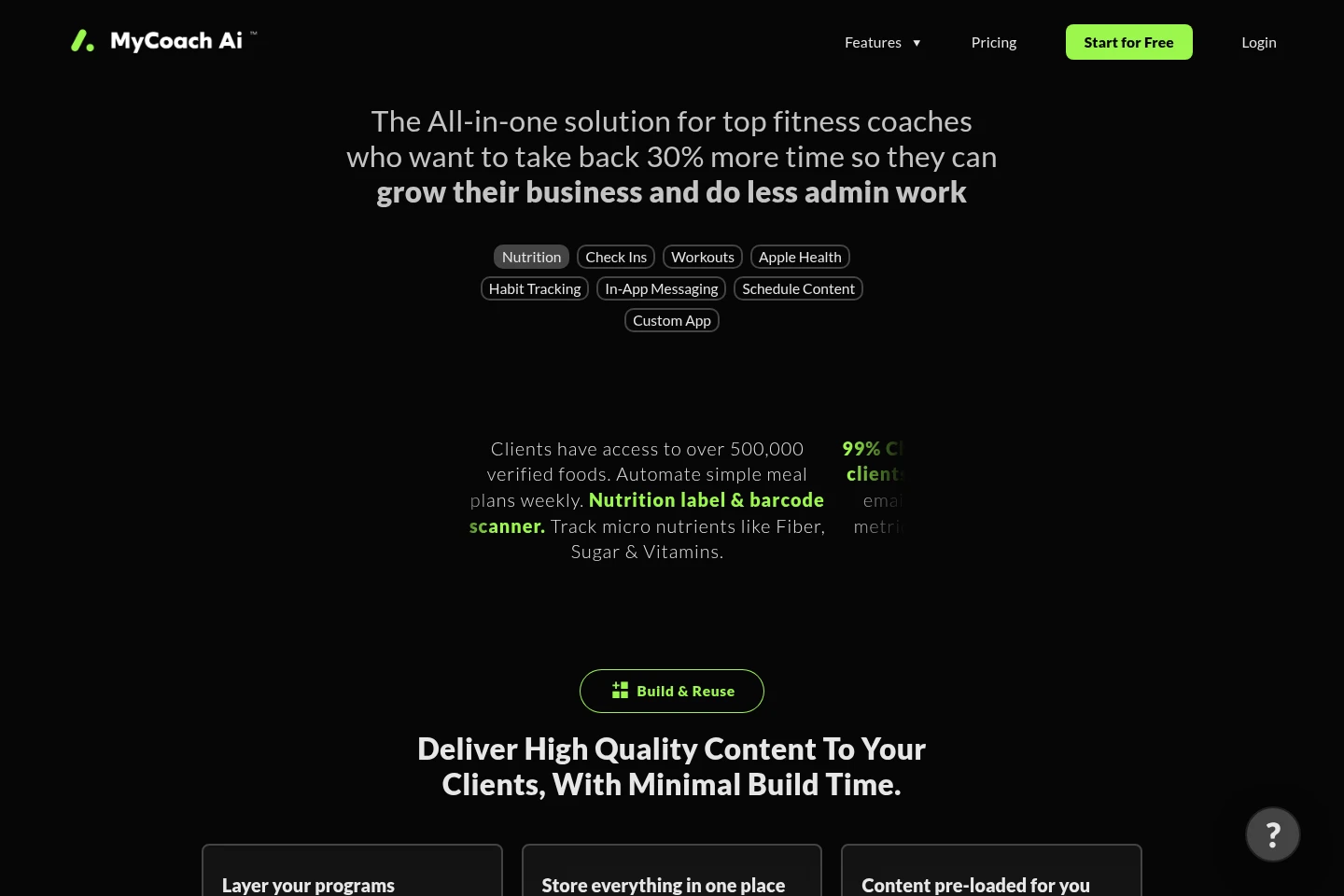
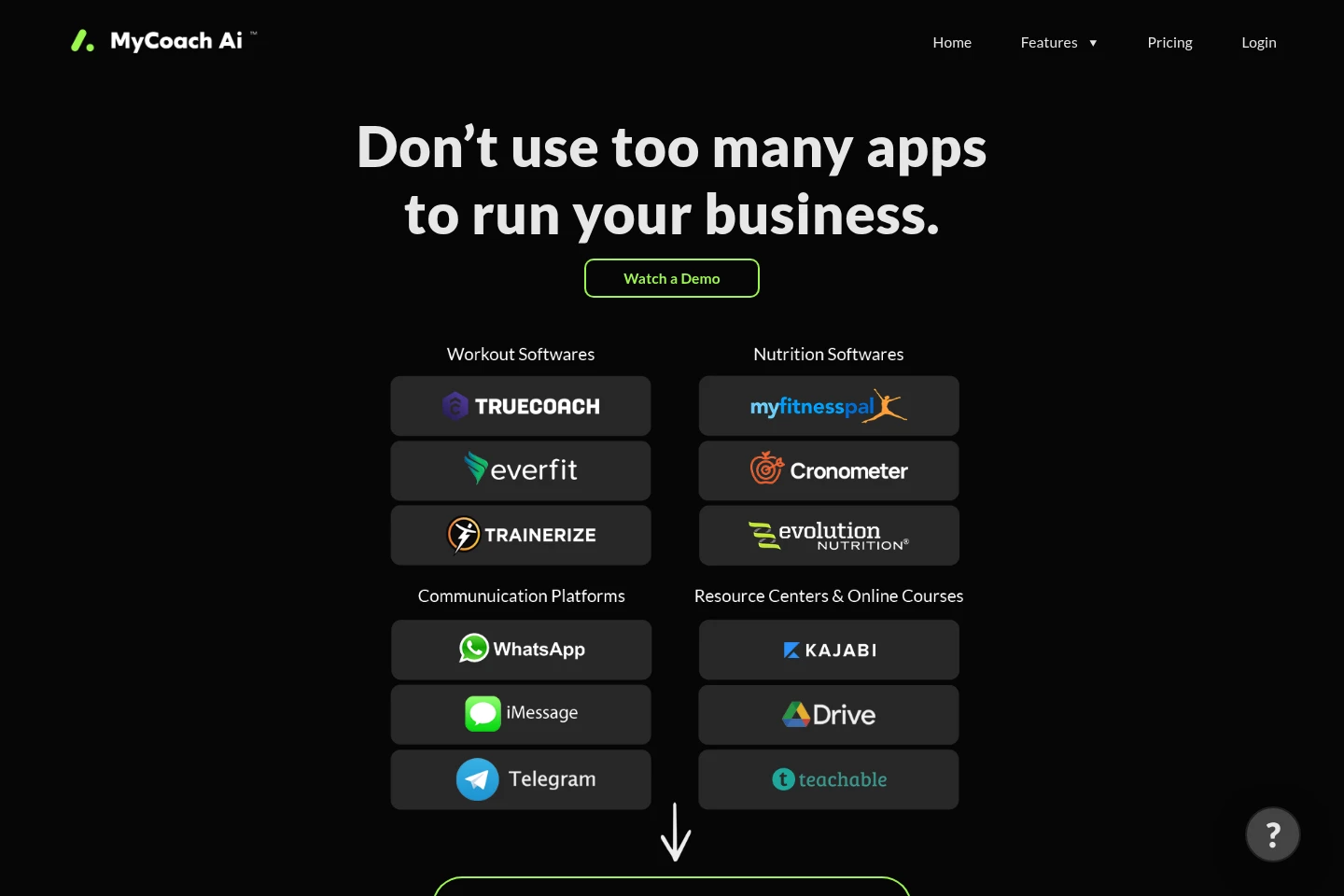
MyCoach Ai helps fitness coaches manage client nutrition, workouts, check-ins, messaging, schedules, and progress metrics in one platform. Coaches can use ready-made food, exercise, recipe, and video libraries, build programs, automate reminders, and customize the client app. Clients can track data and access assigned content through iOS and Android apps.
- AI Lifestyle
- Workout Planners
- Meal Planning
- CRM
- Fitness
- Nutrition
- fitness coaching software
- client workout and nutrition app
- personal trainer client management
Capabilities
Client progress tracking
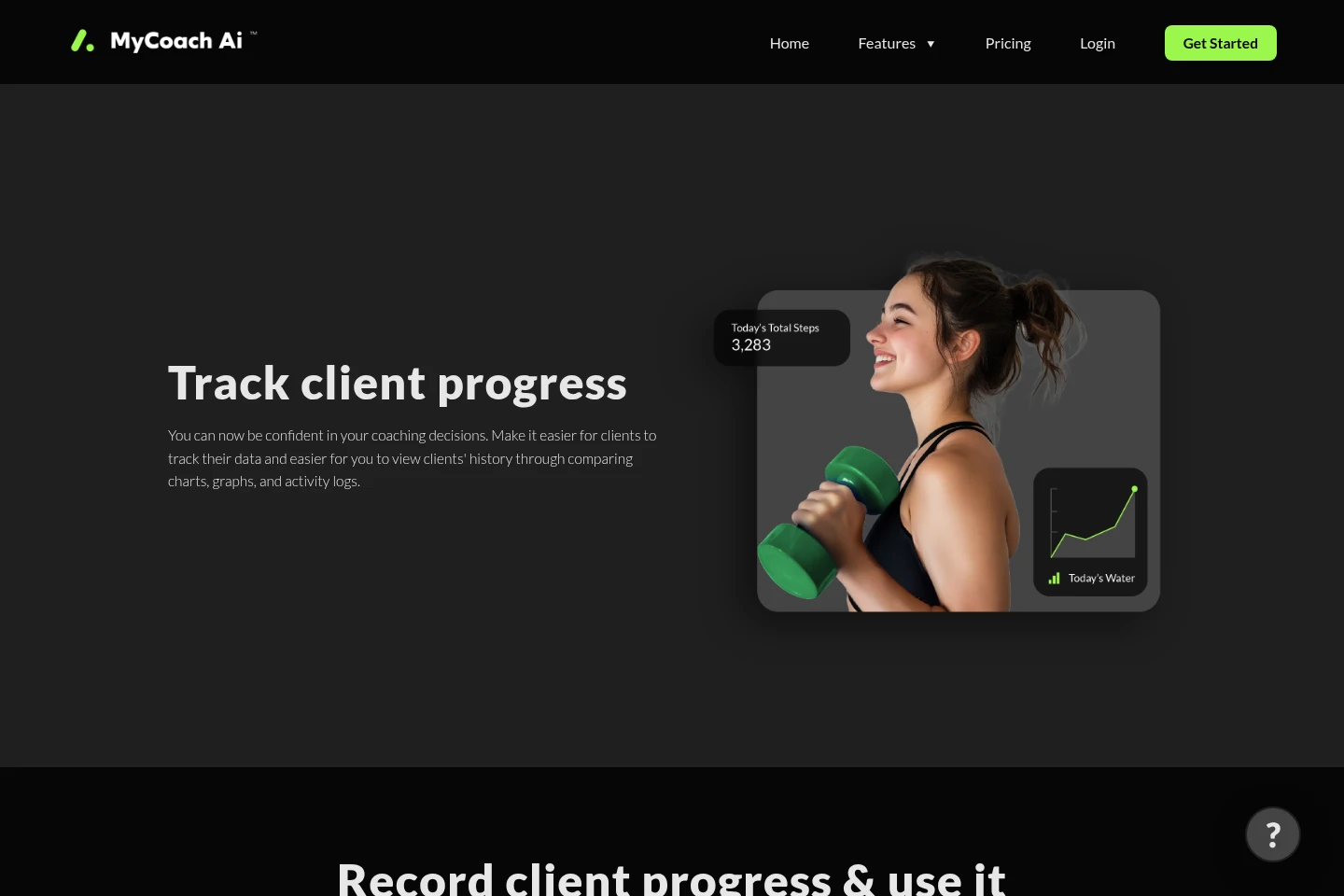
Record and compare client check-ins, metrics, photos, exercise records, and form videos. Coaches can configure numeric, duration, text, image, and video fields, review history, and adjust plans using the collected information.
Workout and nutrition planning
Create and schedule client workouts and meal plans using client goals and macro targets. Coaches can use exercise demonstrations and recipes, enable meal or exercise swaps, and build weekly meal plans with grocery lists.
Content library and programs
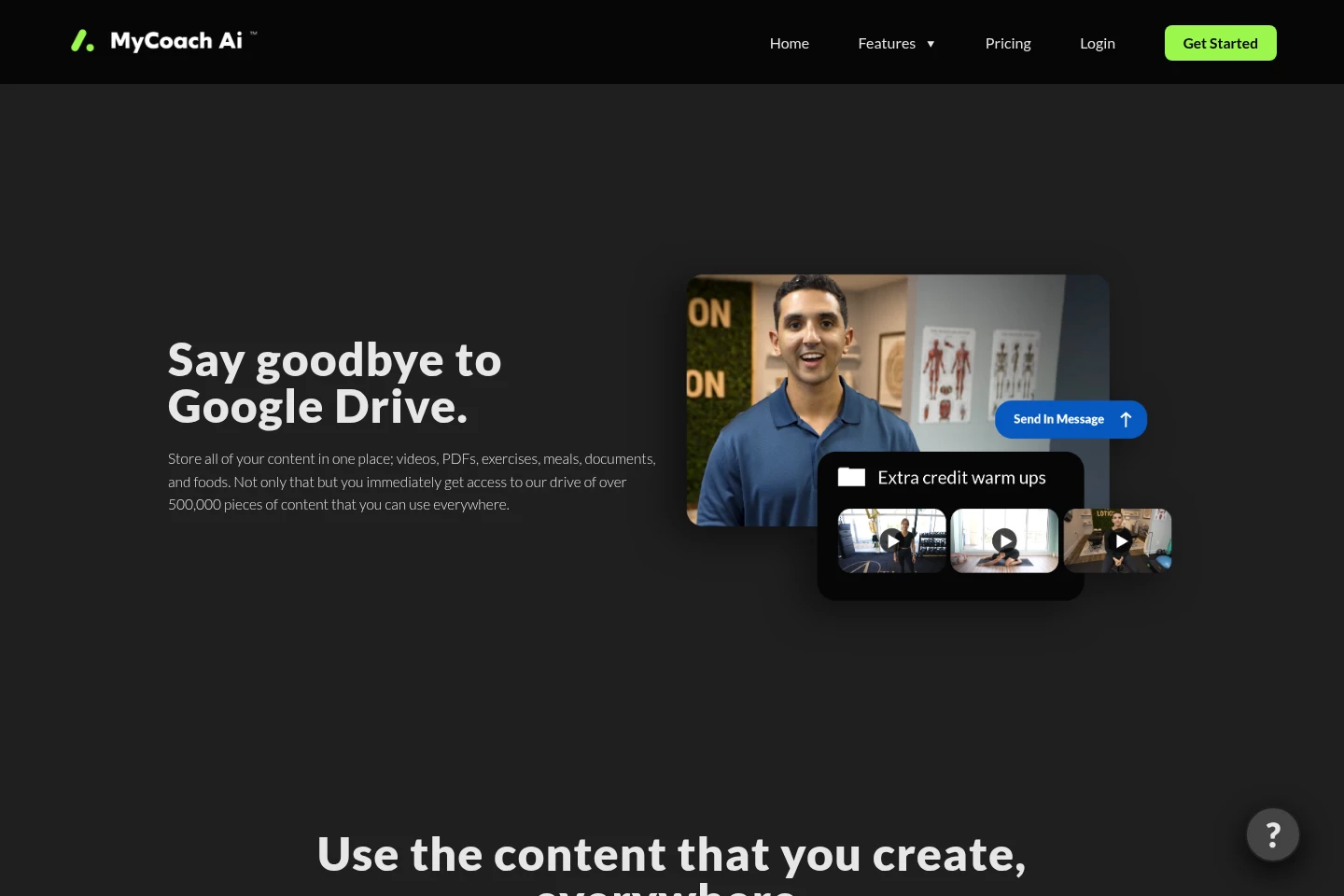
Store, organize, and assign coaching materials, including exercises, workouts, meals, videos, and documents. Coaches can use the supplied content library, schedule material, and grant or revoke client access to content groups.
Client messaging and reminders
Send direct or group messages containing text and media, and schedule automated follow-ups. Coaches can use reminders for missed check-ins or incomplete workouts; scheduled messages depend on configured programs and actions.
Client app customization
Customize the client-facing app with a coach’s colors, logo, layout, and app icon. Coaches can control which features and content individual clients can access.
Pricing
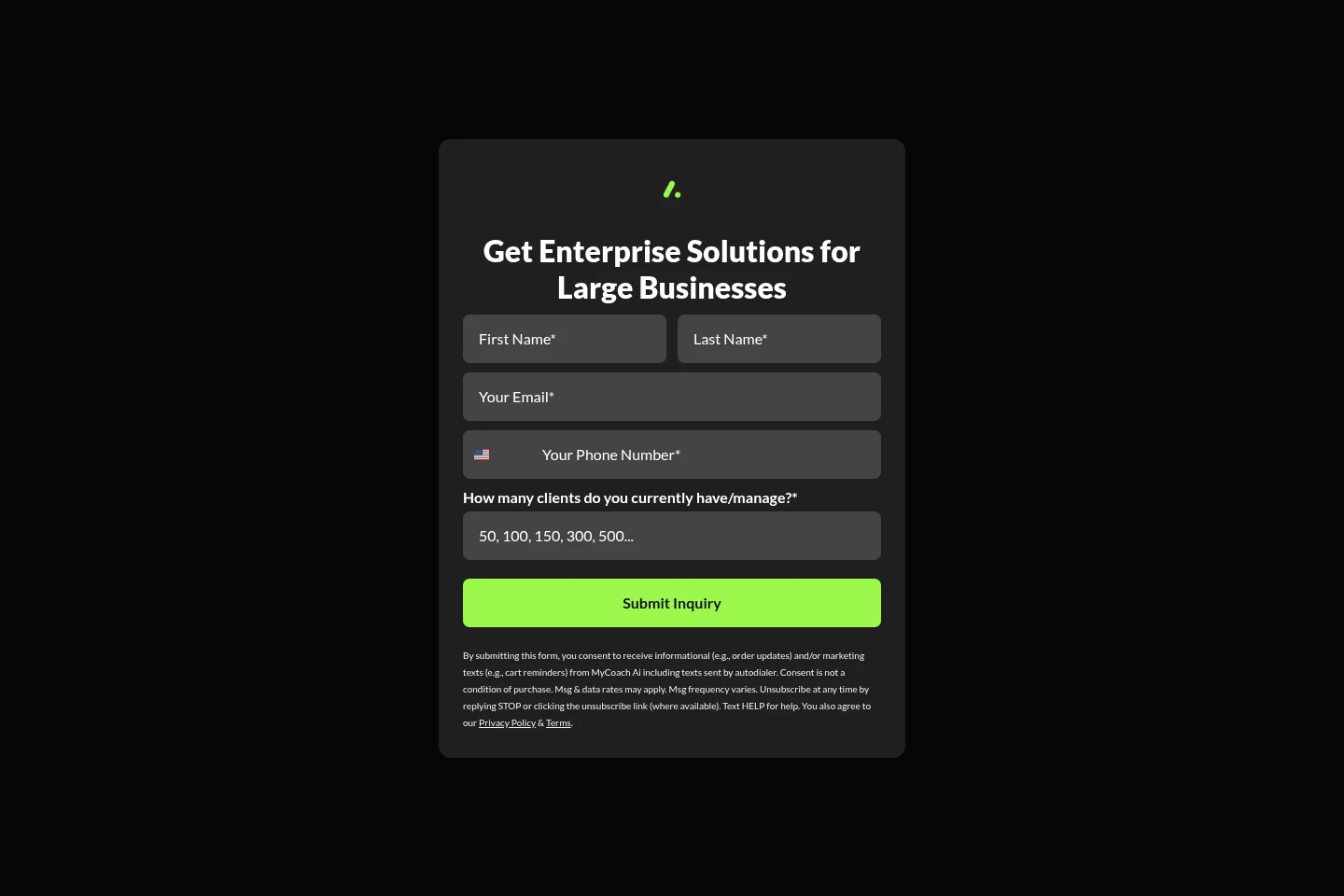
MyCoach Ai offers a recurring subscription with monthly and yearly billing, plus an Enterprise inquiry option. Compare billing period, active client seats, and the Enterprise offer; the pages disagree about the minimum client-seat count.
| Plan | Price | Included features and limits |
|---|---|---|
| Billed Monthly | $12 USD per month |
|
| Billed Yearly | $96 USD per 12 months |
|
| Enterprise | Contact for Enterprise solutions |
|
The pricing page states that plans start with four client seats, while a homepage FAQ says the minimum is five. Confirm the applicable minimum and resulting price before subscribing.
Use cases
Review and manage client check-ins
When a coach needs to review client progress, they can schedule check-ins and compare submitted metrics, photos, responses, and exercise records with prior history. The coach can then make adjustments in the same workflow.
Build and assign client programs
When preparing coaching materials for one or more clients, coaches can assemble workouts, meals, and other content into programs and schedules. Program changes can update the schedules of clients following that program.
Schedule client follow-ups and reminders
When clients miss a check-in or scheduled activity, coaches can configure messages to remind them. Messages can be scheduled through programs, sent directly or to groups, and include uploaded content.
Limitations
The monthly pricing page says plans start with four client seats, while an FAQ elsewhere on the site says plans include a minimum of five seats; confirm the applicable seat minimum before purchase.
The Android app is described as a hybrid app with setup instructions in the onboarding journey; the supplied pages do not identify it as a Play Store app.
Who it is for
Fitness coaches who need to manage client programs, nutrition, check-ins, and progress in one platform
Personal trainers who want to assign workouts, track client metrics, and communicate with clients
Online coaching businesses that need reusable content, client scheduling, and configurable client access
FAQ
Is there a free trial?
Yes. The pricing page offers a 14-day free trial. It does not state a trial payment-card requirement.
How many client seats are included at sign-up?
The pricing page says to start with four client seats, but its FAQ says plans include a minimum of four while a homepage FAQ says five. The pages therefore give conflicting seat-minimum information.
Can I switch between monthly and yearly billing?
Yes. The FAQ says you can change a monthly subscription to yearly in dashboard settings, and adjust or downgrade a subscription from the dashboard.
How do clients join the platform?
Coaches can invite clients from the dashboard. The invitation can be sent by phone; clients receive a sign-in code and can also sign in with email.
Does MyCoach Ai have mobile apps?
Yes. The FAQ identifies an iOS app in the App Store and describes an Android hybrid app, which clients can add to their phones using the onboarding instructions.
Can MyCoach Ai sync wearable data?
Yes. The iOS app integrates with Apple Health, allowing iPhone users to sync Apple Watch and other devices that connect to Apple Health.
Comments