

- Monthly visits
- 246,136
- 2026-09
- Monthly growth +28.9%
Music Remover - Separate background music from audio and video
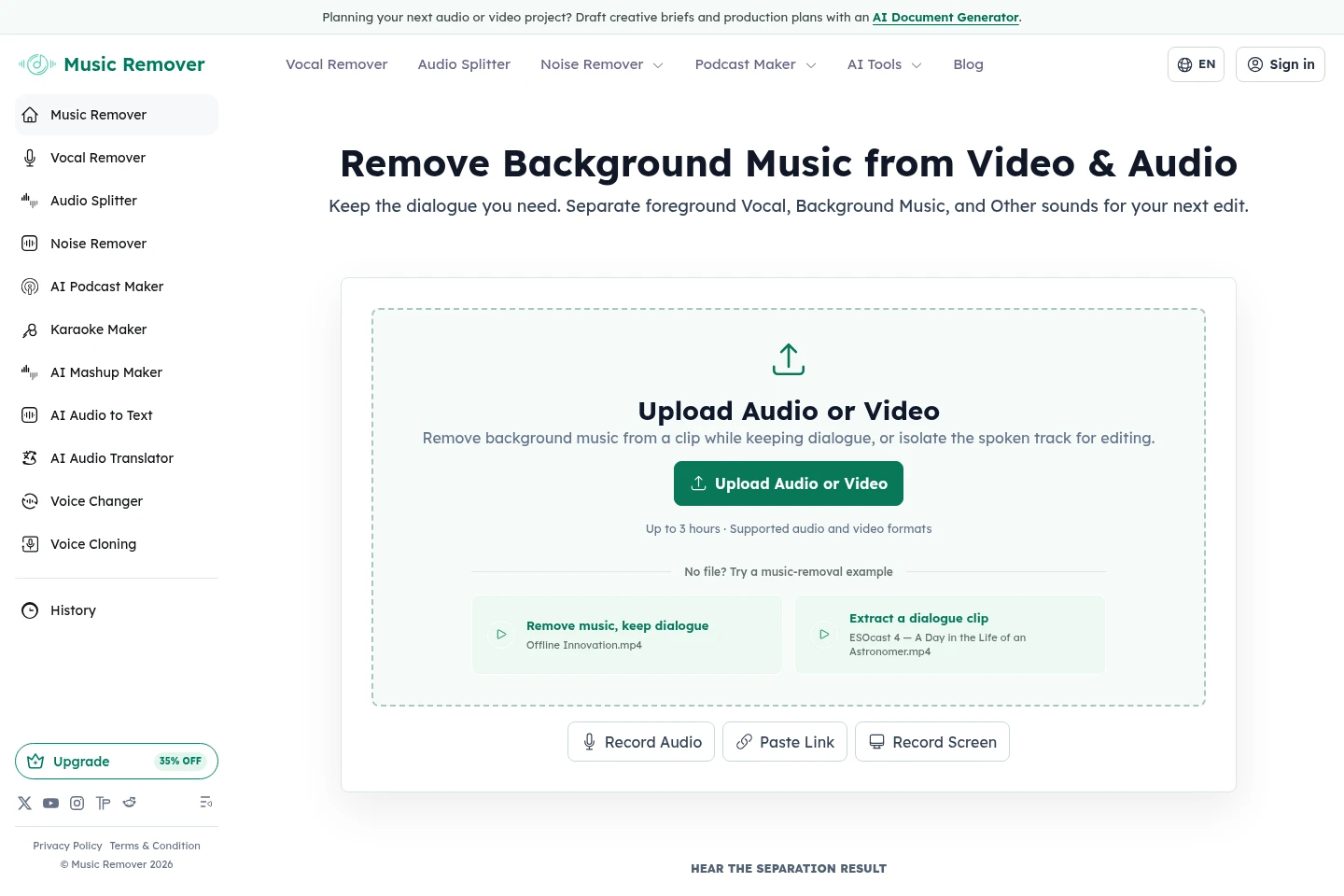
Music Remover is an online AI tool that separates audio or video into Vocal, Background Music, and Other tracks. Upload, record, or import media by link, preview and adjust the separated tracks, then download individual stems or all of them for editing, captioning, transcription, or a replacement soundtrack. Inputs can be up to 3 hours; pricing plans also specify file-size limits.
- AI Audio
- Vocal Removers
- remove music from video
- background music remover
- audio stem separation
Capabilities
Three-track audio separation
Separates uploaded audio or video into Vocal, Background Music, and Other tracks. Add a file, record audio or screen, or paste a direct media URL; the Background Music track can include instrumental music or songs with vocals.
Track preview and Custom Mix
Lets you compare the original and separated tracks at the same timestamp and adjust their balance in Custom Mix. Preview Vocal, Background Music, and Other before choosing what to download.
Individual stem downloads
Provides downloads of Vocal, Background Music, Other, or all separated stems. Use the files in another editor for clipping, captioning, mixing, or replacing a soundtrack.
Audio and video importing
Accepts supported audio and video files, online audio or screen recording, and direct media links. The homepage describes inputs up to 3 hours; pricing states files can be up to 10GB.
Pricing
Music Remover offers recurring subscriptions and one-time Pay-as-you-go credits. Compare monthly credit allowances and task-minute equivalents against your expected use; subscription prices shown as monthly equivalents are billed yearly.
| Plan | Price | Included features and limits |
|---|---|---|
| Subscription — 600 Credits / Month | $89/year billed yearly |
|
| Subscription — 2,000 Credits / Month | $199/year billed yearly |
|
| Subscription — 5,000 Credits / Month | $299/year billed yearly |
|
| Pay-as-you-go credits | Price not stated on supplied page |
|
Subscription unused credits roll over month to month up to 3× the plan's monthly limit. Most splitting, noise-removal, and translation tasks use 1 credit per started minute; voice changing uses 2 credits per minute, podcast audio uses 10, and mashups use 1 credit each. Failed uploads are not charged.
Use cases
Prepare video clips without the original music
When editing an interview, webinar, livestream, or other video into shorter clips, separate the background music and retain the foreground voice. Download the voice and other tracks for a new edit; this does not determine whether the resulting clip is copyright-safe.
Retain dialogue for transcription and captions
When a podcast, interview, or voice recording has background music, separate the Vocal track and use it as source material for editing, transcription, subtitles, or translation.
Replace a video soundtrack while keeping its picture
When a video needs different music or a new voiceover, use the separated voice track and retain the original picture. Add the replacement audio in a subsequent editing workflow.
Limitations
The homepage says audio or video inputs can be up to 3 hours; the pricing page separately limits files to 10GB.
When speakers or singers overlap, Vocal Remover may group them together rather than identify a particular voice.
Removing background music does not determine whether a video clip is copyright-safe.
Unused subscription credits roll over monthly only up to three times the plan's monthly credit limit.
Who it is for
Video creators and editors who need dialogue separated before making clips or replacing soundtracks
Podcasters and interviewers preparing recordings for editing, transcription, or publication
Musicians and producers who need voice and background tracks for reference or remix preparation
FAQ
What tracks does Music Remover separate?
It separates audio or video into Vocal, Background Music, and Other. Background Music can contain instrumental scoring or songs with sung vocals.
How can I provide audio or video?
Upload a supported file, record audio or your screen online, or paste a direct media URL. The homepage states a maximum input duration of 3 hours.
How are credits charged for processing?
Most splitting, noise-removal, and translation tasks use 1 credit per started minute; voice changing uses 2 credits per minute, podcast audio uses 10, and mashups use 1 credit each. Karaoke and Audio to Text currently use no credits.
Do unused subscription credits carry over?
Yes. Unused subscription credits roll over month to month, up to a maximum of three times the monthly plan limit.
Do credits expire, and are failed uploads charged?
One-time credits are valid for up to 2 years under the plan terms, and failed uploads are not charged. Processing failures return eligible credits to the account.
Comments