

Monthly visits
4,497
2026-10
Monthly growth +892.7%

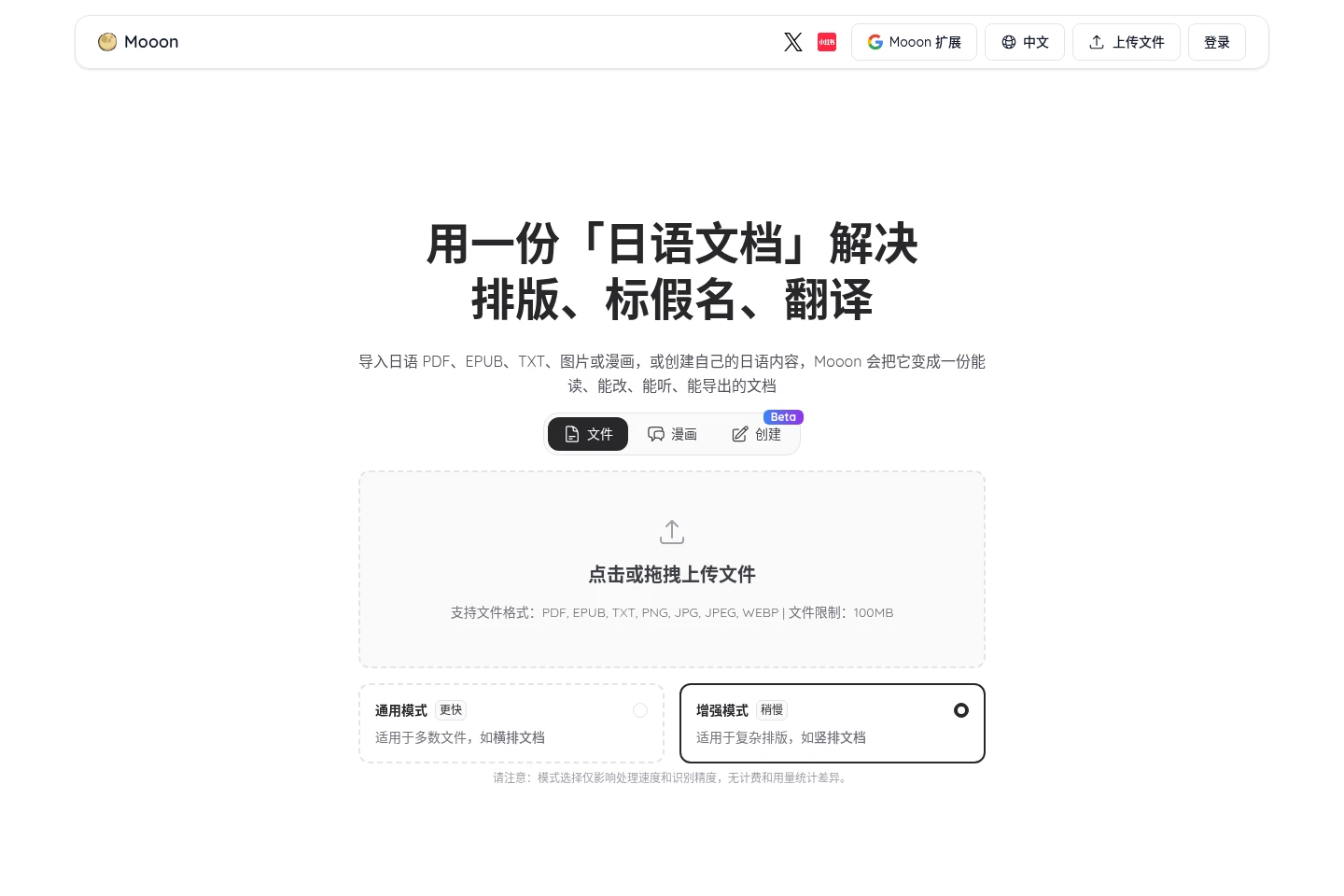
Mooon - Read, edit, translate, and listen to Japanese documents

Mooon processes Japanese PDFs, EPUBs, TXT files, images, and manga into editable documents. It can recognize text, reorder vertical layouts, add furigana, translate content, and read it aloud. A browser extension also supports Japanese webpages and YouTube subtitles with furigana, translation, explanations, and vocabulary tools.

Visit WebsiteUpdate this product

0Views

Capabilities

Japanese document processing

Processes Japanese PDFs, EPUBs, TXT files, images, and manga into readable, editable documents. Upload a supported file within the 100 MB limit; OCR can recognize scanned pages, and results can be edited or exported.

Furigana annotation

Adds readings to kanji and identifies original words for loanwords in Japanese documents and webpages. Choose document processing or use the browser extension; the available file-page quota depends on the plan.

Document and manga translation

Translates document contents or an entire manga and can display source and translated text for comparison. File translation availability and quotas depend on the subscription plan.

Japanese webpage reading tools

Adds furigana and tools for translating, explaining, looking up, and reading selected text on Japanese webpages, and supports YouTube Japanese subtitles. Install the Mooon browser extension to use these reading tools.

PricingFreemium

Mooon offers a free plan and paid monthly subscriptions. Compare included processing pages, document and browser-extension features, and Pro-specific EPUB conditions when choosing a plan.

PlanPriceIncluded features and limits
Free

Free

  • 10 file-processing pages per month

  • Browser furigana annotation is unlimited

  • Smart translation and explanations: 5 times daily

  • Browser-default voice for reading aloud

Starter

¥29/month

  • 200 file-processing pages per month

  • Unlimited full-document furigana, translation, and reading aloud

  • Export to PDF and EPUB

  • Persistent file storage

Pro

¥59/month

  • 1,000 file-processing pages per month

  • EPUB unlimited mode does not consume page quota

  • Unlimited EPUB mode excludes full-document translation and reading aloud

  • Other file-processing functions remain available in EPUB unlimited mode

Super

¥99/month

  • 2,000 file-processing pages per month

  • The page quota is the listed plan allowance

  • Plan-specific additional features are not detailed on the page

The page states that annual payment saves two months, but does not specify annual prices or the payment terms for each plan. Quotas refresh on the subscription cycle.

Use cases

Read Japanese PDFs and ebooks

When a Japanese document is scanned, vertical, or difficult to read, upload a supported PDF, EPUB, TXT file, or image. Mooon can extract and reorder text, add furigana, and provide reading and translation tools; editing and export options are available for processed documents.

Study Japanese webpages and subtitles

When studying Japanese through online articles or YouTube subtitles, use the Mooon browser extension to annotate readings, select text for translation or explanation, look up vocabulary, and read text aloud. The extension also provides subtitle browsing and vocabulary collection tools.

Limitations

  • Uploads are limited to PDF, EPUB, TXT, PNG, JPG, JPEG, and WEBP; DOC, DOCX, PPT, and PPTX are not supported, and the page recommends exporting those files to PDF.

  • A single file can be no larger than 100 MB, and one processing operation can cover no more than 200 pages.

  • Pro’s EPUB unlimited mode does not support full-document translation or full-document reading aloud.

  • The FAQ states that Pro page quota cannot currently be expanded after it is used up.

Mooon alternatives

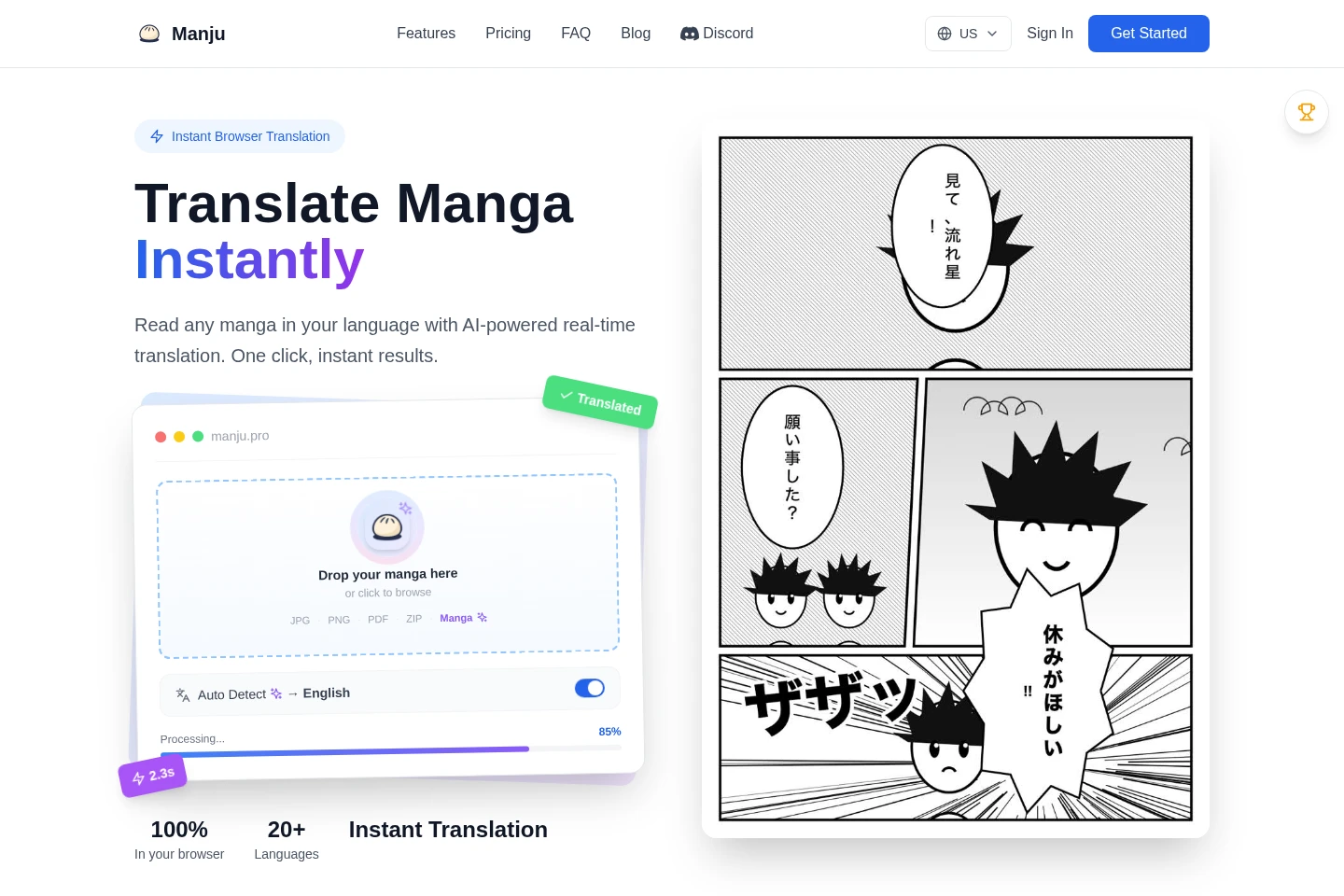
Manju

Translate manga pages in your browser with AI

Manju translates manga, manhwa, and comic pages in a browser. Upload JPG, PNG, PDF, or ZIP files; the service detects speech bubbles, removes original text, and redraws translations in 20+ languages. Free accounts have ads and limited translations, while paid plans add unlimited translations and batch processing.

  • Cloud
  • Freemium
  • Free$0/mo
  • Ad-Free$59.99/year, billed yearly
  • Lifetime Ad-Free$99.99 one-time payment
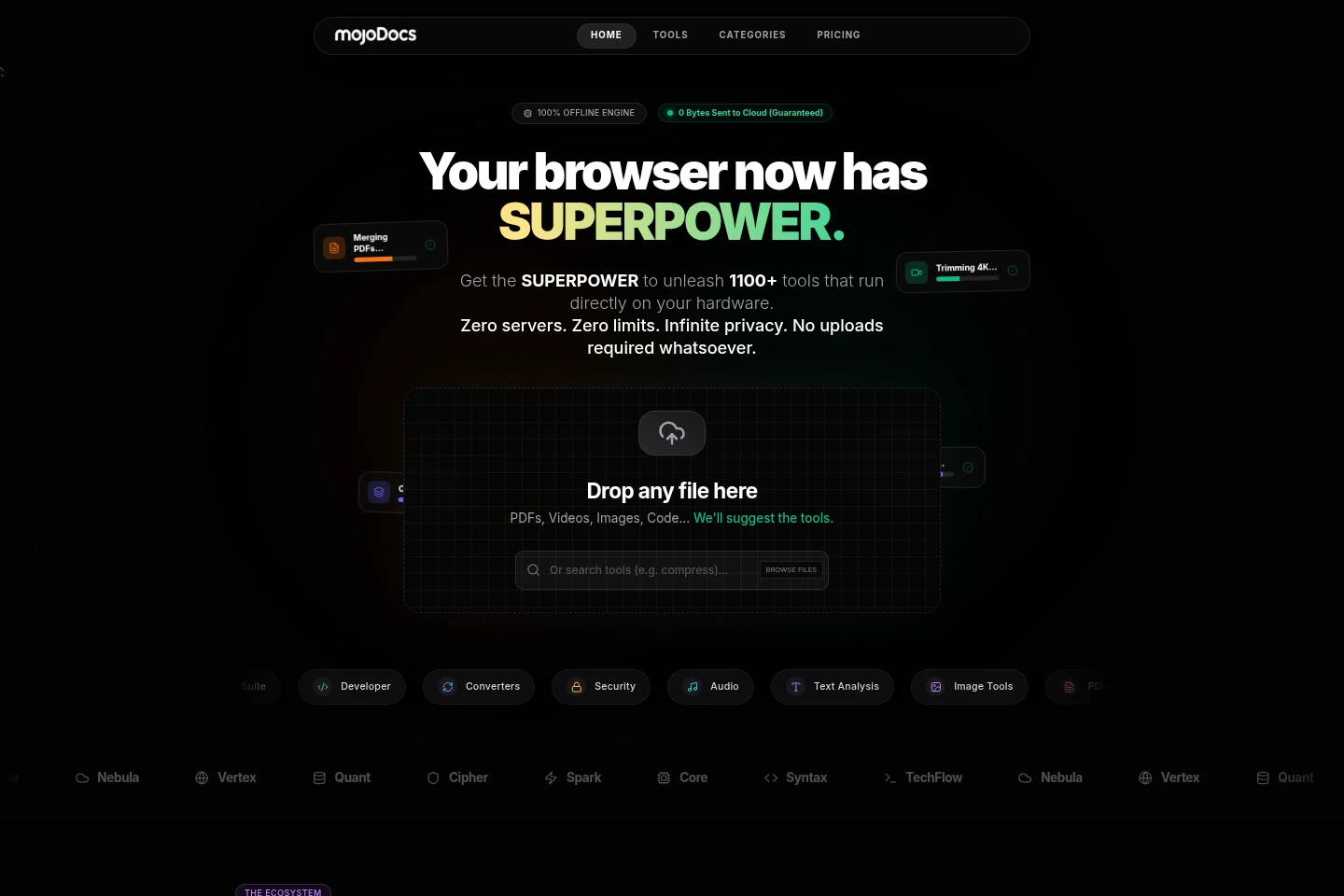
  1. MojoDocs

    Free browser tools that process files on your device

    Open Pricing
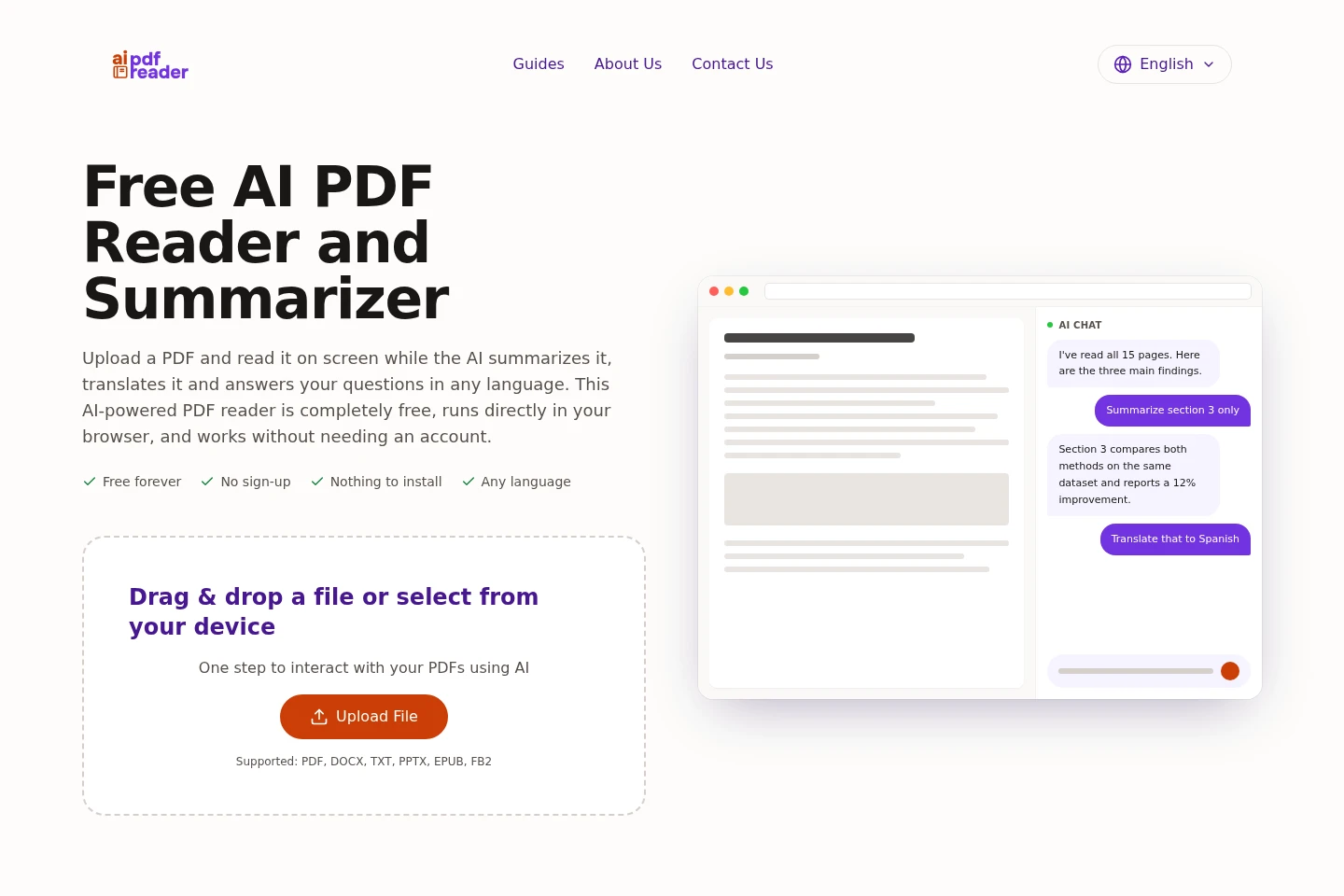
  2. AI PDF Reader

    Read, summarize, translate, and question documents online

    Free
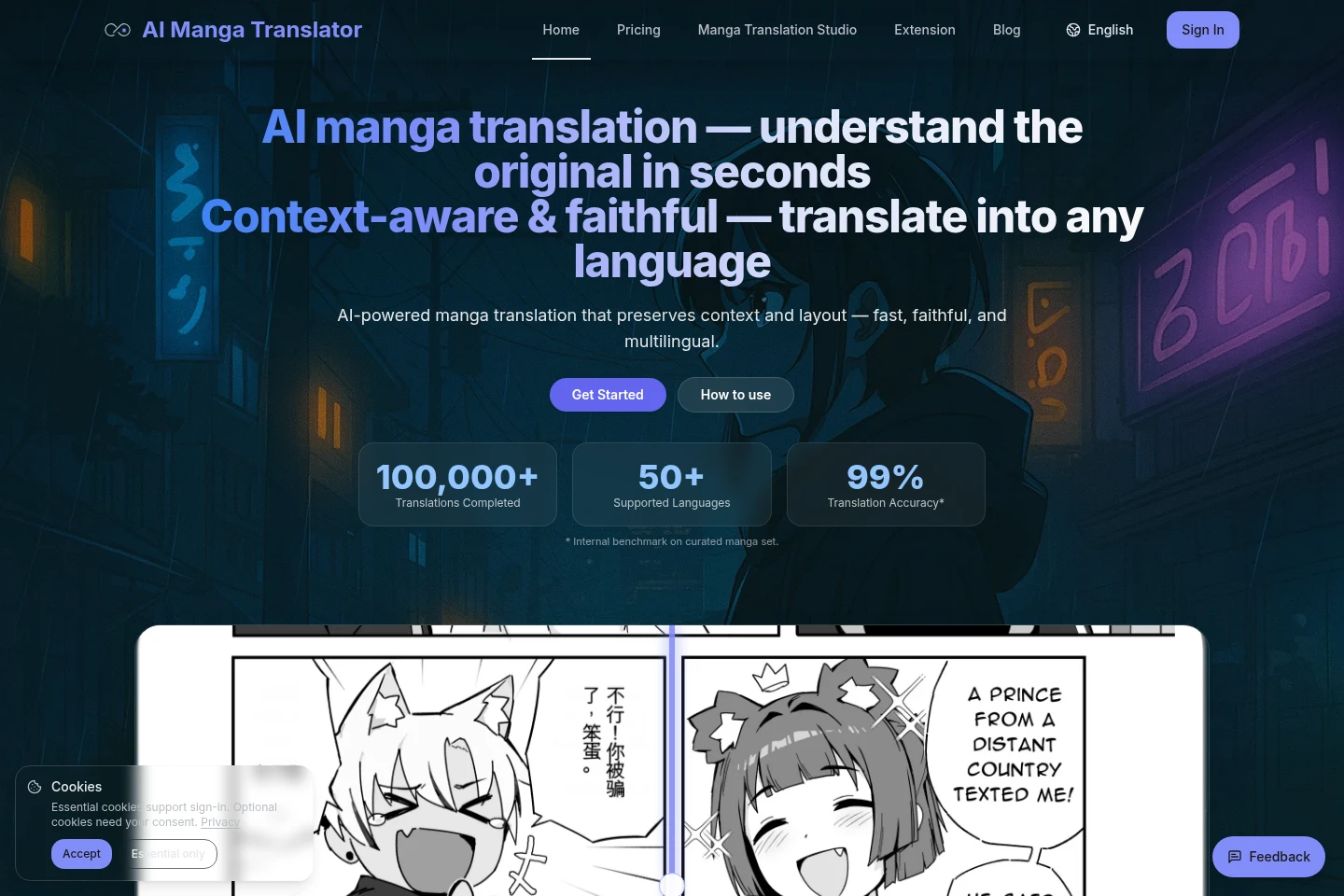
  3. AI Manga Translator

    Translate manga pages while keeping text in their layout

    Starter Pack · $6.90 one-time
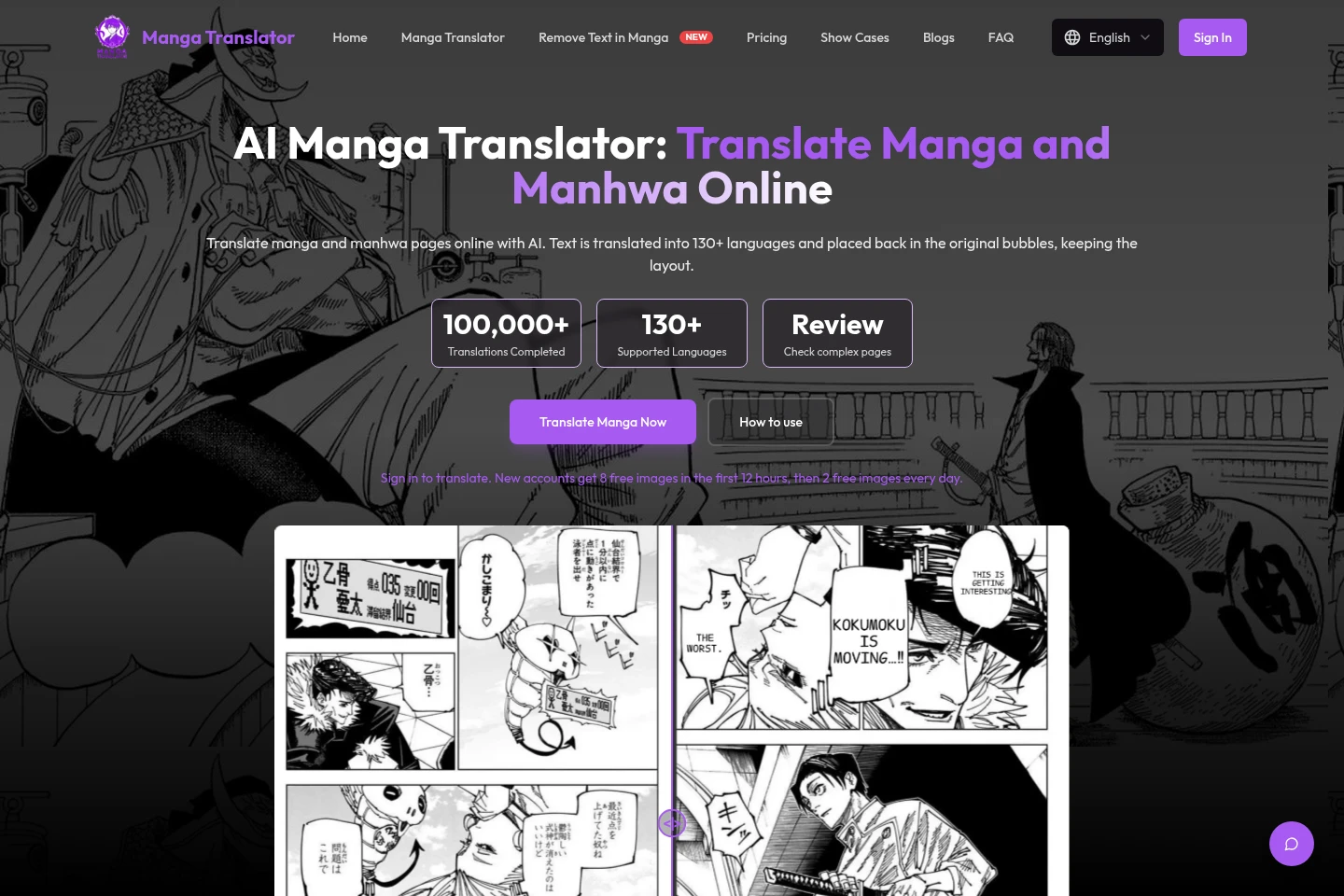
  4. Manga Translator

    Translate manga pages into 130+ languages online

    Free · $0 USD
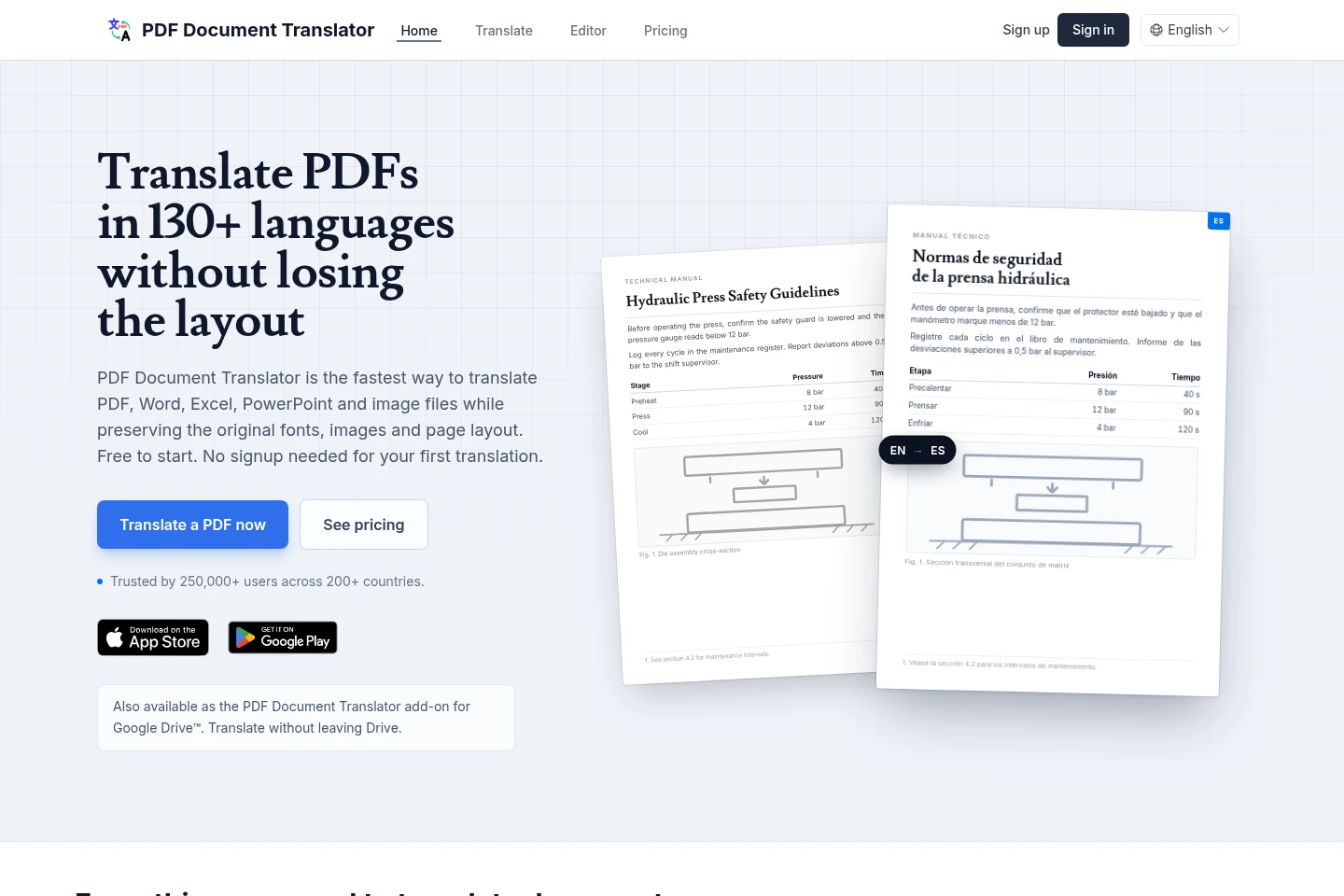
  5. PDF Translator and Editor

    Universal document translator with 136 language support

    Freemium

Who it is for

  • Japanese learners and readers working with digital documents who need furigana, translation, or text extraction.

  • Japanese learners who study through webpages and YouTube subtitles and want reading and vocabulary tools in their browser.

FAQ

Which file formats does Mooon support?

Mooon supports PDF, EPUB, TXT, PNG, JPG, JPEG, and WEBP. DOC, DOCX, PPT, and PPTX are not supported; export Word or PowerPoint files to PDF first. A file can be up to 100 MB, and a processing operation can cover up to 200 pages.

Can Mooon add furigana to scanned or vertical Japanese PDFs?

Yes. OCR recognizes text and reading order in scanned, vertical, and multicolumn Japanese PDFs, then rebuilds it as an editable document with furigana. The text and readings can be corrected afterward.

Can Mooon convert vertical Japanese PDFs to horizontal text?

Yes. Mooon identifies vertical columns in natural reading order and rebuilds their content as continuous horizontal text. The original PDF is not changed, and the resulting document can be edited or exported.

Do EPUB files use the page quota?

No. EPUB and TXT files do not count toward the page quota. The FAQ specifies unlimited EPUB and TXT processing for Pro.

When does the file-processing quota refresh?

It refreshes according to the subscription cycle, not the calendar month. For example, a Pro upgrade on January 4 refreshes on February 4.

Can processed files be exported?

Yes. Files containing furigana or translated content can be exported as PDF or EPUB.

Comments

Please sign in to leave a comment.
No comments yet. Be the first to share your thoughts!