
- Monthly visits
- 3,602
- 2026-09
- Monthly growth +9.4%
Monitor360 - AI-powered employee monitoring and workforce insights
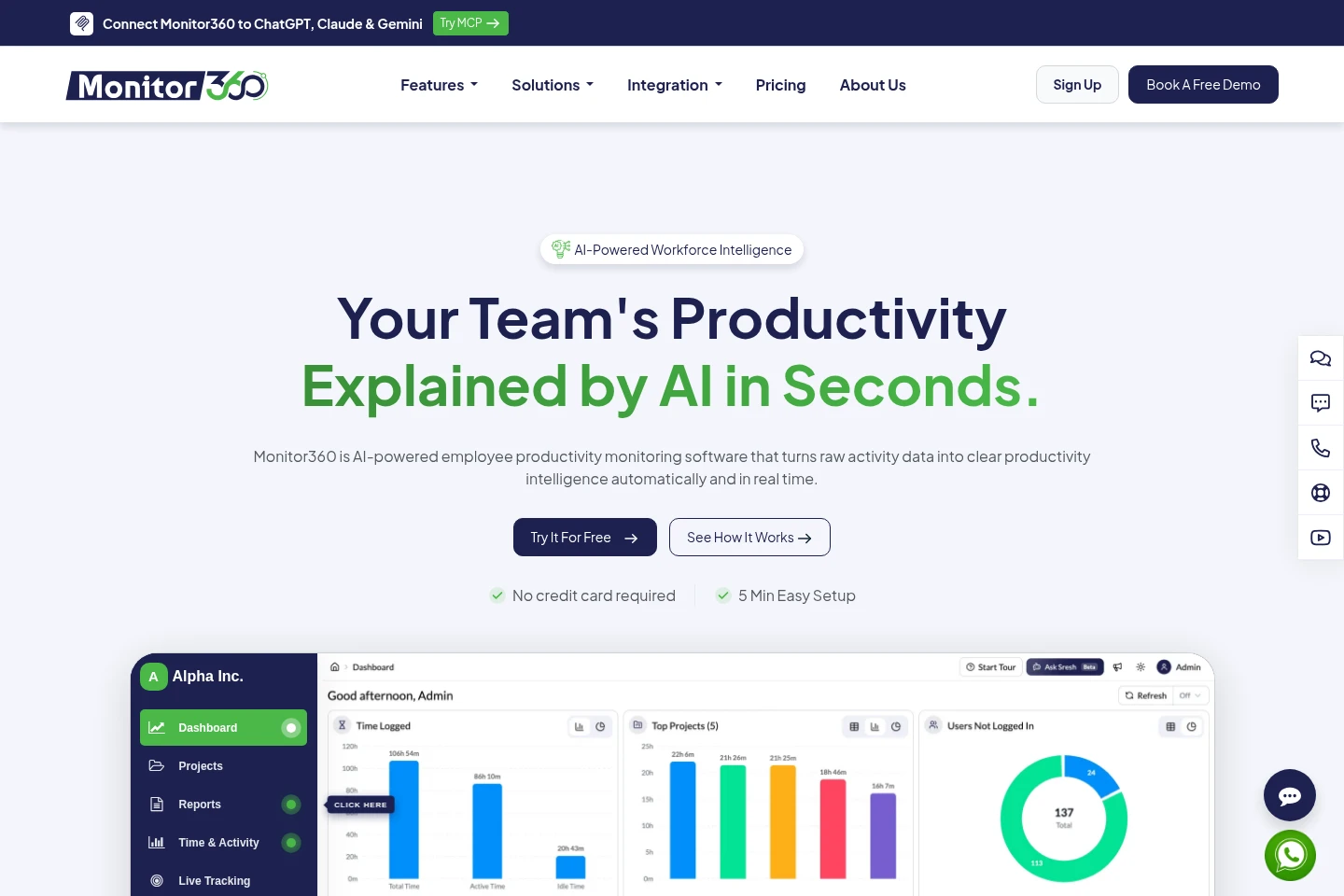
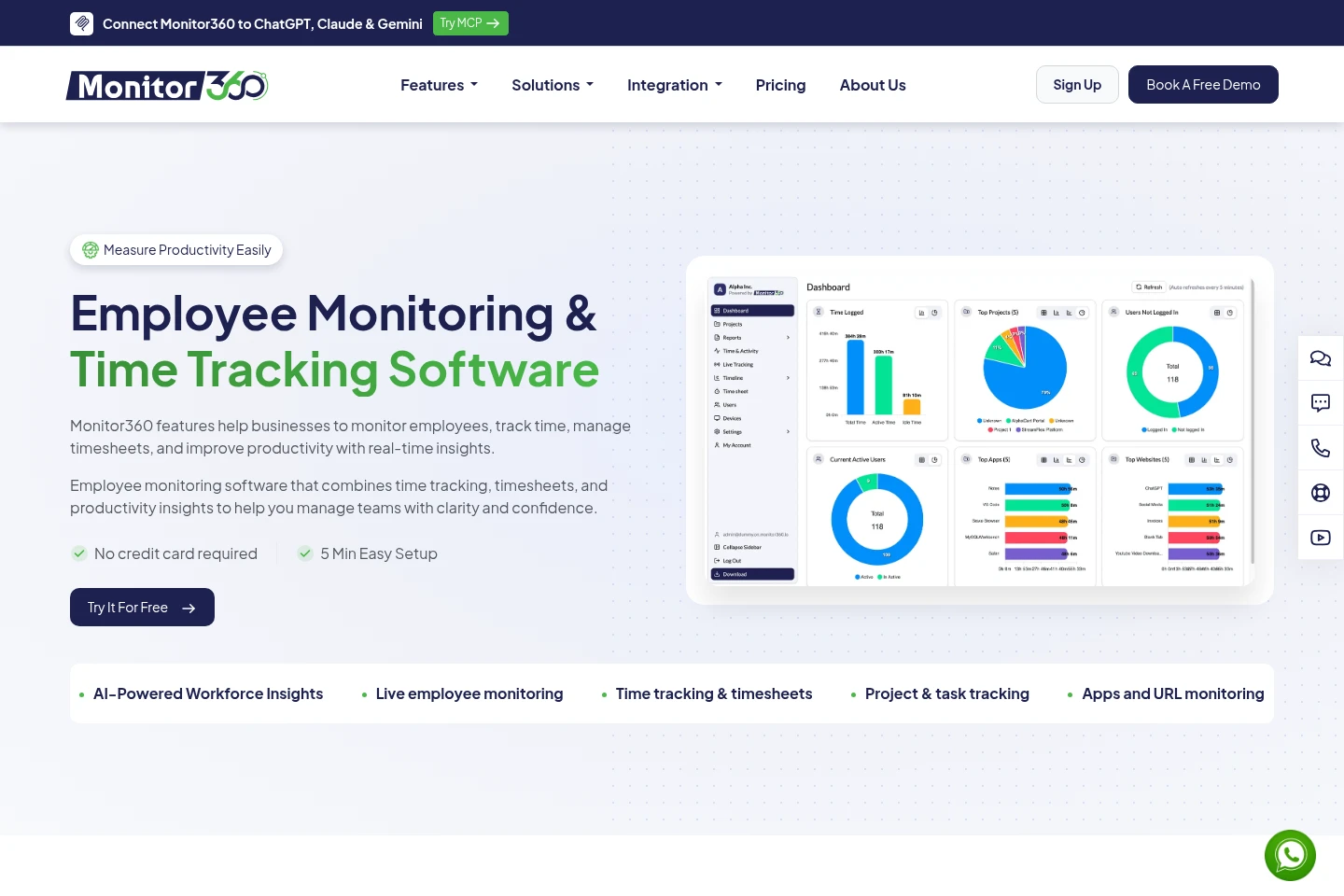
Monitor360 tracks employee work time, activity, app and website usage, and project tasks through a workforce management dashboard. It provides screenshots, productivity reports, shift and timesheet management, device controls, and AI-generated workforce insights. The pricing page lists a Free plan for six months and paid plans billed per user.
- AI Productivity
- Time Tracking
- HR Software
- Data Analysis
- employee monitoring software
- workforce productivity tracking
- AI workforce insights
Capabilities
Employee activity tracking
Tracks work activity and time, with screenshots, idle-time information, and app and website usage. Activity can continue offline and sync when the connection returns.
Workforce and task management
Organizes employees, teams, roles, projects, tasks, shifts, and timesheets in a centralized workspace. Managers can assign work and review project progress and recorded hours.
Productivity reports and dashboards
Presents workforce activity and productivity in dashboards and reports. Reported information includes employee performance, work hours, app usage, and activity insights.
Sresh AI workforce insights
Answers workforce performance questions in plain language and can create metrics and dashboards from prompts. Sresh AI uses information in the Monitor360 workspace to surface trends and recommendations.
Device and security monitoring
Provides device management controls and detects unusual employee behavior using activity alerts, risk insights, and logs. Available controls and features depend on the selected plan.
Pricing
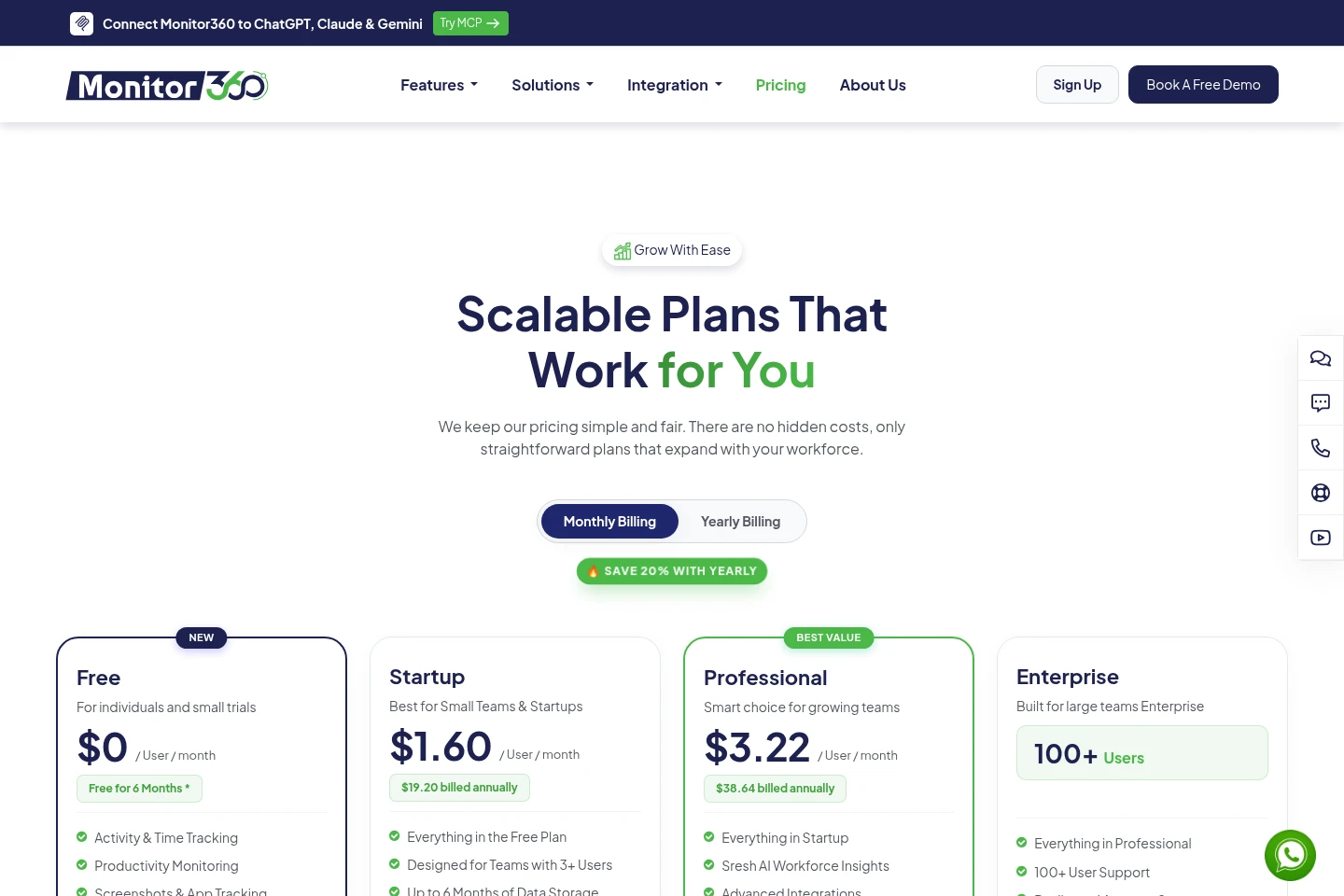
Monitor360 has a six-month Free offer and paid per-user plans. Compare user eligibility, data storage, security controls, AI and integration features, support, and whether the plan requires a quote.
| Plan | Price | Included features and limits |
|---|---|---|
| Free | $0 per user per month; free for 6 months |
|
| Startup | $1.60 per user per month; $19.20 billed annually |
|
| Professional | $3.22 per user per month; $38.64 billed annually |
|
| Enterprise | Request a quote |
|
The pricing page provides monthly and yearly billing views and advertises 20% savings with yearly billing. Startup and Professional show annual billed amounts alongside their per-user monthly prices.
Use cases
Review employee activity and productivity
When managers need visibility into employee work activity, they can review live tracking, screenshots, app and website usage, and productivity reports. The dashboard brings these activity and performance details together.
Coordinate projects, tasks, and shifts
When a team needs to organize work and schedules, managers can assign projects and tasks, manage employee shifts, and review timesheets. Monitor360 presents progress and recorded work hours in its workspace.
Ask questions about workforce performance
When a manager needs a workforce summary or trend, they can ask Sresh AI a question in plain language using Monitor360 workspace information. Sresh AI can also create custom metrics and dashboards from prompts.
Limitations
The Free plan is offered for six months; the pricing page does not describe it as an ongoing free tier.
Startup is designed for teams with 3+ users, while Enterprise is specified for 100+ users.
Enterprise pricing is quote-based; the pricing page does not provide a numeric price for that plan.
Who it is for
Managers coordinating employee activity, tasks, shifts, and productivity
Leaders who need visibility into remote and office workforce activity
Small teams seeking time tracking and productivity monitoring
FAQ
How long is the Free plan available?
The pricing page describes Free as free for six months. It does not specify an ongoing free tier.
How is Monitor360 priced?
The listed paid prices are per user per month, with annual billing shown for Startup and Professional. Enterprise requires a quote, and the page also offers monthly and yearly billing views.
What does Sresh AI do?
Sresh AI answers workforce performance questions in plain language using Monitor360 workspace information. It can also create custom metrics and dashboards from a prompt.
Can activity be tracked without an internet connection?
Yes. The feature description says activity data is tracked offline and syncs automatically when the connection is restored.
Comments