Fashion image generation
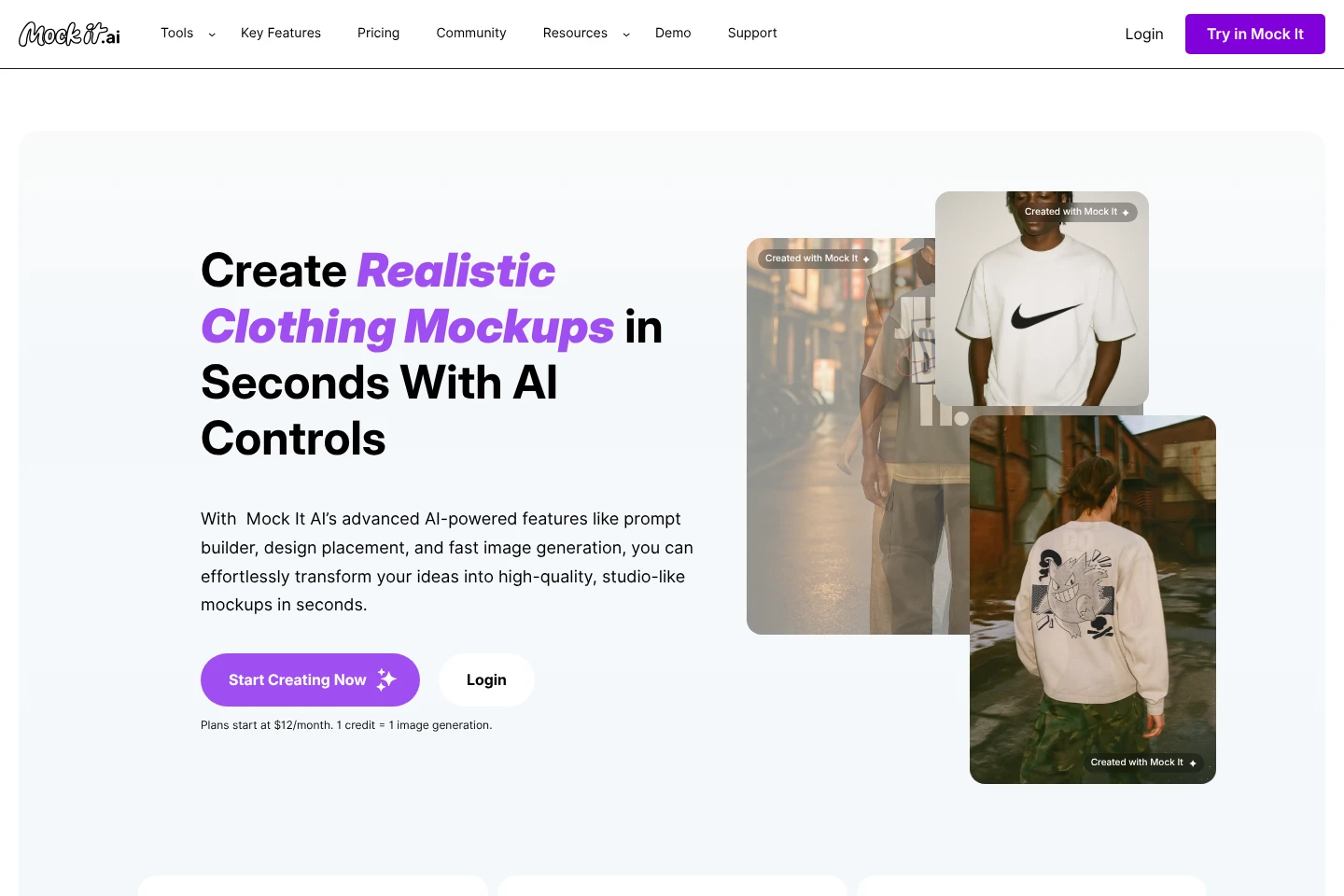
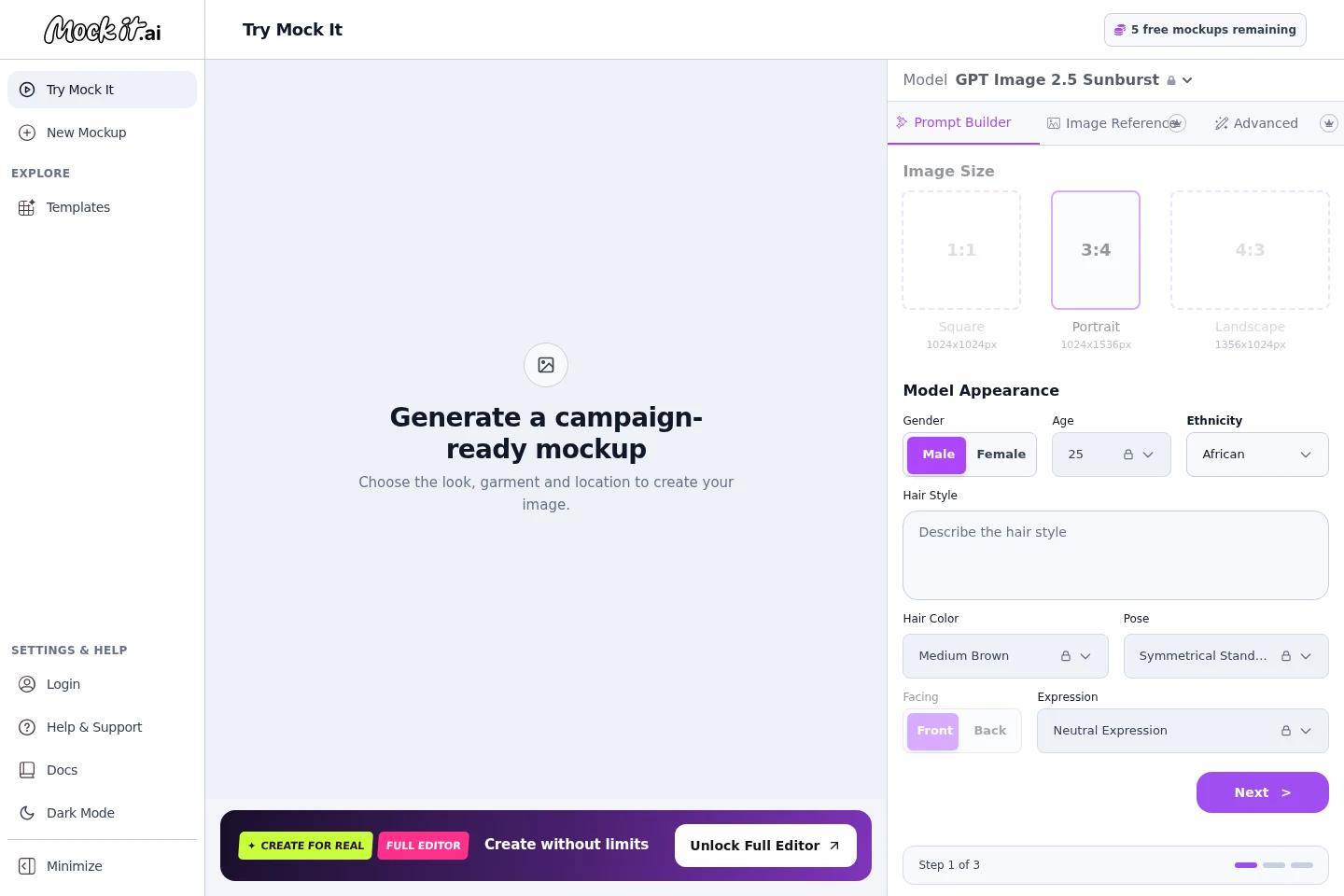
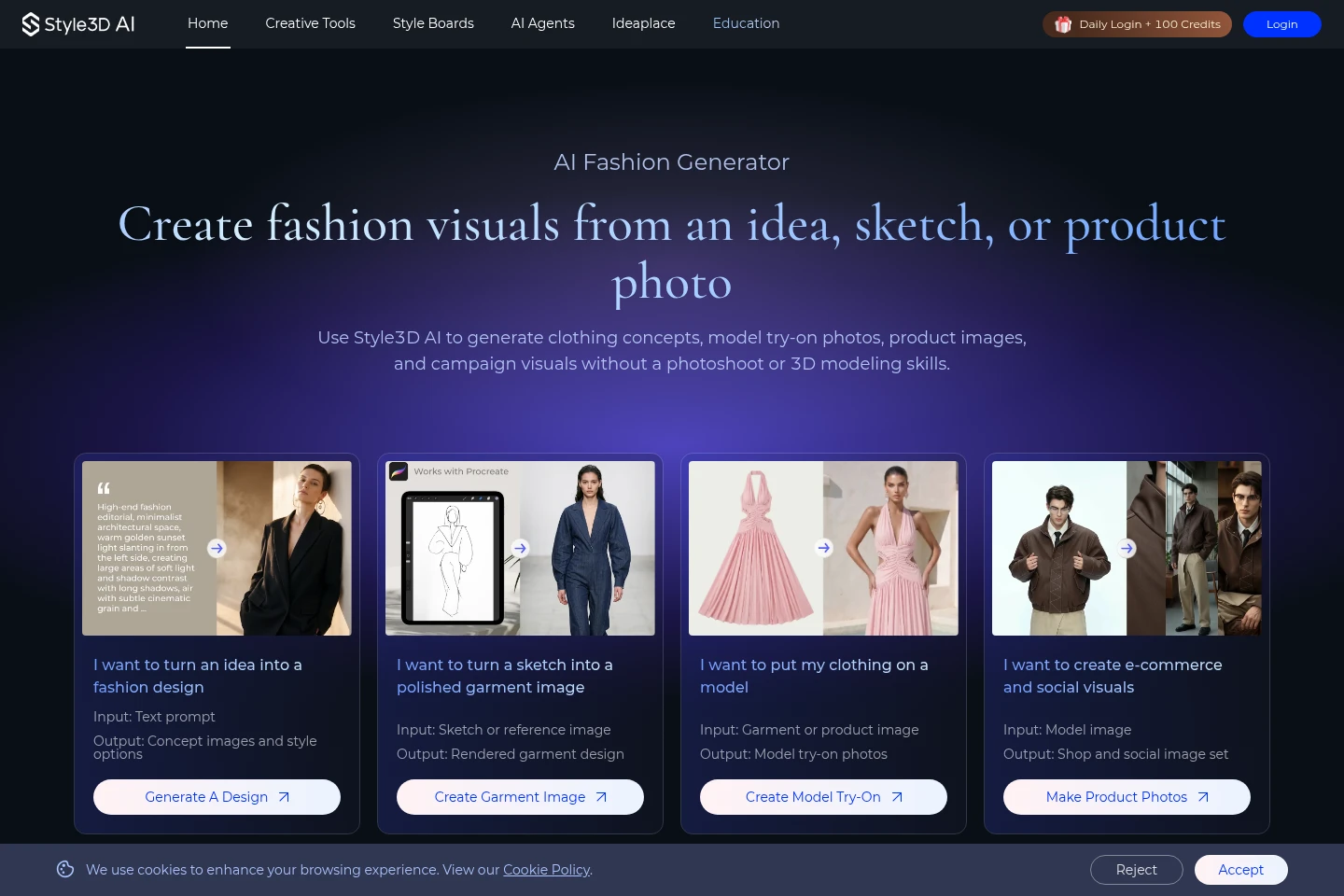
Generate fashion visuals using selected image generators and creative settings. Inputs include prompts, model appearance, apparel, location, photography direction, image size, and aspect ratio; generation uses credits according to the selected generator.
Guided and reference prompts
Build image directions with the step-by-step Prompt Builder or, on Growth and Pro, Advanced Mode and reference images. Choose model, clothing, location, and camera style, or provide a reference to guide the generated image.
Garment artwork placement
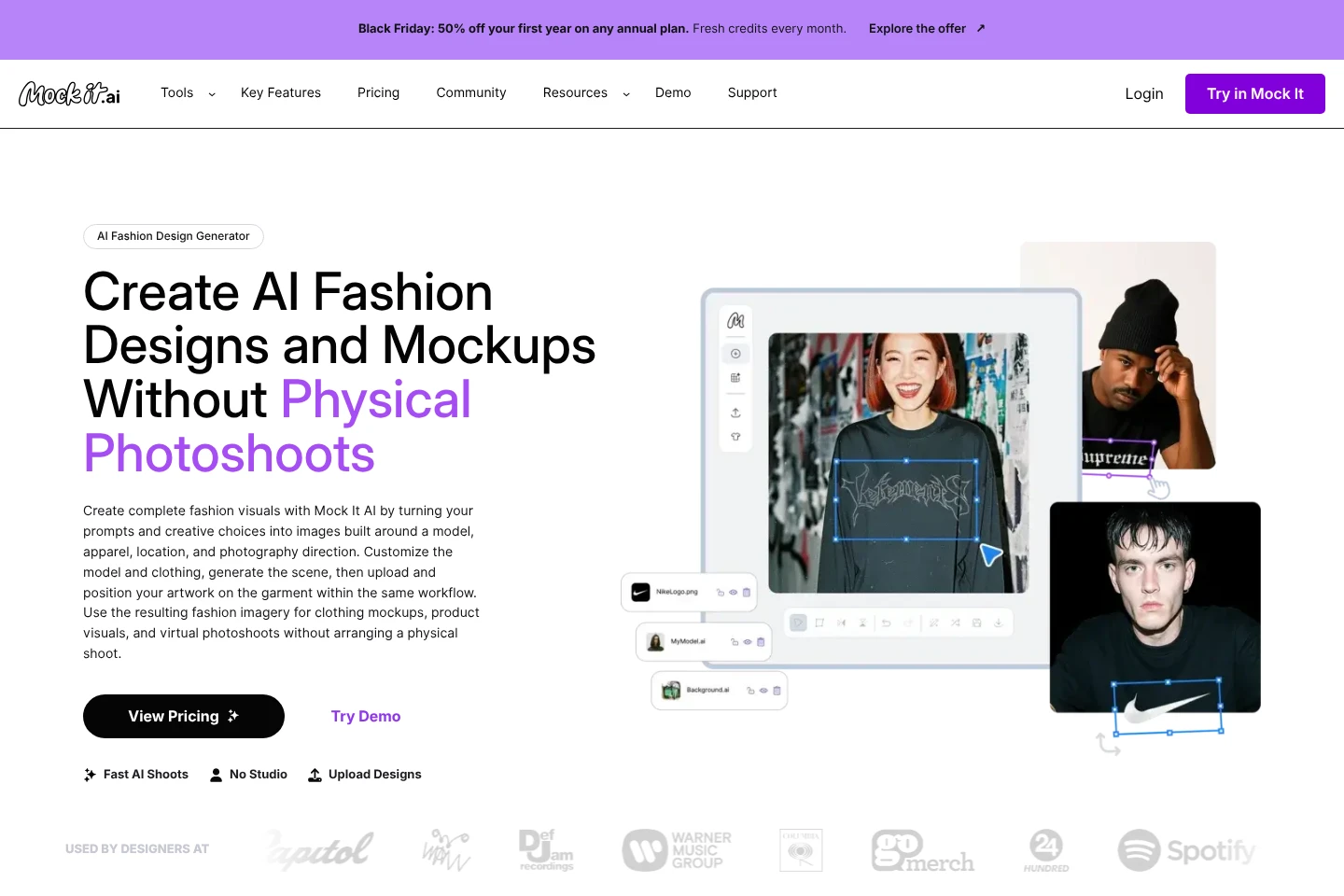
Place uploaded artwork on digital garments and adjust its position in the mockup editor. The workflow includes design controls such as 3D mapping and clipping masks; artwork files can be uploaded as PNG or JPG up to 25 MB.
Project and model saving
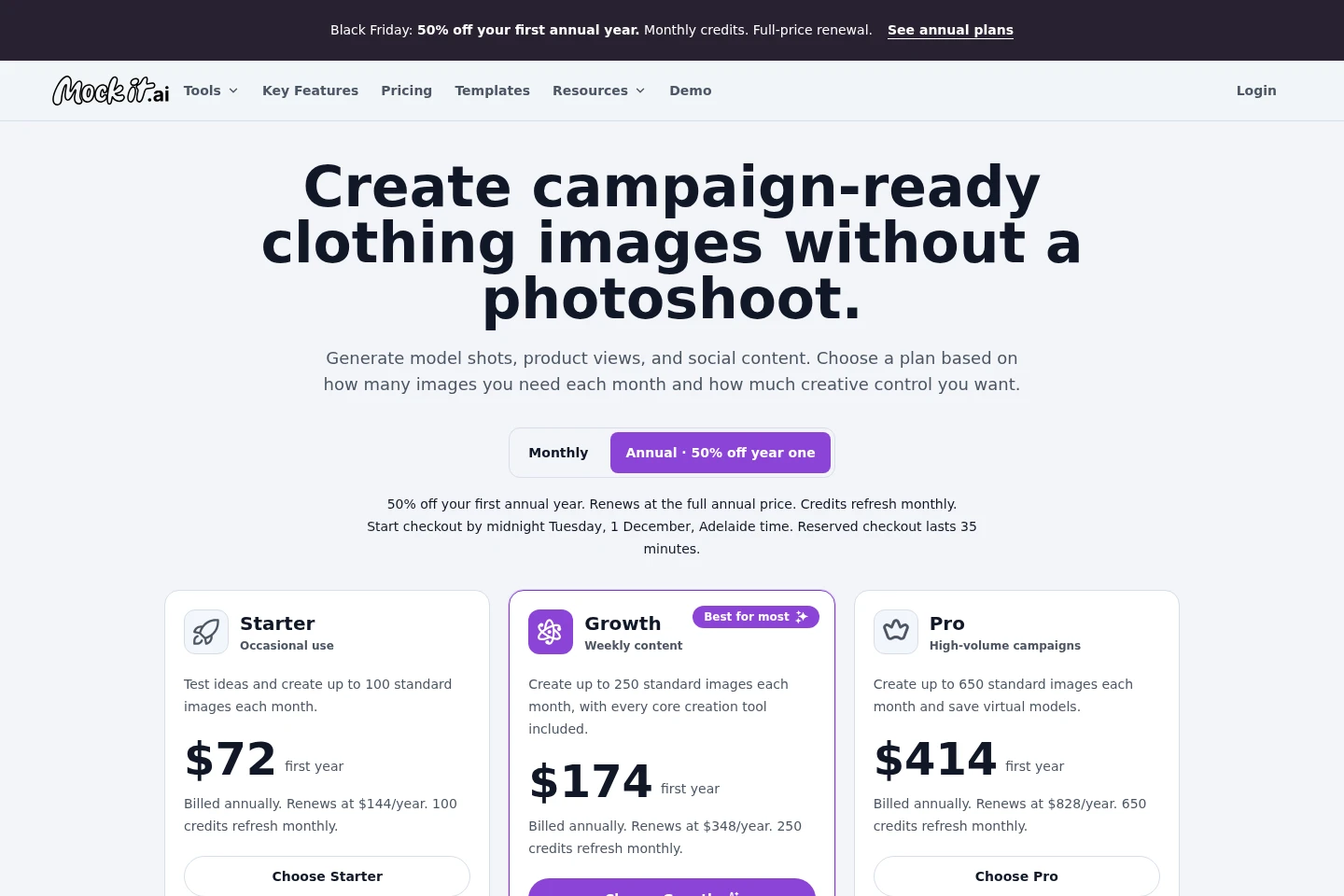
Save mockup projects and reopen them in the account workspace. Project limits depend on the plan, and Pro additionally includes saving up to 50 virtual models for reuse.




Comments