
- Monthly visits
- 2,899
- 2026-09
- Monthly growth +371.4%
Mixels.ai - Create and edit grid-aligned pixel art online
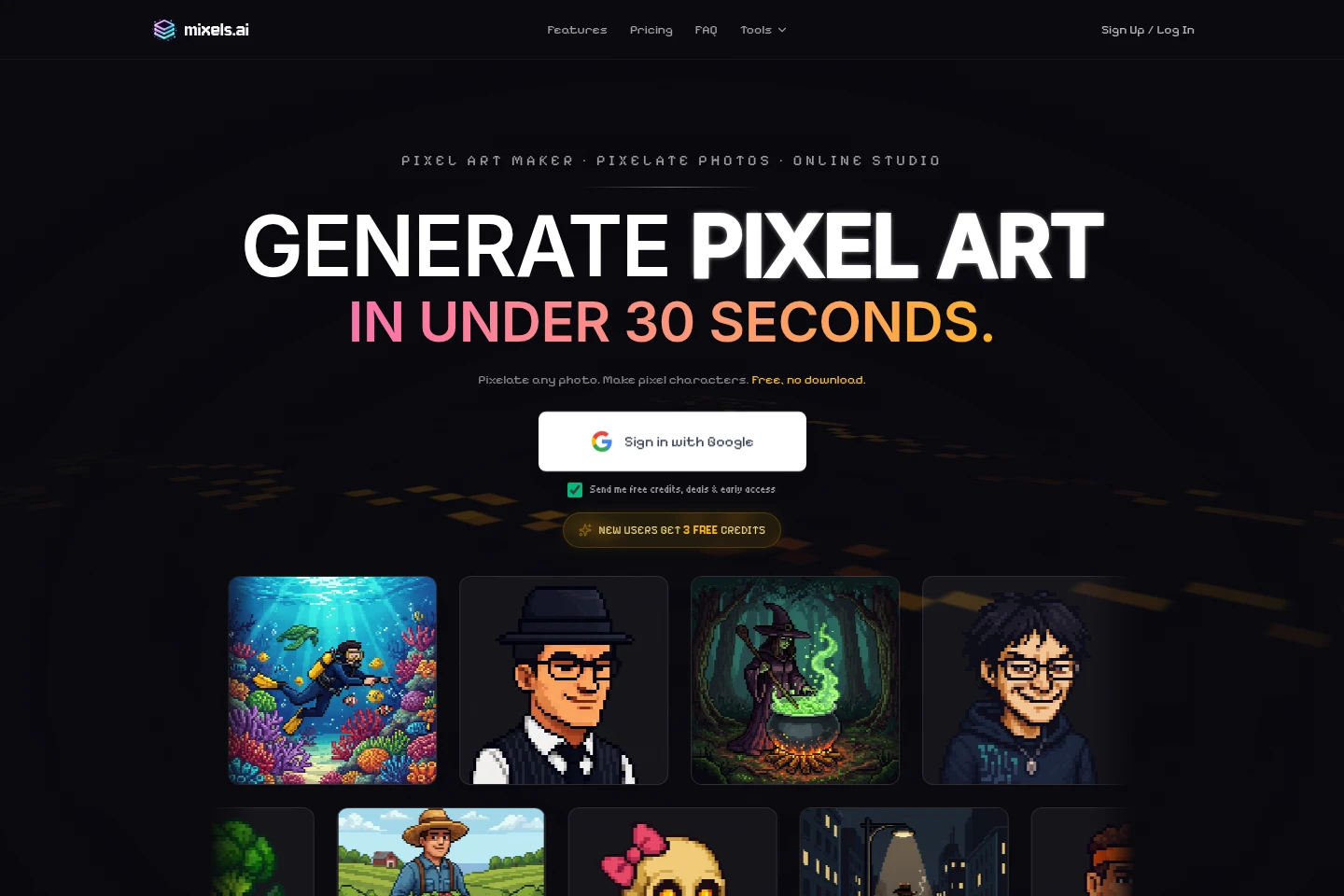
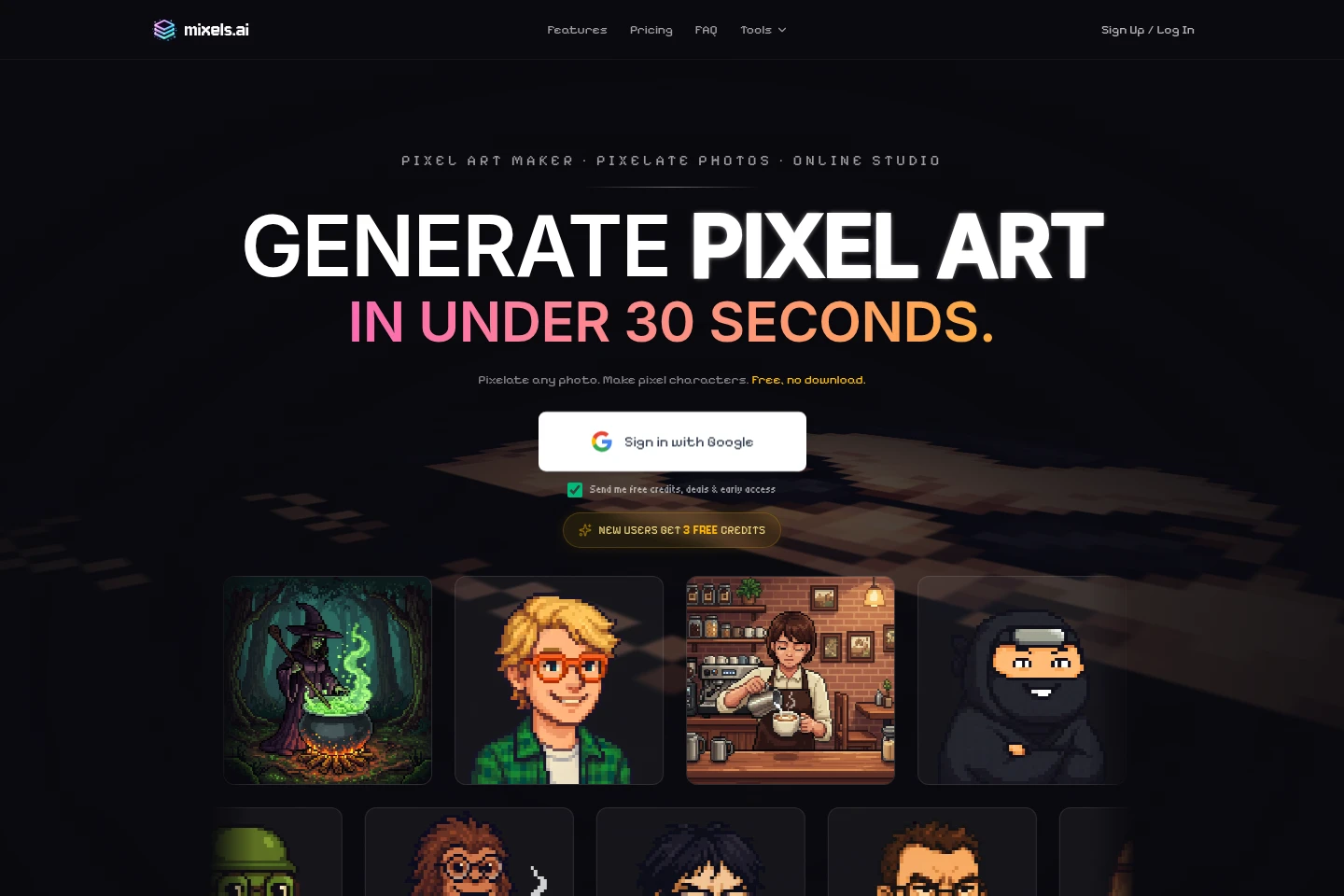
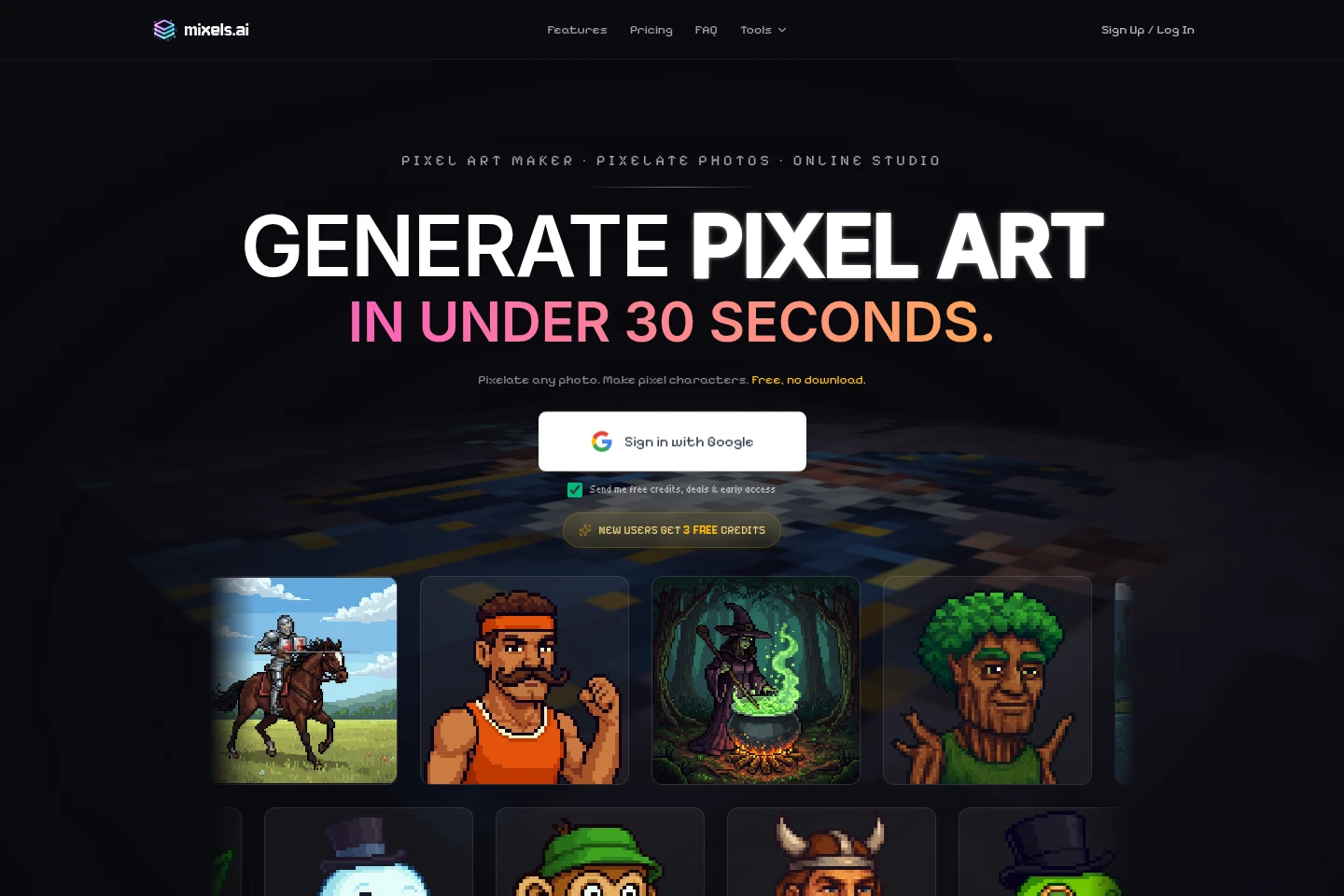
Mixels.ai is an online pixel art studio with AI generation and browser-based editing. Turn text prompts or photos into pixel characters and sprites, edit artwork with layers and drawing tools, and export transparent PNGs with embedded metadata for game projects.
- AI Design
- Illustration Generators
- Photo Editors
- Gaming
- AI pixel art generator
- photo to pixel art
- online pixel art editor
Capabilities
AI pixel art generation
Generates pixel art characters and avatars from text prompts or uploaded photos. Users provide a description or image, and the AI creates grid-aligned 8-bit artwork, with photo conversion designed to preserve facial likeness.
Browser-based pixel editor
Provides drawing and editing tools, including layers, for creating and changing pixel art in the online Studio. The editor works in a browser without a software download and is described as free to use.
Pixel asset export
Exports AI-generated characters as transparent PNG files at native resolution. Available outputs include 64×64 and 128×128 artwork, with embedded metadata for sorting and asset management.
Pricing
Mixels.ai offers a free tier and paid monthly subscriptions. Compare generation credits, saved-project limits, commercial-use rights, and included editing and export features when choosing a plan.
| Plan | Price | Included features and limits |
|---|---|---|
| Free Edition | $0 forever |
|
| Pro Edition | $12.95/mo |
|
| Studio Edition | $99.95/mo |
|
Free pixel editing and Free Pixel Doctor are stated to be always free. Credits never expire, and subscriptions can be canceled anytime.
Use cases
Create pixel characters for game projects
When a game creator needs character art or sprites, they can describe a character or upload a photo for AI conversion. The resulting grid-aligned artwork can be exported as a transparent PNG for use in a game engine.
Draw and edit pixel art in a browser
When users want to make or adjust pixel art without installing desktop software, they can work in the online Studio with drawing tools and layers. The edited artwork can be exported to PNG with a transparent background.
Limitations
Free Edition saved projects are limited to three; the plan also includes three signup credits for AI generation.
Who it is for
Game creators needing pixel characters, sprites, and exportable assets
Pixel art hobbyists who want browser-based drawing and editing tools
FAQ
How do I convert a photo into pixel art?
Upload the photo in the Studio and use the AI generator. The service converts it into grid-aligned pixel artwork and says its photo conversion preserves facial likeness.
Can I create pixel art from a text prompt?
Yes. Describe a character or other subject, and the AI generator creates pixel art from the text prompt without requiring a photo.
What image sizes can I create?
The listed output sizes are 64×64 and 128×128 pixels. AI-generated characters export as transparent PNG files at native resolution.
What is included in the Free Edition?
The Free Edition costs $0 forever and requires no credit card. It includes editing tools, HD export, a personal-use license, up to three saved projects, and three signup credits.
Does Pro Edition include a free trial?
Yes. Pro Edition offers a 7-day free trial. The plan is listed at $12.95 per month and includes 300 generations per month.
Comments