Monthly visits
1,160,622,269
2026-10
Monthly growth +4.6%

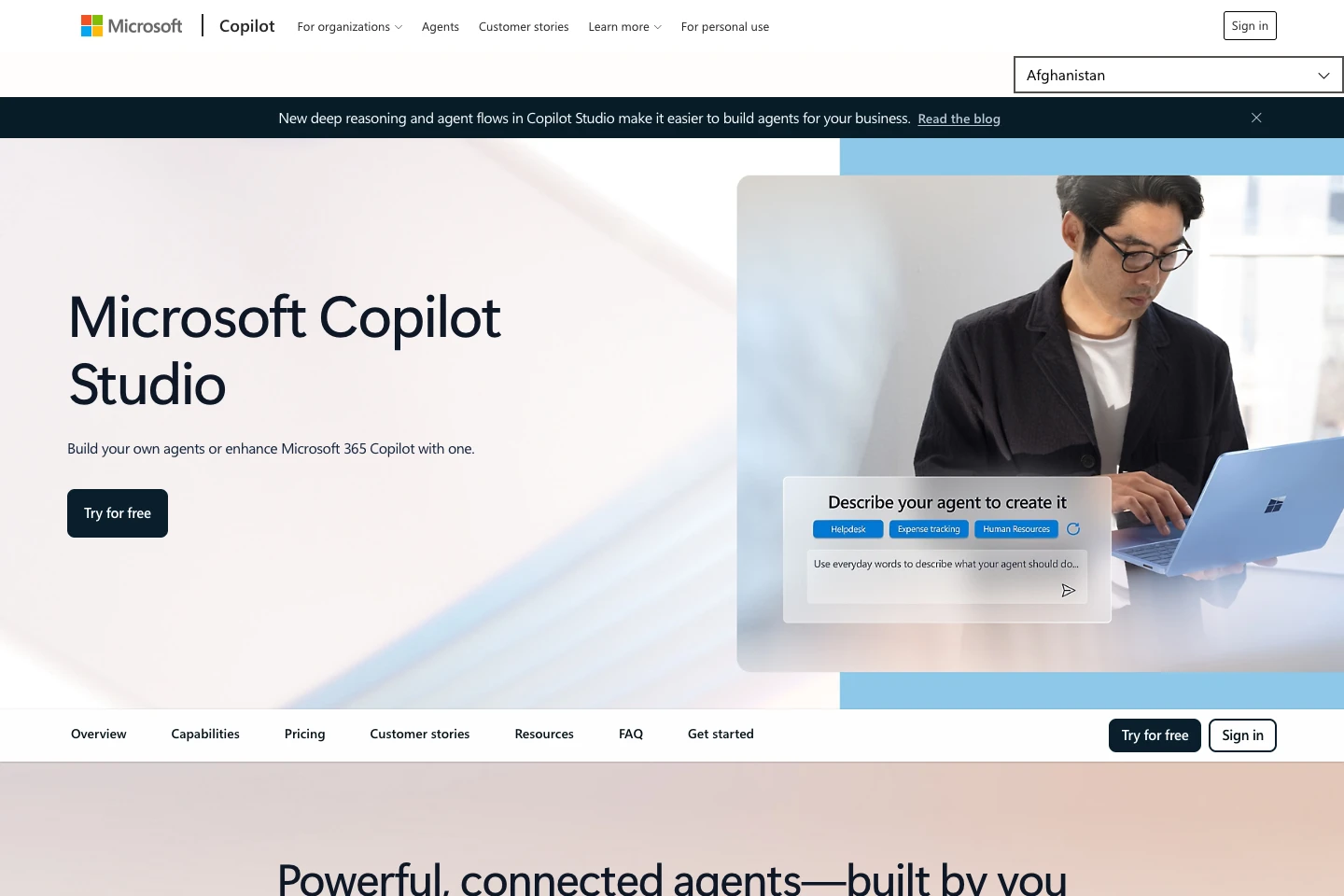
Microsoft Copilot Studio - Build and publish AI agents for business workflows

Microsoft Copilot Studio is a graphical, low-code environment for building AI agents with generative AI, dialog design, knowledge sources, actions, and analytics. Connect agents to business data and services, automate tasks, and publish them to channels such as websites, social media, Microsoft Teams, and SharePoint. Agents can also be managed through Power Platform administration tools.

Visit WebsiteUpdate this product

4Views

Capabilities

Low-code agent building

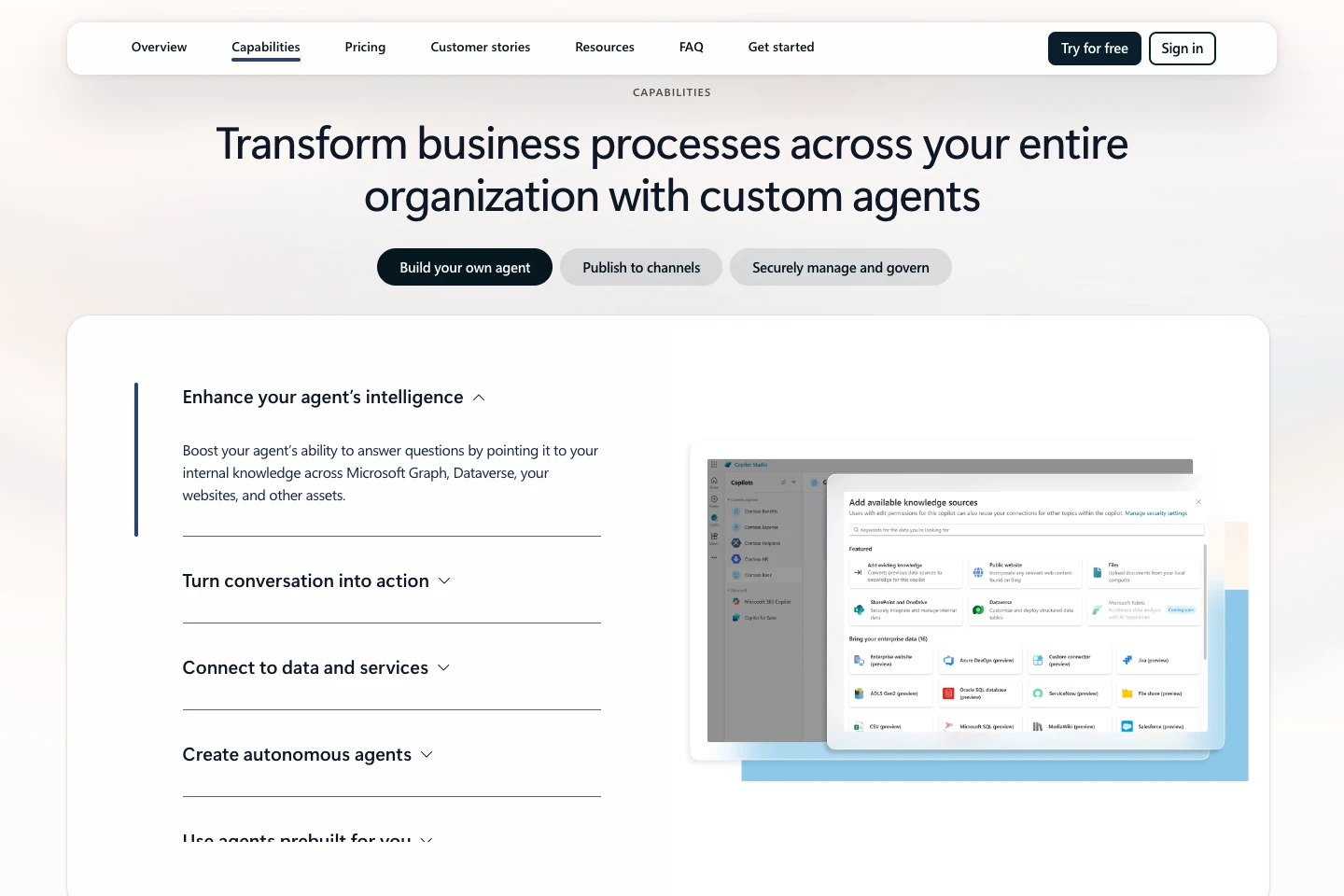
Build custom AI agents in a graphical development environment. Use generative AI, dialog creation, knowledge sources, actions, and built-in analytics to configure an agent.

Knowledge and data connections

Ground agent answers in internal knowledge and connect to data and services. Choose from Microsoft Graph, Dataverse, websites, other assets, and more than 1,500 prebuilt connectors.

Conversation-triggered actions

Turn user conversations into actions and workflow steps. Configure connectors, workflows, custom topics, and AI prompts to respond to conversational input.

Agent publishing and deployment

Publish agents to business applications and other channels. Deployment options described include websites, social media, Microsoft Teams, and SharePoint.

Agent administration and governance

Manage agents through Power Platform administration tools. Admins can use access controls, audit logs, alerts, and data protection tools.


PricingFree trial

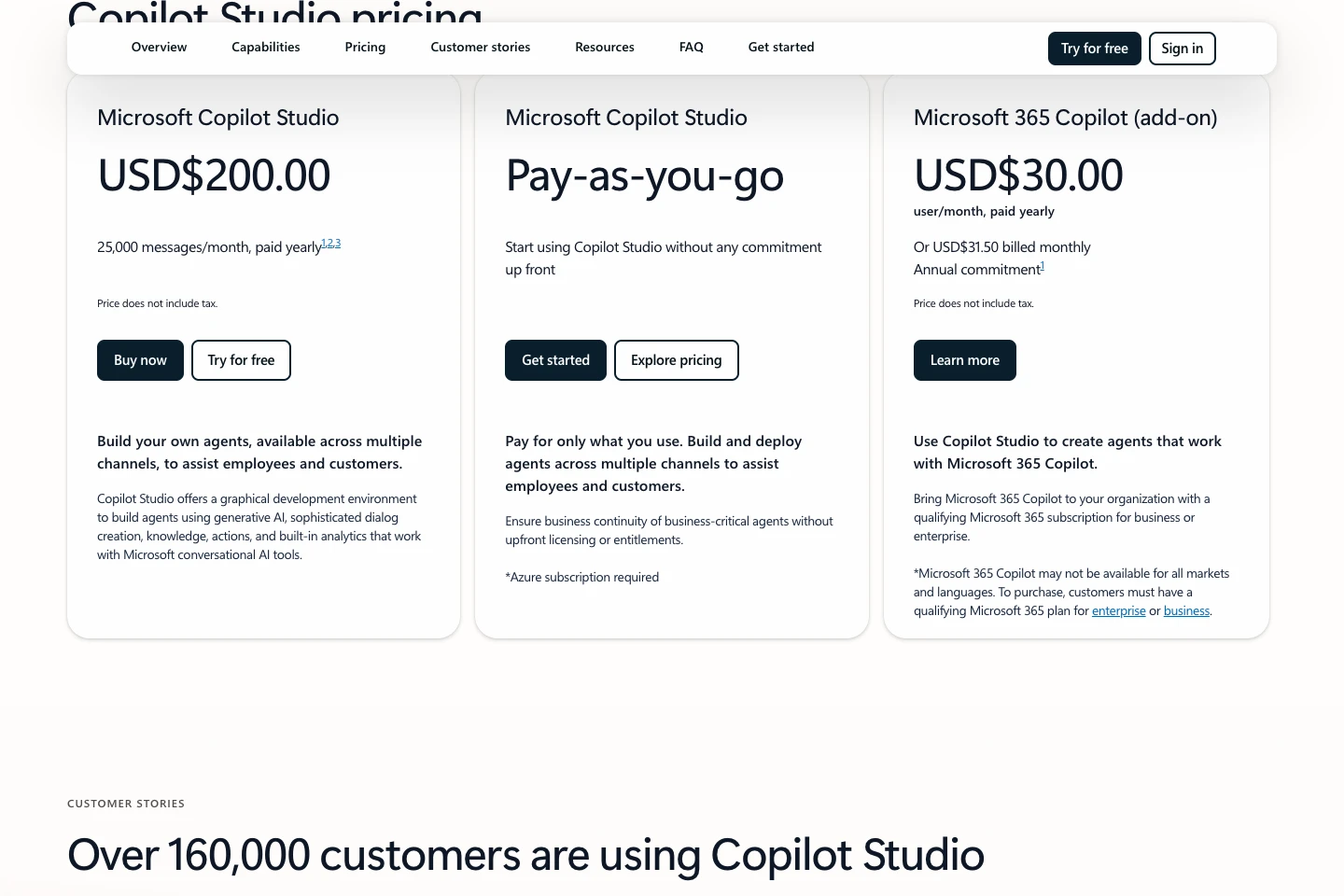
Paid plans are available as a yearly message subscription, usage-based Pay-as-you-go, or a Microsoft 365 Copilot add-on. Compare message capacity, payment timing, Azure requirements, and Microsoft 365 eligibility when choosing.

PlanPriceIncluded features and limits
Microsoft Copilot Studio

USD$200.00; paid yearly

  • 25,000 messages per month

  • Price does not include tax

  • Build and deploy agents across multiple channels

Pay-as-you-go

Pay for usage; no upfront commitment

  • Pay only for what you use

  • Azure subscription required

  • Build and deploy agents across multiple channels

Microsoft 365 Copilot (add-on)

USD$30.00/user/month, paid yearly; or USD$31.50 billed monthly

  • Annual commitment for the yearly-billed option

  • Requires a qualifying Microsoft 365 business or enterprise subscription

  • Create agents that work with Microsoft 365 Copilot

Use cases

Automate recurring business tasks

When an organization wants agents to handle defined business processes, build an agent with low-code tools, connect relevant knowledge and actions, and configure it to respond or act on conversations. Examples on the page include expense submissions, employee onboarding, and benefits updates.

Publish an agent for employee or customer assistance

When employees or customers need help through existing digital channels, configure an agent and publish it to supported business applications, websites, or social media. The agent can use connected knowledge and services to respond in those channels.

Add agents to Microsoft 365 Copilot

When an organization wants agents available in Microsoft 365 work applications, build them with Copilot Studio and deploy them to applications such as Microsoft Teams, SharePoint, and Microsoft 365 Copilot Chat.

Limitations

  • The Microsoft Copilot Studio subscription is priced for 25,000 messages per month and is paid yearly; the listed price excludes tax.

  • Pay-as-you-go requires an Azure subscription and charges for usage rather than providing an upfront message commitment.

  • Microsoft 365 Copilot (add-on) requires a qualifying Microsoft 365 subscription for business or enterprise. Available pricing lists an annual commitment.

Alternatives

Microsoft Copilot

Your AI companion for productivity and creativity

Microsoft Copilot is your intelligent AI companion that helps you work smarter and create better. It provides direct answers, assists with writing, generates images, and integrates seamlessly with Microsoft ecosystem. With free baseline access and premium features for advanced users, it's designed to enhance your daily tasks and creative projects.

  • Freemium
  1. MindStudio

    Build and deploy AI agents without coding

    Contact Sales
  2. CrewAI

    Enterprise multi-agent platform for AI workflow orchestration

    Freemium
  3. CopilotKit

    AI-powered framework for in-app copilots

    Freemium
  4. GPTBots.ai

    Enterprise AI Agents Without Code

    Freemium
  5. Microsoft Copilot for business

    AI assistance for everyday work in Microsoft 365

    Microsoft 365 Business Premium with Copilot · $32.00 per user/month, paid yearly

Who it is for

  • Business process makers building low-code agents for organizational workflows

  • Power Platform administrators managing agent access, activity, and data protection

  • Organizations seeking to add custom agents to Microsoft 365 Copilot applications

FAQ

What is Microsoft Copilot Studio?

It is a graphical development environment for building agents with generative AI, dialog creation, knowledge, actions, and analytics. The agents can work across channels to assist employees and customers.

Where can I publish agents?

Agents can be published across multiple channels, including websites and social media. The page also describes deployment to Microsoft Teams, SharePoint, and Microsoft 365 Copilot Chat.

How is Microsoft Copilot Studio priced?

The listed Microsoft Copilot Studio subscription is USD$200.00 for 25,000 messages per month, paid yearly, before tax. A Pay-as-you-go option charges for what is used and requires an Azure subscription.

Is there a free trial?

Yes. The page offers a free trial and says to contact a Microsoft sales representative or start the trial. A trial is distinct from the paid subscription and usage-based pricing options.

What does Microsoft 365 Copilot (add-on) cost?

The listed price is USD$30.00 per user per month, paid yearly, or USD$31.50 billed monthly. The offer specifies an annual commitment and requires a qualifying Microsoft 365 business or enterprise subscription.

Comments

Please sign in to leave a comment.
No comments yet. Be the first to share your thoughts!