

- Monthly visits
- 3,136
- 2026-09
- Monthly growth +268.5%
meraSaaS - 37 free browser tools for everyday tasks
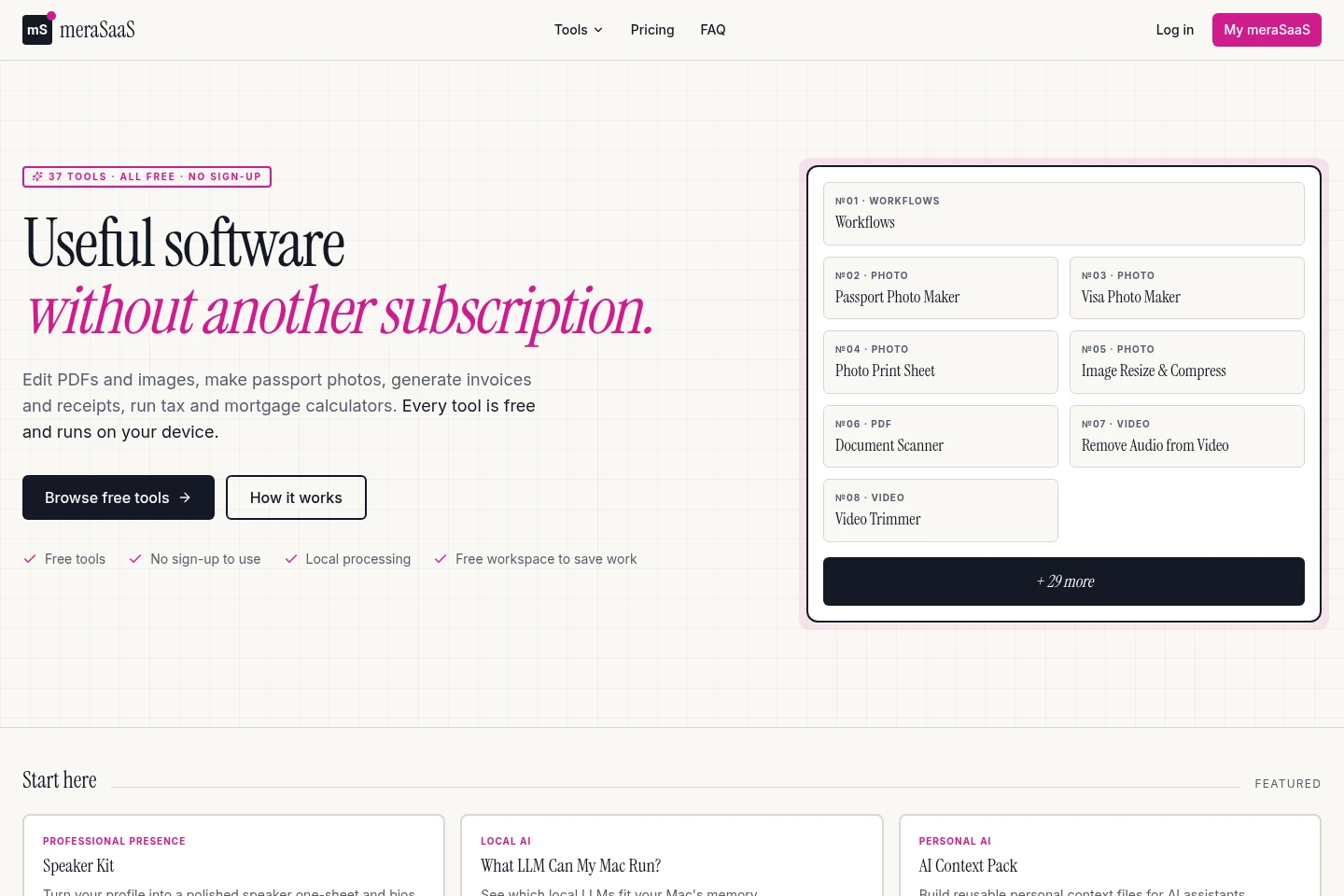
meraSaaS offers 37 browser-based tools for working with PDFs, photos, video, invoices, calculations and other tasks. Tools run on your device when practical, require no sign-up to use, and include options such as document editing, image conversion, tax calculators and invoice generation. Users can download results or choose to save them in a private workspace.
- AI Productivity
- Document Generators
- Photo Editors
- Video Editors
- free PDF tools
- passport photo maker
- online invoice generator
Capabilities
PDF editing tools
Edit and convert PDF documents, then download the result. Available actions include merging, splitting, compressing, rotating, reordering and deleting pages, adding watermarks and page numbers, signing, and converting between PDF and images.
Photo and image tools
Prepare, resize, compress and convert photos and images. Choose passport or visa specifications, common print sizes or custom dimensions; supported conversions include JPG, PNG, WebP and iPhone HEIC.
Video editing tools
Trim video sections or remove a video's audio track. The listed tools process video without uploading it and describe trimming without a watermark.
Business document tools
Create invoices, quotes or estimates, receipts and timesheets. The tools include country-aware tax handling for the listed invoicing and business workflows.
On-device processing and workspace
Run supported tools on the device when practical, then download results or choose to save them in a private workspace. Inputs are not saved to the account until the user asks.
Pricing
The listed tools are free, with an optional recurring Pro plan. Compare plans by saved-workspace capacity; Pro does not unlock additional tools.
| Plan | Price | Included features and limits |
|---|---|---|
| Free | Free |
|
| Pro | $7 per month |
|
Use cases
Edit and convert PDF documents
When a PDF needs changes or conversion, use the document tools to combine or split files, adjust pages, compress them, add marks or signatures, or convert between PDF and images. Download the resulting file when finished.
Prepare passport and visa photos
When a photo must meet a passport or visa size, choose the corresponding photo tool and its listed country specification or custom dimensions. The tools crop portraits or arrange prints at supported sizes.
Create invoices and business records
When preparing routine business paperwork, use the invoice, quote, receipt or timesheet generator. Country-aware tax handling is included in the listed business tools; the generated document can be downloaded.
Limitations
Inputs stay on the device for processing unless a tool explicitly says otherwise; some workflows may therefore have different handling.
Saving finished work to a private workspace requires choosing Save, and users must sign in after the job to keep it in the workspace.
Pro adds a larger saved workspace; it does not unlock tools, since all listed tools are available free.
Who it is for
People who need browser tools for documents, photos or video
People preparing invoices, quotes, receipts or timesheets
People calculating tax, loans, rental yield or compound interest
FAQ
Do I have to pay to use the tools?
No. All 37 tools are free to use without signing up. The optional Pro plan costs $7 per month and adds a larger saved workspace; it does not unlock tools.
Do I need to create an account to use a tool?
No. The tools can be used without signing up. To keep a finished result in your private workspace, choose Save and sign in after the job is done.
Are my files uploaded for processing?
The product says it processes PDFs, photos, OCR and supported AI on your device whenever practical. Inputs stay on-device for that processing step unless a tool explicitly says otherwise.
When is my work saved to my account?
Only when you choose to save it. You can download and leave, or sign in after finishing and choose Save to keep the result in your private workspace.
Comments