

- Monthly visits
- 3,184
- 2026-09
- Monthly growth +188.1%
Manor AI - Build reusable AI workspaces for business workflows
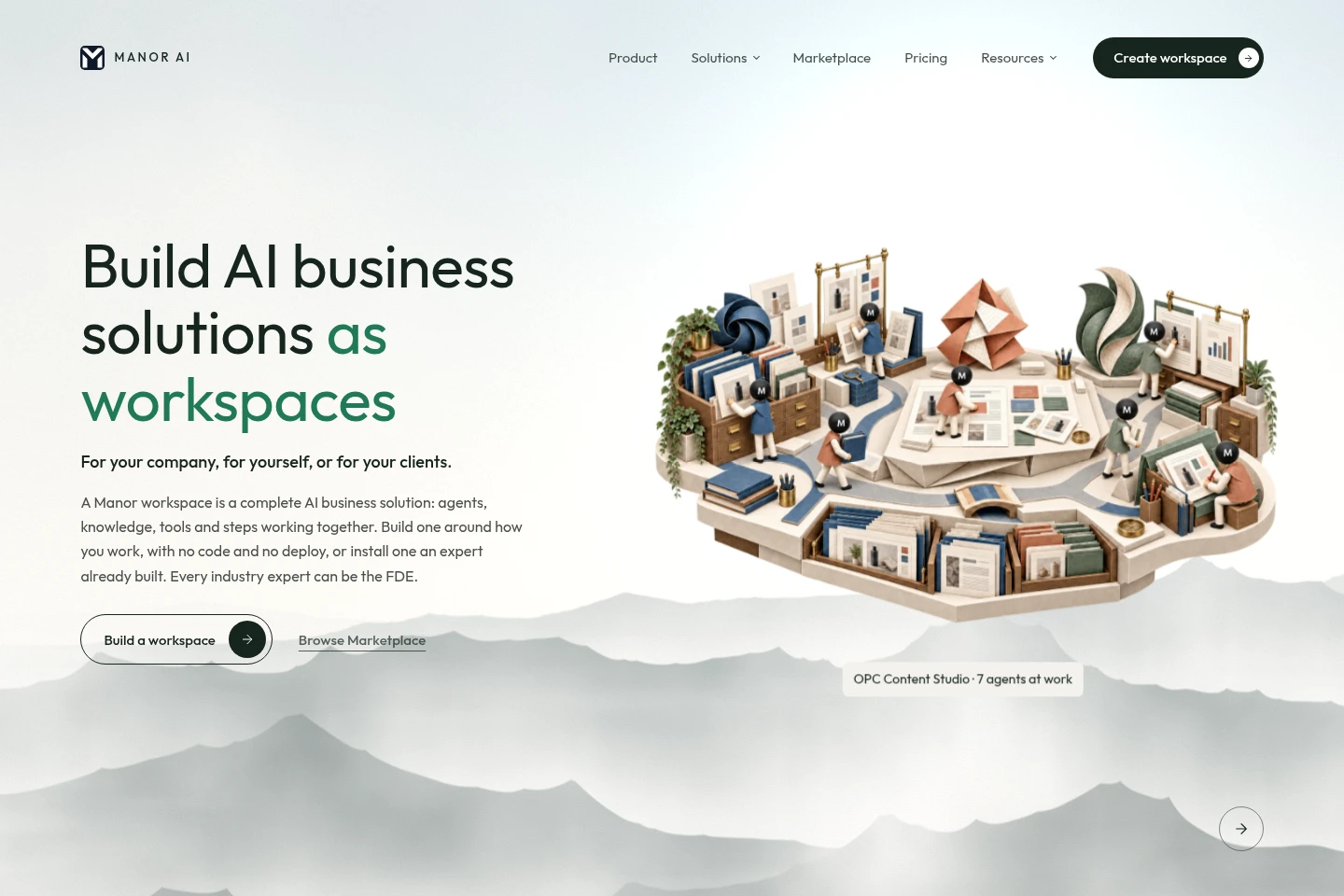
Manor AI lets people configure workspaces that combine AI agents, source material, supported tools and workflow steps. Users can build an agent without code, install an expert-made Blueprint, set review rules and reuse saved setups for recurring work. Manor Cloud plans have monthly credit allowances; templates may have separate one-time prices.
- AI Agents
- Agent Builders
- Workflow Automation
- Agent Governance
- AI business workspaces
- no-code AI agent builder
- reusable AI workflows
Capabilities
Reusable AI workspaces
Workspaces combine agents, source material, instructions, supported tools and workflow steps, producing saved setups and task results. Add documents and examples, connect supported tools, arrange steps, and choose when work runs and where review is needed.
No-code agent builder
The builder creates agents from a described job and produces a configurable agent saved in a workspace. Supply information and instructions, select supported tools, set permissions, and adjust the setup as needs change.
Review rules and activity logs
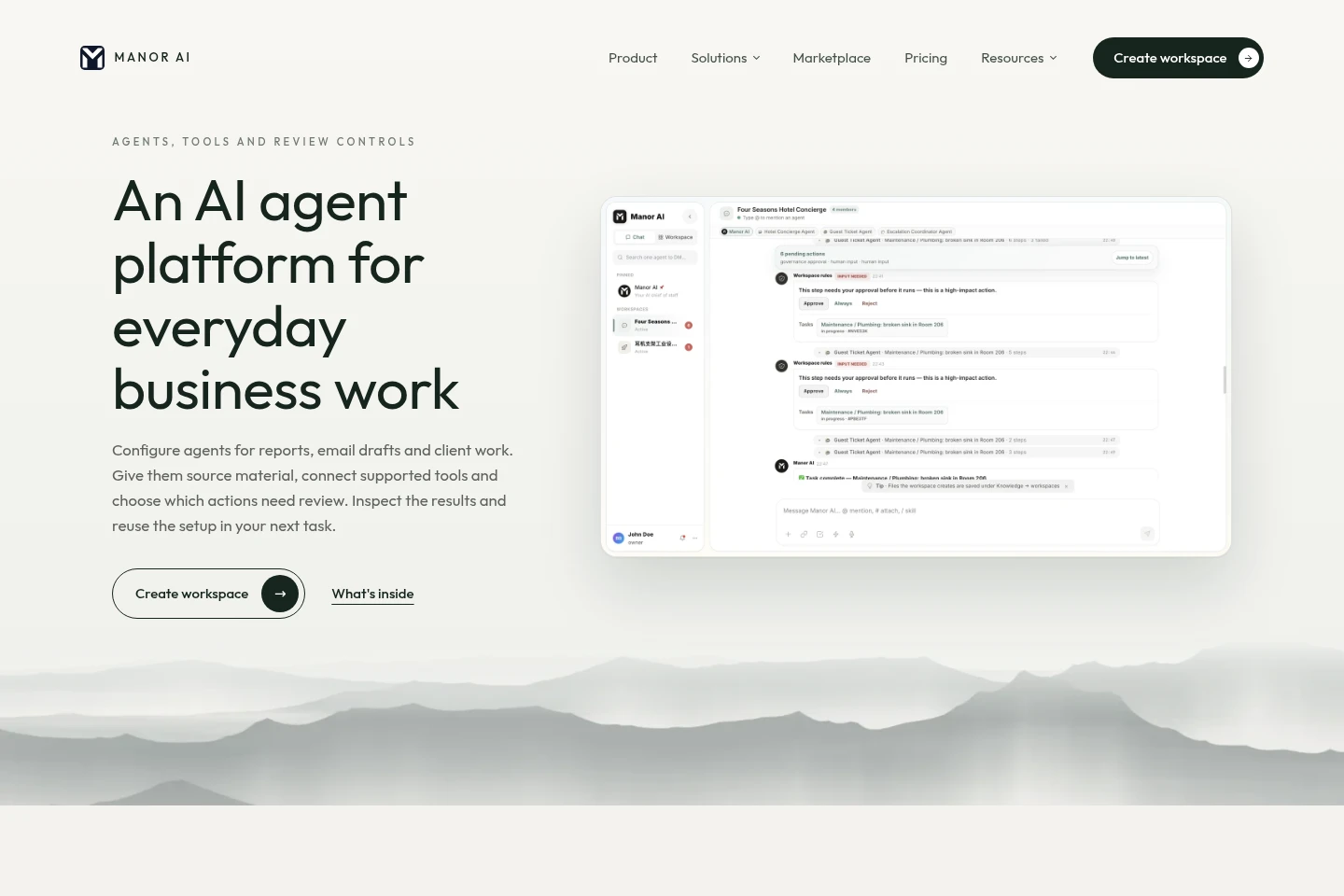
Review controls route selected agent actions for approval, while activity logs record what agents did. Choose which actions run automatically and which require review; permissions and rules depend on the workspace setup.
Scheduled workflows
Workflows run tasks on demand or on a schedule and produce task results such as recurring reports. Configure the workflow steps and timing, then review results and reuse the workspace setup.
Unified inbox
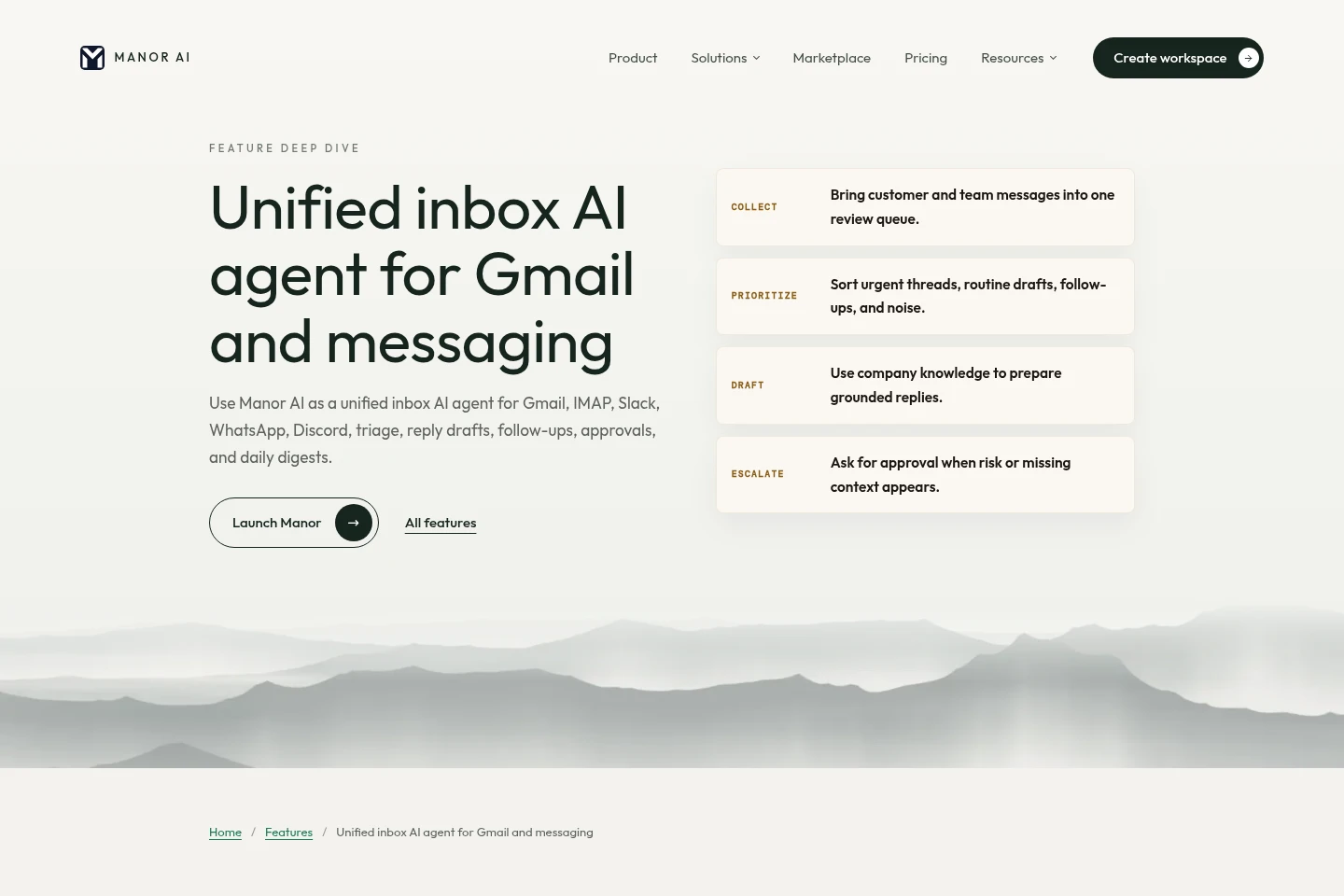
The inbox gathers supported connected messages into a review queue and can produce triage, reply drafts and follow-up tasks. Connect channels such as Gmail, IMAP, Slack, WhatsApp or Discord, attach approved company knowledge, and set escalation or approval rules.
Pricing
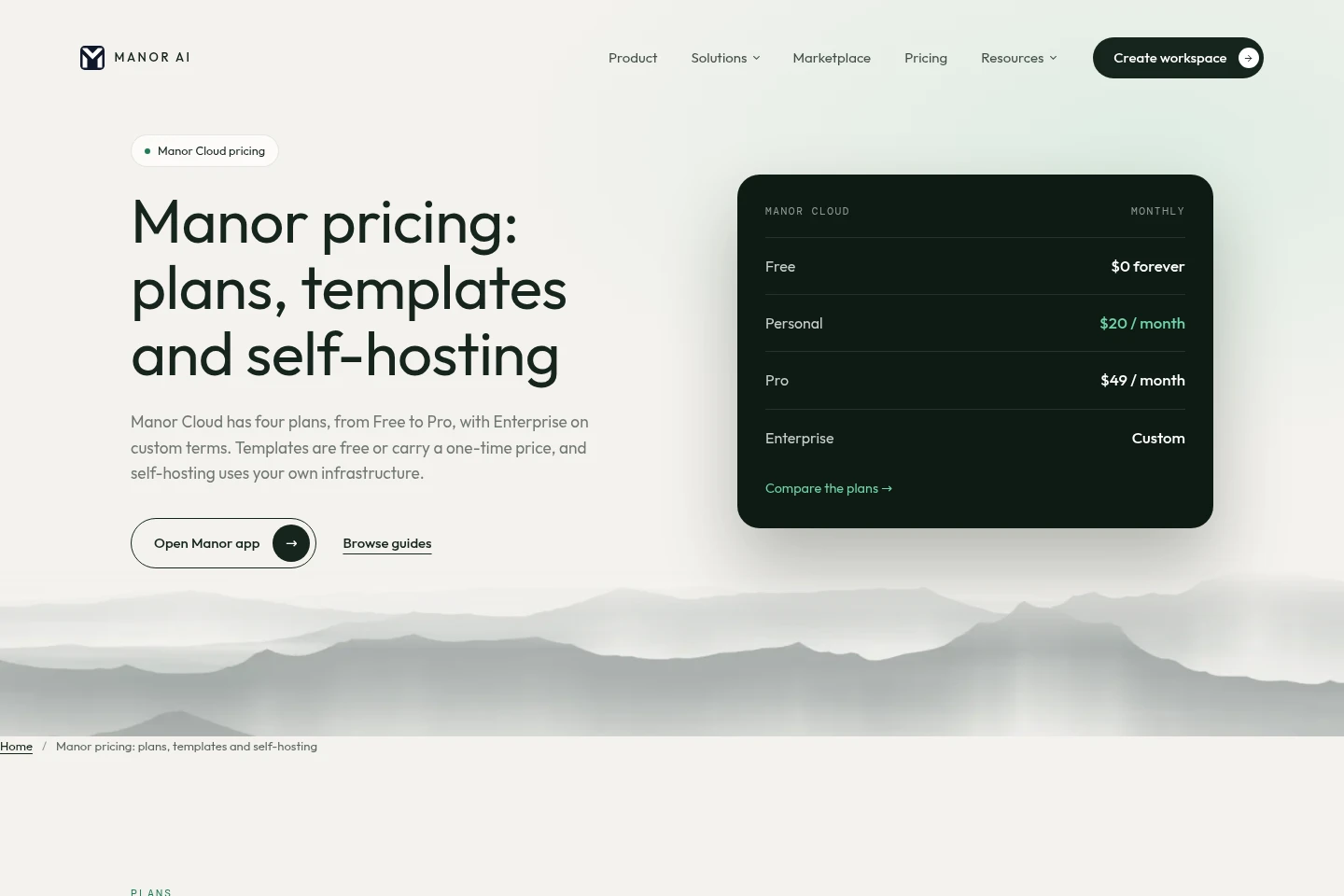
Manor Cloud offers an ongoing free plan and paid monthly subscriptions; Enterprise uses custom terms. Compare seats, workspaces, knowledge-base storage and monthly credits when choosing a plan.
| Plan | Price | Included features and limits |
|---|---|---|
| Free | $0 forever |
|
| Personal | $20 per month |
|
| Pro | $49 per month |
|
| Enterprise | Custom terms |
|
Templates may be free or have a one-time price shown on their listing; paid template purchases are separate from the plan. Self-hosting is not a software subscription, but customers pay for their own servers and model keys. The first 30-minute setup session is free; custom implementation is scoped separately.
Use cases
Build and reuse an AI agent
When a job needs the same information, tools and instructions repeatedly, create an agent in a workspace. Add source material, configure supported tools and review settings, then reuse the saved setup with new inputs.
Prepare recurring business reports
When a team needs periodic reports, configure a scheduled workflow with the relevant figures, blockers and next actions as inputs. Run it on a schedule or on demand, then inspect the produced report and activity history.
Triage messages across connected inboxes
When messages arrive across supported channels, connect an inbox and define categories for urgent items, drafts and follow-ups. The agent can prepare source-grounded replies and follow-up tasks, while approval rules keep selected messages under review.
Limitations
The Free plan is limited to one seat, one workspace, a 100 MB knowledge base and 2,000 credits per month; it uses Manor-hosted models only.
Personal includes one seat and three workspaces; using your own API key is specified for this plan.
Enterprise seat, workspace, storage and credit allocations are custom, with a negotiated response SLA and custom contract and invoicing.
Paid template purchases are one-time, separate from the plan, and provide an editable copy; the price is shown on each listing before installation.
Self-hosting uses the source-available edition and requires customers to cover their own server and model-key costs.
Who it is for
Small-business operators organizing recurring business workflows
Consultants and workspace creators configuring solutions for clients
Business teams that need reusable agents, review controls and shared workspaces
FAQ
What does an AI workspace keep together?
It keeps information, agents, instructions and results together. Add new input for a later job, return to the saved setup, and choose the sources needed for that run.
Can I build an agent without using a template?
Yes. Describe the job, add its information, choose supported tools and set instructions. Save the agent in a workspace and adjust it as needs change.
Can agents act without my review?
You choose which actions may run automatically and which require review. Permissions and review rules depend on your setup, and the activity log records agent actions.
How much does Manor Cloud cost?
Free is $0 forever, Personal is $20 per month, Pro is $49 per month, and Enterprise has custom terms. Plans differ by seats, workspaces, storage and monthly credits; the app shows current account figures.
Are templates included in the plan price?
Not necessarily. Some templates are free; paid templates have a one-time listing price separate from the plan and provide an editable copy.
What does self-hosting cost?
The self-hosted source-available edition is not a software subscription. You cover your own server and model-key costs.
Comments