

- Monthly visits
- 5,080,223
- 2026-09
- Monthly growth +0.8%
Make - Visually build and govern AI workflows and automations
Make is a visual platform for building workflows and AI agents that connect apps, data sources, and AI models. Users can build by prompting, dragging and dropping, or starting from an AI chat, then inspect runs and manage access. It offers more than 3,500 integrations, with custom integrations for services that provide an API.
- AI Agents
- Workflow Automation
- Agent Builders
- MCP Servers
- visual workflow automation
- AI agent builder
- app integration platform

Capabilities
Visual workflow builder
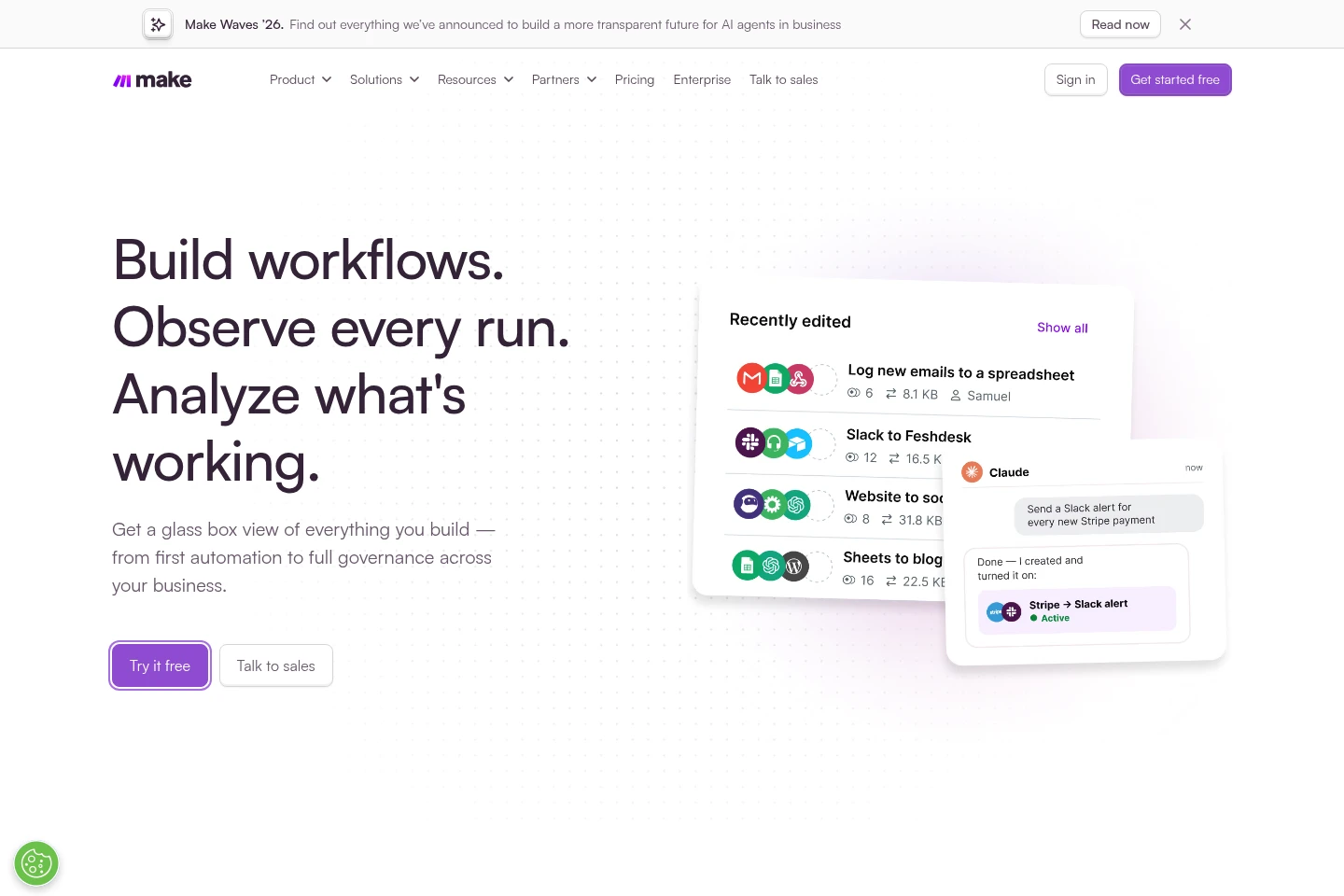
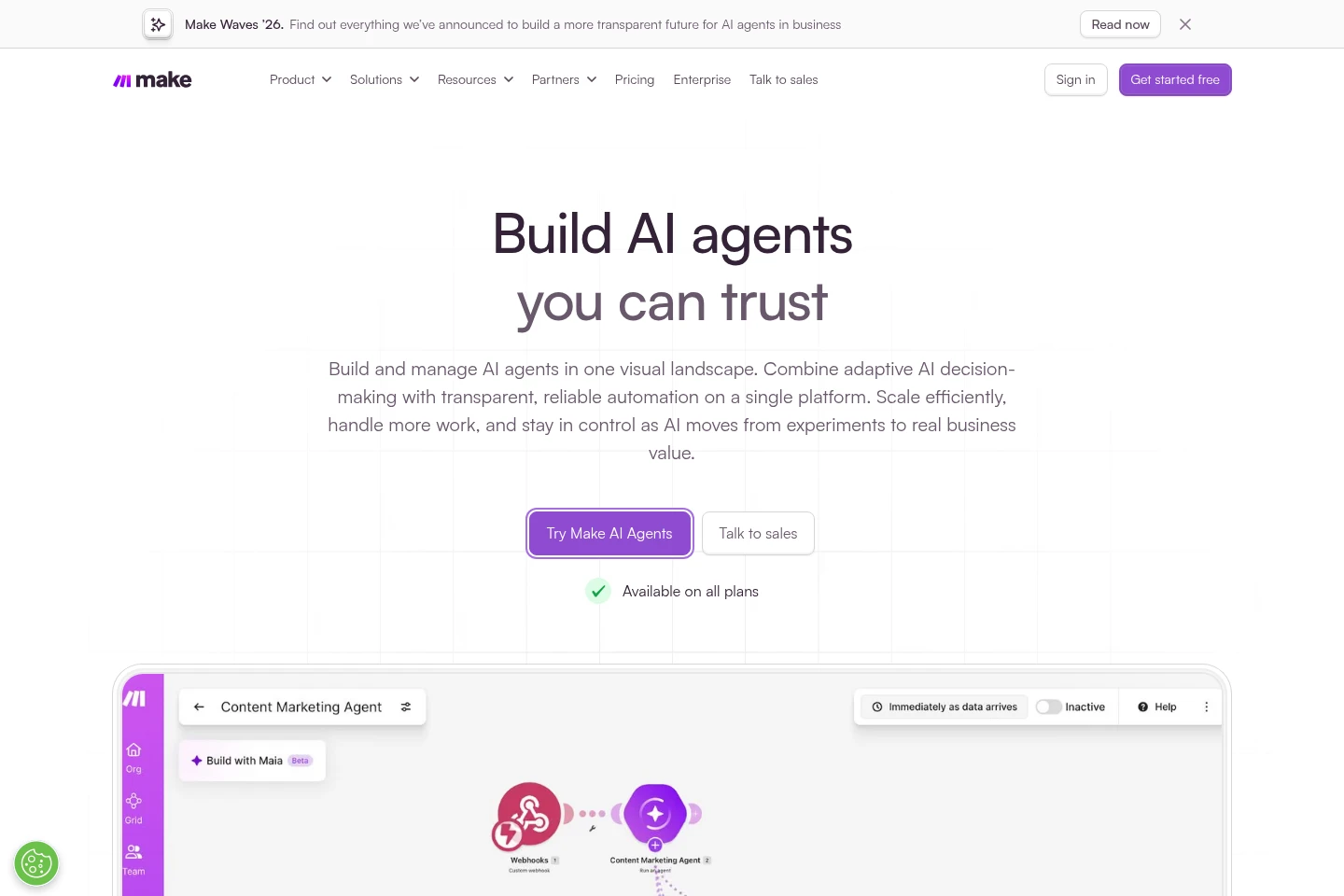
Builds automated workflows in a visual canvas. Users can describe a process in a prompt, drag and drop modules, or begin from an AI chat, then refine the workflow; coding is optional.
AI agents
Creates agents that pursue a supplied goal using provided tools and make decisions about steps. Users can inspect agent reasoning, tools, and decisions; availability is stated for all plans.
App integrations
Connects workflows to more than 3,500 apps and AI models. Users can read, write, search, and trigger actions, and can add custom connections to services with a public API.
Run observability
Shows workflows and agents as they run and provides execution history for troubleshooting. Make Grid presents a live map of activity; available visibility includes run status and audit history.
Governance controls
Manages team access to workflows through roles, permissions, and access controls. Organization features include SSO, 2FA enforcement, audit logs, and separated environments where available.
Custom code
Adds JavaScript or Python to a scenario when visual building needs extension. Code is optional and runs within the scenario.
Pricing
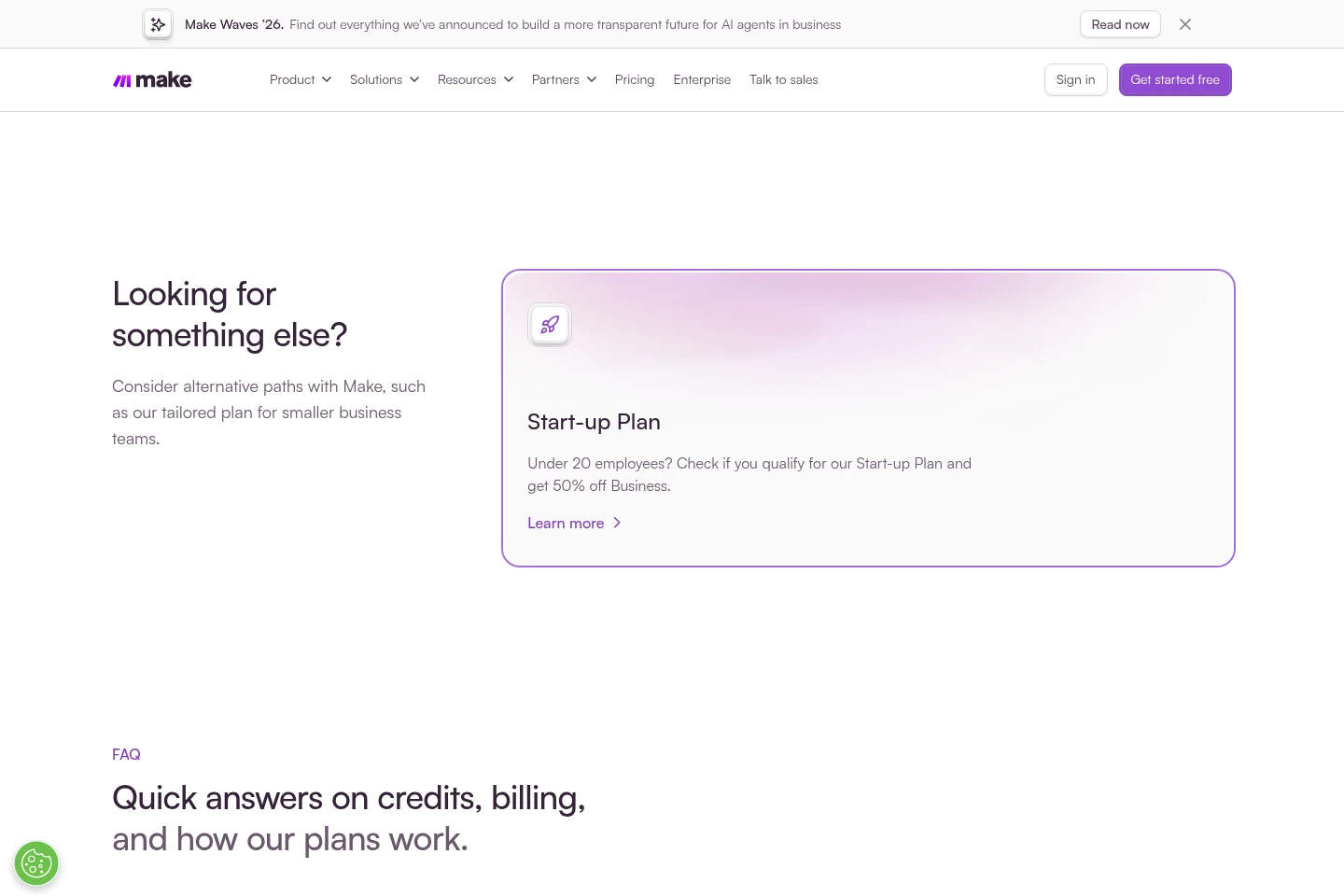
Make offers a no-time-limit Free plan and paid subscription plans. Compare credit volume, execution priority, collaboration and governance features, and included integrations when choosing a plan.
| Plan | Price | Included features and limits |
|---|---|---|
| Free | Free; no time limit |
|
| Core | Price not stated in supplied pages |
|
| Pro | Price not stated in supplied pages |
|
| Teams | Price not stated in supplied pages |
|
| Enterprise | Custom plan; contact sales |
|
Annual payment in advance is priced lower than monthly payment. Extra credits expire after one month on monthly subscriptions; annual Pro and Teams extra credits expire at the end of one year.
Use cases
Connect apps into automated workflows
When work requires information to move between different apps, build a scenario that triggers on incoming data, transforms it, and sends it to another service. Choose integrations and actions on the visual canvas.
Deploy goal-driven AI agents
When a task requires AI to make decisions across connected tools, set an agent's goal and provide its tools. Review its reasoning and workflow behavior in Make as it operates.
Inspect and troubleshoot workflow runs
When an automation fails or needs review, use execution history and observability to identify what happened and which step failed. Error handlers, retries, and exception routing are also described.
Manage automation access across teams
When multiple people build or run automations, assign roles and permissions and monitor activity through Make Grid and audit history. Enterprise adds further governance and security controls.
Limitations
When a scenario runs out of credits, it stops running until credits are added; incoming webhooks queue only up to the available webhook queue storage.
Unused credits expire at the end of the subscription term; extra credits expire after one month on monthly subscriptions or at the end of one year on annual Pro and Teams subscriptions.
Downgrading stops active scenarios that use features of higher plans; Make notifies the account before the downgrade is completed.
Who it is for
Business teams that need to connect their apps and automate repeatable processes visually.
Automation builders who need visual workflows with optional JavaScript or Python customization.
Organizations coordinating AI and automations across departments with access controls and visibility.
FAQ
What is Make?
Make is an AI automation platform for visually building automated workflows and AI agents, connecting them to apps and data, and viewing activity in one place.
Is there a free plan?
Yes. The Free plan has no time limit and requires no credit card; it includes credits and active scenarios for building and running automations.
How are credits consumed?
Credits are the billing unit. Scenario actions generally consume credits, with most actions using one; some advanced features using Make's AI Provider may use more. Router and specified error-handler modules do not count.
What happens if I run out of credits?
Scenarios stop until credits are added. You can upgrade, buy extra credits in bundles of 1,000 or 10,000 at the fixed price in your subscription, or enable automatic purchases of 10,000 credits on Core, Pro, and Teams.
Can I build workflows without coding?
Yes. Build by prompting Maia, dragging and dropping on the canvas, or starting from an AI chat. Code is optional; JavaScript or Python can be added to a scenario.
What happens to unused credits?
Credits expire at the end of the term. Extra credits expire after one month for monthly subscriptions or at the end of one year for annual Pro and Teams subscriptions.
Comments