
Monthly visits
1,140
2026-10
Monthly growth +834.4%

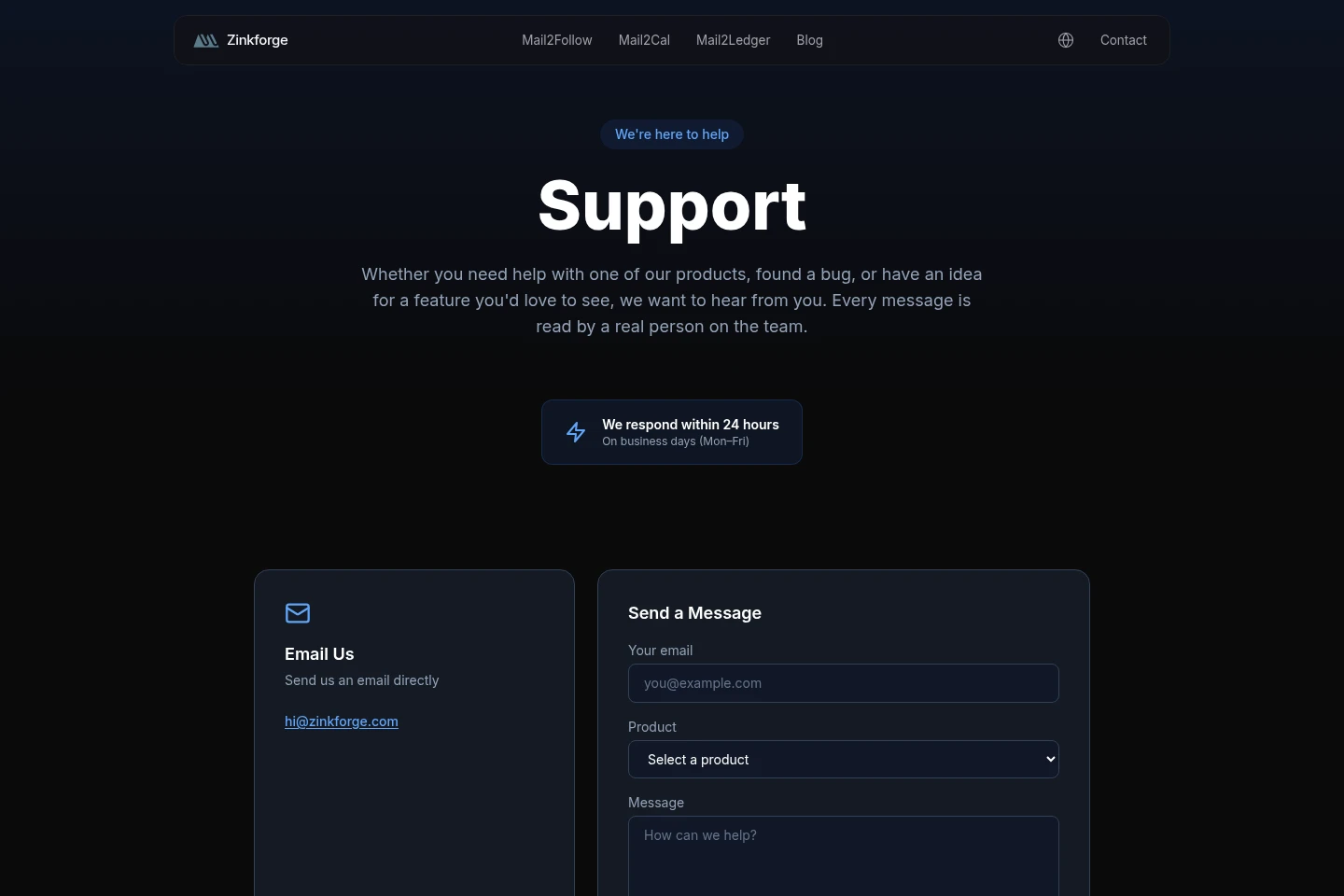
Mail2Follow - Track important Gmail threads and prepare timely follow-ups

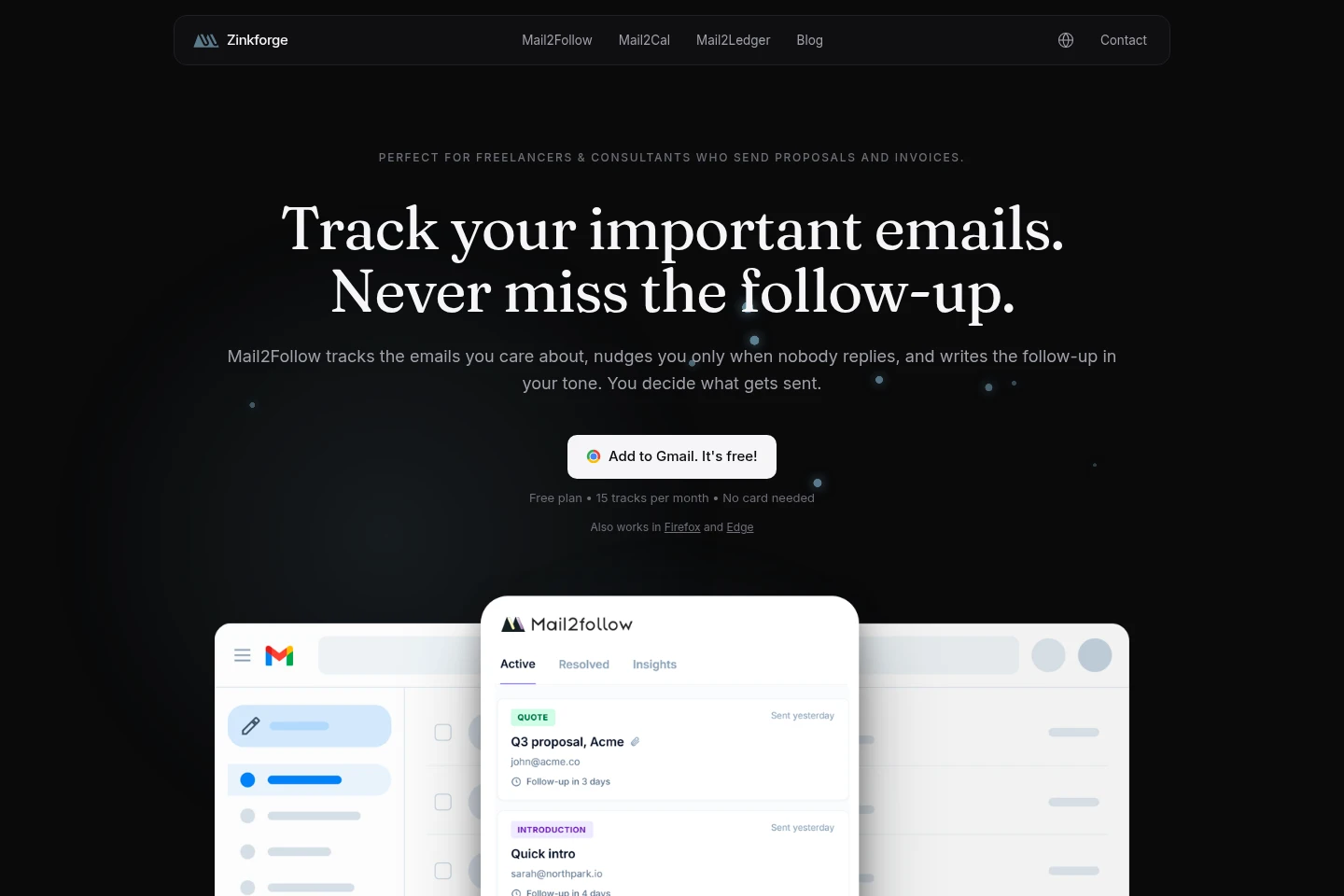
Mail2Follow is a Gmail extension that tracks selected email threads, detects replies, and reminds you when nobody responds. It can classify tracked emails and draft follow-ups in your tone and the original email’s language for you to review and send. A Pro plan adds open detection and contact insights.

Visit WebsiteUpdate this product

0Views

Capabilities

Selected thread tracking

Tracks Gmail threads that the user selects and records whether a reply arrives. The extension reads only enabled threads, not the entire inbox, and reminds the user when no reply comes.

AI follow-up drafts

Drafts a follow-up message for a tracked thread when nobody replies. It uses the user's tone and the original email's language; the user can edit the draft and chooses whether to send it.

Email classification

Classifies tracked emails to help determine follow-up type and timing. The message body is read to classify and draft a response, then discarded rather than stored.

Email open detection

Shows when an email is opened, how often, and when. This feature is included with Pro; it is not listed among the Free plan features.

Contact reply insights

Provides per-contact reply rates and statistics for tracked email activity. These insights are included with Pro.

PricingFreemium

Mail2Follow has a free plan and a paid Pro subscription billed yearly. Compare monthly tracking limits, Gmail accounts, open detection, contact insights, and support when choosing a plan.

PlanPriceIncluded features and limits
Free

€0 forever

  • 15 tracked emails per month

  • One Gmail account

  • AI classification and follow-up drafts

  • Reply detection and notifications

Pro

€59 per year, billed once yearly

  • Unlimited tracked emails

  • Multi-account support

  • Per-contact reply rates and statistics

  • Email open detection

  • Priority support

  • 14-day free trial; cancel anytime

Pro has a 14-day money-back guarantee. The stated annual price saves 30% versus monthly billing. The pages do not state a monthly price.

Use cases

Follow up on unanswered proposals

When a proposal sent through Gmail has not received a reply, track its thread to receive a reminder. Mail2Follow can prepare a follow-up in the user's tone, which the user reviews and sends.

Follow up on sent invoices

When an invoice email is awaiting a response, track the Gmail thread to see whether a reply arrives. If nobody responds, the tool reminds the user and can draft a follow-up for them to send.

Monitor delegated email requests

When a task or request has been sent by email and needs a response, track the thread in Gmail. Mail2Follow detects replies and prompts a follow-up only when no reply comes.

Limitations

  • Mail2Follow can read only Gmail threads where tracking has been enabled; it does not have global access to the inbox.

  • The message body of a tracked email is read to classify it and draft a follow-up, then discarded rather than stored.

  • The Free plan is limited to 15 tracked emails per month and one Gmail account.

  • Open detection, multi-account support, contact insights, and priority support are listed as Pro features.

Mail2Follow alternatives

EmailTracker

Boost your email replies effortlessly

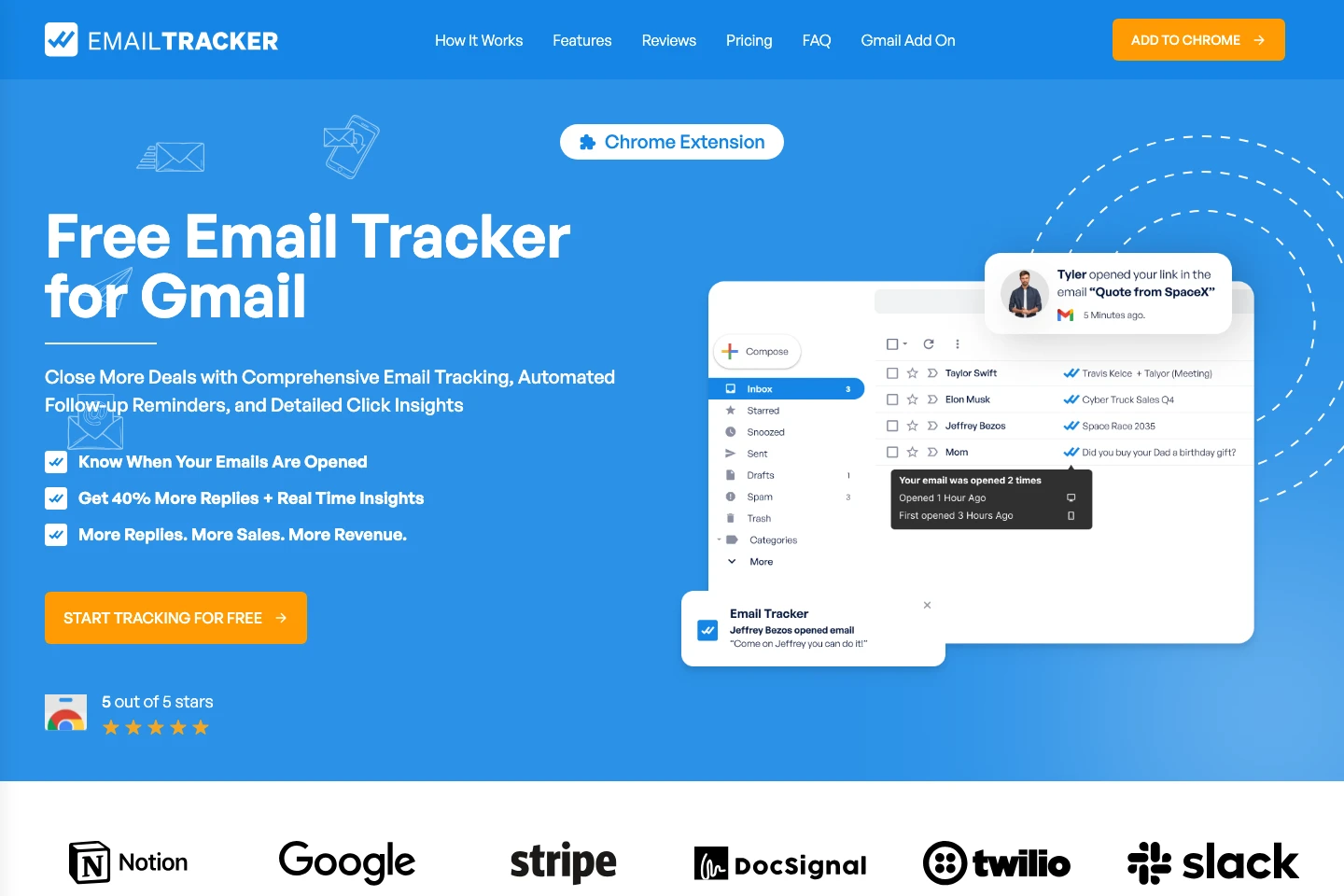
EmailTracker offers advanced email tracking capabilities that help you understand how your emails are performing. With instant notifications when your emails are opened, you can engage with your recipients at the right moment. The extension seamlessly integrates with Gmail, providing you with real-time insights and customizable alerts, ensuring you never miss an important update. Users appreciate features like link tracking and the option for visible or invisible tracking, giving them flexibility in how they manage their email outreach. Whether you're in sales, marketing, or customer service, EmailTracker empowers you to maximize your email effectiveness and boost your reply rates significantly.

  • Freemium
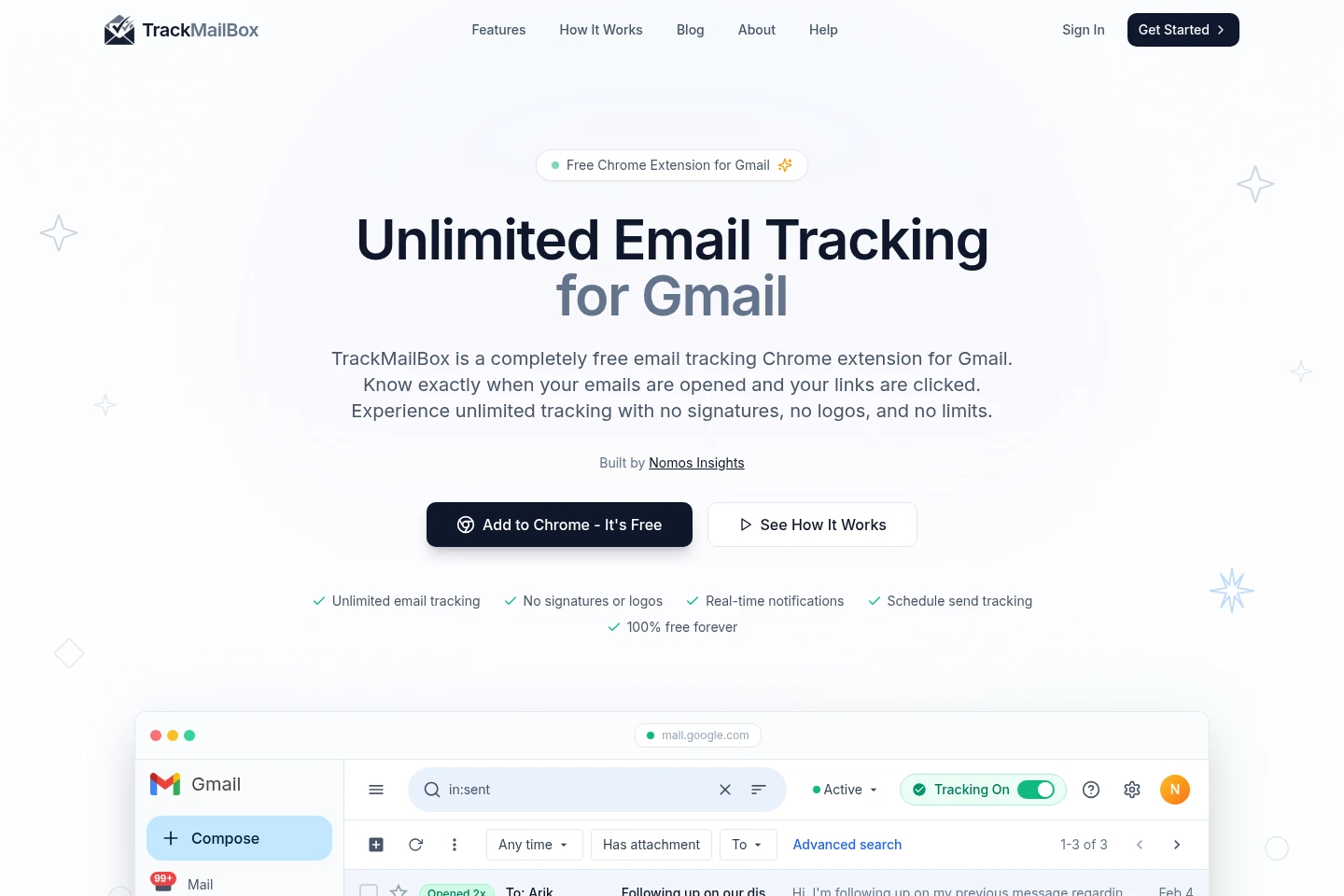
  1. TrackMailBox

    Free unlimited email tracking for Gmail with no signatures

    Free
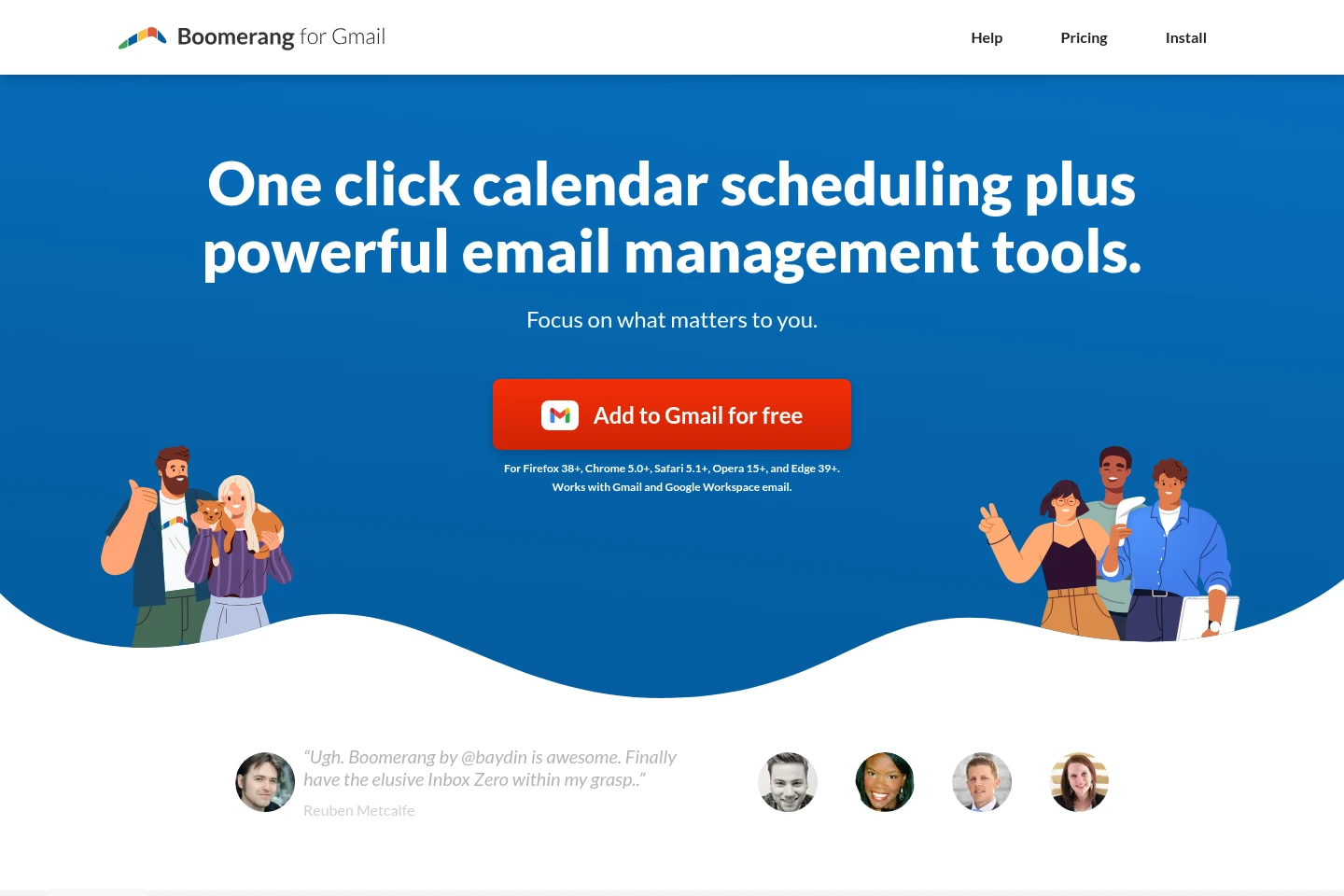
  2. Boomerang for Gmail

    Effortless scheduling and email management solutions

    Freemium
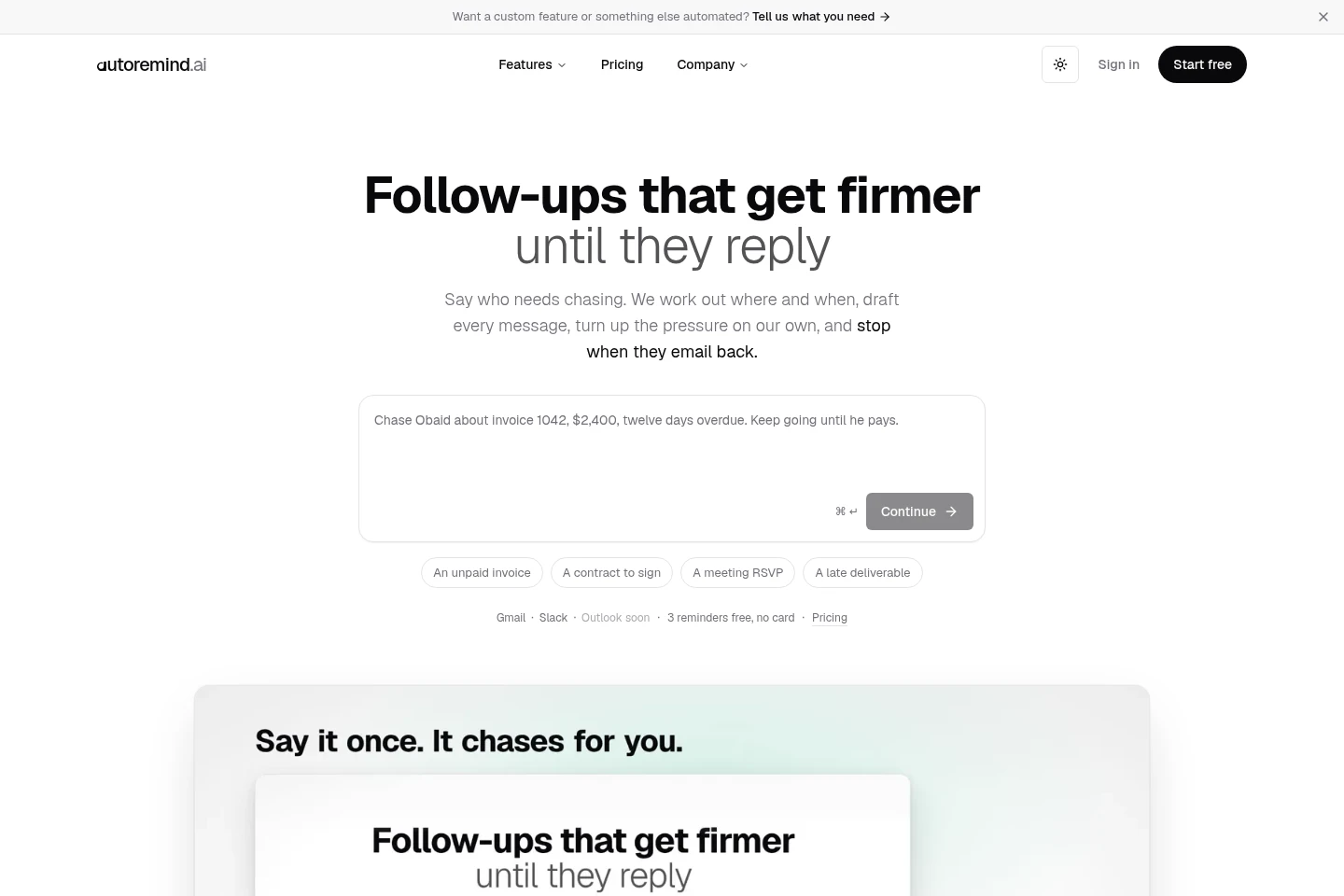
  3. autoremind.ai

    AI follow-ups that escalate until someone replies

    Free · $0; no expiration
  4. Mailient

    Scheduled Gmail triage, voice-matched drafts, and meeting follow-ups

    Weekly Access · $8.99 per week
  5. MailWatch

    Revolutionize your email experience

    Free

Who it is for

  • Freelancers and consultants who send proposals or invoices and need to track replies from clients.

  • People who manage important client email threads in Gmail and want reminders and drafts without using a separate CRM.

FAQ

How does Mail2Follow differ from Mailtrack, Boomerang, or Streak?

Mail2Follow combines thread-state tracking, reminders when nobody replies, email open detection, and AI-drafted follow-ups inside Gmail. Its comparison table lists open detection and Gmail integration for Mailtrack, Gmail integration for Boomerang, and timer-based reminders for Boomerang.

What happens to the body of a tracked email?

Mail2Follow reads the body of tracked emails to classify the email and draft a follow-up, then discards it. It says it stores the subject, recipient, and date, and encrypts stored history.

Does Mail2Follow read the whole Gmail inbox?

No. The extension reads only the specific threads where tracking is enabled, rather than having global access to the inbox.

Comments

Please sign in to leave a comment.
No comments yet. Be the first to share your thoughts!