
- Monthly visits
- 26,224
- 2026-10
- Monthly growth +42.4%
MacGPT - ChatGPT access from your Mac menu bar and text fields
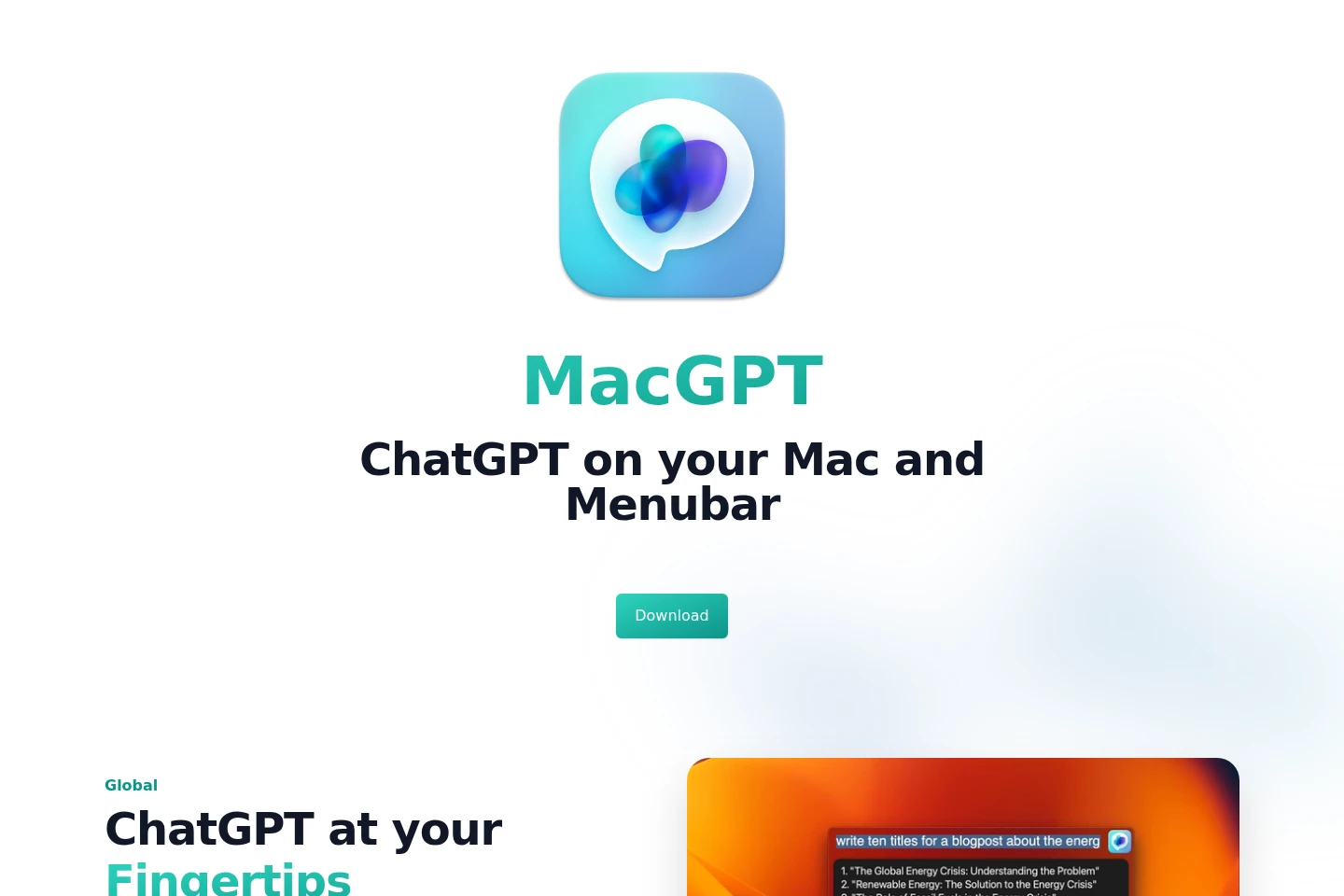
MacGPT is a macOS app for accessing ChatGPT through a global text field, inline prompts, and a menu bar. It can use the ChatGPT website or native API mode, copy conversation transcripts, and support voice conversations. Native API mode requires your own OpenAI API key and a connected credit card. An iPhone app is offered separately as GeePeeTee.
- AI Chatbots
- AI Assistants
- Writing Assistants
- MacGPT macOS app
- ChatGPT menu bar app
- ChatGPT inline prompts
Capabilities
Global ChatGPT text field
Open a ChatGPT text field in the middle of the screen and start a conversation from anywhere on the Mac. Activate the Global feature to bring up the field.
Inline prompt insertion
Use a trigger phrase and prompt in a text field to have ChatGPT generate and enter text. The feature does not work in some apps, including Sublime Text, Notion, and WhatsApp.
Menu bar access
Open ChatGPT from the Mac menu bar, using either the website or native API mode. Native API mode requires your own OpenAI API key and a credit card connected to it.
Voice conversations
Speak with ChatGPT in a back-and-forth conversation without using the keyboard. The site presents this as Conversation Mode.
Conversation transcript copying
Copy a readable transcript of a ChatGPT conversation. MacGPT describes this as copying the whole conversation.
Pricing
MacGPT is offered as a free download, and the supplied page does not list paid MacGPT plans. Compare the Mac app’s website and native API modes; native API mode requires your own OpenAI API key and a connected credit card.
The iPhone app GeePeeTee is described as free to download, but currently requires your own API key; its page says subscriptions are coming soon.
Use cases
Start a ChatGPT conversation from anywhere
When you want to ask ChatGPT something while working on your Mac, activate the Global text field or open the menu bar feature. ChatGPT appears in reach without needing to navigate to its website first.
Enter generated text into a text field
When composing text in an app, type the MacGPT Inline trigger phrase and your prompt. ChatGPT generates text for the field, although Inline is unavailable in some apps, including Sublime Text, Notion, and WhatsApp.
Talk with ChatGPT without typing
When you prefer speaking to typing, use Conversation Mode to talk back and forth with ChatGPT. The feature is described for MacGPT on the homepage.
Limitations
MacGPT is supported on macOS Monterey and Ventura, according to the site’s compatibility FAQ.
MacGPT Inline does not work in some apps, including Sublime Text, Notion, and WhatsApp.
Native API mode requires your own OpenAI API key and a credit card connected to that key.
The iPhone app GeePeeTee currently works only with your own API key; subscriptions are described as coming soon.
The site says GPT-4 API access requires joining OpenAI’s waitlist at the time described.
MacGPT connects directly to OpenAI servers, so the developer says it cannot control proxy-server blocking.
Who it is for
Mac users who want ChatGPT available from the menu bar or text fields
ChatGPT users who want to have voice conversations without typing
Mac users who want to connect their own OpenAI API key for native mode
FAQ
Can MacGPT be used with a ChatGPT Plus account?
Yes. The site says to log in with your ChatGPT credentials to access GPT Plus features.
What is needed to use native mode with an OpenAI API key?
You need your own OpenAI API key and a credit card connected to it. The site also says native API mode can provide a nicer and faster experience.
Why might MacGPT Inline fail in an app?
Inline does not work in some apps. The site names Sublime Text, Notion, and WhatsApp as examples and says it is looking into solutions.
What macOS versions does MacGPT support?
The FAQ lists macOS Monterey and Ventura, explaining that MacGPT uses some of the latest APIs.
Can MacGPT connect through a proxy?
The app connects directly to OpenAI servers. The developer says they cannot control whether those servers block proxy connections.
What is required to use GeePeeTee on iPhone?
GeePeeTee currently works only with your own API key. Its page says subscriptions are coming soon.
Comments