

- Monthly visits
- 1,438,923
- 2026-10
- Monthly growth -27.5%
Luvvoice - Convert text to natural speech with voice cloning and audiobook support
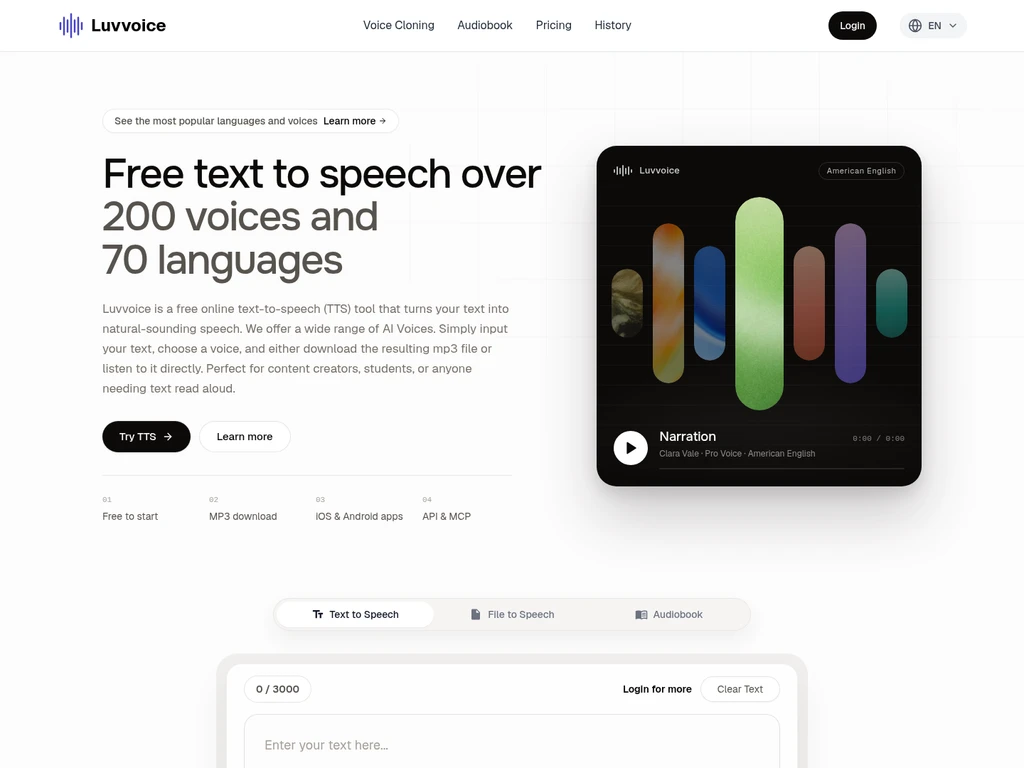
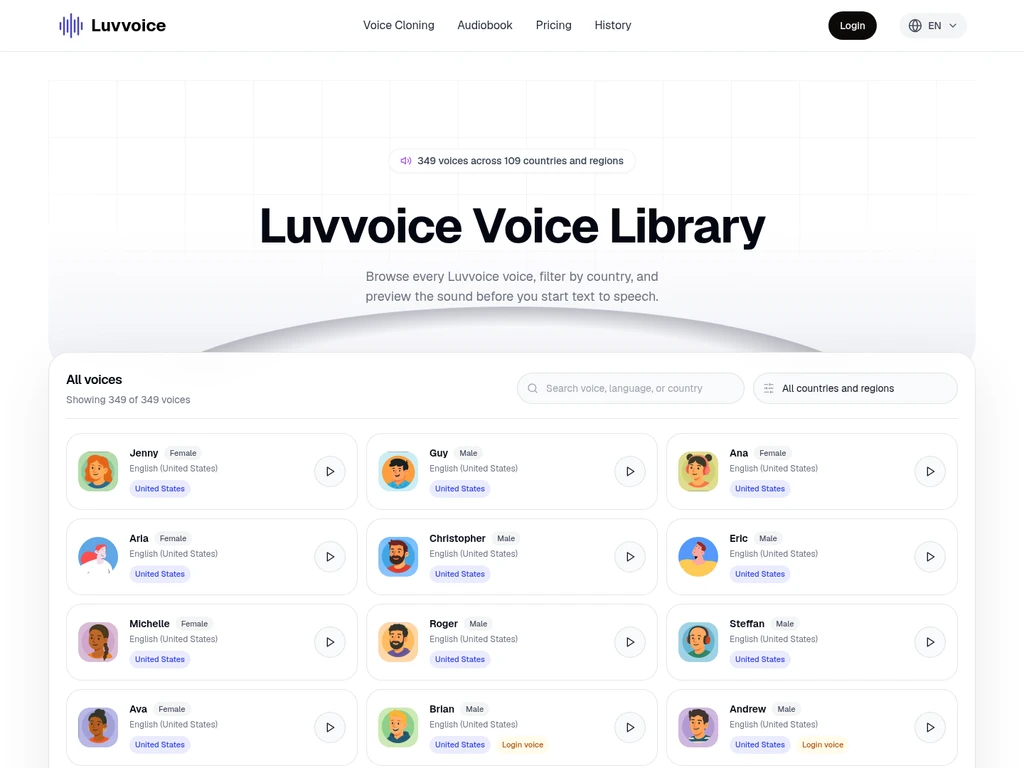
Luvvoice is an online AI-powered text-to-speech tool that generates natural-sounding speech from input text and documents. It supports over 300 voices across 70+ languages, with adjustable speech parameters and downloadable MP3 or M4B audio outputs. The product is designed for content creators, students, podcast producers, and users creating accessible audio content. It also includes voice cloning functionality and ebook to chapter-based audiobook conversion features.
- AI Audio
- Text to Speech
- Education
- Gaming
- Media
- Voice Cloning
- API Available
- Multi-language
- Mobile App
- text to speech
- ai voice generator
- voice cloning
1Views
Capabilities
Text to speech generation
Converts input text into natural-sounding AI speech. Accepts typed or pasted text, selected voice, and generates audio output.
Adjustable speech parameters
Lets users modify speech rate and pitch for generated audio. Applies to all standard and cloned voice text-to-speech outputs.
Document to audio conversion
Extracts text from uploaded PDF, TXT, EPUB, and DOCX files and converts it to speech. Processes supported file formats to produce audio output.
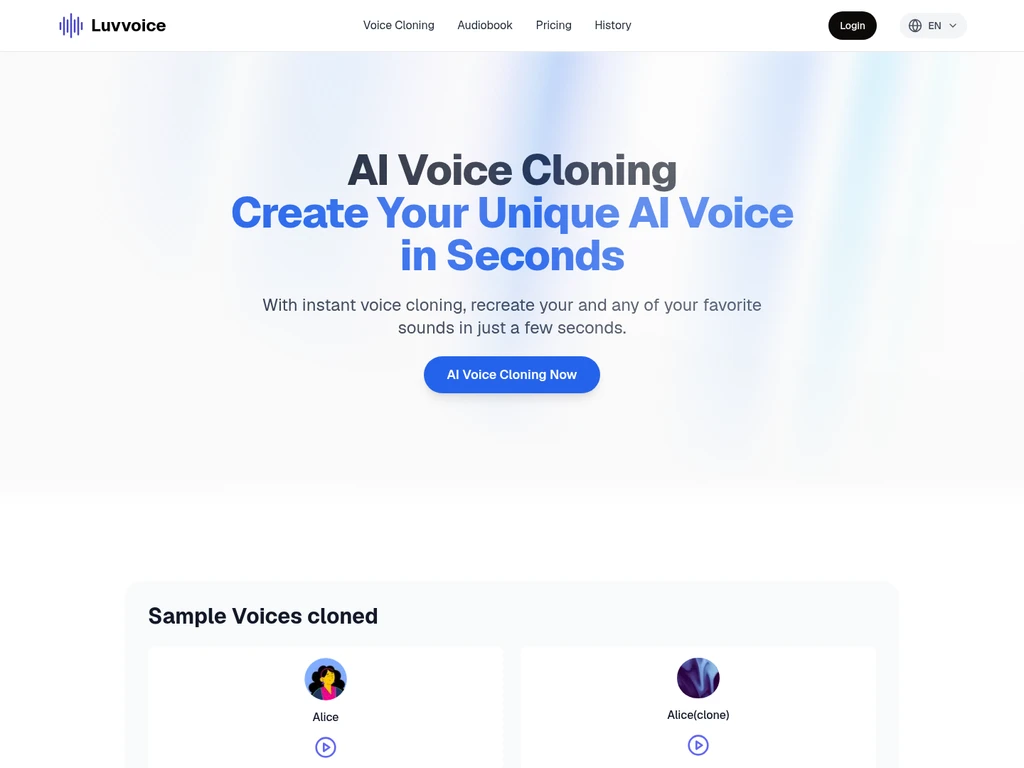
AI voice cloning
Creates a custom cloned voice from a short user-provided audio sample. Generates new speech using the unique characteristics of the source voice.
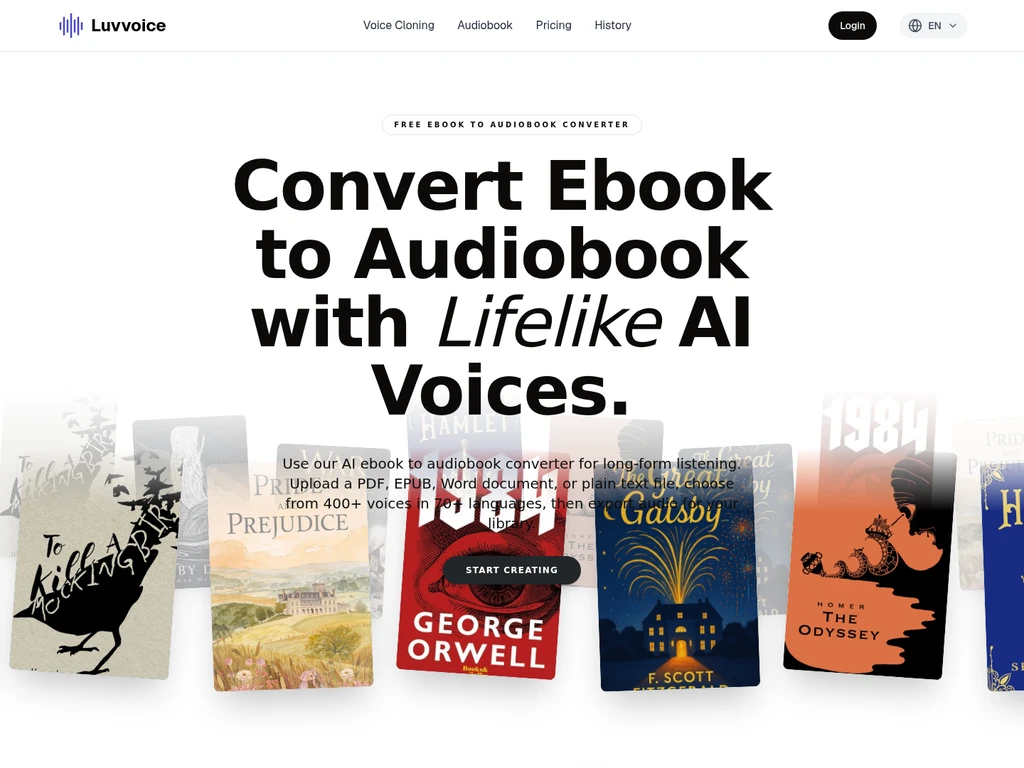
Ebook to audiobook conversion
Parses uploaded ebooks into chapter-based structure and exports as audiobooks. Supports MP3 and M4B download formats for offline listening.
Text-to-speech API access
Provides programmatic text-to-speech integration for external applications. Sends text input via API to return generated audio output.
Pricing
Luvvoice uses a freemium model with free, annual subscription paid, and one-time never-expiring credit options. Users can select plans based on their monthly character quota, commercial rights, and API access needs.
| Plan | Price | Included features and limits |
|---|---|---|
| Free | $0 per month, no billing required |
|
| Lite | $4.75 per month, billed annually at $57 |
|
| Plus | $7.75 per month, billed annually at $93 |
|
| Enterprise | $27 per month, billed annually at $324 |
|
Subscription quotas reset on the user's individual monthly cycle based on their sign-up date. Subscription credits are consumed before one-time purchase credits, and one-time credits never expire.
Use cases
Create voiceover for social media content
A content creator needs natural voice audio for short social media videos. They input their script, select a matching AI voice, adjust speech parameters, and download the MP3 audio to add to their video projects.
Convert personal ebooks to portable audiobooks
A user wants to listen to their personal ebook while commuting. They upload the supported ebook file, select a preferred narrator voice, and download the chapter-based M4B audiobook for offline playback.
Generate custom cloned voice for character dialogue
An animation developer needs a unique consistent voice for a project character. They upload a short reference audio sample to clone the voice, then generate lines of dialogue for their animation scenes.
Create accessible audio content for visually impaired users
A website administrator needs to make written content accessible to visually impaired visitors. They convert the site's text documents to clear natural audio, then host the downloadable MP3 files for users to access.
Limitations
Free plan has a 3000 character per conversion limit for standard and cloned voices
Scanned or image-only PDF files may fail to extract text properly for conversion
Free plan generated audio is restricted to personal use only, commercial use requires Plus or higher plans
Free plan includes advertisements and captcha prompts during use
A maximum of 20 pauses per single text-to-speech conversion is recommended for optimal results
Who it is for
Content creators producing social media and video content
Students who need audio versions of study materials and readings
Podcast producers looking for AI-generated voiceover assets
Users creating accessible audio content for visually impaired audiences
FAQ
How can I add pauses to generated speech?
Logged-in users can insert pauses between 0.5s and 5s using the Pauses button in the text editor toolbar. A maximum of 20 pauses per single conversion is recommended for best results.
Which audio formats can I download after conversion?
Standard text-to-speech outputs are available for download in MP3 format. Converted audiobooks can be downloaded in either MP3 or M4B format for offline playback.
Can I use free plan generated audio for commercial projects?
No, audio generated under the Free plan is for personal use only. Commercial usage rights are only included with Plus and higher paid plans.
Why does my PDF file fail to extract text properly?
This usually happens if the PDF is scanned or contains only embedded images with no selectable text. Standard text-based PDF files will extract text normally.
Do one-time purchase credits ever expire?
No, one-time purchase credits never expire and remain available for use after your monthly subscription quota is fully consumed.
Comments