Are you tired of typing the same phrases repeatedly? LoadFast is here to revolutionize the way you interact with text. This powerful extension saves unlimited snippets that you can access instantly, allowing you to focus on what truly matters. It’s designed for those who value their time and efficiency.
How It Works
LoadFast operates on a simple yet effective principle: it simplifies the management of text snippets. By storing snippets in a central location, users can quickly access previously saved content when they need it. Here are the key functionalities that illustrate how LoadFast delivers on its promise:
- Unlimited Snippet Storage: Users can save an infinite number of text snippets, ensuring that no valuable content is lost.
- Real-Time Sync: Access your snippets across multiple devices hassle-free, keeping your productivity consistent whether at home or on the go.
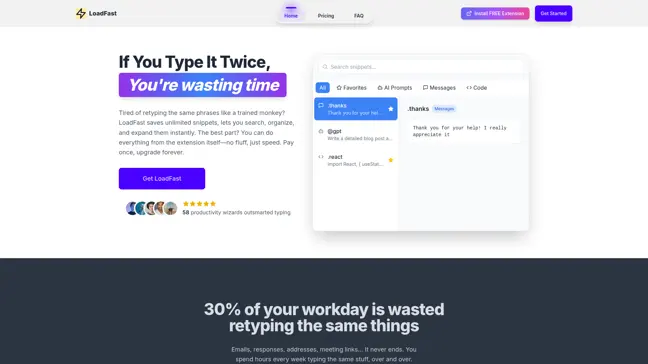
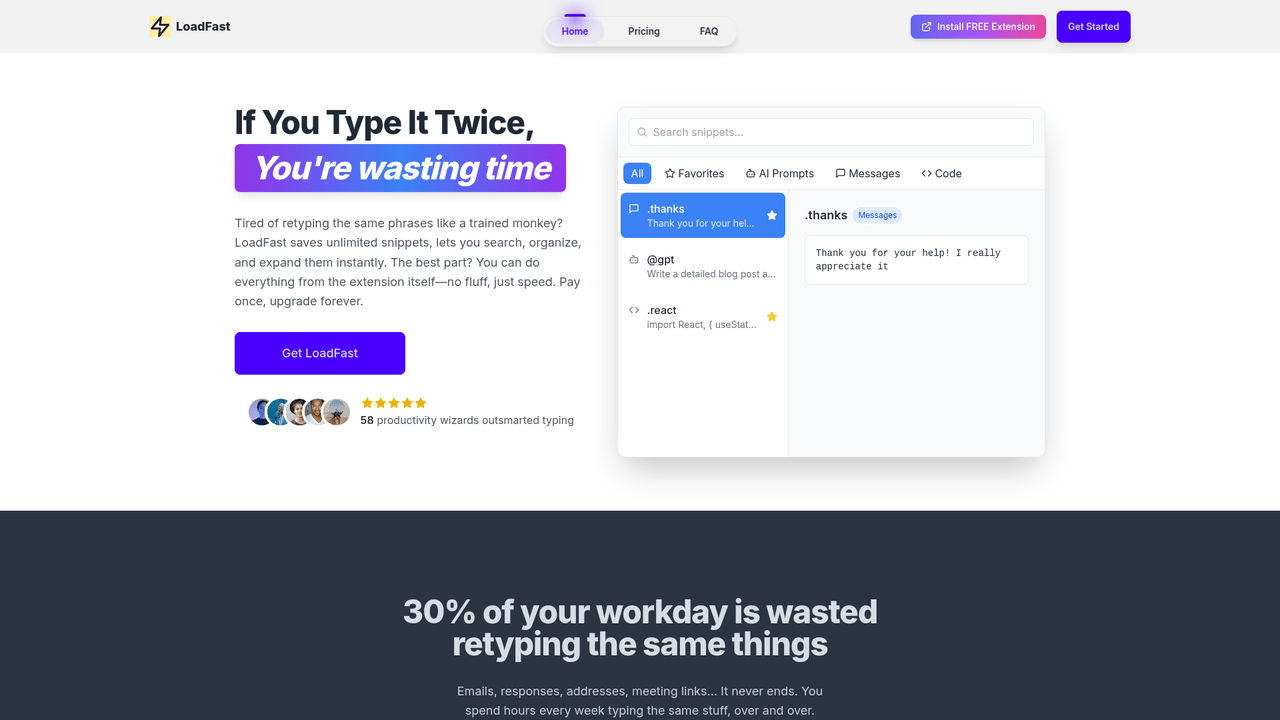
- Built-In Search Bar: Users can retrieve snippets instantly using a convenient search feature, reducing time spent searching through notes.
- Categorization and Filtering: Organize snippets into categories and use filters to find specific content quickly, making management easy.
- Cloud Backup: Enjoy peace of mind with secure cloud backup, preventing data loss and ensuring accessibility.
- Easy Editing: Modify snippets directly from the extension pop-up, maintaining workflow efficiency.
The fundamental principle behind LoadFast is to eliminate repetitive tasks and empower users with tools that enhance their text-based communication.
Usage
To make the most of LoadFast, follow these simple steps:
- Install LoadFast: Download and add the LoadFast extension from the Chrome Store to your browser. This takes just a few minutes.
- Create Snippets: Open the extension and start creating snippets for repetitive text, such as your email signature or commonly used phrases. Simply enter the text you want to save.
- Categorize Your Snippets: Group your snippets based on topics or function. For instance, you could have categories for 'Emails', 'Meeting Responses', and 'Shopping Links'. This organization will save you time!
- Use the Search Feature: Whenever you need to insert a snippet, simply click the LoadFast icon in your browser. Use the search bar to find snippets quickly and insert them into your text with a click.
- Edit or Update Snippets: As your needs change, revisit LoadFast to edit or delete old snippets. This flexibility ensures that you’re always working with the most relevant content.
- Sync Across Devices: If you use multiple devices, make sure to enable real-time sync to keep your snippets available wherever you need them.
By following these steps, you will streamline your typing tasks and significantly enhance your overall productivity.
Customer Service Responses
Utilize LoadFast to efficiently customize responses for customer inquiries without the need for repetitive typing.
Email Templates
Store and deploy email templates swiftly to enhance communication with clients and avoid redundancy.
Meeting Notes
Quickly insert meeting notes or follow-up items, saving time while ensuring no important details are overlooked.
Streamline online shopping processes by saving shipping details and payment info to check out faster.
Frequent Business Correspondence
Log common phrases or management jargon to make correspondences more efficient and professional.
Educational Content
Facilitate class preparation by storing important definitions or syllabus snippets, ready to use when needed.
Features
- Unlimited Snippet Storage: Store as many text snippets as you need, eliminating the hassle of remembering or searching for frequently used phrases.
- Real-Time Sync: Access your saved snippets across all devices instantly, ensuring maximum productivity and continuity.
- Built-In Search Bar: Retrieve your snippets quickly via the intuitive search feature, reducing time spent on repetitive typing.
- Categorization and Filtering: Organize your snippets into categories and apply filters for quicker access to commonly used texts.
- Cloud Backup: Keep your snippets safe and readily available with secure cloud backups, ensuring no loss of data.
- One-Time Payment: Pay once to enjoy lifetime access to all features and future updates.
Lifetime Plan (Lifetime access): One-time fee
- Real-time sync across multiple devices
- Built-in search bar for instant snippet retrieval
- Store unlimited snippets
- Mark important snippets as favorites
- Secure cloud backup
- Edit snippets directly from the extension
- Organize snippets with categories & filters
- Lifetime free updates
- Priority support
FAQ
- How does LoadFast save time on repetitive typing?
LoadFast allows you to save and quickly retrieve text snippets, significantly reducing the time spent typing the same phrases over and over.
- Is there a free version of LoadFast?
No, LoadFast operates on a one-time payment model for lifetime access, which includes all current and future updates.
- Can I sync LoadFast across multiple devices?
Yes, LoadFast features real-time syncing, allowing you to access your snippets on any device seamlessly.
- What happens if I lose my snippets?
LoadFast provides secure cloud backup, ensuring that your snippets are safe and easily recoverable.
- Can I organize my snippets in LoadFast?
Absolutely! You can categorize and filter your snippets for better management and quick access.
- Do I get updates after my purchase?
Yes, by purchasing LoadFast, you secure lifetime access to all future updates without any additional cost.
- Is LoadFast suitable for team use?
Yes, LoadFast can benefit teams by allowing members to share common snippets, enhancing productivity.
- How do I access the snippets I've saved in LoadFast?
Access your snippets through the LoadFast extension, where you can search and insert them directly into your texts.







Comments