

- Monthly visits
- 2,469
- 2026-09
- Monthly growth +992.5%
Lkalma - An offline-ready collaborative whiteboard with AI tools
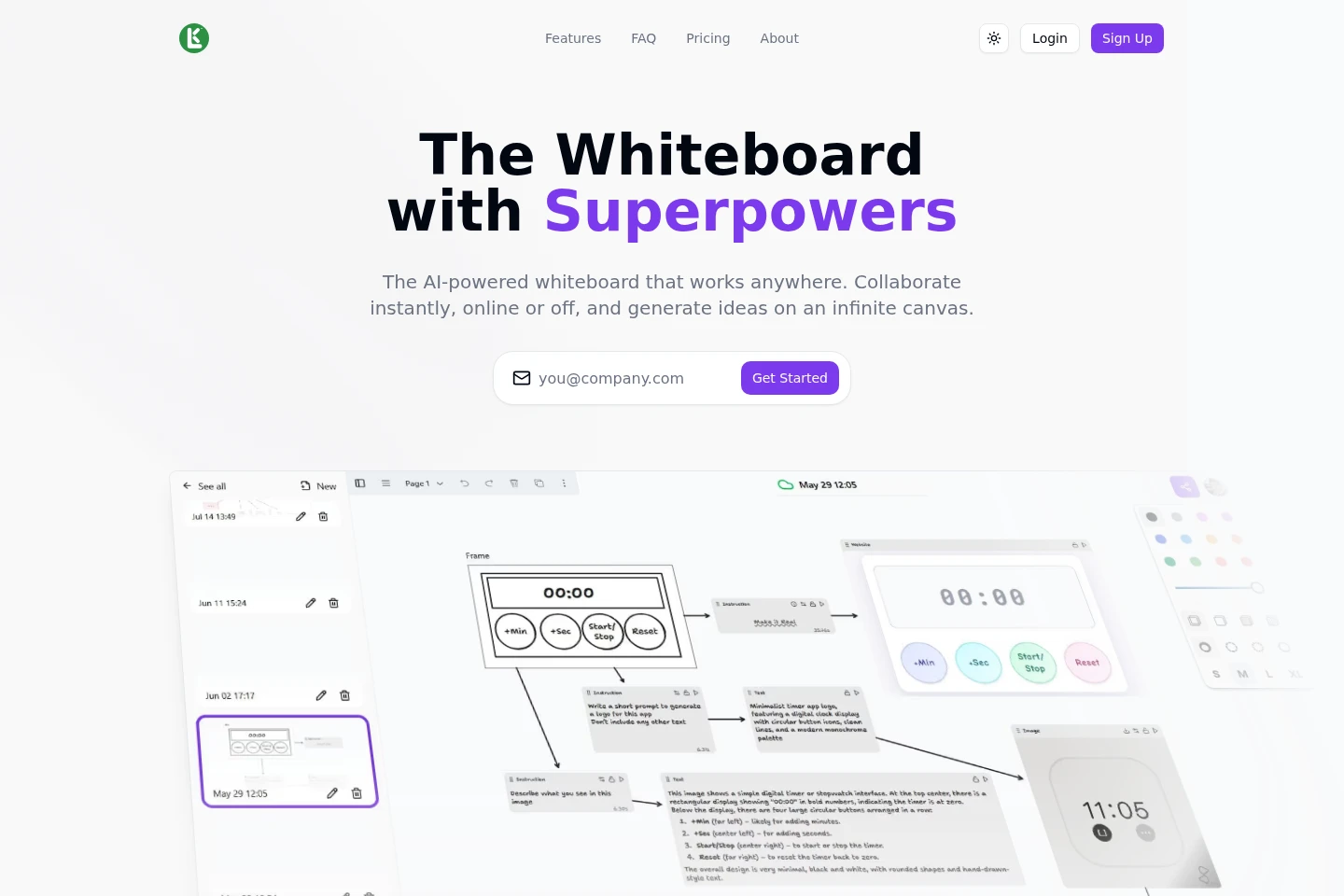
Lkalma is a browser-based whiteboard for sketching, writing and organizing ideas on an infinite canvas. People can collaborate in real time, continue working offline with changes saved locally, and synchronize when they reconnect. It can also generate text and images through Pollinations.ai; AI generation requires an internet connection.
- AI Design
- Diagram Generators
- Image Generators
- collaborative online whiteboard
- offline whiteboard app
- AI whiteboard text and image generation
Capabilities
Infinite canvas
The whiteboard provides an expandable canvas for sketching, writing and organizing ideas. Users can work on the canvas without signing in, and the page describes it as having no size limit.
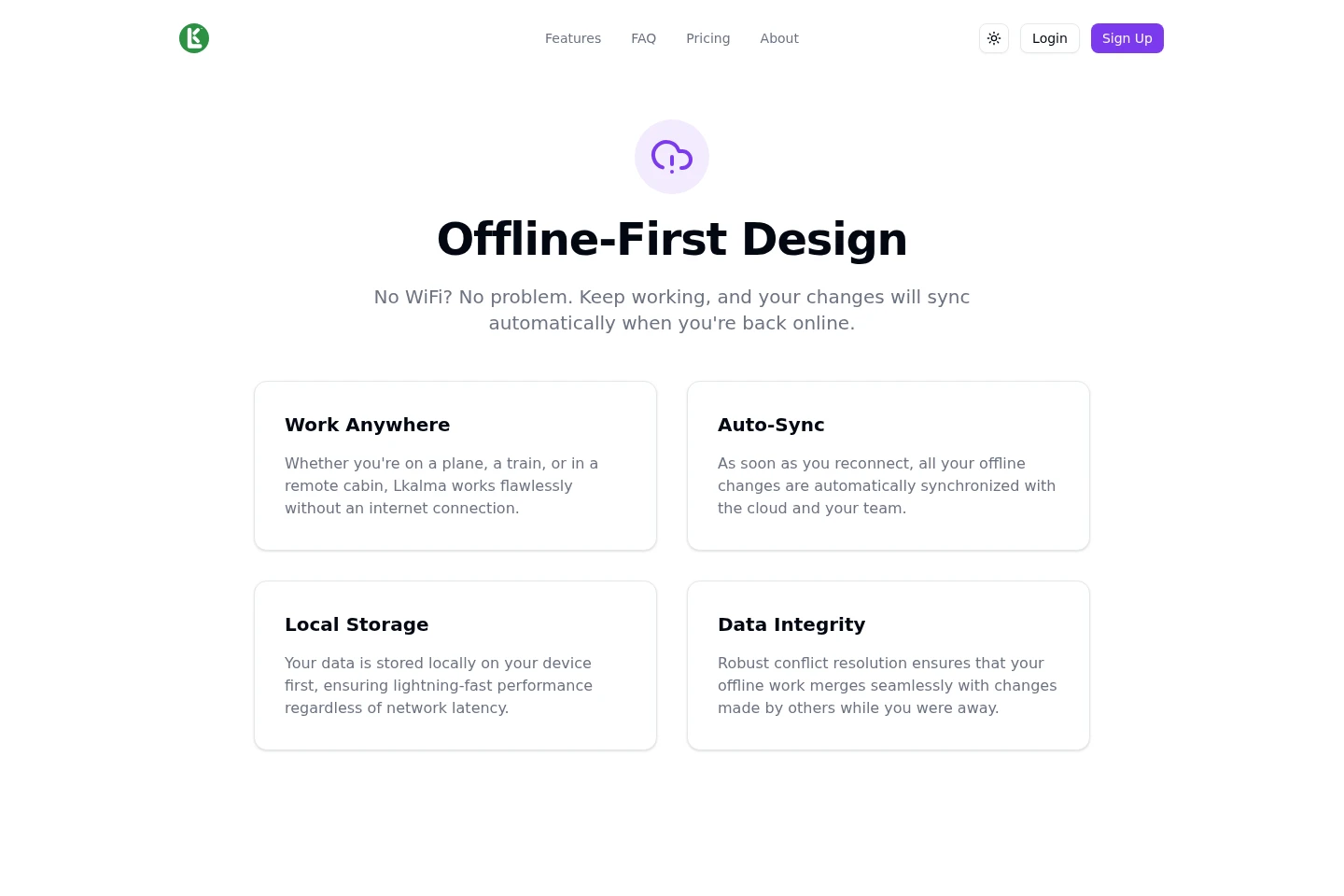
Offline work and synchronization
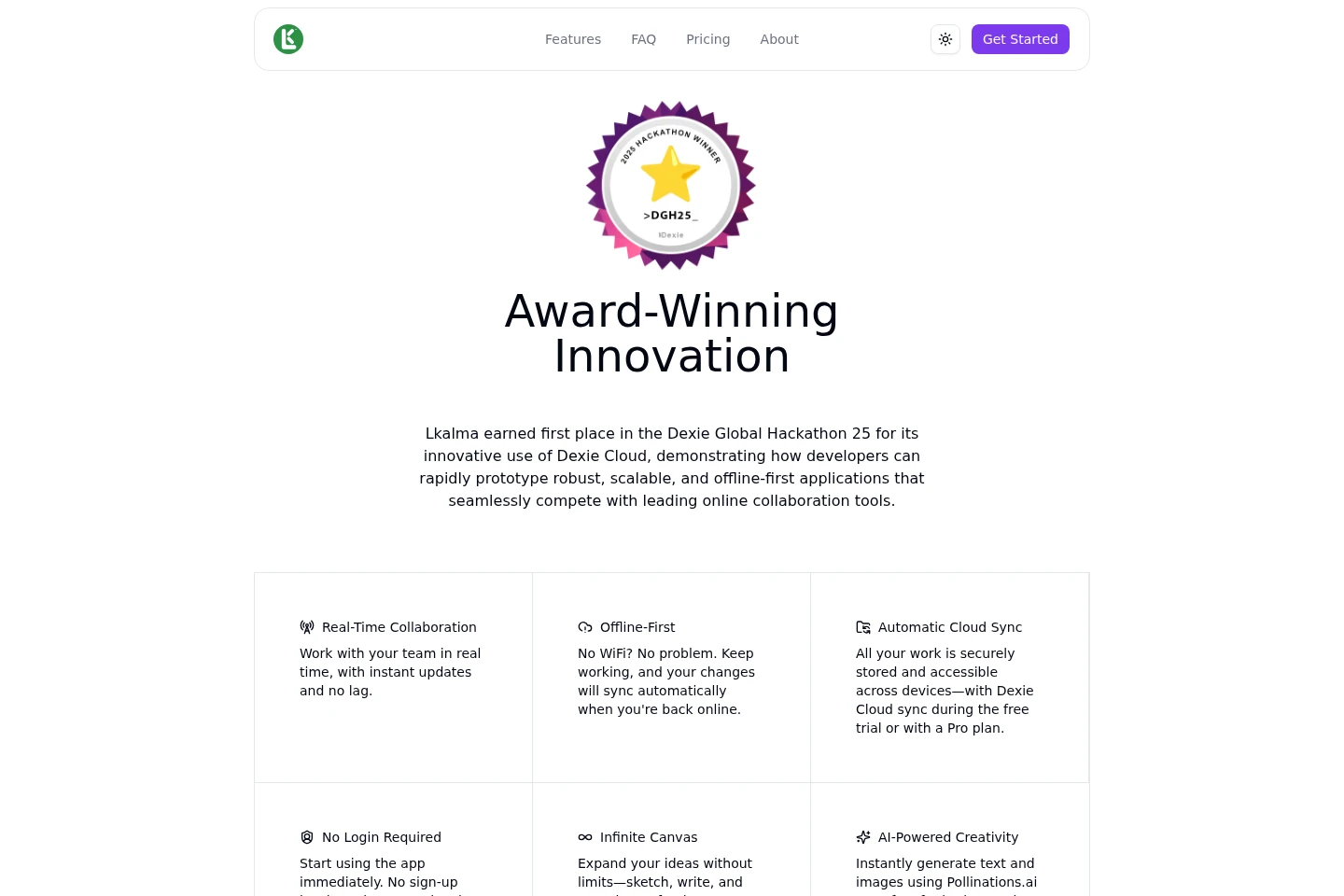
The app saves changes locally while offline and synchronizes them after reconnection. Offline changes can be merged with collaborators’ changes, while cloud synchronization is available during the 30-day sync period or with Pro.
Real-time collaboration
Collaborators can join a board and see changes in real time. Users can invite others to a board; the Free plan includes real-time collaboration.
AI text and image generation
The whiteboard generates text and images using Pollinations.ai. Users can create visuals, mind maps or creative writing from within Lkalma; generation requires an internet connection.
Pricing
Lkalma offers a free per-user plan and a paid per-user Pro subscription. Compare cloud-sync access, board limits and collaboration features when choosing; the Free plan’s cloud sync ends after 30 days.
| Plan | Price | Included features and limits |
|---|---|---|
| Free | $0 per user per month |
|
| Pro | $6 per user per month; $8 per month if billed monthly |
|
Use cases
Brainstorm ideas on a shared whiteboard
When people need to sketch, write and organize ideas together, they can use an infinite canvas and invite collaborators to the board. Changes appear in real time, supporting a shared working session.
Continue whiteboard work without internet
When a connection is unavailable, users can keep working on the board and changes are saved locally. After reconnecting, the app synchronizes offline changes with the cloud and team.
Generate text and visual ideas
When users want starting points for brainstorming, mind maps or creative writing, they can generate text and images directly in Lkalma through Pollinations.ai. This feature needs an internet connection.
Limitations
AI text and image generation requires an internet connection and is not available while offline.
The Free plan does not include cloud synchronization after the first 30 days; syncing across devices then requires Pro.
Board export is described as coming soon, so it is not presented as currently available.
Who it is for
People who need a shared canvas for sketching and organizing ideas with collaborators
Whiteboard users who need to keep working when an internet connection is unavailable
People who want AI-generated text and images as material for brainstorming
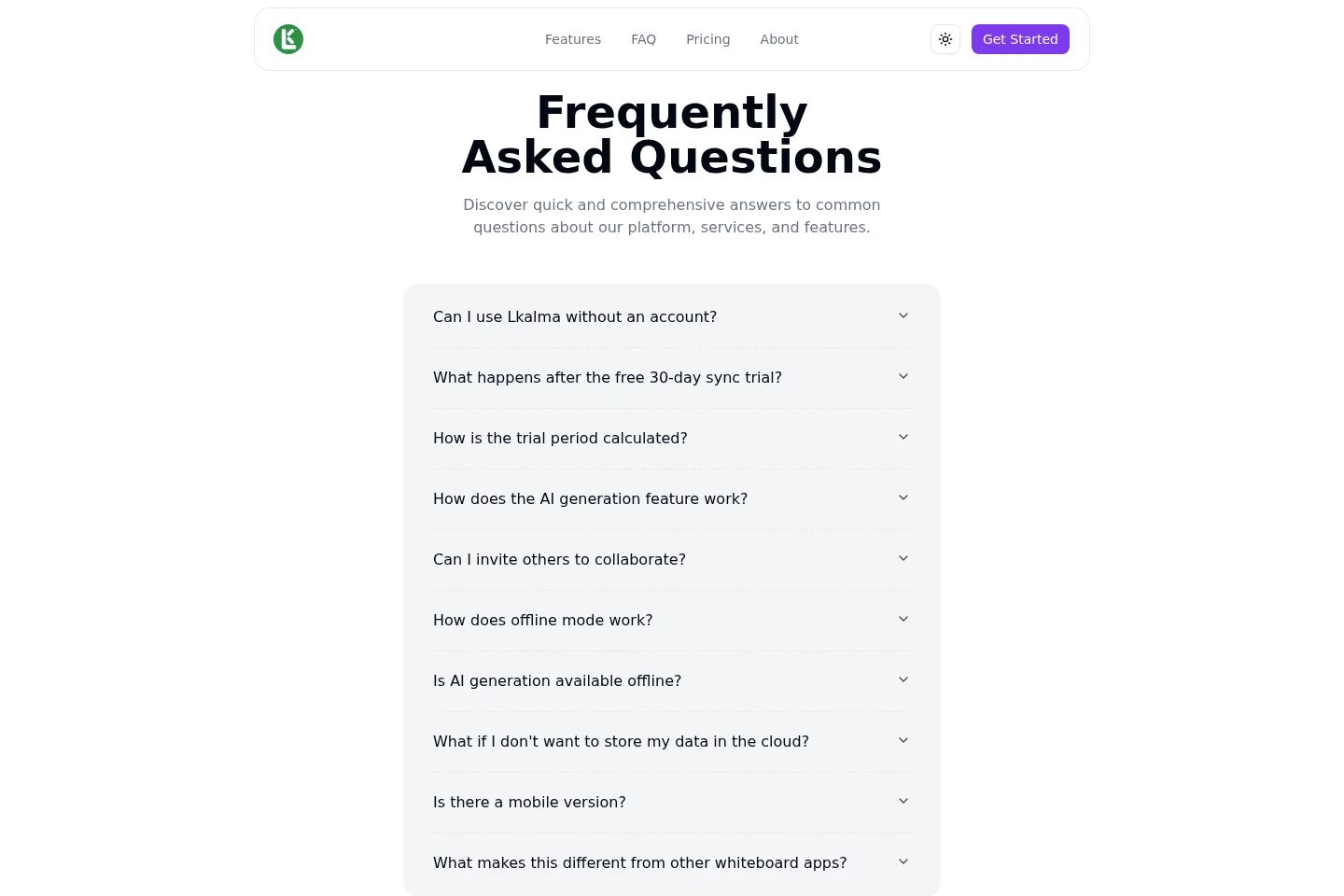
FAQ
Can I use Lkalma without an account?
Yes. You can start drawing without signing up by choosing Get Started and not entering an email address.
What happens after the free 30-day sync period?
You can continue using Lkalma for free, but data will no longer sync across devices unless you subscribe to Pro.
How is the sync trial period calculated?
It starts on the day you sign up and counts only days when you use the service.
How does AI generation work?
Lkalma uses Pollinations.ai to generate images and text in the app, including material for visuals, mind maps and creative writing.
Can I invite others to collaborate?
Yes. You can invite people to your board, and they can join you in real time.
What happens to changes made offline?
Changes are saved locally and synchronize automatically when you reconnect.
Comments