Monthly visits
2,110
2026-10
Monthly growth -70.8%

LightSprint - Shared AI coding agents with engineer-controlled merges

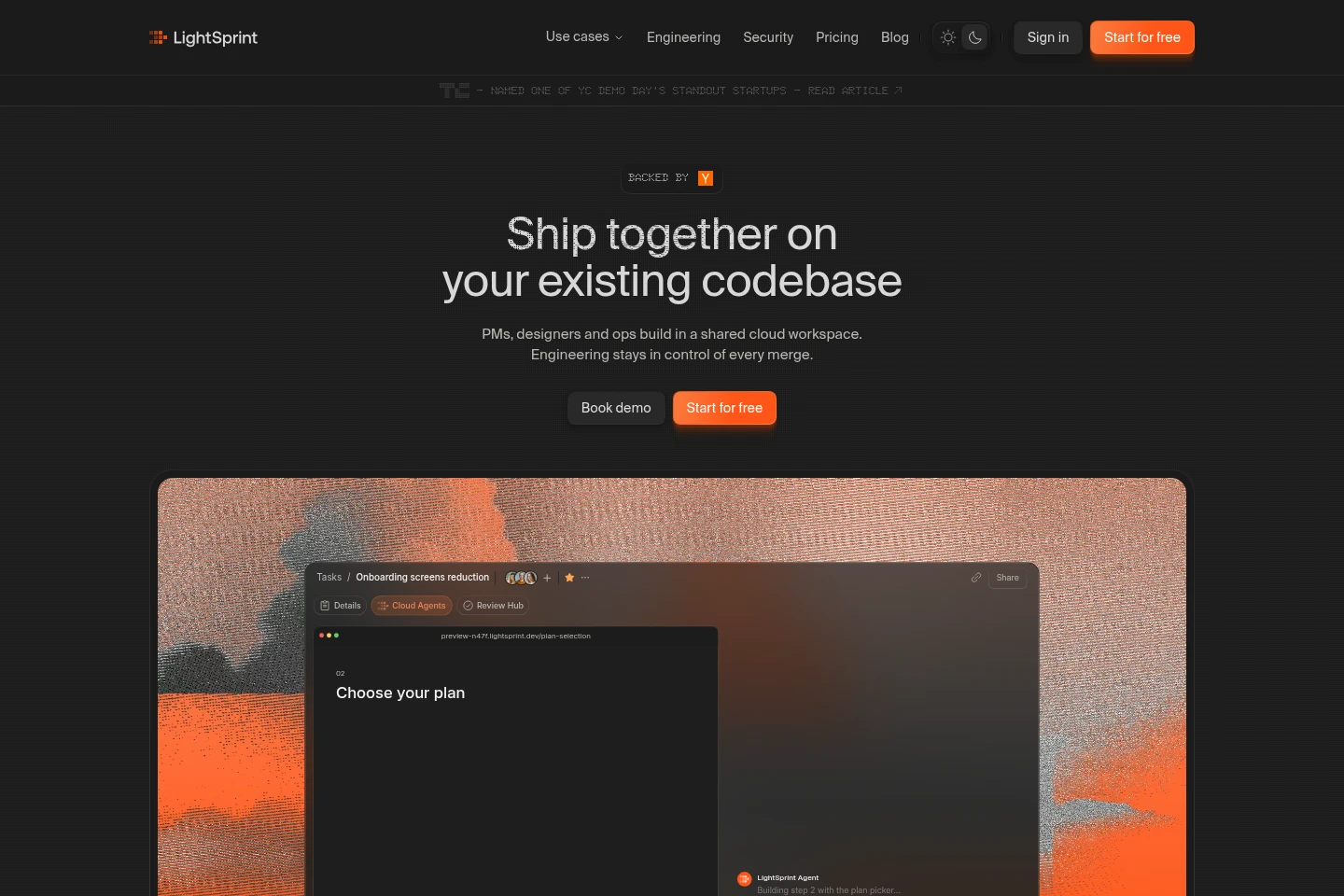
LightSprint is a cloud workspace where product teams use AI coding agents on existing codebases. Teammates request changes, refine them in shared previews, and review automated checks before engineers approve pull requests. It connects with repositories and tools such as GitHub, Slack, Linear, and Jira.

Visit WebsiteUpdate this product

1Views

Capabilities

Shared AI agent workspace

Teammates request code changes and work with cloud coding agents in a shared workspace. They can guide the same agent session and refine the result in a live preview before review.

Isolated cloud sandboxes

Cloud agents build and test changes in isolated environments connected to the codebase. Tasks can receive their own full-stack environment, with a branched database when needed.

Automated change verification

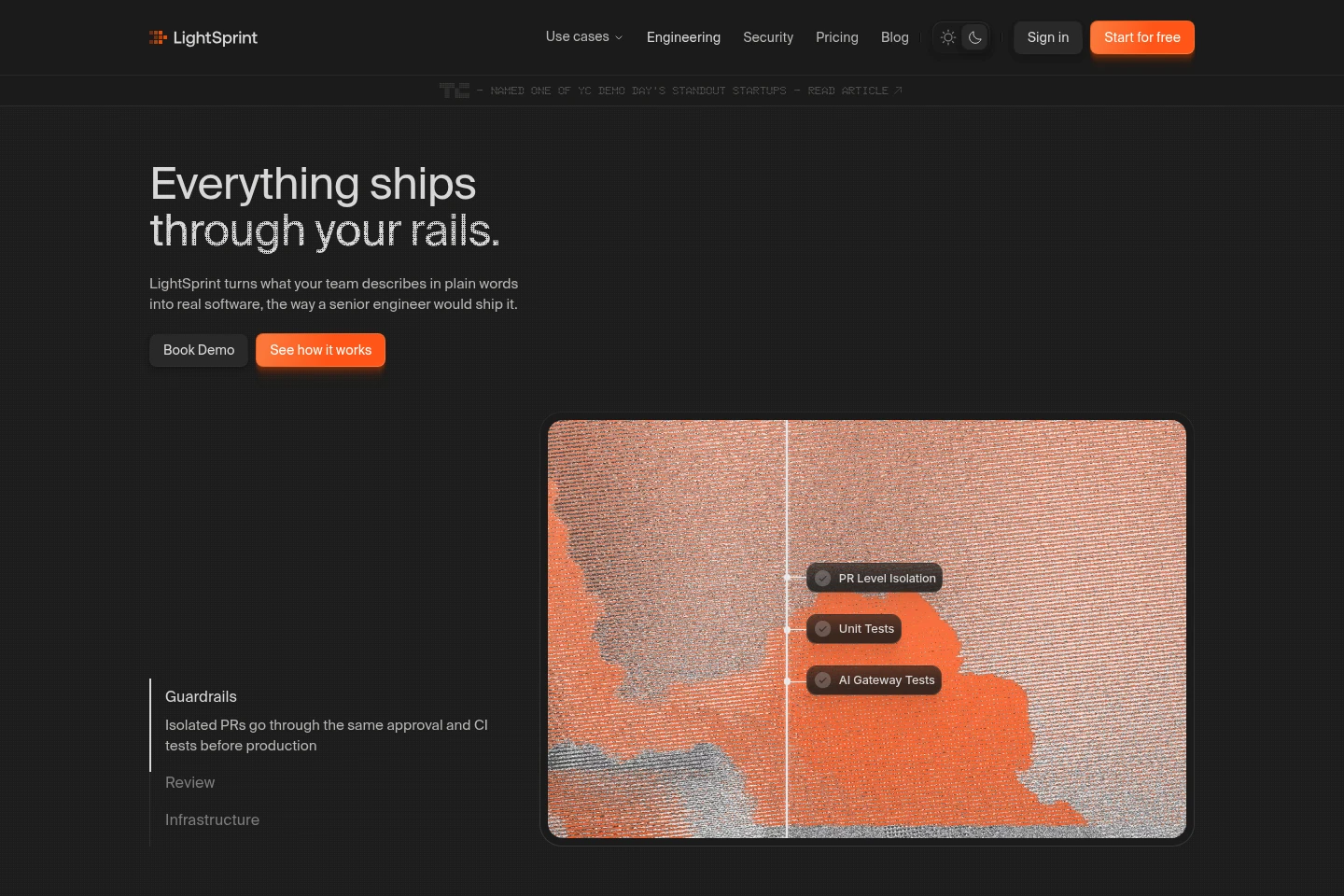
The review hub checks agent work and provides screenshots, test status, and merge-readiness information. Engineers review the resulting pull request and retain control of the merge.

Repository and task integrations

LightSprint connects code repositories and supports task creation through Slack, Linear, and Jira. Teams can use connected repositories and keep their existing pull-request review and CI workflow.

Shared team context

Teams can provide shared skills, codebase knowledge, and conventions to agents. Pro includes shared skills and guardrails, while the homepage describes shared memory for team context.


PricingFreemium

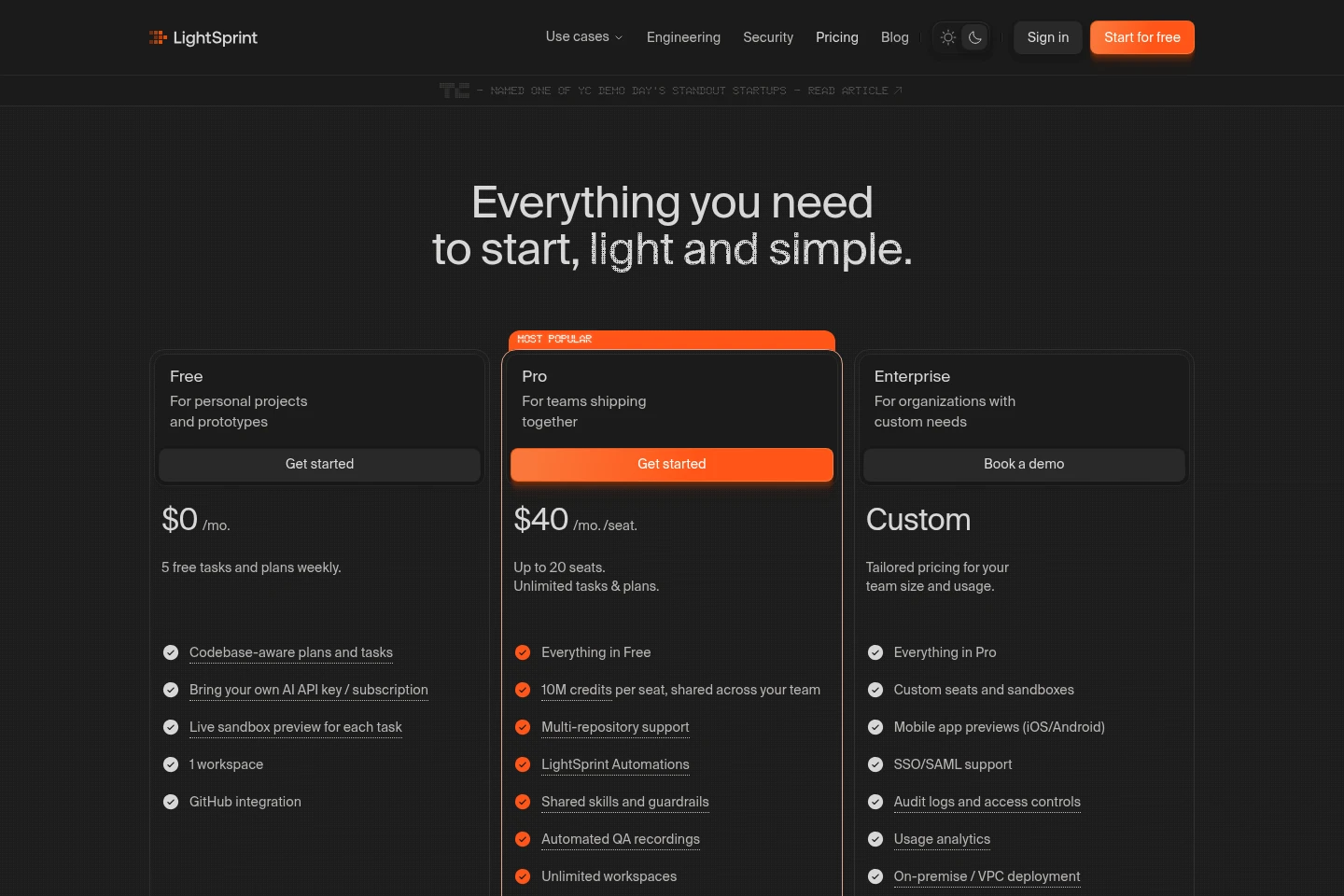
LightSprint offers a free plan, a recurring per-seat Pro subscription, and custom-priced Enterprise. Compare task and credit allowances, seats, integrations, and governance or deployment features when choosing.

PlanPriceIncluded features and limits
Free

$0 per month

  • Five free tasks and plans weekly

  • One workspace

  • GitHub integration

  • Bring your own AI API key or subscription

  • Live sandbox preview for each task

Pro

$40 per seat per month

  • Up to 20 seats

  • Unlimited tasks and plans

  • 10M credits per seat, shared across the team

  • Unlimited workspaces

  • More than 1,000 integrations via MCP

Enterprise

Custom pricing

  • Pricing tailored to team size and usage

  • Custom seats and sandboxes

  • On-premise or VPC deployment

  • SSO/SAML, audit logs, and access controls

  • Priority support via Slack

Pro allows credit top-ups when needed. Enterprise pricing and configuration are tailored to the organization's needs.

Use cases

Build requested product changes

When product, design, or operations teammates need a code change, they can describe the task and have a cloud agent work from the connected codebase. The team reviews the result in a shared preview, then an engineer approves its pull request.

Review and verify agent pull requests

When a coding agent has prepared a change, teams can use the review hub and automated checks to inspect screenshots, test status, and potential issues. The change still follows the existing review and engineer approval process.

Triage tasks across connected repositories

When work arrives through supported tools such as Slack, Linear, or Jira, teams can create LightSprint tasks and connect multiple repositories for broader codebase context. Task and pull-request visibility helps teammates follow the work.

Limitations

  • Every code change follows a pull-request review and approval workflow; engineers retain control of the final merge.

  • Enterprise is offered with custom pricing, and customers must book a demo to discuss it.

  • The Free plan includes five free tasks and plans weekly; the Pro plan permits up to 20 seats.

  • Pro includes 10M credits per seat, shared across the team; additional top-ups may be purchased.

Alternatives

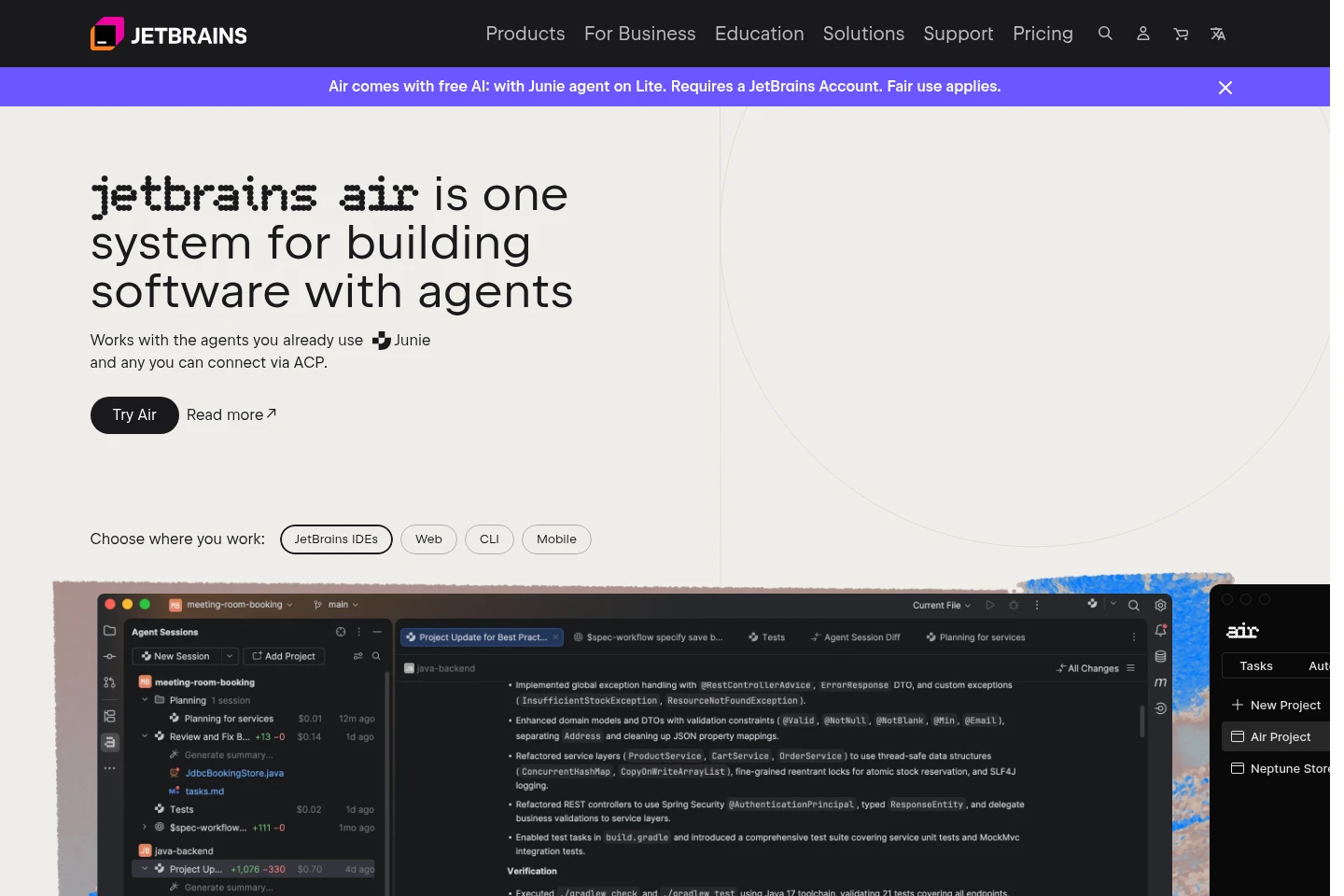
JetBrains AI

AI-powered coding assistant built into your IDE

JetBrains AI is an AI-powered coding assistant deeply integrated into JetBrains IDEs, supporting multiple AI models including OpenAI, Anthropic, Google, and its proprietary Mellum LLM. It offers unlimited code completion, the Junie AI agent, and local offline options. Trusted by 15+ million developers with SOC 2 certification.

  • Freemium
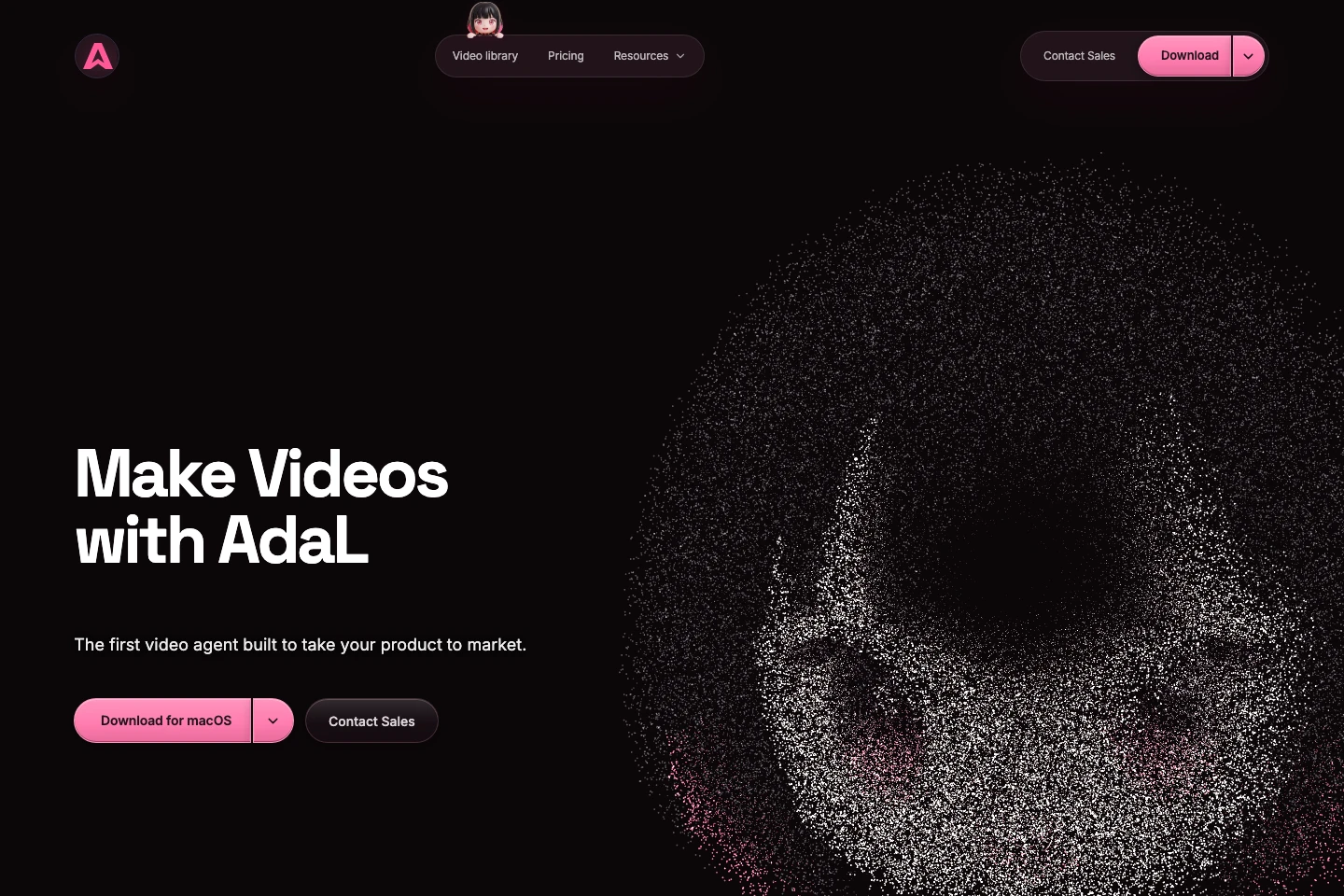
  1. AdaL

    Self-evolving AI coding agent for developers worldwide

    Freemium
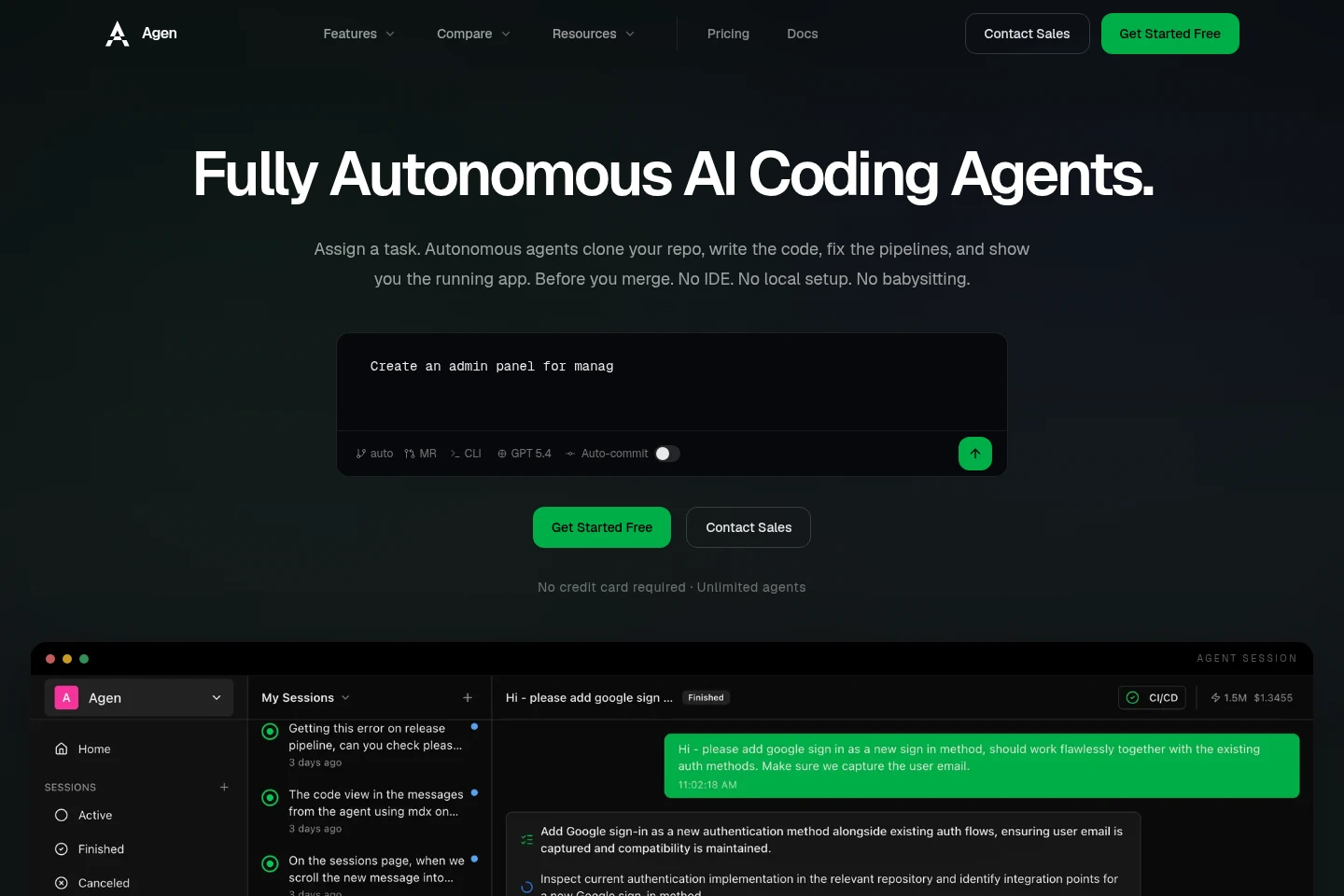
  2. Agen

    Cloud AI agents turn coding tasks into reviewable pull requests

    Core · $10/mo
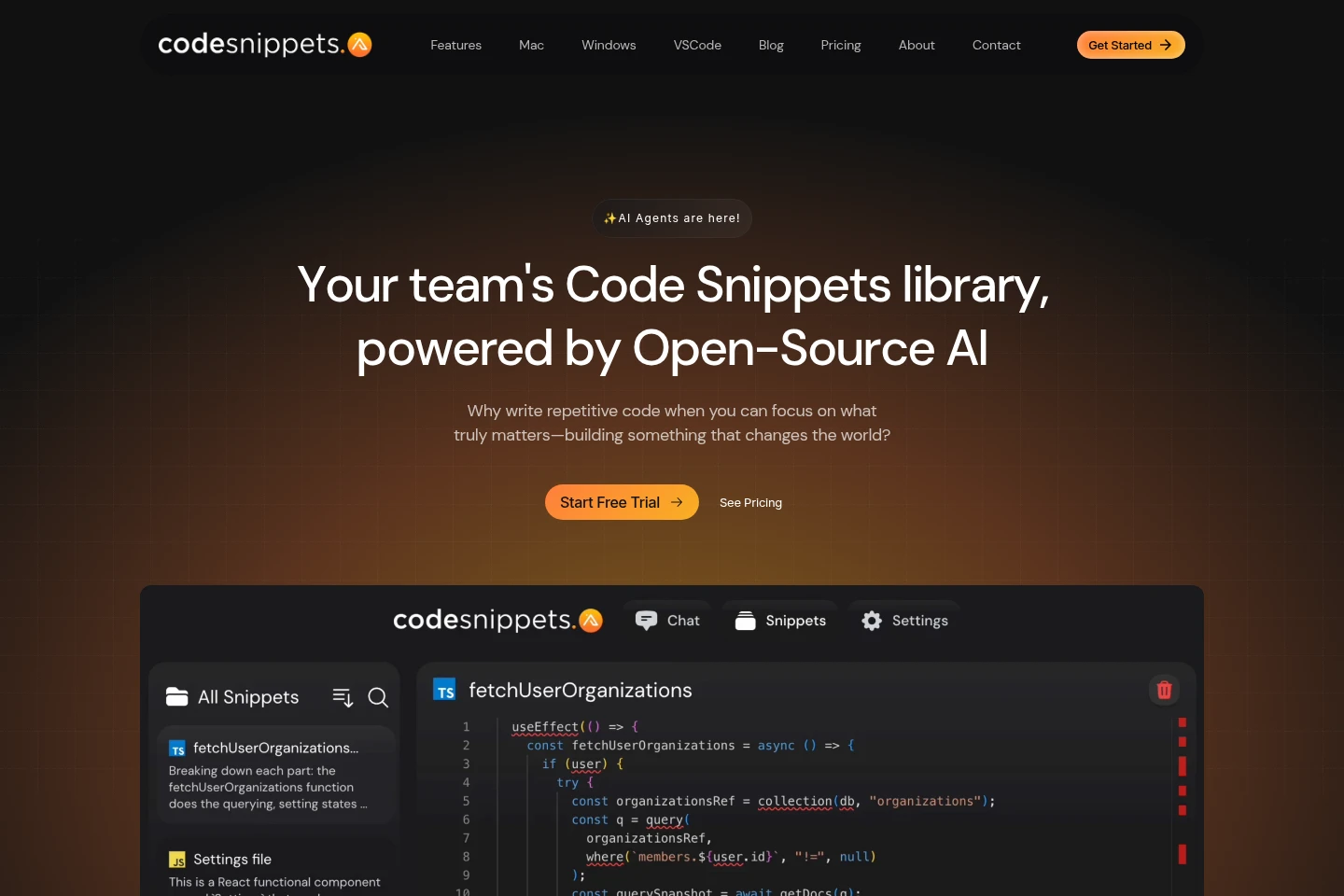
  3. Code Snippets AI

    Streamline your coding with AI-powered efficiency

    Freemium
  4. FineDev

    AI Coding Agent for Effortless Development

    Free
  5. Sweep

    Fastest AI coding assistant for JetBrains IDEs

    Freemium

Who it is for

  • Product managers, designers, and operations teammates who need to propose and preview code changes without navigating the codebase themselves

  • Engineering teams that want to coordinate coding agents while retaining control of pull-request review, CI, and merges

  • Product teams working across connected repositories and task tools that need shared agent sessions, previews, and context

FAQ

How is LightSprint different from coding agents?

LightSprint is a shared workspace for a product team to use coding agents together. It adds shared context, cloud sandboxes, previews, verification, and a review workflow; it does not replace the agents themselves.

Can we use our existing model subscriptions or API keys?

Yes. Teams can connect existing Codex or Claude subscriptions, provide their own model API keys, or choose models through OpenRouter. LightSprint says it does not mark up model inference.

Does LightSprint replace GitHub or our release process?

No. Changes continue through the existing GitHub delivery flow, including branch rules, required reviews, GitHub Actions, and merge queues where configured.

Can non-engineers use LightSprint?

Yes. Teammates can describe a change, plan it, and inspect its result in a live sandbox without setting up a development environment. They do not bypass the team's configured approval workflow.

How does LightSprint handle code and data?

Teams control which repositories and models LightSprint can access. Work runs in isolated cloud sandboxes that are destroyed after completion, and code changes remain auditable through the existing GitHub workflow.

Comments

Please sign in to leave a comment.
No comments yet. Be the first to share your thoughts!